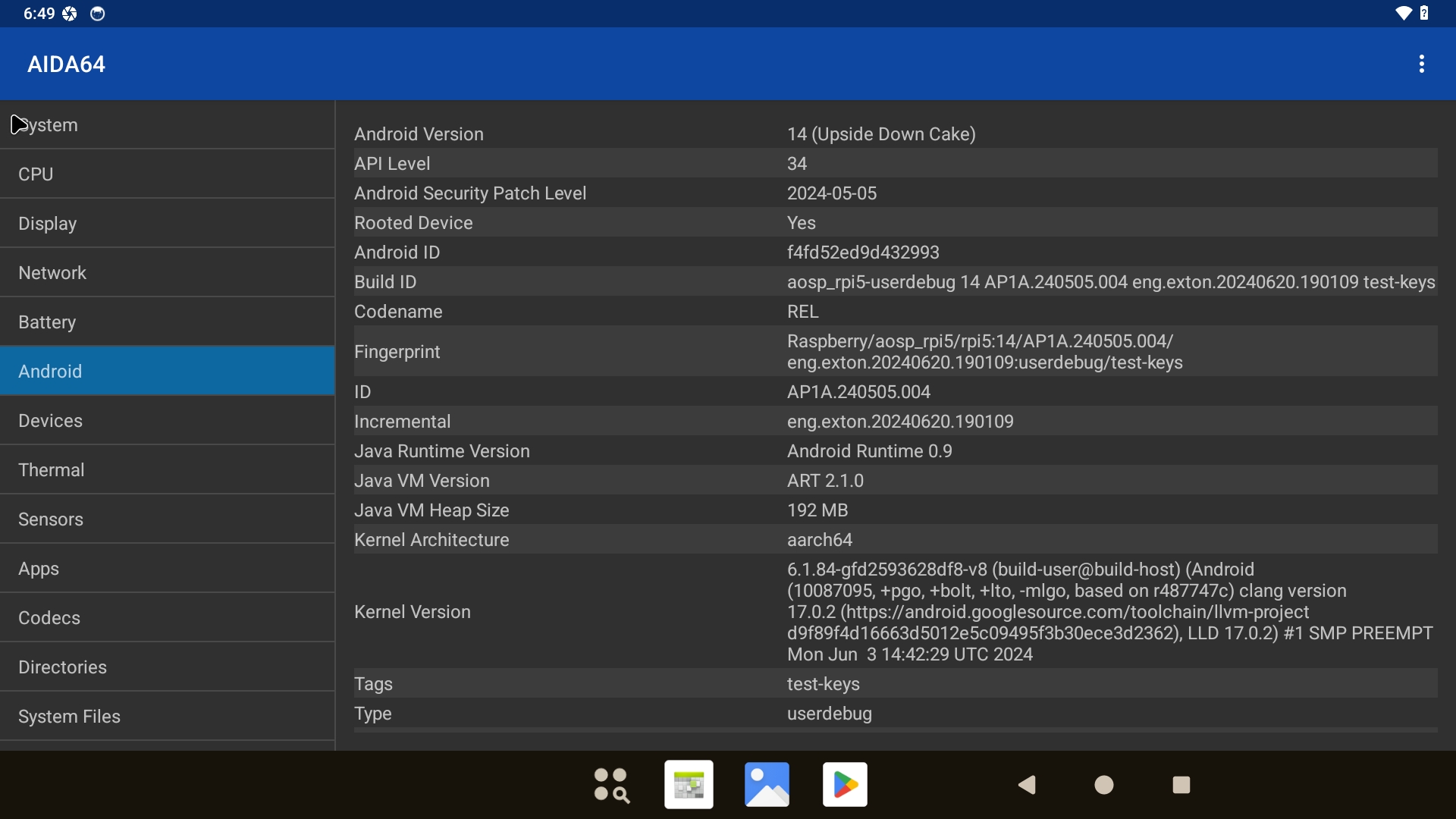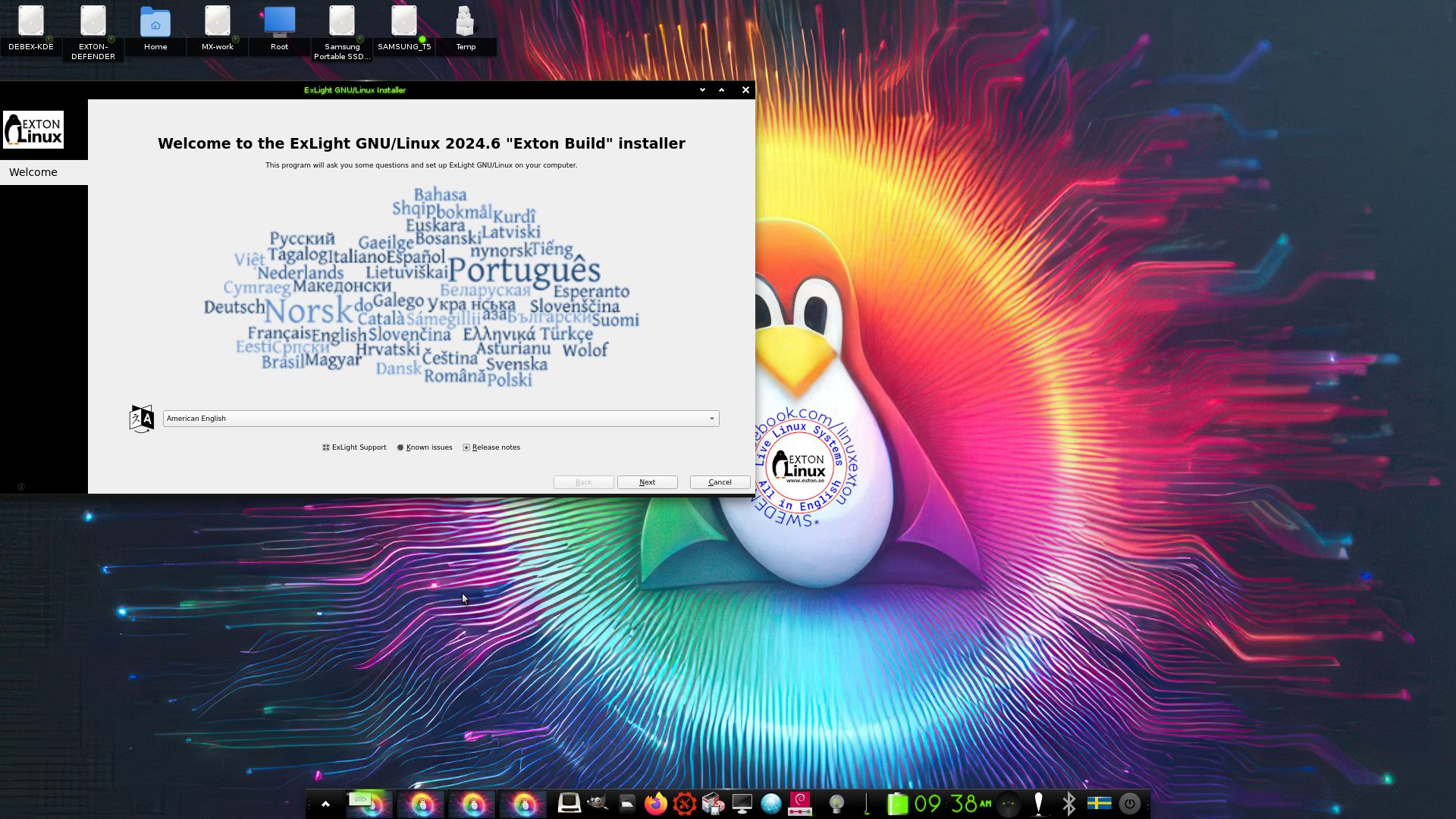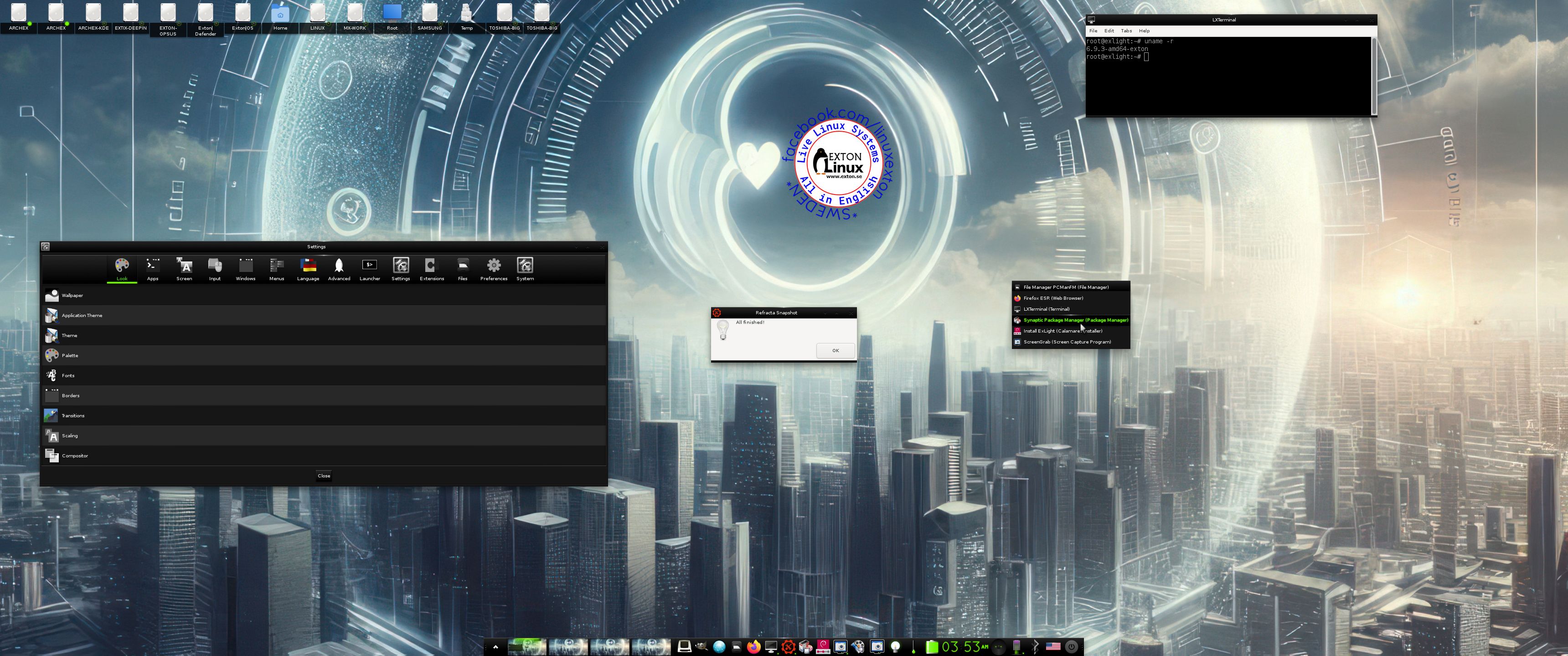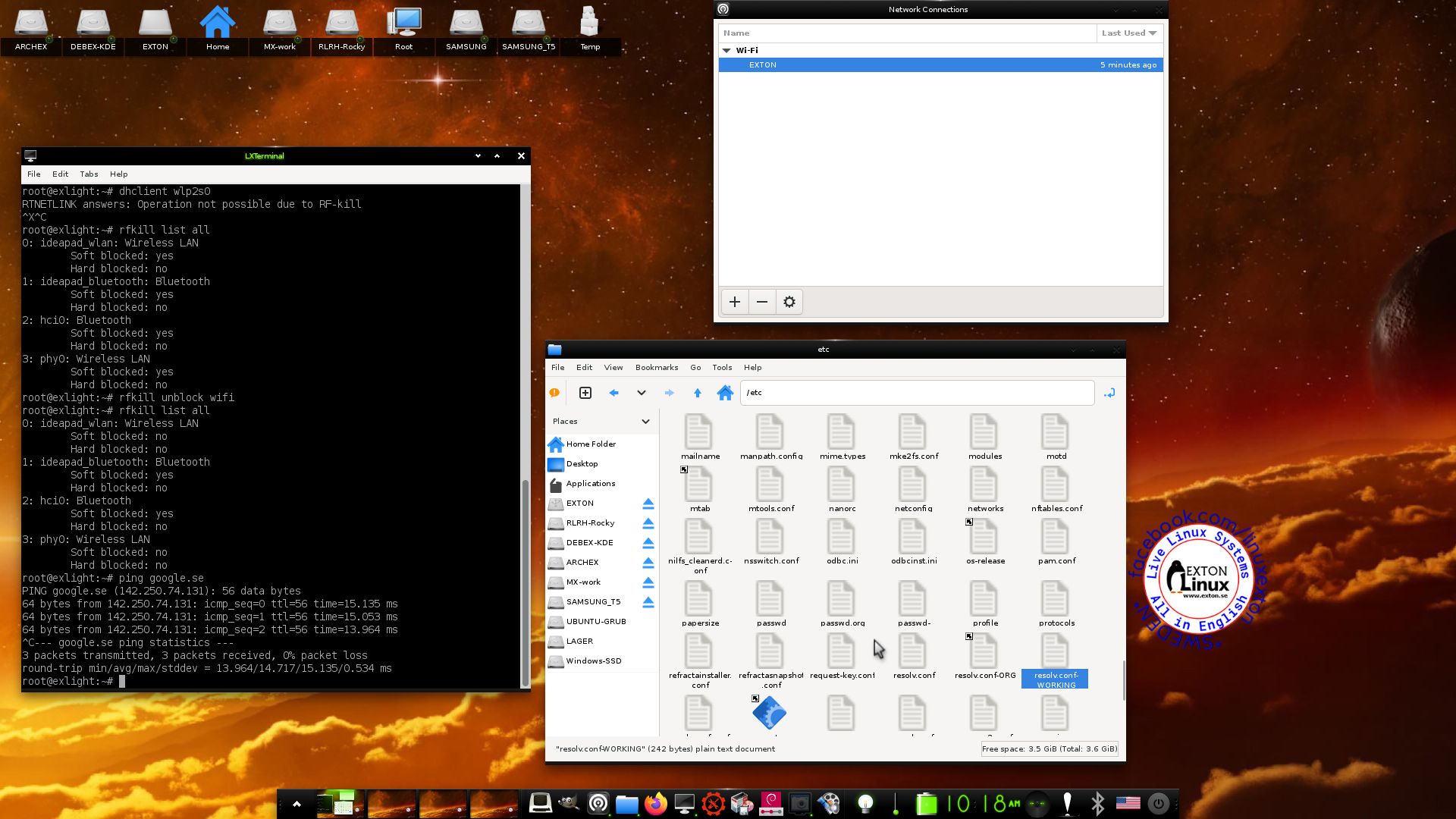
Category Archives: Exton Linux distributions

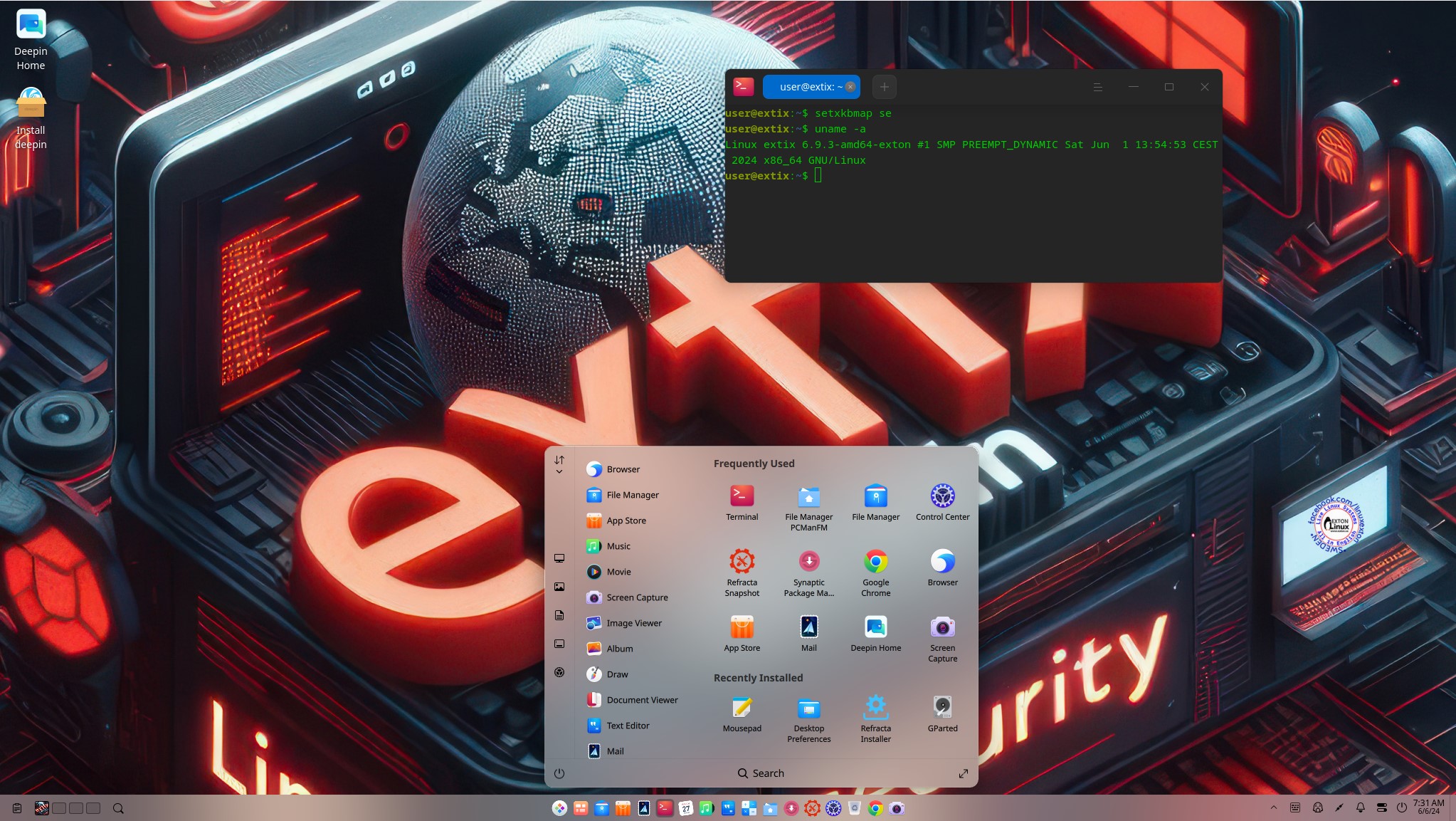
ExTiX Deepin 26.7 Live based on Deepin 25.2.0 STABLE (latest) with Refracta Snapshot and kernel 7.1.2-amd64-exton :: Build 260710

NEWS 260710 ABOUT ExTiX with Deepin 25.2.0 STABLE (released 260708)
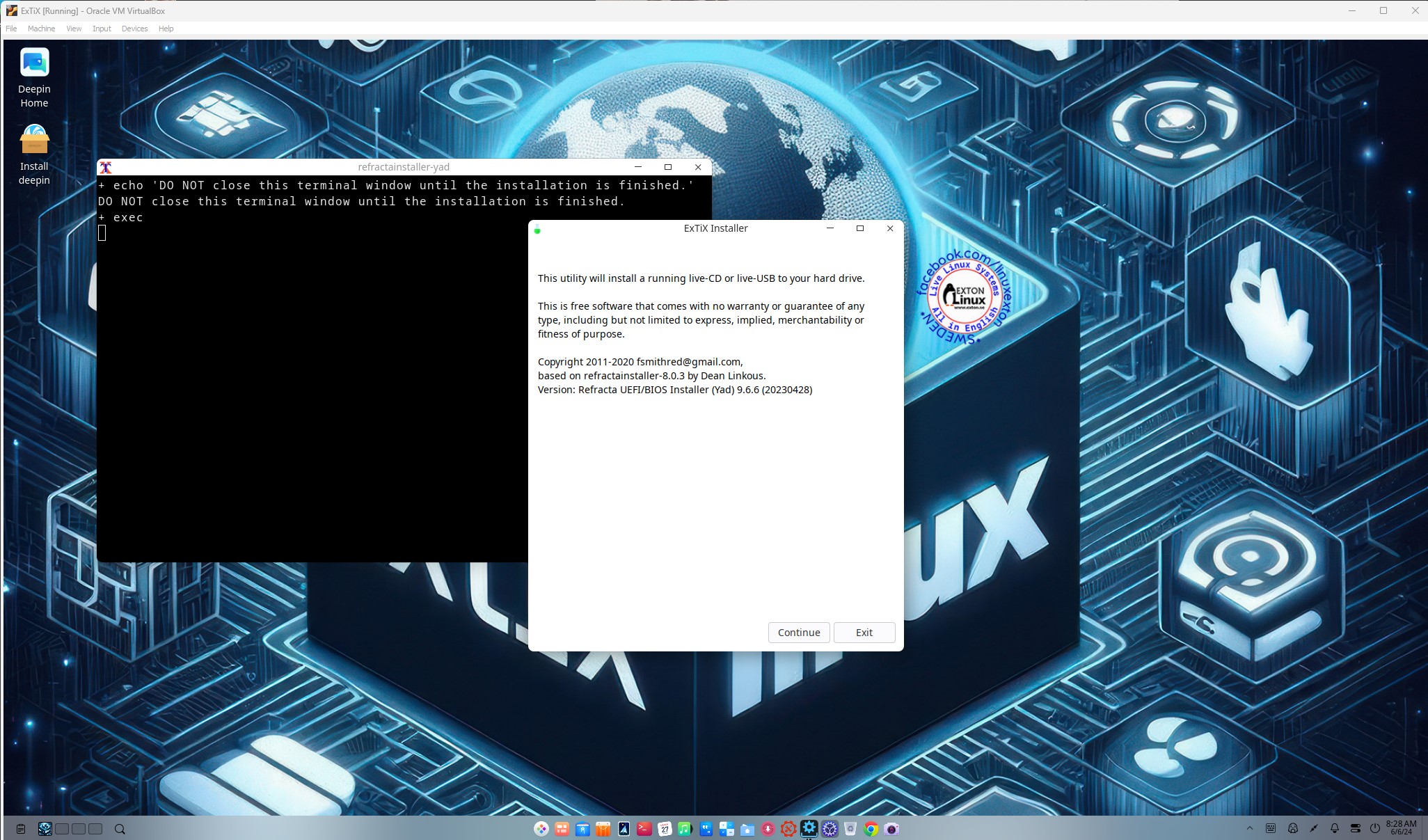
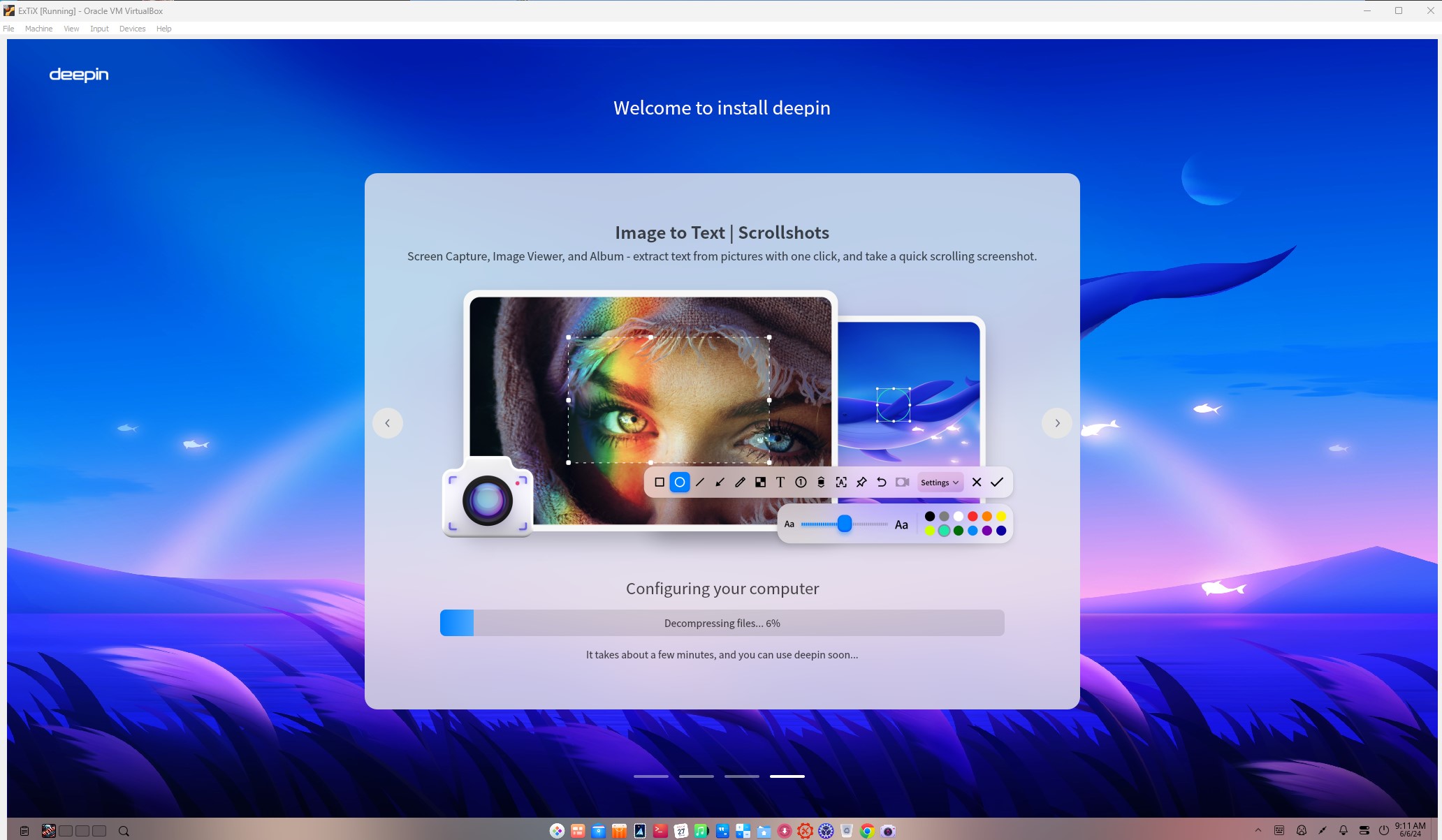
I’ve released a new version of ExTiX Deepin today (260710). The previous ExTiX Deepin version with Deepin 25.1 STABLE is from 260501. This ExTiX Build is based on Deepin 25.2.0 STABLE (latest version) released by Deepin Technology on July 8, 2026. Please read the Release Notes. ExTiX 26.7 uses kernel 7.1.2-amd64-exton. ExTiX 26.7 works in the same way as all other ExTiX versions. I.e. you can install it to hard drive while running the system live. Use Refracta Installer for that. Deepin Installer doesn’t work in ExTiX. You can also create your own live installable Deepin 25.2 system with Refracta Snapshot. (Using ExTiX 26.7 as a “base system/template”). So easy that a ten year old child can do it!

Study all installed packages in ExTiX Deepin 26.7.

PERFORMANCE
Even though the system is BIG it runs quite fast. Especially if you run ExTiX from RAM.

UNIQUE?
Previous versions of ExTiX Deepin (for example ExTiX Deepin 23 STABLE) were unique since the original Deepin System wasn’t a LIVE System. As regards Deepin 25.2.0 STABLE you can also test run the System Live before installing to hard drive. You can, however, not make your own Deepin 25.2.0 System from the original using Refracta Snapshot. That’s because it is impossible to install Refracta Snapshot (and Refracta Installer) according to my experience. Even if you manage to install those apps you can’t use them properly, since the original Deepin 25.2.0 System is Read-Only. I.e System directories are mounted as read-only (and you can’t change that). This means (among other things) that you can’t create the necessary links /initrd.img and /vmlinuz. Read this article about it.

SCREENSHOTS
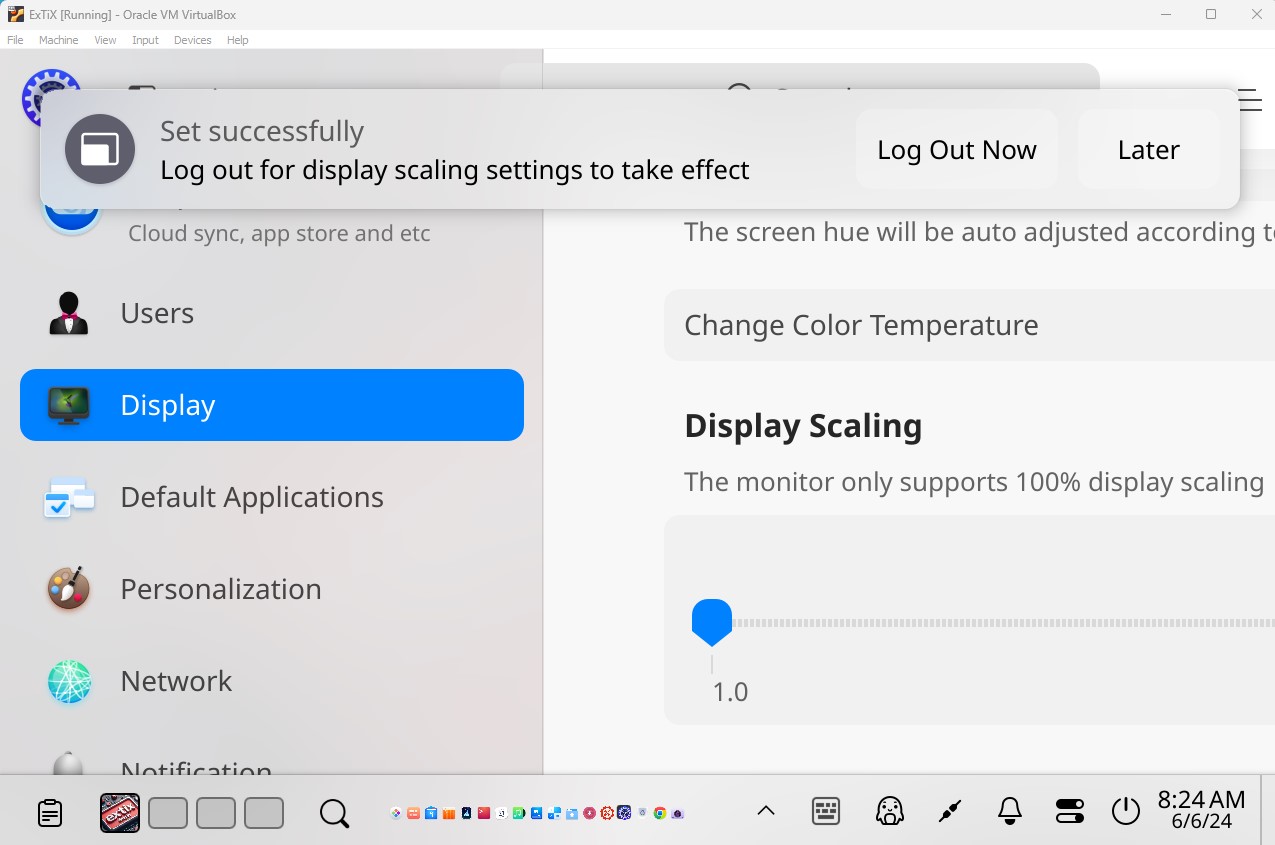
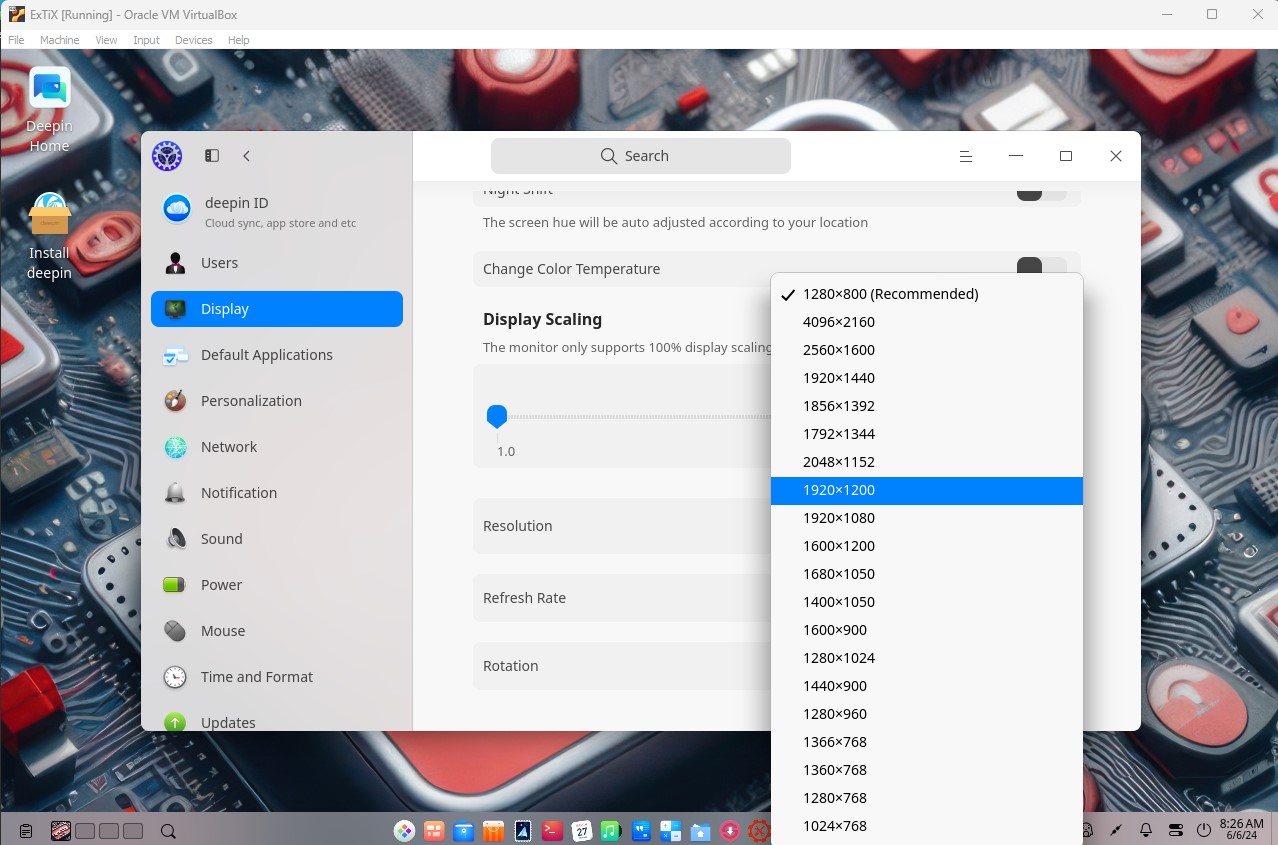
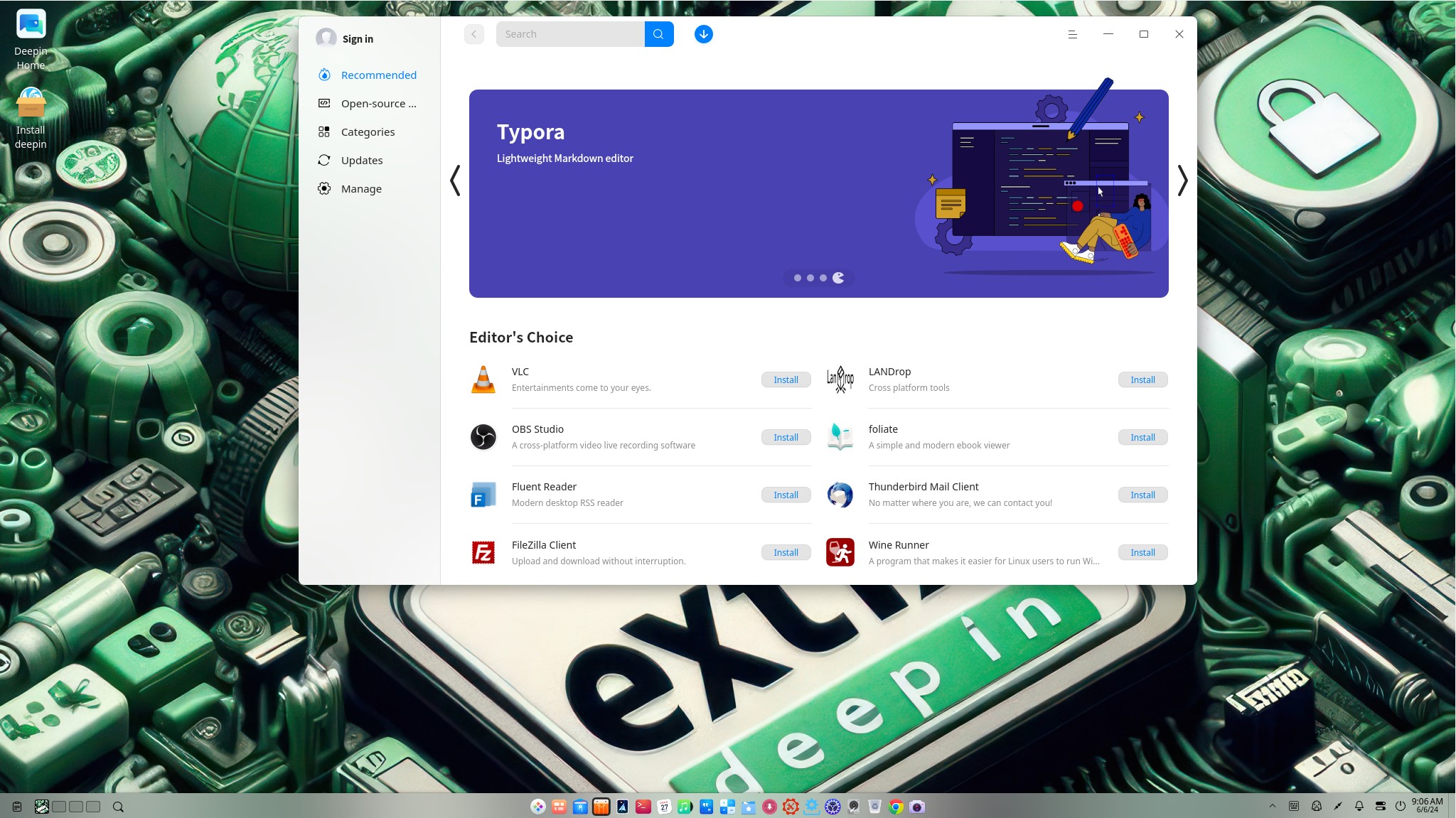
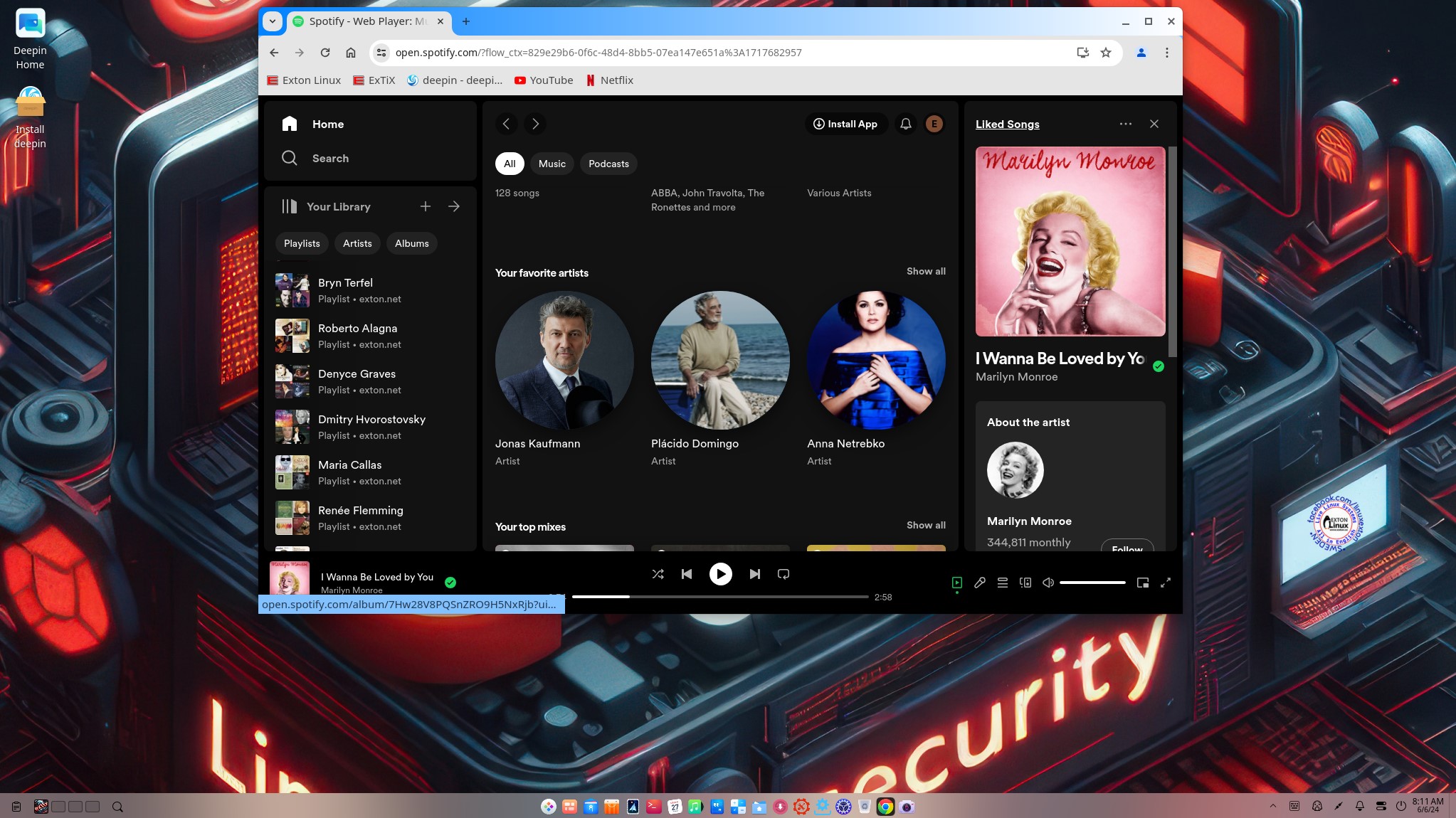
1. ExTiX 26.7 running in VirtualBox
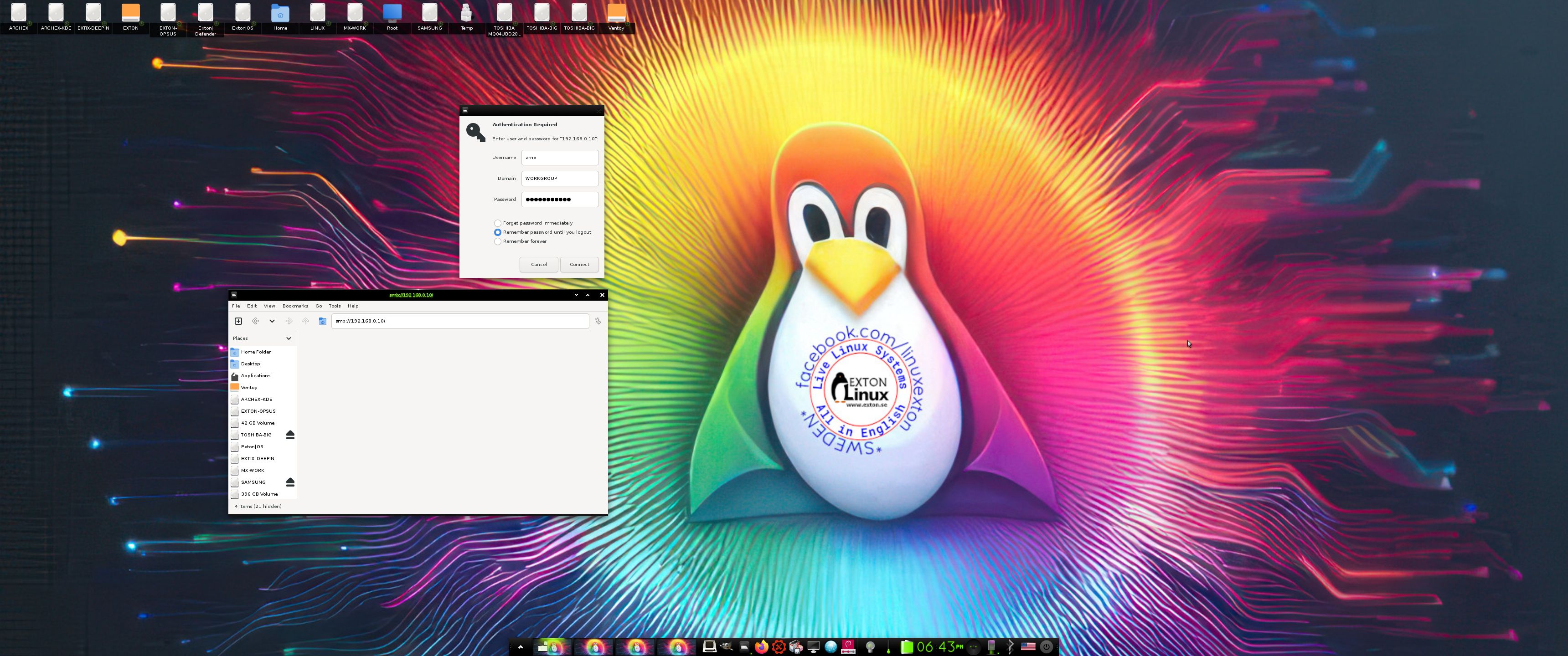
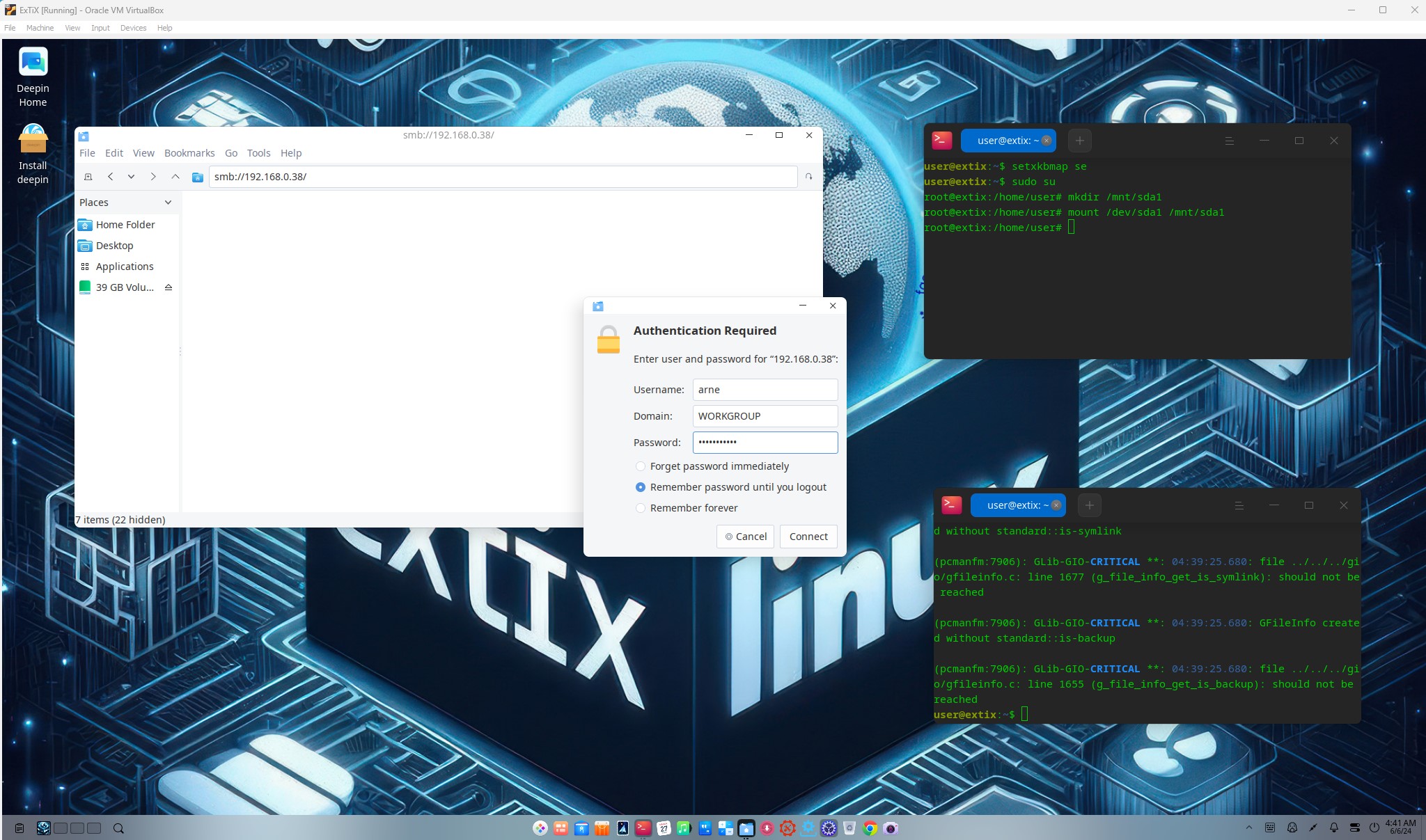
2. Showing a Samba connection
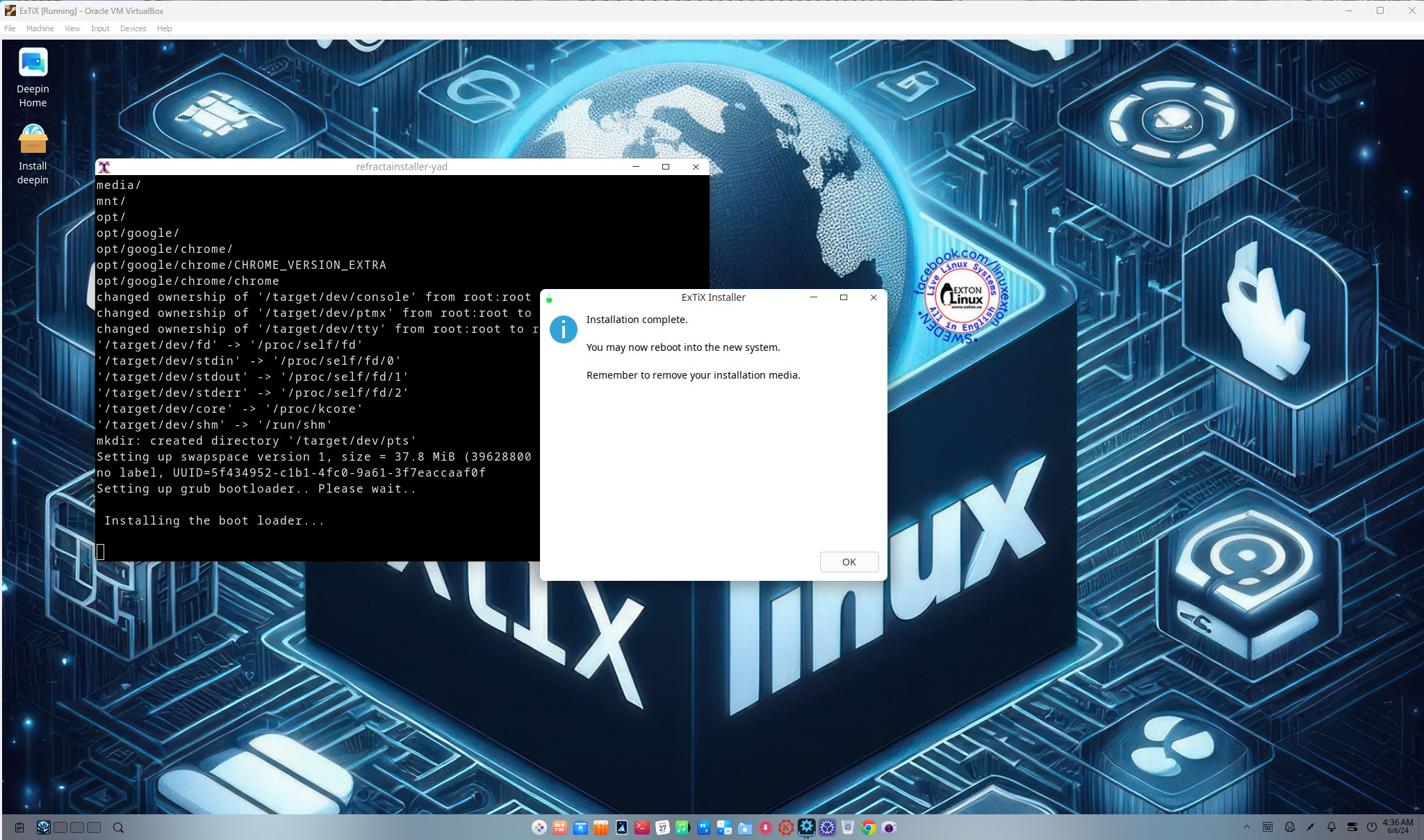
3. Installing Grub in VirtualBox
4. Refracta Installer is ready
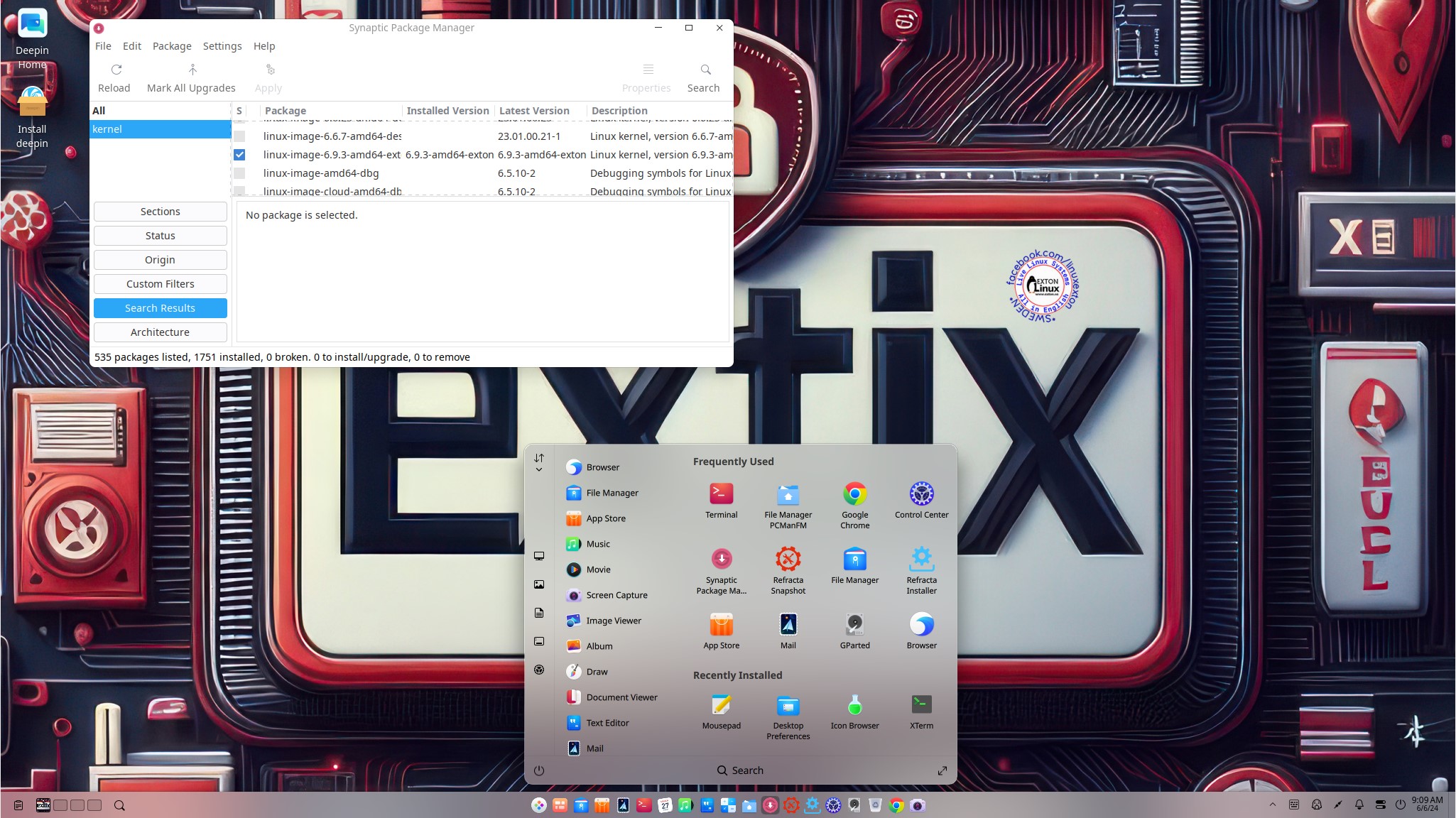
5. The Desktop for the ordinary user user

READ MORE…

Read about my Android-x86 Systems – 11, 10 and Pie at andex.exton.se – latest is AndEX 11 (with GAPPS)
and
about my Android 16, 15, 14, 13, 12, 11, 10, Pie, Oreo, Nougat, Marshmallow and Lollipop versions for Raspberry Pi 5, Pi 4 and  Pi 3/2 at raspex.exton.se – latest is RaspAnd 16 (with GAPPS), RaspAnd 15 (also with GAPPS), RaspAnd 14 (also with GAPPS), 13 and 12 (without GAPPS), RaspAnd 11 (with GAPPS) and RaspAnd Oreo 8.1 (also with GAPPS)

EXTON OpSuS Tumbleweed KDE Plasma, 64 bit UEFI, Linux Live System with Calamares Installer and Refracta Snapshot :: Build 260705

EXTON OpSuS Tumbleweed KDE is based on openSUSE Tumbleweed, which is a rolling distribution. I.e. no need for new installations. Just run the command sudo zypper dup and you will always get the latest packages/kernels. The ISO file is of 3440 MB. The system will thus run very fast from a DVD or a USB stick. Even in VirtualBox/VMware directly from the ISO file.

ABOUT EXTON OpSuS KDE for PC’s – Build 260705
EXTON OpSuS Tumbleweed with KDE Plasma 6.7.1 Desktop Environment uses kernel 7.1.2-amd64-exton. Installed programs: Among many other programs, Firefox, NetworkManager, Calamares, GParted and a lot of special KDE packages. You’ll run the system as the normal user user or as root. The password for user is live. Root’s password is root. EXTON OpSuS can easily be installed to hard drive (of those who so desire). For that you shall use Calamares or Refracta Installer. All packages have been updated to the latest available version as of July 5, 2026.

ABOUT Refracta Snapshot
Use Refracta Snapshot to build your very own version of EXTON OpSuS/openSUSE. I.e. you can change everything to you liking and quickly create a new ISO file. Your own.

UNIQUE?
There is not other openSUSE System/remaster with Refracta Snapshot (as far as i know).

SCREENSHOTS
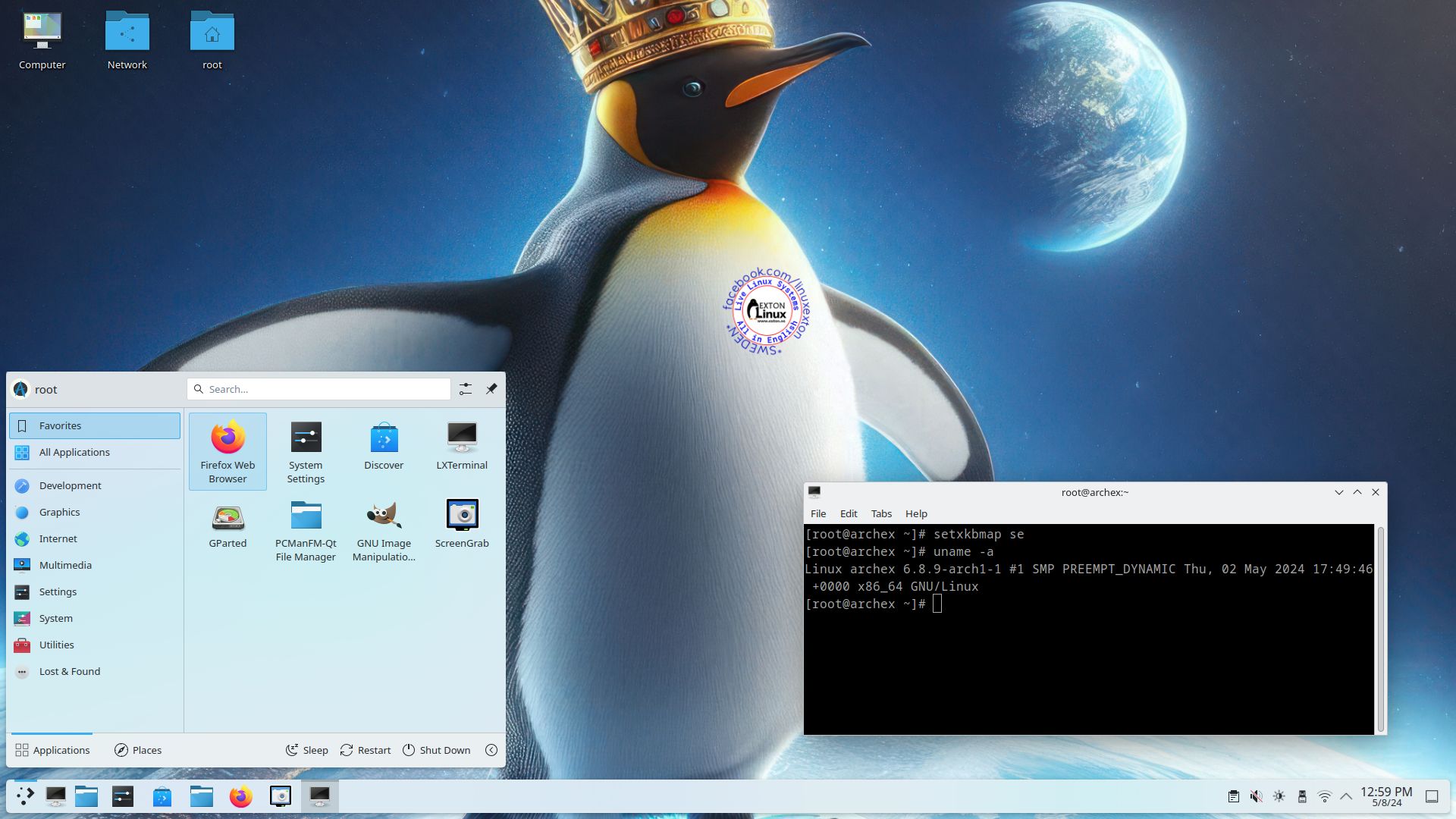
1. Calamares Installer running
2. Calamares started
3. Refracta Snapshot started
4. Chroot – Grub installation
5. Running Pavucontrol for sound
6. Showing the Live bootscreen

READ MORE…

Read about my Android-x86 Systems – 11, 10 and Pie at andex.exton.se – latest is AndEX 11 (with GAPPS)
and
about my Android 16, 15, 14, 13, 12, 11, 10, Pie, Oreo, Nougat, Marshmallow and Lollipop versions for Raspberry Pi 5, Pi 4 and  Pi 3/2 at raspex.exton.se – latest is RaspAnd 16 (with GAPPS), RaspAnd 15 (also with GAPPS), RaspAnd 14 (also with GAPPS), 13 and 12 (without GAPPS), RaspAnd 11 (with GAPPS) and RaspAnd Oreo 8.1 (also with GAPPS)

DebEX GNOME with GNOME 50.1, Refracta Snapshot, Calamares and kernel 7.1.1-amd64-exton :: Build 260629

NEWS 260629 about DebEX GNOME – a Refracta efi Build
I have made a new extra version of DebEX, which I call DebEX GNOME Live System. It’s a pure Debian system using the testing (Forky – upcoming Debian 14) repositories. GNOME 50.1 is used as Desktop Environment. I have removed the Mate Desktop, since GNOME now can be used on all kind of computers. Also when running DebEX GNOME in VirtualBox and VMware. No need for Nvidia’s proprietary graphics drivers when running this new version of DebEX. You can of course install such drivers if you want to. Furthermore I have replaced Google Chrome with Firefox ESR. It is now possible to watch Netflix movies using Firefox ESR in Linux. I have also replaced Refracta Installer with Calamares Installer, which makes it possible to install DebEX GNOME in any language. You can even use Calamares in VirtualBox and VMware – i.e. non-efi computers. All installed packages have been updated to the latest version as of 260629. DebEX GNOME uses kernel 7.1.1-amd64-exton.
NOTE: Refracta Installer is not really “replaced” by Calamares. You can/should use Refracta Installer in VirtualBox/VMware.

ABOUT Debian “forky” (upcoming Debian 14)
Forky is currently in a state of “testing”. You should therefore be a bit careful when using DebEX GNOME Build 260629. Nevertheless apps won’t “crash” or anything like that (according to my experience). Debian 14 forky STABLE will be released mid-to-late
2027.

What is DebEX Linux? Study this ANSWER generated by Gemini.

SCREENSHOTS
1. The Desktop for user
2. The Desktop for root
3. Showing a WiFi connection
4. Showing a Samba connection
5. Running Netflix

READ MORE…

Read about my Android-x86 Systems – 11, 10 and Pie at andex.exton.se – latest is AndEX 11 (with GAPPS)
and
about my Android 16, 15, 14, 13, 12, 11, 10, Pie, Oreo, Nougat, Marshmallow and Lollipop versions for Raspberry Pi 5, Pi 4 and  Pi 3/2 at raspex.exton.se – latest is RaspAnd 16 (with GAPPS), RaspAnd 15 (also with GAPPS), RaspAnd 14 (also with GAPPS), 13 and 12 (without GAPPS), RaspAnd 11 (with GAPPS) and RaspAnd Oreo 8.1 (also with GAPPS)

exGENT (Gentoo) 64bit Live System with systemd, LXQt 2.4.0, Calamares Installer, Refracta Snapshot and kernel 7.1.1-amd64-exton – Build 260626 – can be installed to hard drive in 10 min!

NEWS 260623 about exGENT (Gentoo) 64 bit with systemd

NEW RELEASE 260626
I’ve uploaded a new version of exGENT, which replaces version 260623. In the new version I’ve replaced kernel 7.0.8-amd64-exton with kernel 7.1.1-amd64-exton – watch this screenshot.
While I was at it I’ve also arranged so that you can reach your Windows shares via PCManFM-qt – watch this screenshot.

REPLACEMENT
This version (260626) replaces version 240125 also with systemd.
NOTE 1:
In exGENT Build 260626 with systemd and LXQt 2.4.0 I have managed to incorporate Refracta Snapshot, which means that you can use it to create your own Gentoo/exGENT System. I mean change everything to your liking and then create a new ISO! Read about how to do that below.
NOTE 2: exGENT Build 260626 can run on really old computers. As an example I could run it on my 19 years old laptop Acer Aspire 5102 WLMi. That is remarkable considering that the ISO file is of 4120 MB.

WHAT’S NEW in exGENT Build 260626 with Systemd and LXQt?
I have made a new extra version of exGENT with only a few necessary packages pre-installed. It replaces version 240125. The system is built from “scratch”, using Catalyst. In Gentoo, Catalyst is the official meta-tool used by the Release Engineering team to automate the building and generation of installation tarballs (known as stage files) and bootable live media (like ISO files). It is the exact same tool that Gentoo uses internally to build its official distribution releases. With Catalyst, you can customize and package a Gentoo environment exactly to your specifications. exGENT Build 260626 uses LXQt 2.4.0 as Desktop Environment and kernel 7.1.1-amd64-exton while running the system live. When running exGENT from hard drive you can switch to kernel 6.18.32-gentoo-r3-exgent (Gentoo’s original kernel with patches).
IMPORTANT NOTE: Also this version of exGENT can be remastered by you using exGENT as a template. I.e. change everything to your linking. Then fire up Refracta Snapshot from the menu. Since Refracta Snapshot is made especially for Debian it does not work “out of the box” in exGENT. You will have to “manually” run two commands in the end of the remaster process. Read about that the INFO site.

DIFFERENCES BETWEEN OpenRC and systemd

The main differences between OpenRC and systemd in Gentoo come down to architecture, complexity, and how they manage your system:
Scope & Design: OpenRC is a minimalist service manager that only handles booting and services (relying on separate tools for logs or network). systemd is a complete system management suite that handles services, logging (journald), logins (logind), and more in a centralized way.
Service Configuration: OpenRC uses traditional, editable shell scripts (/etc/init.d/). systemd uses simple, declarative text unit files (.service).
Gentoo Compatibility: OpenRC is highly flexible and works out-of-the-box with minimalist setups like musl libc. systemd is tightly integrated with standard Linux features and requires selecting specific systemd Gentoo profiles.
Boot Style: OpenRC typically starts services sequentially, while systemd boots them aggressively in parallel for faster startup times.

WHAT IS exGENT? – (AI generated)

exGENT is a customized Gentoo Linux distribution developed by C A Exton that not only simplifies the installation and use of Gentoo, but also serves as a powerful platform for creating your own custom Gentoo-based systems. Running as a live distribution and installable via the Calamares installer, exGENT provides a fully functional Gentoo environment that can be remastered, modified, and rebuilt to suit specific needs. Users can add or remove software, customize configurations, and generate their own live ISOs, making it an ideal tool for learning Gentoo, developing specialized Linux distributions, or deploying tailored systems. By eliminating much of the complexity of a traditional Gentoo installation, exGENT enables users to focus on customization and system development while still benefiting from Gentoo s flexibility and performance.

Who is exGENT/Gentoo for?
Experienced Linux users or those who really want to learn Linux. (Perhaps also for people who are bored with mainstream distributions like Ubuntu).

Unique?
exGENT is unique in a way. If you take a look at Gentoo’s download site for amd64 you can see that there is no ISO with systemd. Only OpenRC. According to my experience it is much easier to create a live system with OpenRC (using Catalyst) . exGENT is of course also unique in a rather important way. It has Refracta Snapshot, which means that you can create your own exGENT/Gentoo system using exGENT as a template. So easy that a ten year old child can do it!

SCREENSHOTS
1. exGENT Build 260626 – gentoo’s Desktop – running Calamares
2. exGENT Build 260626 – root’s Desktop
3. Running Calamares in VirtualBox
4. Using the install scripts in VirtualBox
5. Manually installing Grub in VirtualBox

READ MORE…

Read about my Android-x86 Systems – 11, 10 and Pie at andex.exton.se – latest is AndEX 11 (with GAPPS)
and
about my Android 16, 15, 14, 13, 12, 11, 10, Pie, Oreo, Nougat, Marshmallow and Lollipop versions for Raspberry Pi 5, Pi 4 and  Pi 3/2 at raspex.exton.se – latest is RaspAnd 16 (with GAPPS), RaspAnd 15 (also with GAPPS), RaspAnd 14 (also with GAPPS), 13 and 12 (without GAPPS), RaspAnd 11 (with GAPPS) and RaspAnd Oreo 8.1 (also with GAPPS)

exGENT (Gentoo) 64bit Live System with LXQt 2.4.0, Calamares Installer, Refracta Snapshot and kernel 7.0.10-gentoo-dist – Build 260602 – can be installed to hard drive in 5 min!

NEWS 260602 about exGENT (Gentoo) 64 bit with OpenRC 0.63.1

REPLACEMENT
This version (260602) replaces version 250126 with OpenRC 0.56.
NOTE 1:
In exGENT Build 260602 with OpenRC 0.63.1 and LXQt 2.4.0 I have managed to incorporate Refracta Snapshot, which means that you can use it to create your own Gentoo/exGENT System. I mean change everything to your liking and then create a new ISO! Read about how to do that below.
NOTE 2: exGENT Build 260602 can run on really old computers. As an example I could run it on my 20 years old laptop Acer Aspire 5102 WLMi. That is remarkable considering that the ISO file is of 5230 MB. More about that below (generated by AI).

Performance Without Boundaries: exGENT Revives 20-Year-Old Hardware!
One of the most remarkable achievements of the new exGENT Build 260602 is its unparalleled resource efficiency and backward compatibility. While modern operating systems continuously drop support for aging hardware, exGENT proves that cutting-edge Linux software does not require expensive, brand-new components.

Install to hard drive
Now you can install exGENT to hard drive in two ways. You can still use the install scrips in /root/install. That is the best way to install exGENT on non UEFI computers for example VirtualBox and VMware. The second way is to use Calamares Installer.  You can watch a screenshot showing how it looks when the install scripts are used in VirtualBox…

USED KERNELS
Kernel 7.0.8-amd64-exton is used when you run exGENT live. After a hard drive installation kernel 7.0.10-gentoo-dist will be used. If you want to use Refracta Snapshot you must keep “my” kernel 7.0.8-amd64-exton and /vmlinuz and /initrd.img, which are links to my kernel in /boot.

Installed packages in Build 260602
Study all pre-installed packages in Build 260602.

MOST IMPORTANT CHANGE IN BUILD 260602
Refracta Snapshot is installed. Use it if you want to build you own Gentoo System. Since Refracta Snapshot is made especially for Debian it does not work “out of the box” in exGENT. You will have to “manually” run two commands in the end of the remaster process. Read more about that at the INFO site.

UPGRADE exGENT
As you can see it is more than a year since the previous version of exGENT was released. That’s because everything with Gentoo is extremely time consuming. Installing Gentoo the “Gentoo way” can take several days to perform.

PERFORMANCE
exGENT is a really fast Linux system even though it is a BIG system. (The ISO file is of 5230 MB). You can run it the normal way live or from RAM.  Then use boot alternative 2 (Load to RAM). When running from RAM the System is super fast I would say. You will need at least 16 GB RAM for that.

Who is exGENT/Gentoo for?

Experienced Linux users or those who really want to learn Linux. (Perhaps also for people who are bored with mainstream distributions like Ubuntu).

SCREENSHOTS
1. exGENT Build 260602 – gentoo’s Desktop – running Pavucontrol
2. exGENT Build 260602 – root’s Desktop
3. Running Calamares in VirtualBox
4. Using the install scripts in VirtualBox
5. Running two commands when Refracta Snapshot has failed
6. The live boot screen

READ MORE…

Read about my Android-x86 Systems – 11, 10 and Pie at andex.exton.se – latest is AndEX 11 (with GAPPS)
and
about my Android 16, 15, 14, 13, 12, 11, 10, Pie, Oreo, Nougat, Marshmallow and Lollipop versions for Raspberry Pi 5, Pi 4 and  Pi 3/2 at raspex.exton.se – latest is RaspAnd 16 (with GAPPS), RaspAnd 15 (also with GAPPS), RaspAnd 14 (also with GAPPS), 13 and 12 (without GAPPS), RaspAnd 11 (with GAPPS) and RaspAnd Oreo 8.1 (also with GAPPS)

DebEX KDE Plasma with kernel 7.0.8-amd64-exton, Calamares Installer and Refracta Snapshot :: Build 260516

NEWS 260516 about DebEX KDE Plasma – a Refracta Build
I have made a new extra version of DebEX KDE Plasma Live Systemefi. It’s a pure Debian Sid/Forky (upcoming Debian 14) System. There are no Ubuntu or Kubuntu elements involved in DebEX. DebEX KDE Plasma Sid uses the KDE Plasma Desktop 6.5.4 – latest version, released 251209 – as Desktop environment. Kernel 7.0.8-amd64-exton is used. All included packages have been updated to the latest version as of 260516.

VirtualBox Guest Additions and VMware Tools are pre-installed, which mean that you can run DebEX KDE in full screen – see the screenshots below.

SCREENSHOTS

1. The Desktop for the ordinary user user
2. Running in full screen in VirtualBox
3. Calamares Installer is ready

MOST IMPORTANT CHANGES in DebEX KDE
A) I’ve installed the full KDE Plasma Desktop using the command sudo apt install task-kde-desktop. In order to save space I have removed LibreOffice with the command sudo apt remove libreoffice* B) I have added Calamares 3.3.14-5.1 Installer Framework. Now you can choose language when the installation starts. When it’s ready everything will be in your chosen language! You can even use Calamares in VirtualBox and VMware – i.e. non-efi computers without problems. It works very well!
NOTE1: You can also use Refracta Installer. Preferably in VirtualBox/VMware. NOTE ALSO: When running DebEX KDE in VirtualBox you can do it in full screen since VirtualBox Guest Additions are pre-installed. Watch this screenshot.
NOTE2: On some computers you’ll have to use this boot line:
linux  /boot/vmlinuz-7.0.8-amd64-exton root=UUID=bd464ccb-3081-4fc2-ad18-08daa76b7bf4 ro quiet splash acpi_backlight=vendor splash acpi_rev_override=1
Otherwise the screen will be too dark.

ABOUT Debian “Forky” (upcoming Debian 14)
Forky is currently in a state of “testing”. You should therefore be a bit careful when using DebEX KDE Build 260516. Nevertheless apps won’t “crash” or anything like that (according to my experience). Debian 14 Forky STABLE will be released mid-to-late 2027.

READ MORE…

Read about my Android-x86 Systems – 11, 10 and Pie at andex.exton.se – latest is AndEX 11 (with GAPPS)
and
about my Android 16, 15, 14, 13, 12, 11, 10, Pie, Oreo, Nougat, Marshmallow and Lollipop versions for Raspberry Pi 5, Pi 4 and  Pi 3/2 at raspex.exton.se – latest is RaspAnd 16 (with GAPPS), RaspAnd 15 (also with GAPPS), RaspAnd 14 (also with GAPPS), 13 and 12 (without GAPPS), RaspAnd 11 (with GAPPS) and RaspAnd Oreo 8.1 (also with GAPPS)

ExTiX Deepin 26.5 Live based on Deepin 25.1 STABLE (latest) with Refracta Snapshot and kernel 7.0.2-amd64-exton :: Build 260501

NEWS 260501 ABOUT ExTiX with Deepin 25.1 STABLE (released 260410)
I’ve released a new version of ExTiX Deepin today (260501). The previous ExTiX Deepin version with Deepin 25 STABLE is from 260123. This ExTiX Build is based on Deepin 25.1 STABLE (latest version) released by Deepin Technology on April 10, 2026. Please read the Release Notes. ExTiX 26.5 uses kernel 7.0.2-amd64-exton. ExTiX 26.5 works in the same way as all other ExTiX versions. I.e. you can install it to hard drive while running the system live. Use Refracta Installer for that. Deepin Installer doesn’t work in ExTiX. You can also create your own live installable Deepin 25.1 system with Refracta Snapshot. (Using ExTiX 26.5 as a “base system/template”). So easy that a ten year old child can do it!

Study all installed packages in ExTiX Deepin 26.5.

PERFORMANCE
Even though the system is BIG it runs quite fast. Especially if you run ExTiX from RAM.

USED KERNEL
7.0.2-amd64-exton

UNIQUE?
Previous versions of ExTiX Deepin (for example ExTiX Deepin 23 STABLE) were unique since the original Deepin System wasn’t a LIVE System. As regards Deepin 25.1 STABLE you can also test run the System Live before installing to hard drive. You can, however, not make your own Deepin 25.1 System from the original using Refracta Snapshot. That’s because it is impossible to install Refracta Snapshot (and Refracta Installer) according to my experience. Even if you manage to install those apps you can’t use them properly, since the original Deepin 25.1 System is Read-Only. I.e System directories are mounted as read-only (and you can’t change that). This means (among other things) that you can’t create the necessary links /initrd.img and /vmlinuz. Read this article about it.

SCREENSHOTS
1. ExTiX 26.5 running in VirtualBox
2. About Deepin and the System
3. Showing the Desktop for user
4. About Deepin 25.1

NOTE: All wallpapers are (of course) AI-generated (by me).

READ MORE…

Read about my Android-x86 Systems – 11, 10 and Pie at andex.exton.se – latest is AndEX 11 (with GAPPS)
and
about my Android 16, 15, 14, 13, 12, 11, 10, Pie, Oreo, Nougat, Marshmallow and Lollipop versions for Raspberry Pi 5, Pi 4 and  Pi 3/2 at raspex.exton.se – latest is RaspAnd 16 (with GAPPS), RaspAnd 15 (also with GAPPS), RaspAnd 14 (also with GAPPS), 13 and 12 (without GAPPS), RaspAnd 11 (with GAPPS) and RaspAnd Oreo 8.1 (also with GAPPS)

LFA (Linux For All) 64bit Live System – Build 260420 – with Budgie DE 10.10, kernel 7.0.0-amd64-lfa and Refracta Snapshot :: Create your own LFA/Ubuntu installable 26.04 LTS system!

Linux For All (LFA) Build 260420 with the Budgie 10.10 Desktop Environment is a simple remaster of upcoming Ubuntu 26.04 LTS Resolute Raccoon. It’s a total rebuild. I.e. nothing is left of the old LFA system. NOTE: Ubuntu 26.04 will be supported until April 2031.

NEWS ABOUT LFA Build 260420
1. All packages the ordinary Linux user can wish for are pre-installed. Study the full packages list…
2. Kernel 7.0.0-amd64-lfa is used. You can of course switch to Ubuntu’s original kernel if you prefer that.

3. The Desktop environment is Budgie 10.10. (Budgie is a desktop environment, formerly a project within Solus, becoming independent under the newly formed Buddies of Budgie organization in January 2022. It uses GTK for widgets, and is written in C and Vala. As of Budgie 10,10, the only available session is on Wayland).
4. The main Web Browser is Firefox. So you can watch Netflix!
5. I have included Refracta tools (Refracta Snapshot) to make it possible for you to create your own installable LFA/Ubuntu 26.04 LTS Live System once you have installed LFA to hard drive.
6. You can run LFA super fast in RAM. Use boot alternative 2 Load to RAM – see below.
7. I have removed snapd altogether. With snapd the ISO file will be way too big.

What’s new in kernel 7.0?

SCREENSHOTS
Screenshot 1 – The Desktop for user
Screenshot 2 – The Desktop for root
Screenshot 3 – Running Pavucontrol
Screenshot 4 – Running Calamares Installer in Qemu
Screenshot 5 – How to auto login as root

Watch a YouTube Video about LFA…

READ MORE…

Read about my Android-x86 Systems – 11, 10 and Pie at andex.exton.se – latest is AndEX 11 (with GAPPS)
and
about my Android 16, 15, 14, 13, 12, 11, 10, Pie, Oreo, Nougat, Marshmallow and Lollipop versions for Raspberry Pi 5, Pi 4 and  Pi 3/2 at raspex.exton.se – latest is RaspAnd 16 (with GAPPS), RaspAnd 15 (also with GAPPS), RaspAnd 14 (also with GAPPS), 13 and 12 (without GAPPS), RaspAnd 11 (with GAPPS) and RaspAnd Oreo 8.1 (also with GAPPS)
 

Follow me on Facebook…

ExTiX 26.4 with GNOME 50 Desktop together with Waydroid (“Waydroid lets you launch a complete Android system on Linux with Google Play”) :: Build 260410

ABOUT ExTiX 26.4 – Build 260410/260407
I have made a new version of ExTiX – The Ultimate Linux System. I call it ExTiX 26.4 GNOME Waydroid Live System. I have made it possible for you to configure Waydroid in ExTiX. (Waydroid lets you launch a complete Android system on Linux with Google Play Services so you can install your favorite apps). So now you can run Android apps in ExTiX. GAPPS (Google Play Services and Google Play) are however NOT pre-installed in ExTiX 26.4. That’s because you’ll have to install/initialize GAPPS using your own Gmail account. I.e. to be able to run Google Play. The second best thing with ExTiX 26.4 is that while running the system live (from DVD/USB) or from hard drive you can use Refracta Snapshot (pre-installed) to create your own live installable Ubuntu/Waydroid system. So easy that a ten year child can do it!

NEWS ABOUT THE KERNEL 260410
I finally managed to add the kernel module binder_linux to “my” kernel 7.0.0-rc6-amd64-exton. Said module is needed for Waydroid to run. I have therefore uploaded a new version of ExTiX 26.4 today with only ONE kernel included. I have also corrected some faults in the Calamares Installer. Normally you should now see this when the hard drive installation is ready – screenshot.

ExTiX 26.4 GNOME 50 System 64 bit is based on Debian and upcoming Ubuntu 26.04 LTS Resolute Raccoon. I have installed GNOME 50 Tokyo as DE.
NOTE about Ubuntu 26.04 LTS: It will be released in a stable version 260423 and supported until April, 2031.

The system language is ENGLISH.

Used KERNELS
Ubuntu’s latest original kernel 7.0.0-10-generic with the binder kernel module (needed by Waydroid) and my own compiled kernel 7.0.0-rc6-amd64-exton. While running ExTiX live “my” kernel will be used. To be able to run Waydroid you’ll have to use (boot with) kernel 7.0.0-10-generic. That is in Build 260407 and 260409. In Build 260410 only “my” kernel 7.0.0-rc6-amd64-exton is used.

SCREENSHOTS
1. ExTiX GNOME user Desktop running 260407
2. The GNOME Desktop for root
3. ExTiX 26.4 running in Qemu (the best way to run any Linux System virtually)
4. Using Alacarte
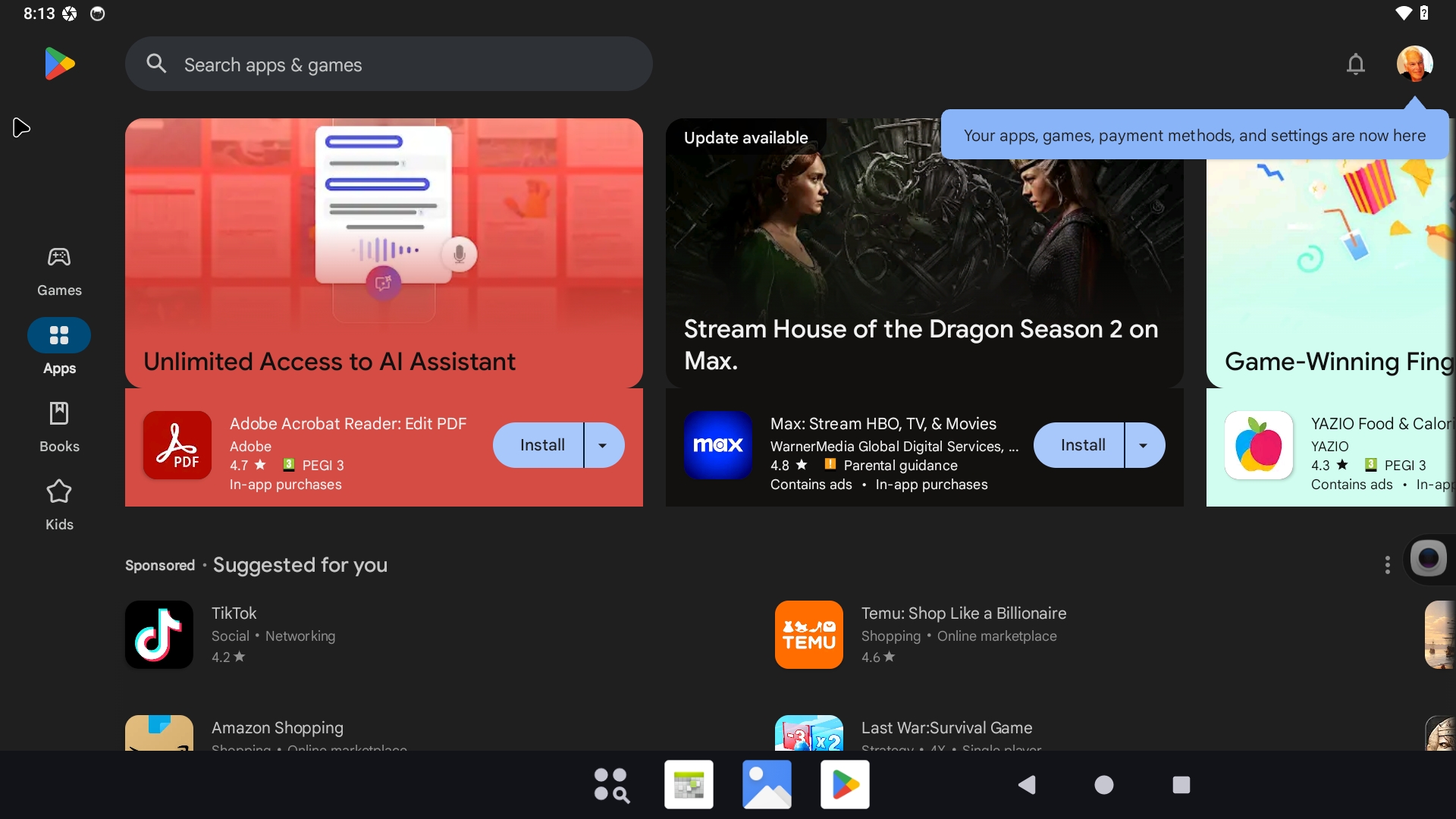
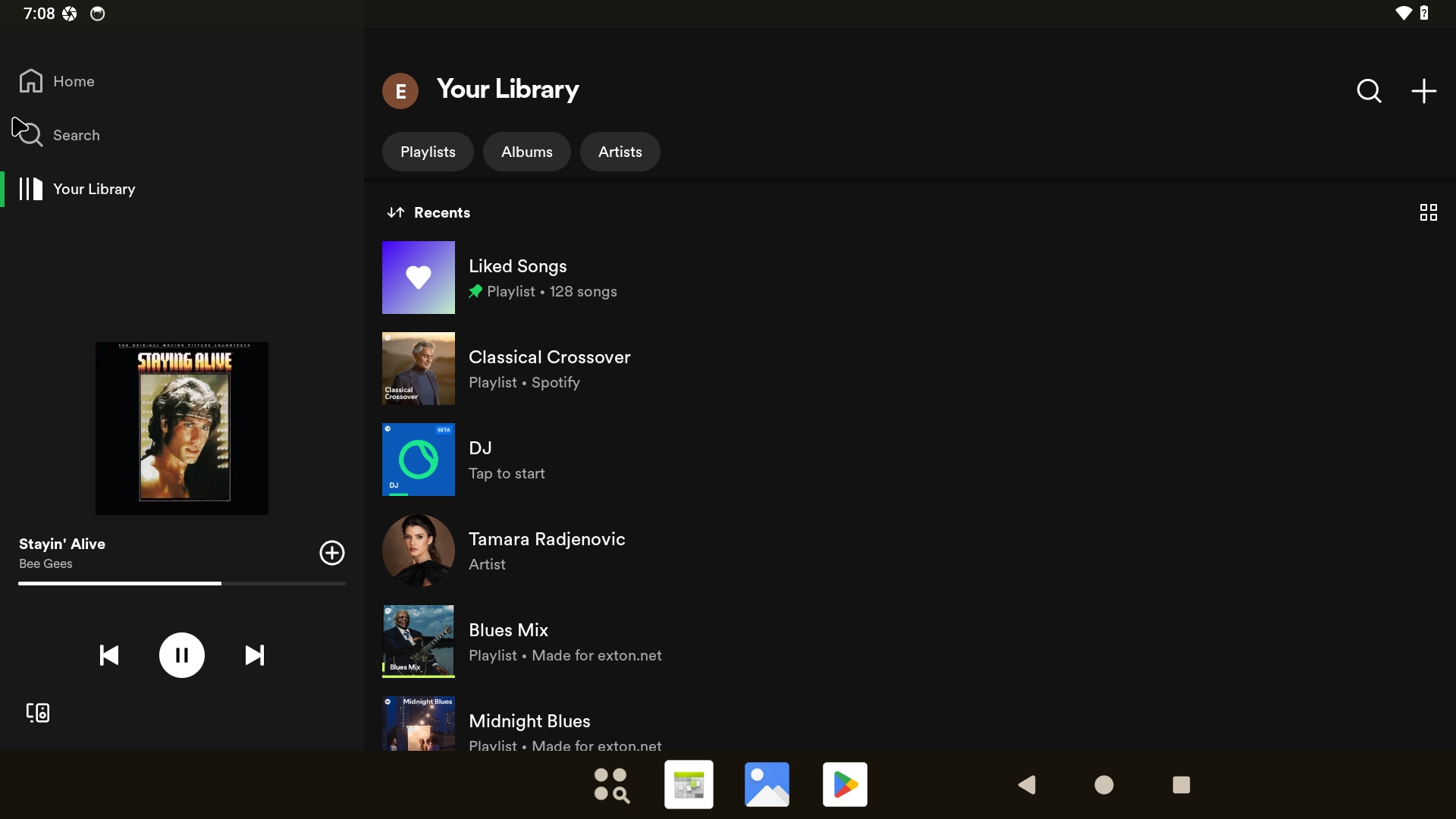
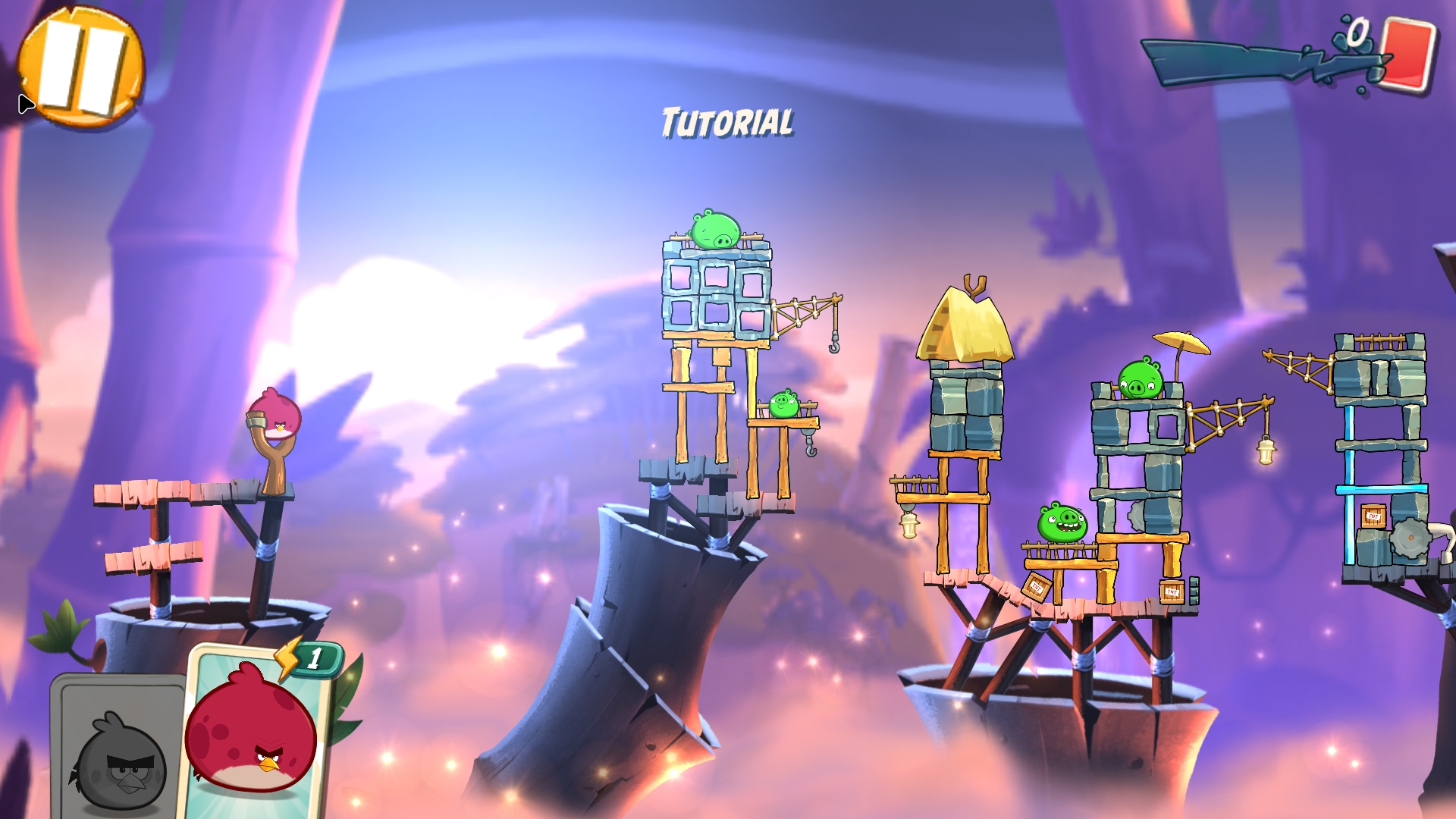
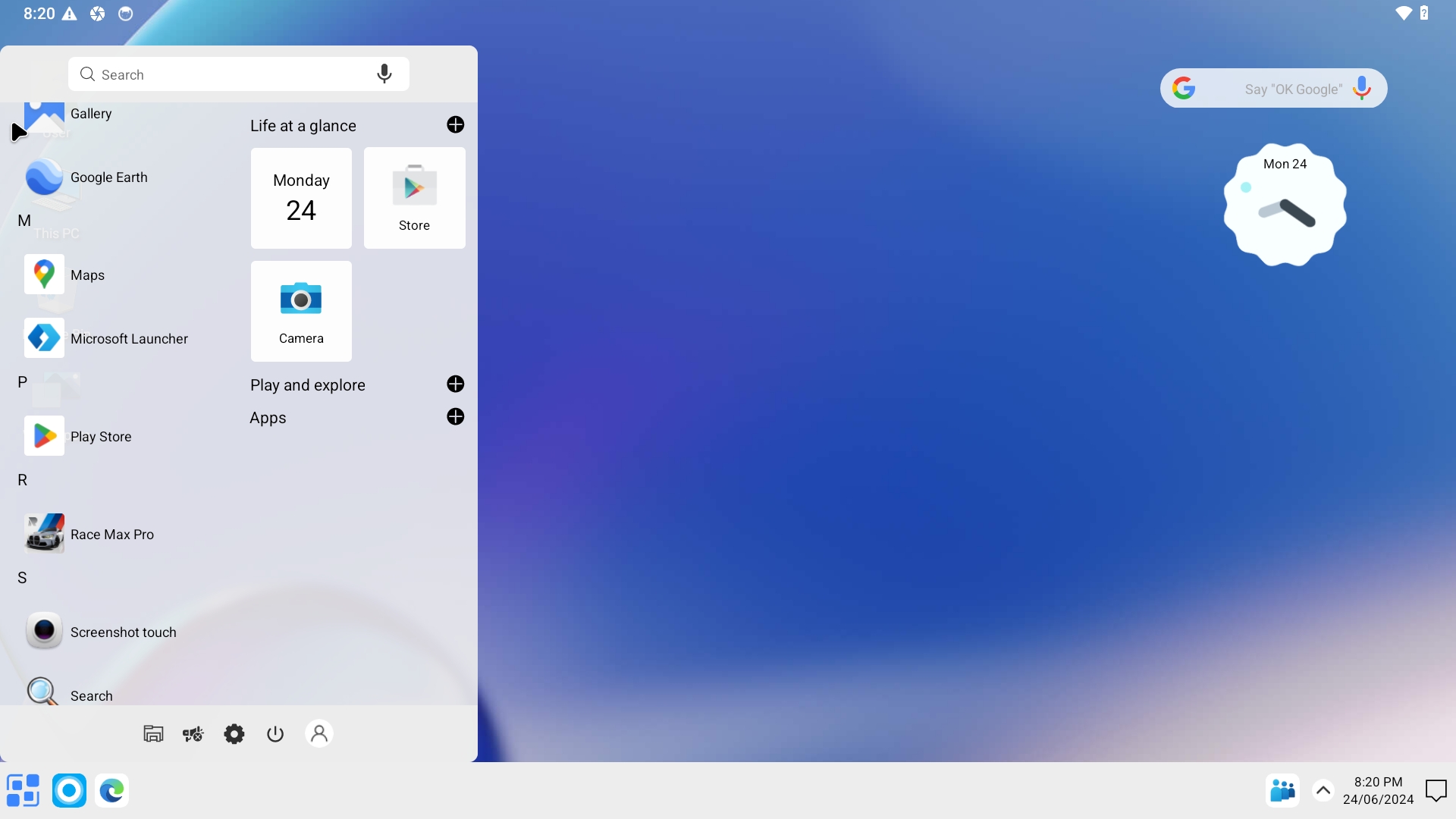
5. Running Waydroid with Google Play
6. Showing how to  re- initialize Waydroid after a reboot 
7. INFO about the Android System
8. Installing Clash of Clans – screenshot
9. Installing the Niagara Launcher – screenshot

READ MORE…

Read about my Android-x86 Systems – 11, 10, Pie, Oreo, Nougat, Marshmallow, Lollipop and KitKat at andex.exton.se – latest is AndEX 11 (with GAPPS), AndEX 10 (with GAPPS) and AndEX Pie 9.0 (also with GAPPS)!
and
about my Android 16, 15, 14, 13, 12, 11, 10, Pie, Oreo, Nougat, Marshmallow and Lollipop versions for Raspberry Pi 5, Pi 4 and  Pi 3/2 at raspex.exton.se – latest is RaspAnd 16 (with GAPPS), RaspAnd 15 (also with GAPPS), RaspAnd 14 (also with GAPPS), 13 and 12 (without GAPPS), RaspAnd 11 (with GAPPS) and RaspAnd Oreo 8.1 (also with GAPPS)
Follow me on Facebook…

MeX 64 bit Linux based on upcoming Ubuntu 26.04 LTS with GNOME 50 and Kodi 21.1 Omega :: Build 260331

ABOUT MeX Linux 260331
I’ve uploaded a new version of MeX, in which I’ve included Kodi Omega 21.1. Kodi is an award-winning free and open source (GPL) software media player and entertainment hub that can be installed on Linux, OSX, Windows, iOS, tvOS and Android. It is designed around a “10-foot user interface” for use with televisions and remote controls. NOTE about Kodi: I have installed Kodi 21.1 using Flatpak. Kodi from the Ubuntu repositories does not work in Ubuntu 26.04. Kodi 21.1 runs very well in MeX. On a web site called FireStickTricks you can find instructions how to install 30 (?!) extra Kodi Builds with their own repositories and skins. The article is called Best Kodi Builds for 2026. I’ve tried Scrubs today. Works very well. Read about how to install Scrubs V2. Otherwise MeX version 260331 works in the same way as previous versions.
NOTE about Ubuntu 26.04 LTS: 
It will be released in a stable version 260423 and supported until April, 2031.
Extra Desktop Environments
Besides GNOME 50 (with Wayland) you can use the GNOME Flashback (Compiz) Desktop and the GNOME Flashback (Metacity) Desktop. Those DE’s are using X11 (Xorg) instead of Wayland.

NEWS/CHANGES 260331
Mex Linux is no longer based on Linux Mint. MeX Build 260331 is based only on Debian Sid and upcoming Ubuntu 26.04 LTS Resolute Raccoon. I have replaced the original kernel (7.0) with “my” special kernel 7.0.0-rc5-amd64-exton. All installed packages in MeX Linux have been upgraded to the latest version by 260331. This version of MeX uses the GNOME Desktop. I.e. GNOME 50 Tokyo and Kodi 21.1. You can run Kodi “windowed” while logged in to Gnome. The very nice icon theme Papirus is installed and used. Everything works inside Kodi. Even YouTube. (It can be a bit tricky to create an API key and OAuth credentials). Many (most) Kodi addons can’t run without YouTube.

Program content etc
To make it possible to run MeX from RAM I have kept down the number of installed packages. The MeX ISO file is of 3490 MB. All packages have been updated to the latest available stable version as of March 31, 2026. See a complete list of all installed packages.

Used KERNEL 
Kernel 7.0.0-rc5-amd64-exton

SCREENSHOTS
Screenshot 1 – Calamares Installer running
Screenshot 2 – The user Desktop using GNOME 50
Screenshot 3 – The user Desktop using the GNOME Flashback (Compiz) Desktop
Screenshot 4 – Showing a WiFi connection
Screenshot 5 – Showing some Kodi addons
Screenshot 6 – Showing some other Kodi pre-installed addons
Screenshot 7 – MeX GDM3 login Screen

READ MORE…

Read about my Android-x86 Systems – 11, 10, Pie, Oreo, Nougat, Marshmallow, Lollipop and KitKat at andex.exton.se – latest is AndEX 11 (with GAPPS), AndEX 10 (with GAPPS) and AndEX Pie 9.0 (also with GAPPS)!
and
about my Android 16, 15, 14, 13, 12, 11, 10, Pie, Oreo, Nougat, Marshmallow and Lollipop versions for Raspberry Pi 5, Pi 4 and  Pi 3/2 at raspex.exton.se – latest is RaspAnd 16 (with GAPPS), RaspAnd 15 (also with GAPPS), RaspAnd 14 (also with GAPPS), 13 and 12 (without GAPPS), RaspAnd 11 (with GAPPS) and RaspAnd Oreo 8.1 (also with GAPPS)
 

Follow me on Facebook…