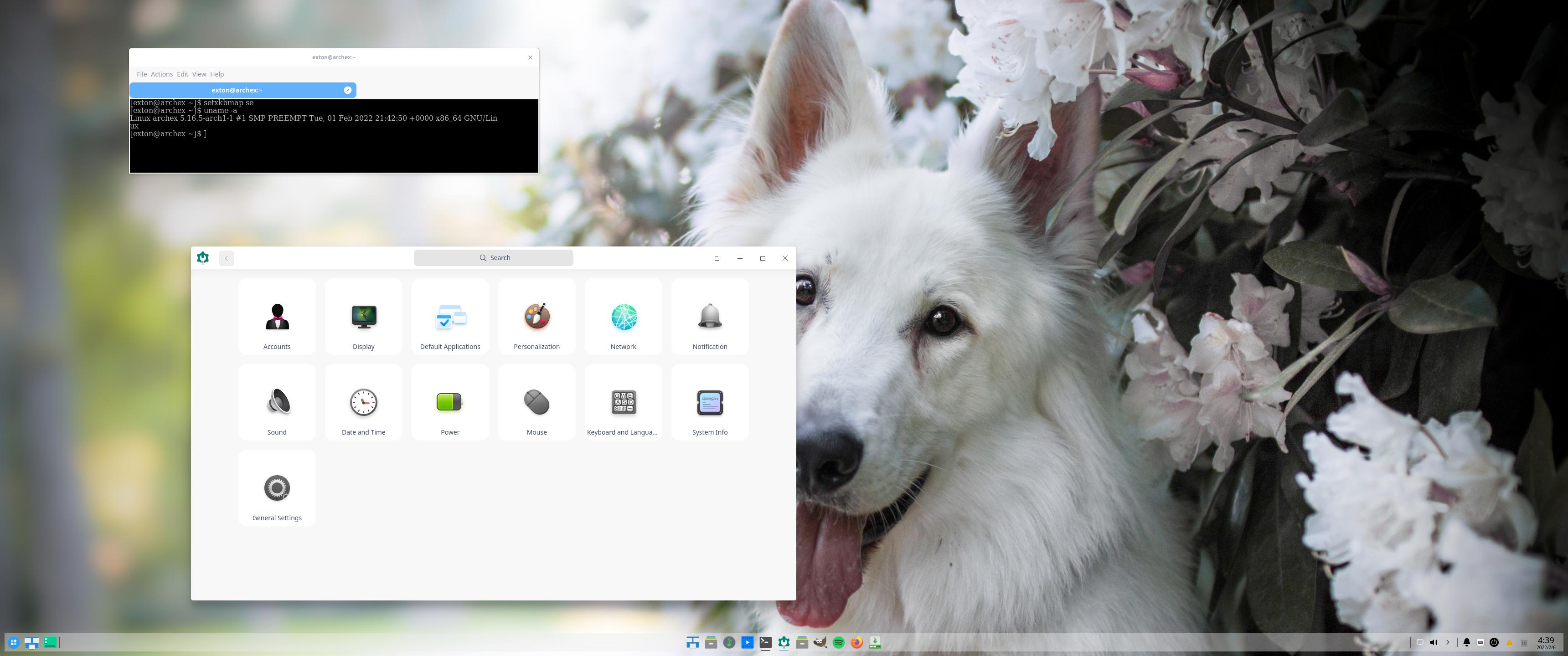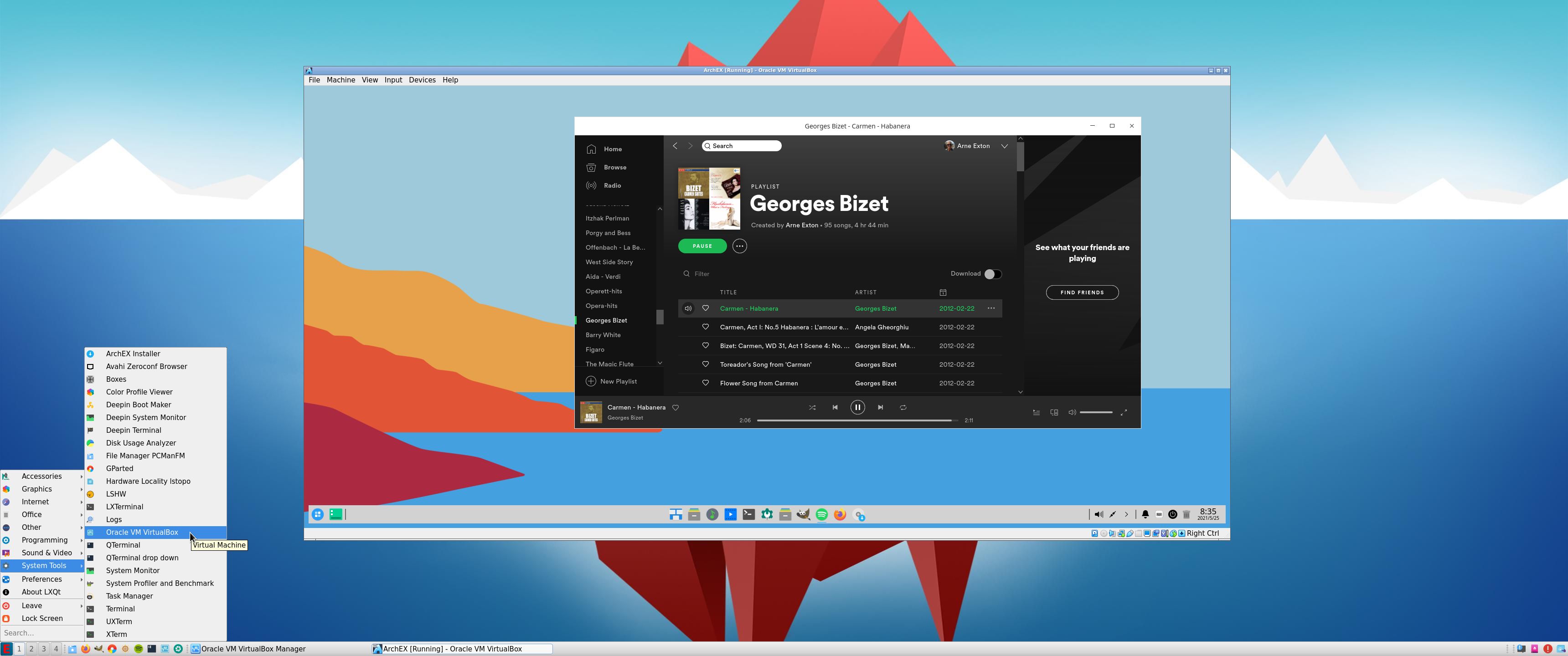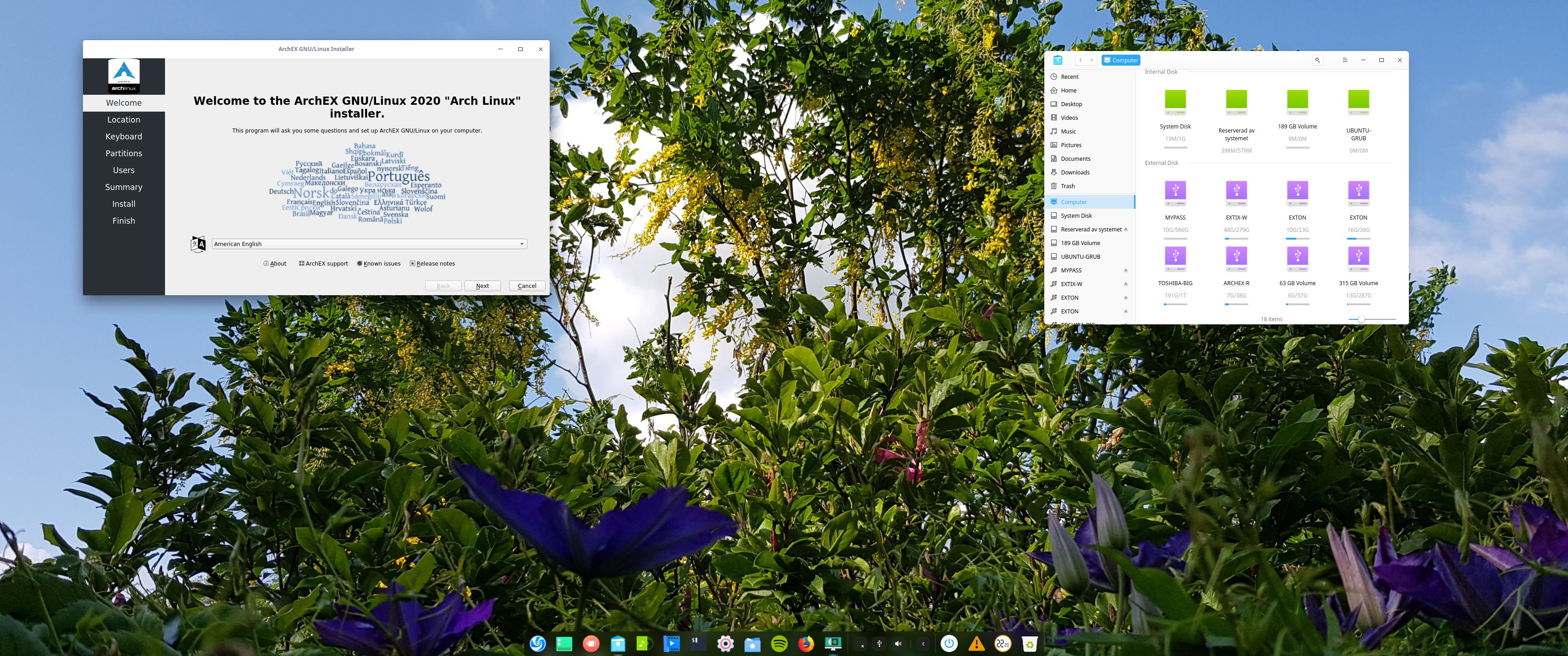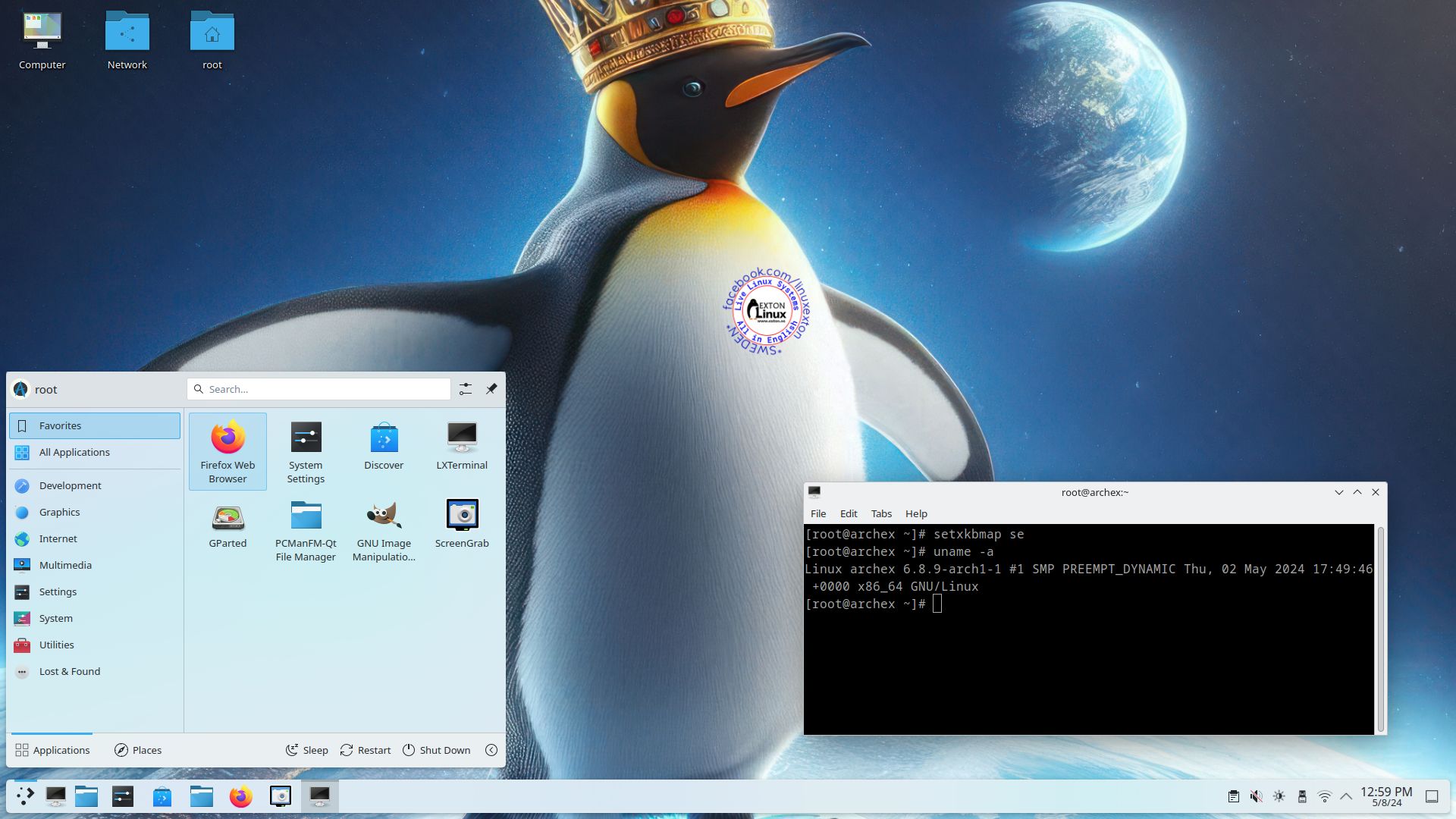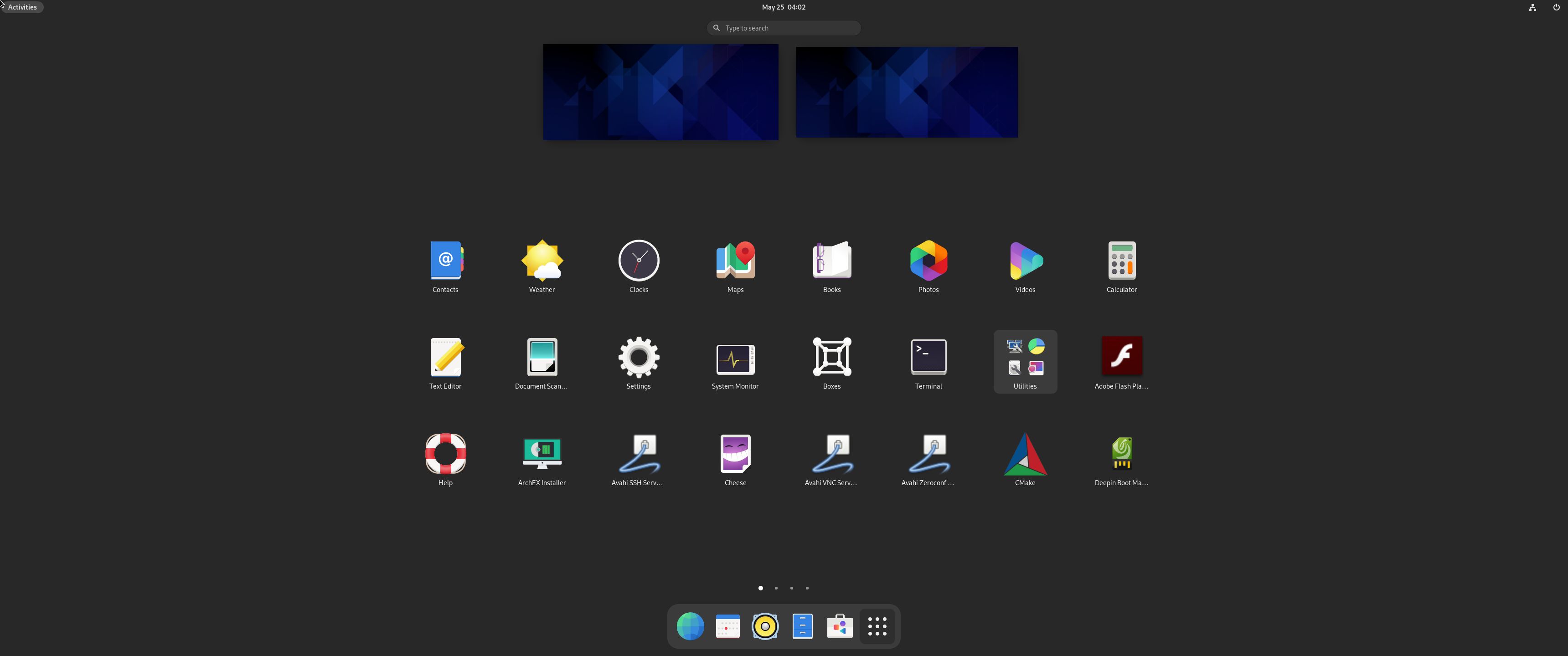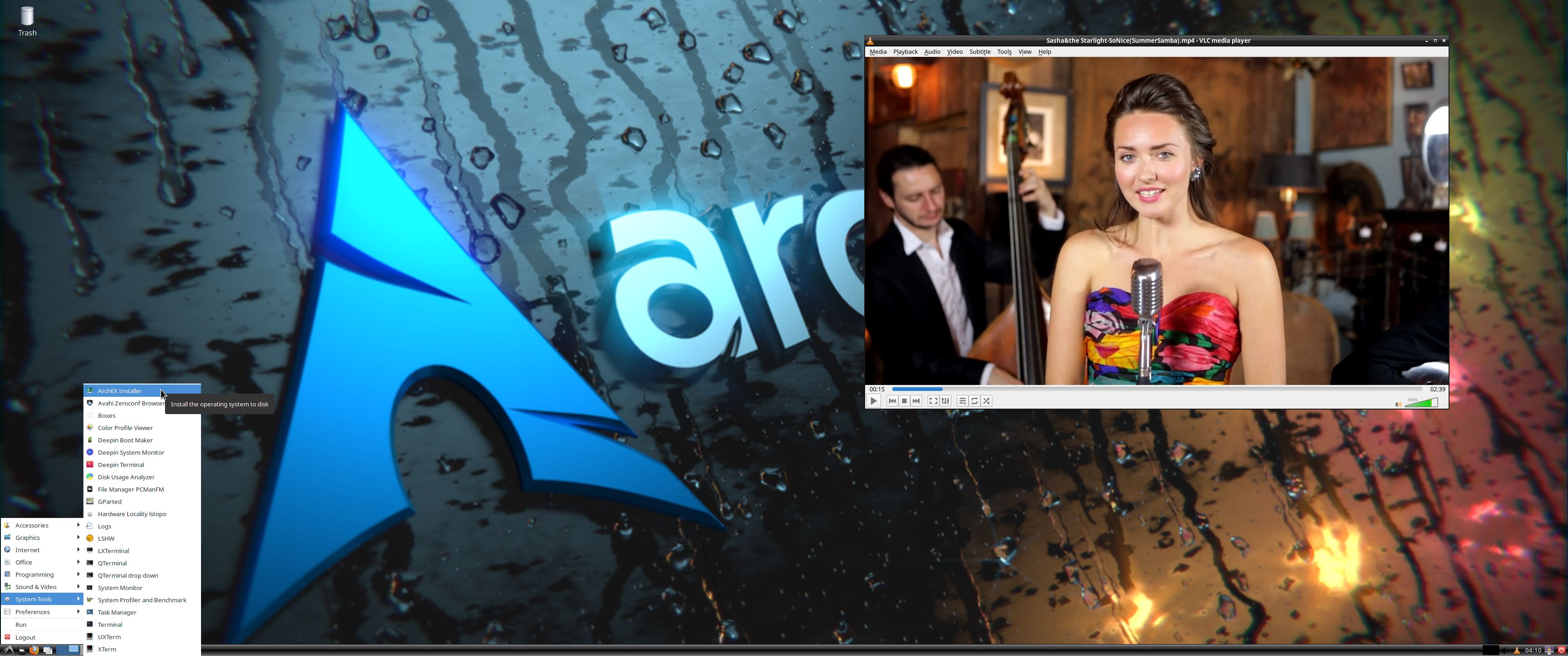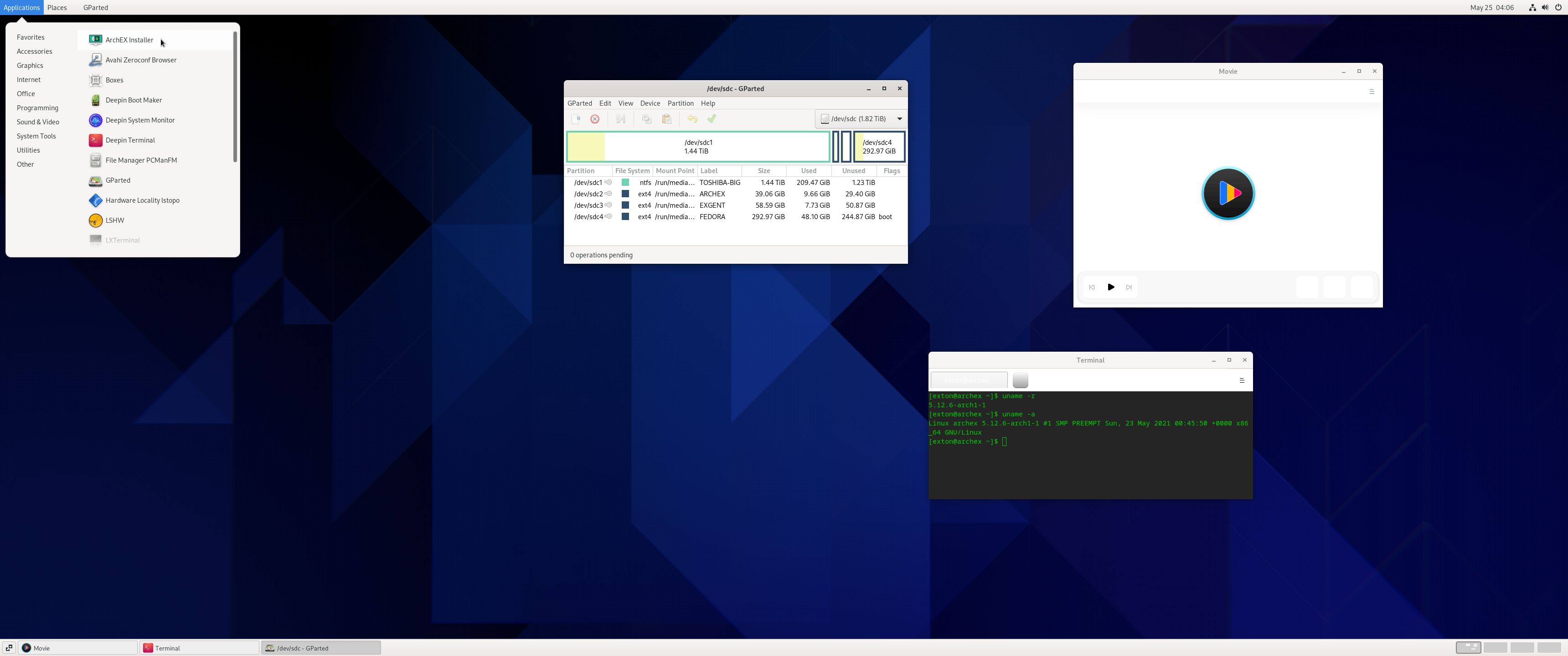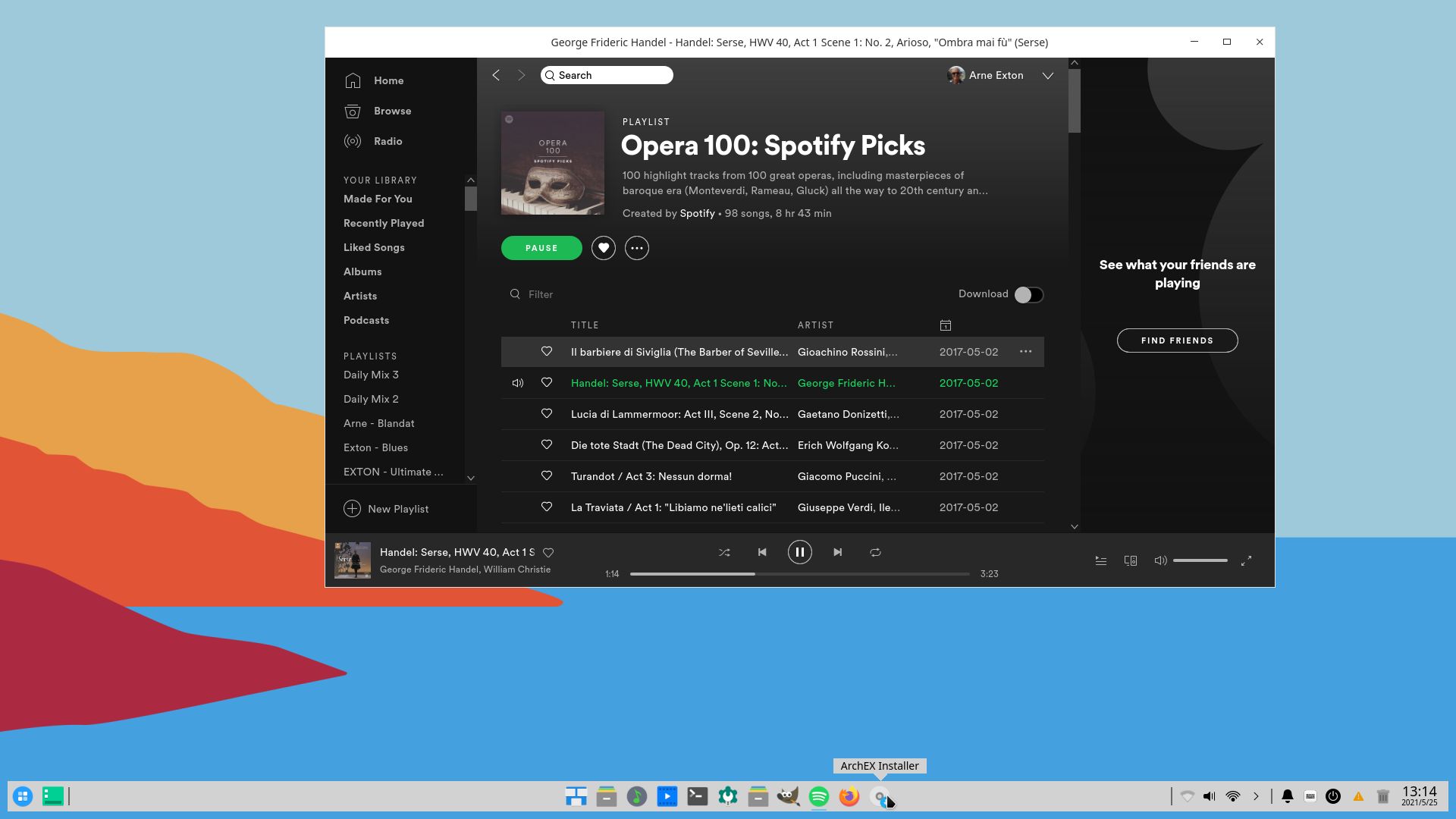
Tag Archives: ArchEX

ArchEX (Arch Linux) BUILD 260108 with LXQt 2.3, Calamares Installer 3.4.0 and kernel 6.18.2-arch2-1

I’ve made a new extra version of ArchEX with the LXQt 2.3 Desktop Environment. LXQt 2.3 was released 251105 LXQt is a lightweight Qt desktop environment. It will not get in your way. It will not hang or slow down your system. It is focused on being a classic desktop with a modern look and feel. I’ve also managed to install Calamares Installer from source in ArchEX LXQt. It means that you can install ArchEX LXQt in any language. Everything will then be in your chosen language when the installation has completed.

RUNS from RAM
ArchEX LXQt runs LIVE from RAM. Super fast. When the System has booted up you can remove the USB stick or the DVD.

WAYLAND
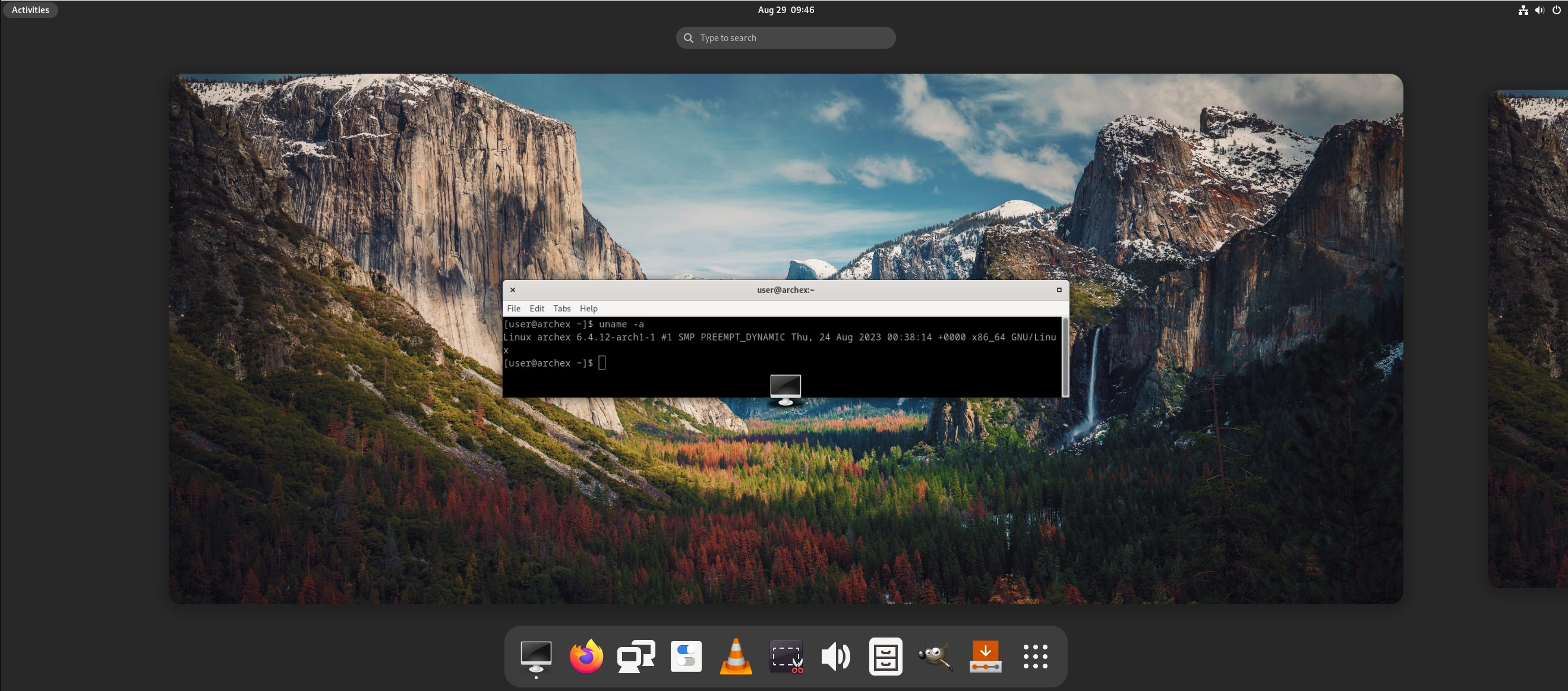
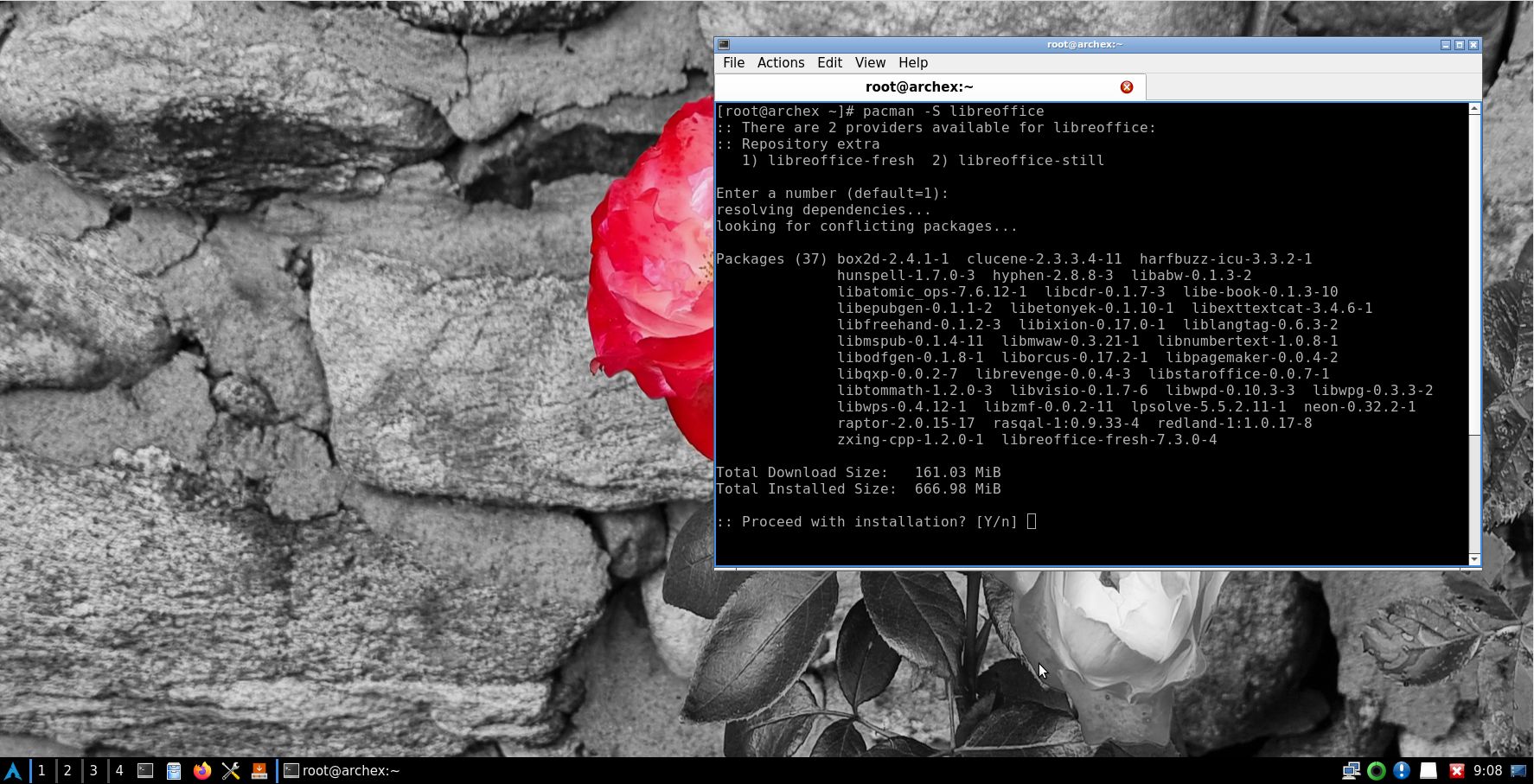
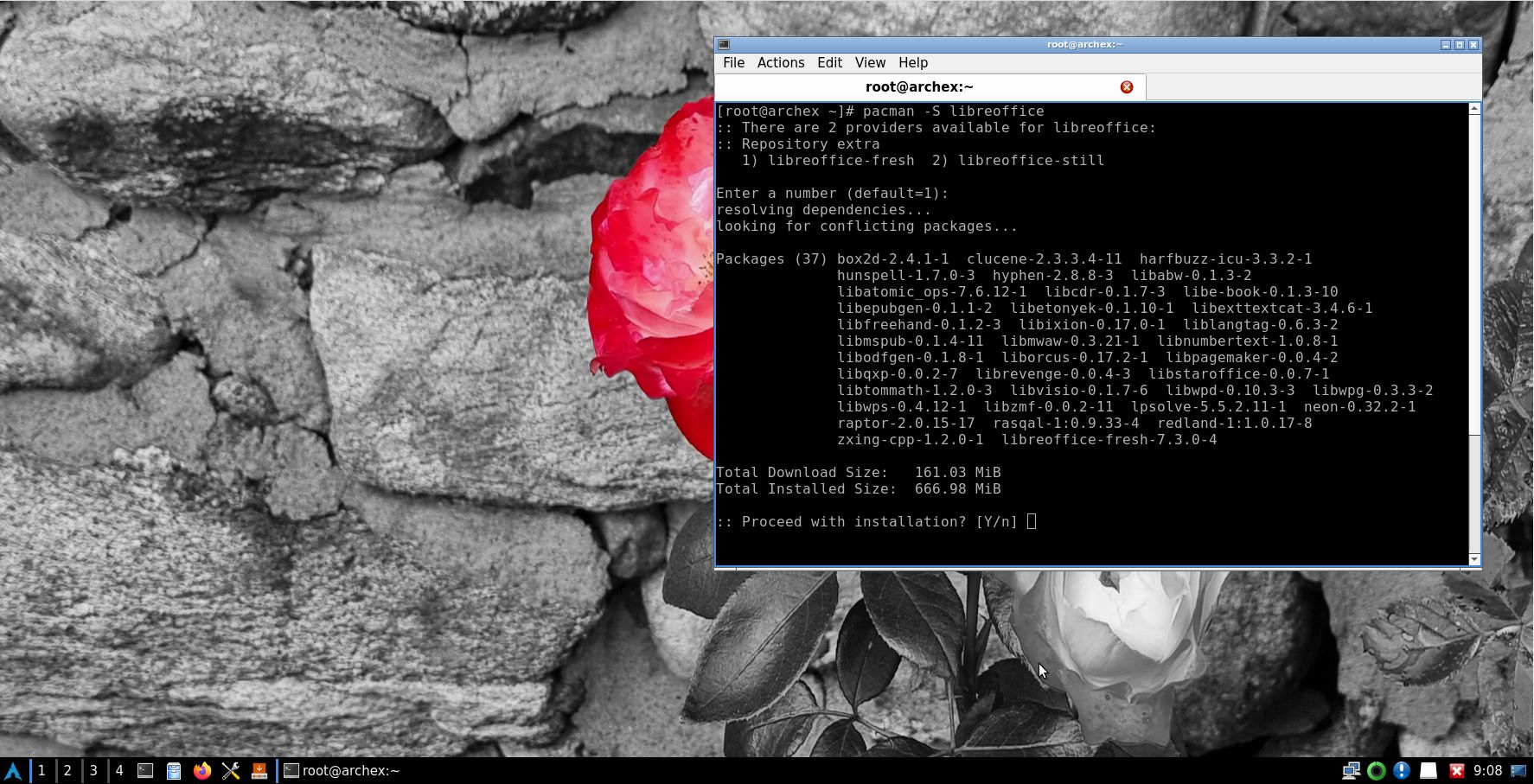
Some people think that using Wayland in a Linux System is very important. Wayland is said to be “the modern, simpler, more secure replacement for the aging X11 display server, offering better performance”. You can install Wayland ArchEX LXQt to use it instead of the X11 display server. I “forgot” to do so. Just run the command sudo pacman -S lxqt-wayland-session labwc. You can do it also while running ArchEX live. Watch this screenshot.

Study all installed packages in ArchEX LXQt.

How To dual boot, triple boot or multi boot Linux with Windows in a simple way and be happy
Before installing ArchEX or any other Linux system my general installation instructions may be of interest.

WHO should run Arch Linux?

My answer: The system fits the “advanced” Linux user/enthusiast, who would be willing to run an occasional command from time to time.

BENEFITS of ArchEX/Arch Linux
“Cutting Edge”-software and speed. You will for example always run the latest kernel if you upgrade ArchEX/Arch (for example) every month.

SCREENSHOTS
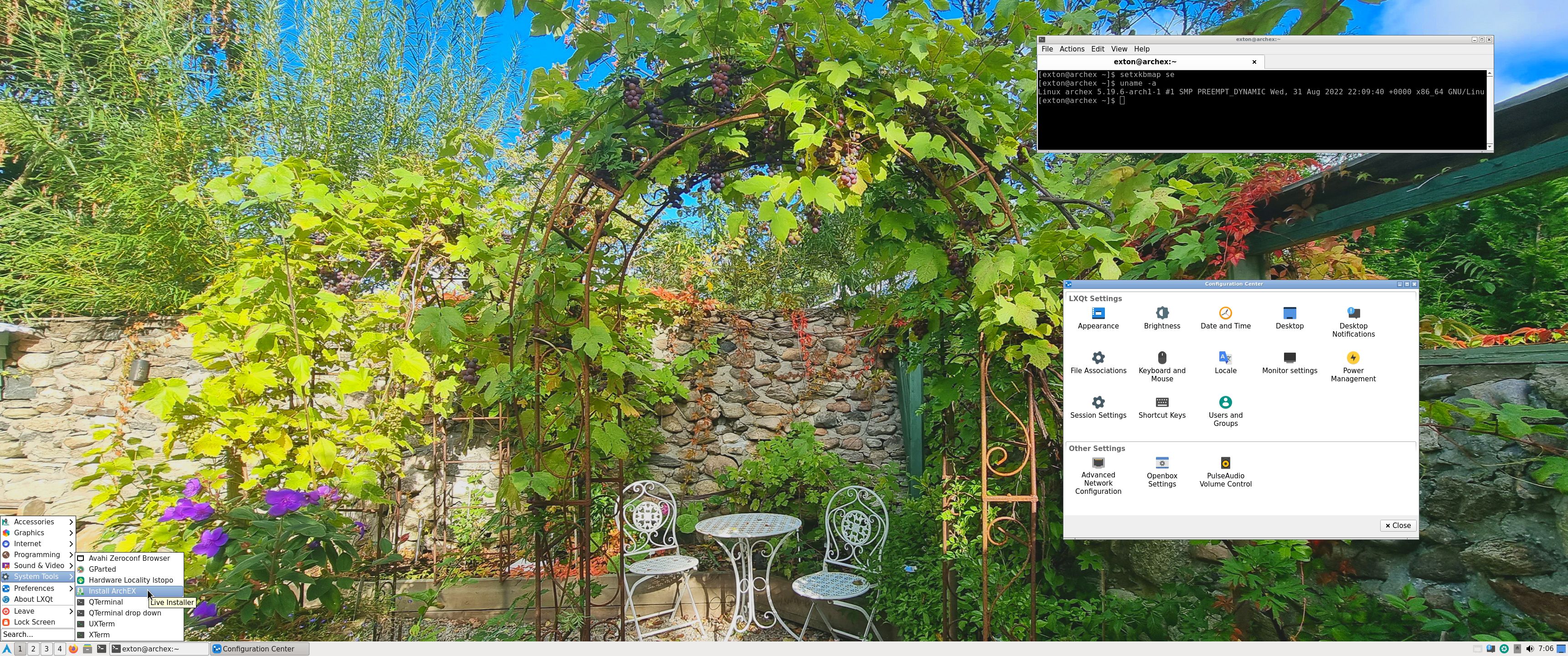
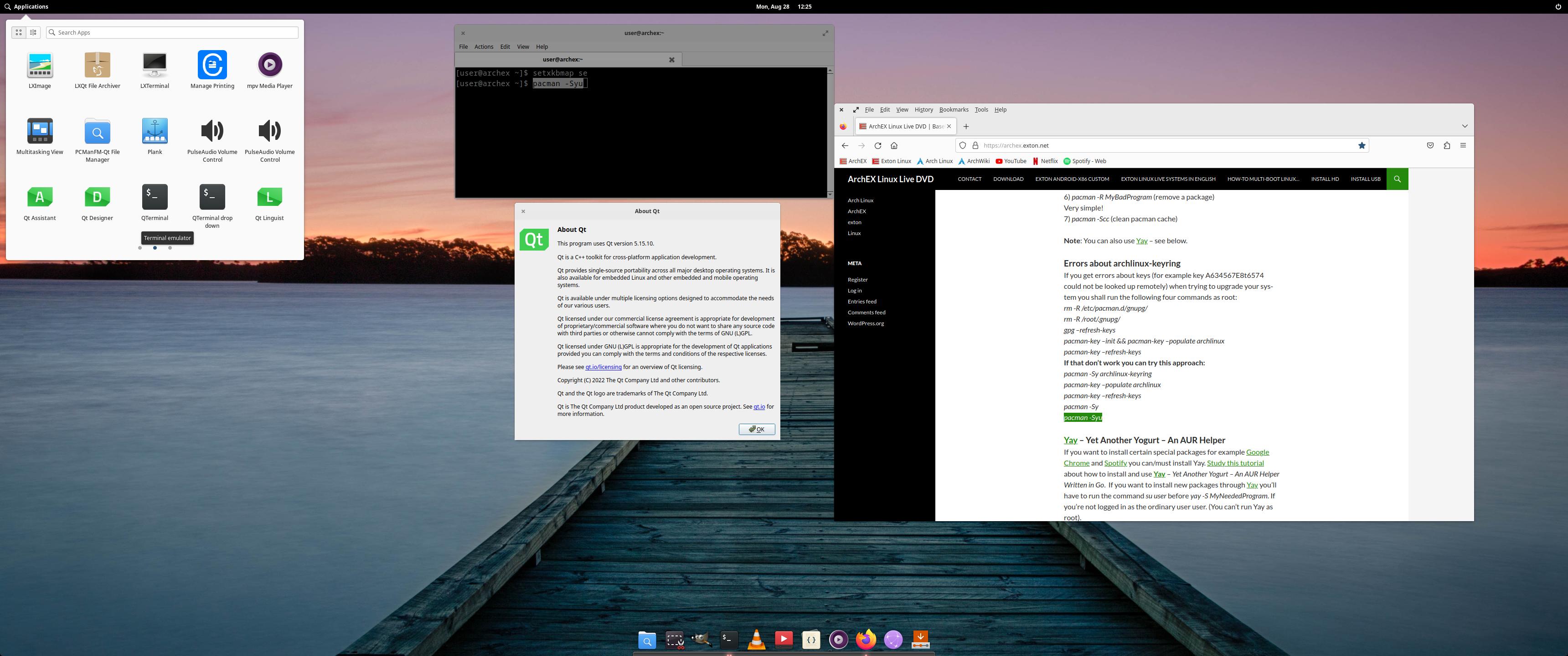
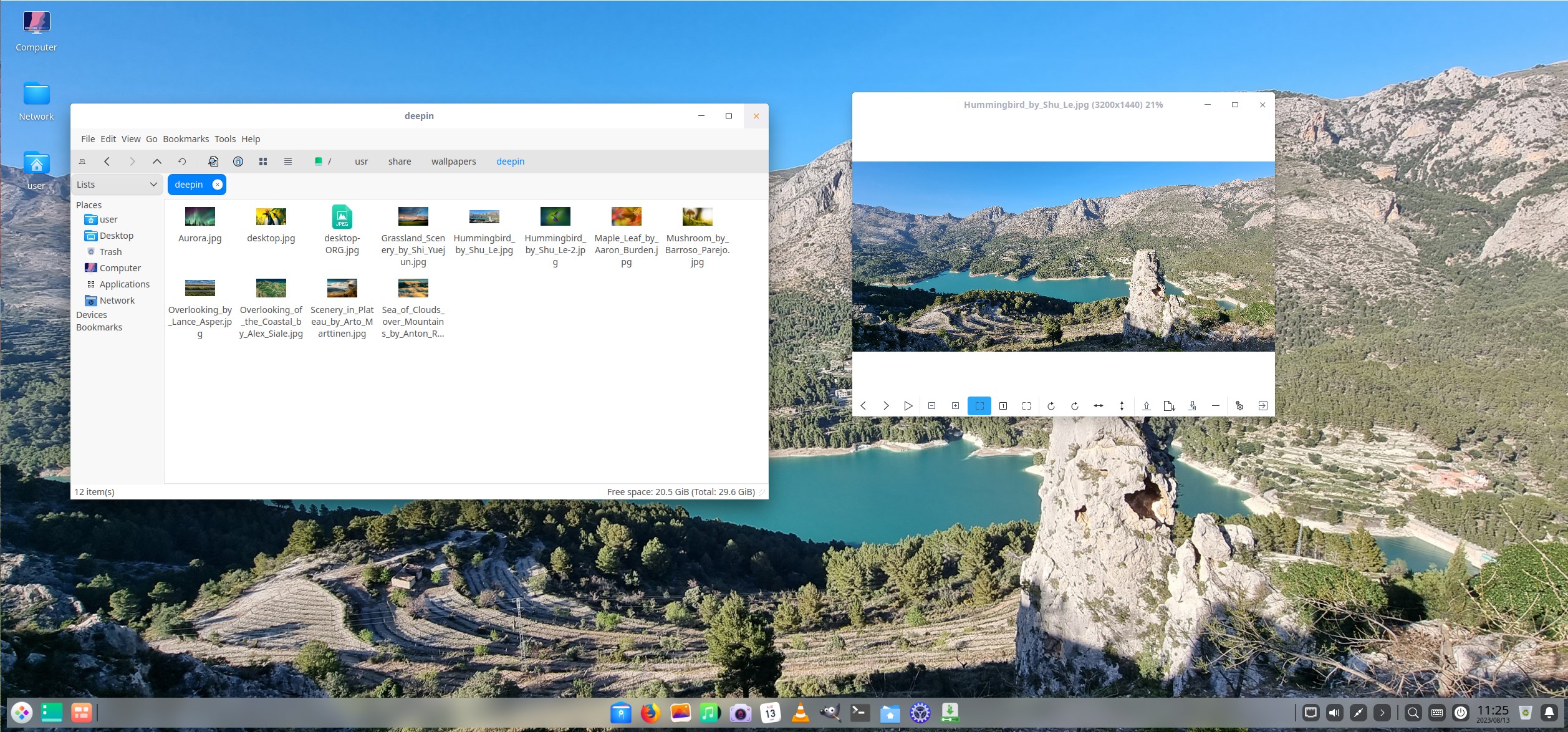
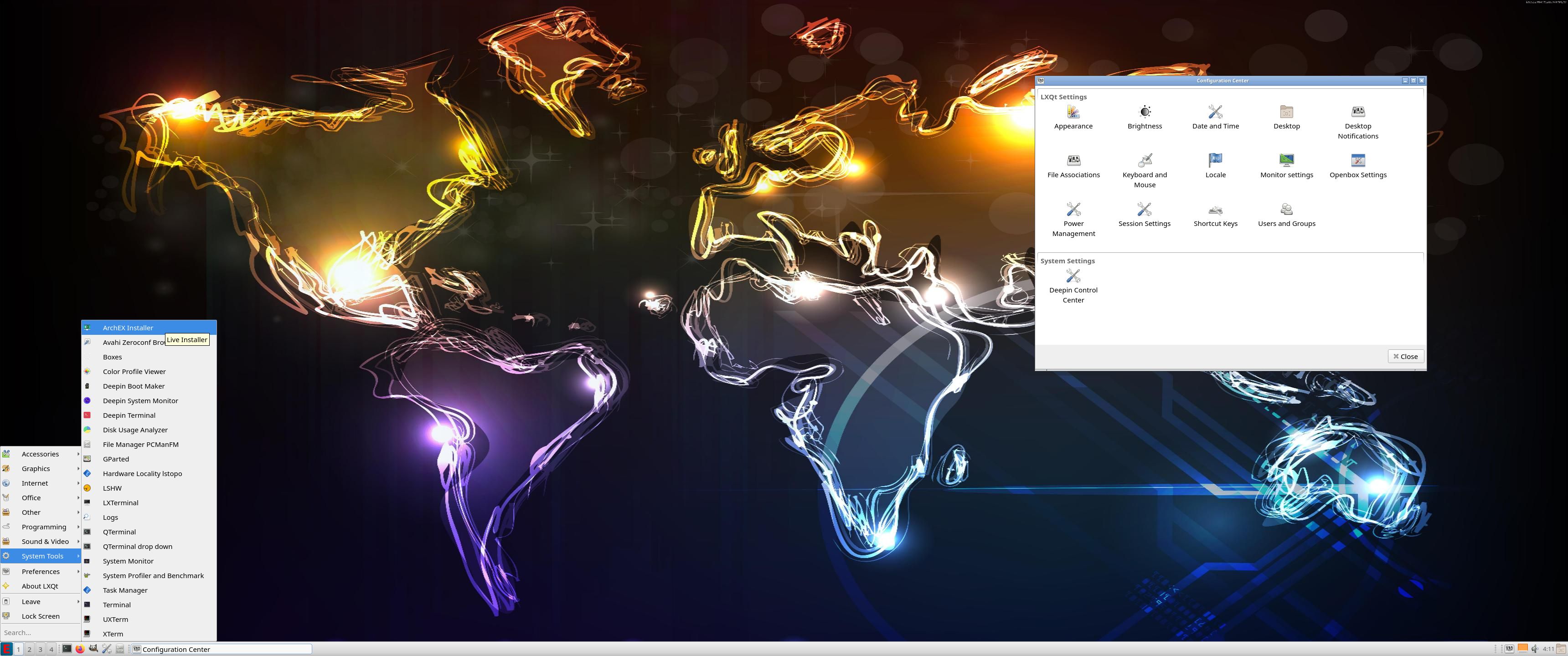
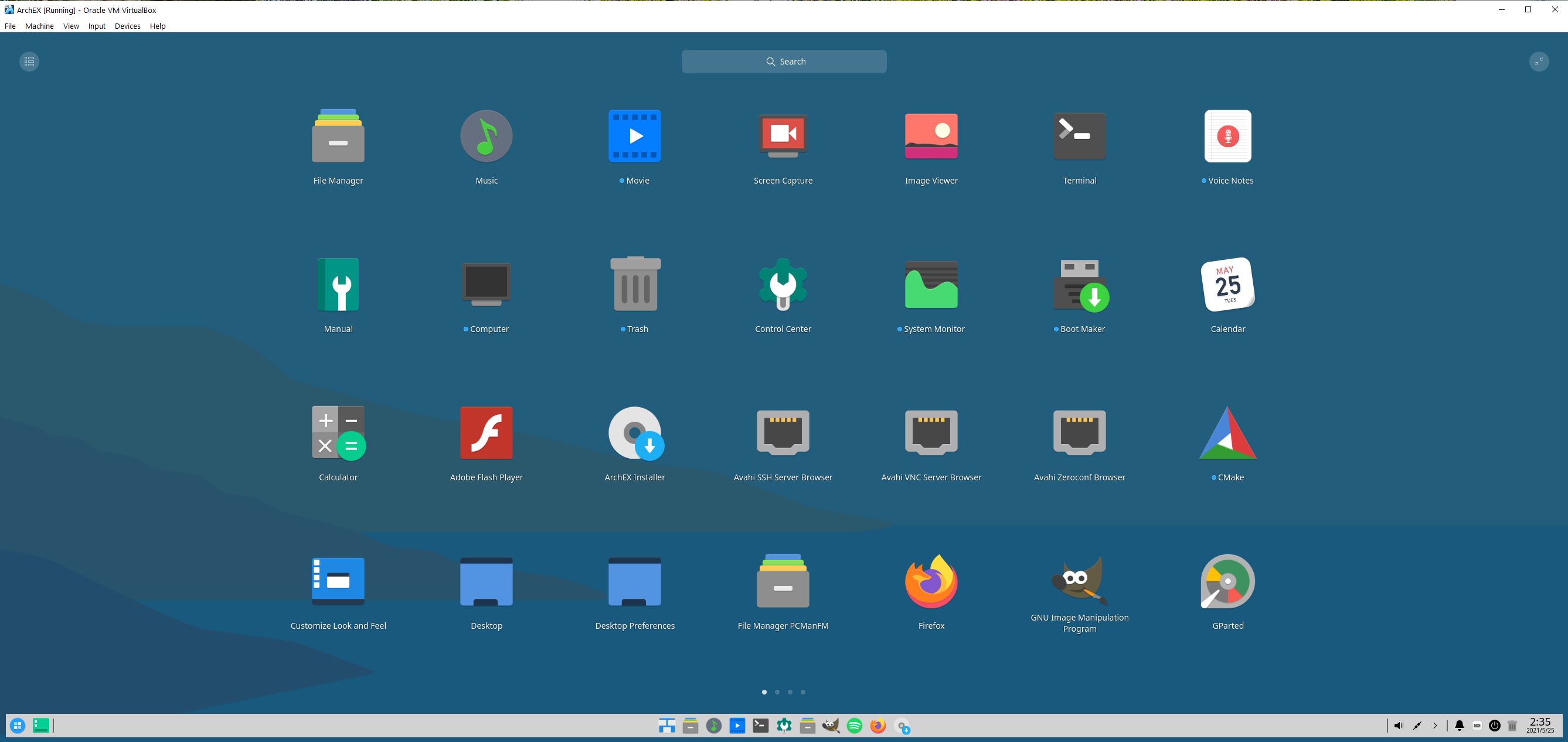
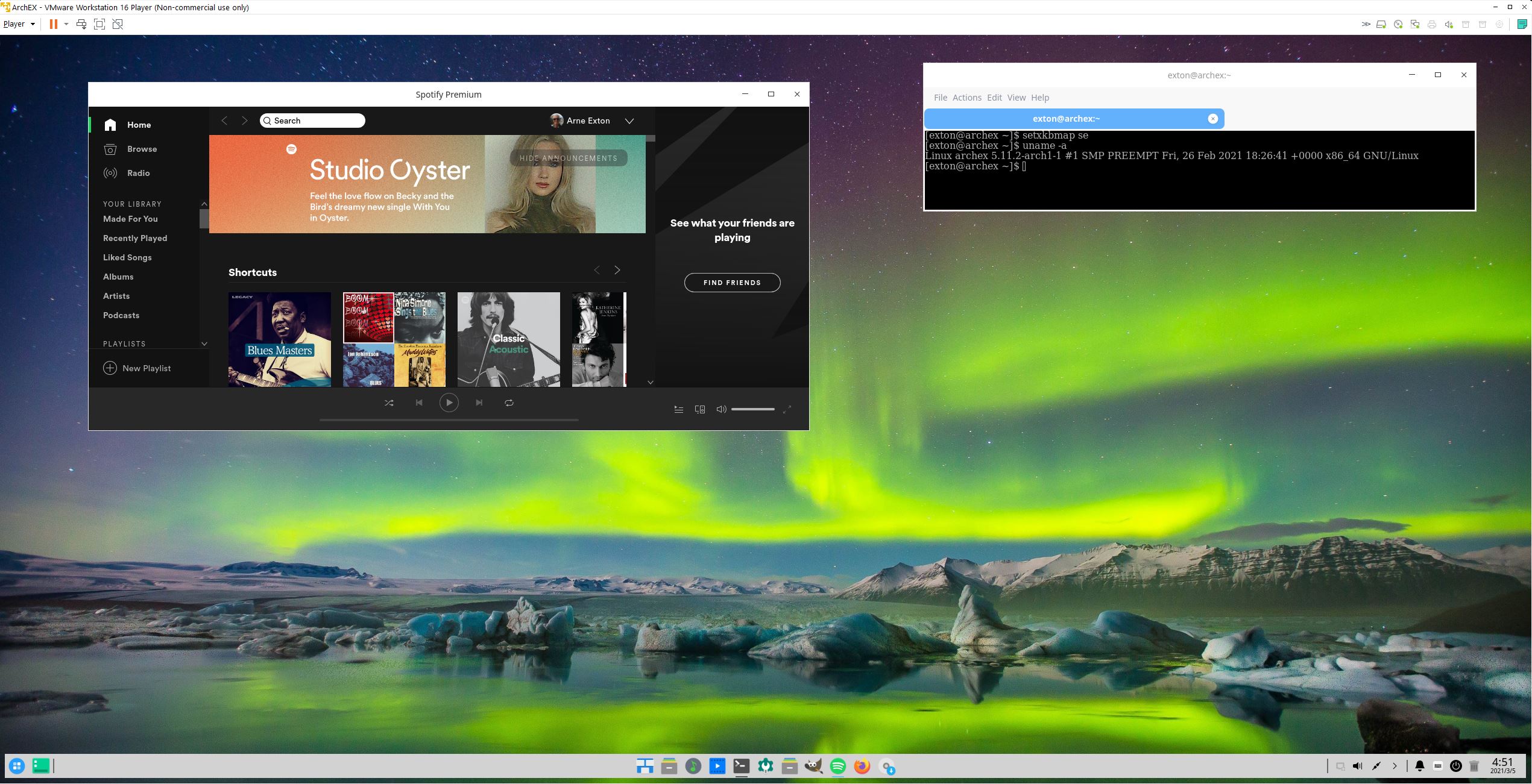
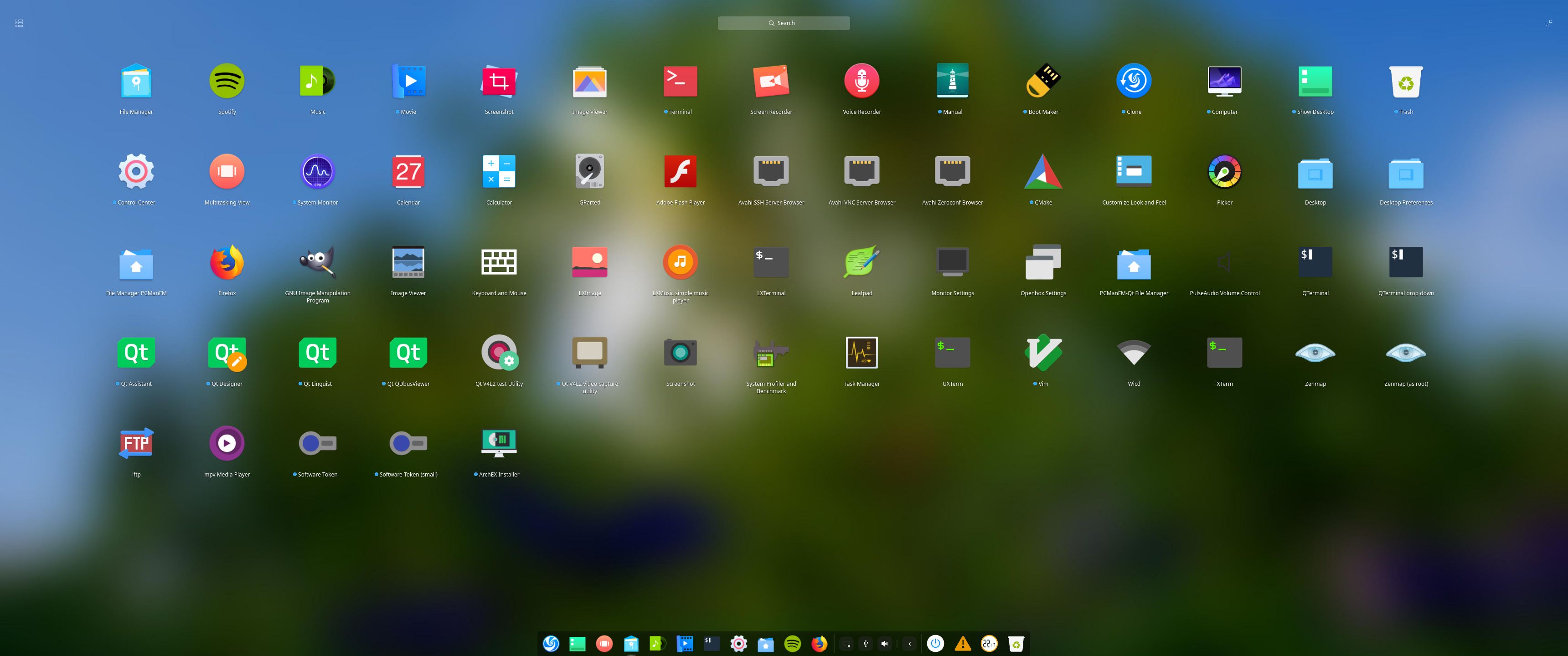
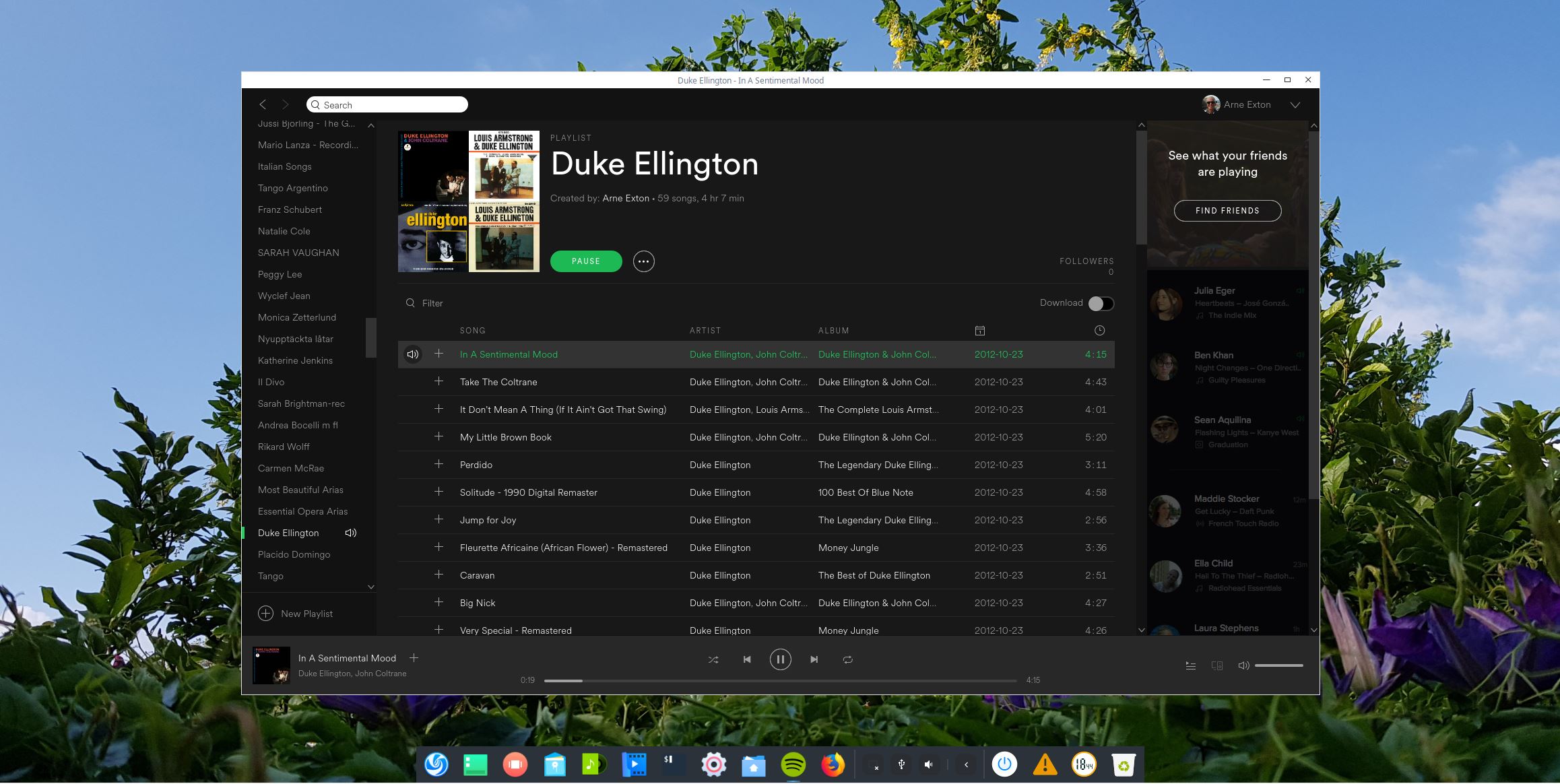
1. The LXQt Desktop for the ordinary user user
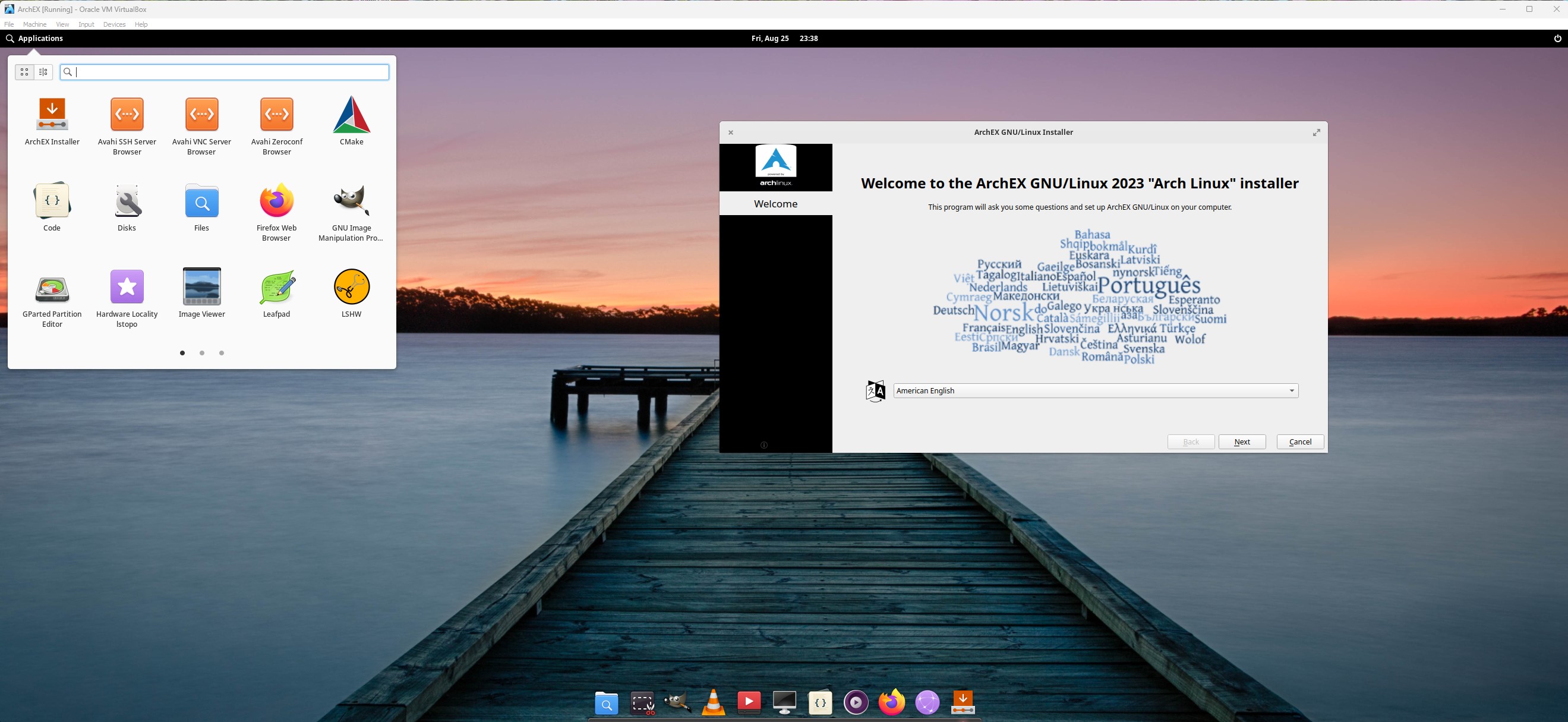
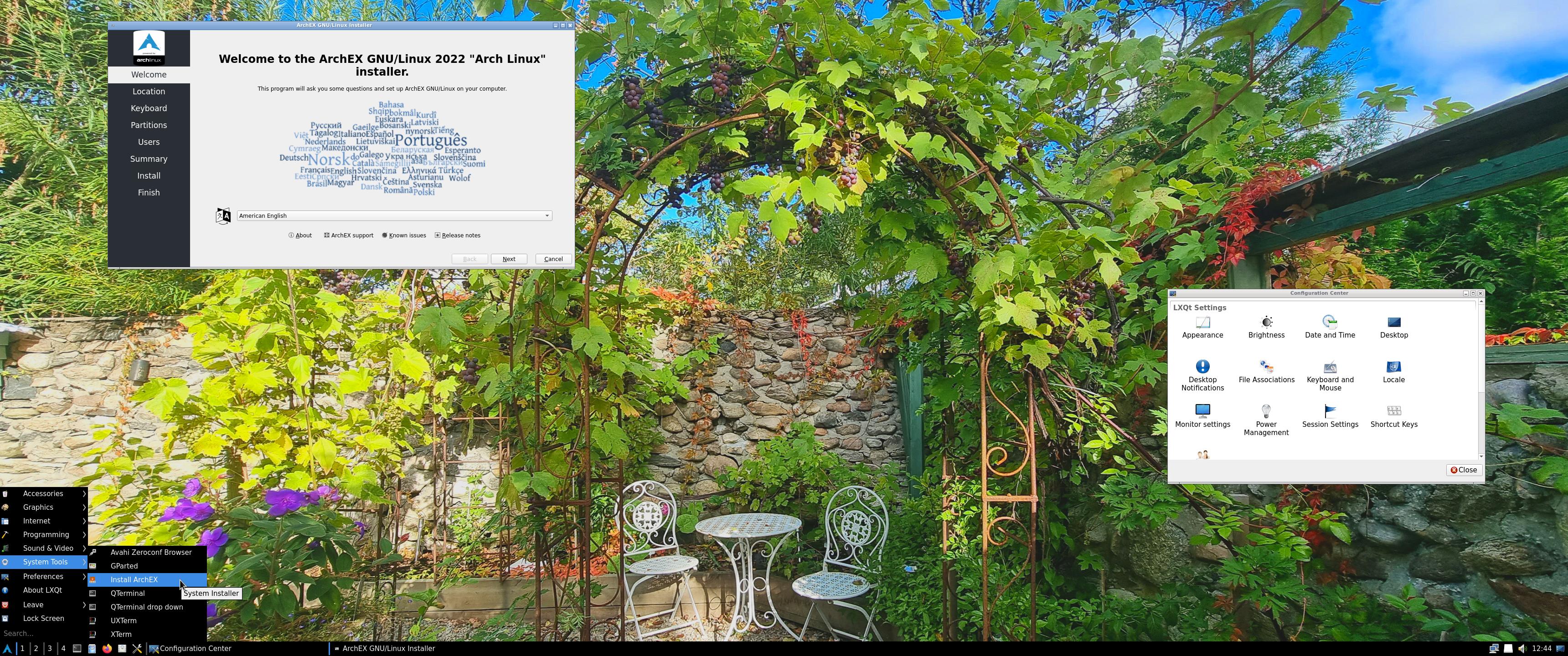
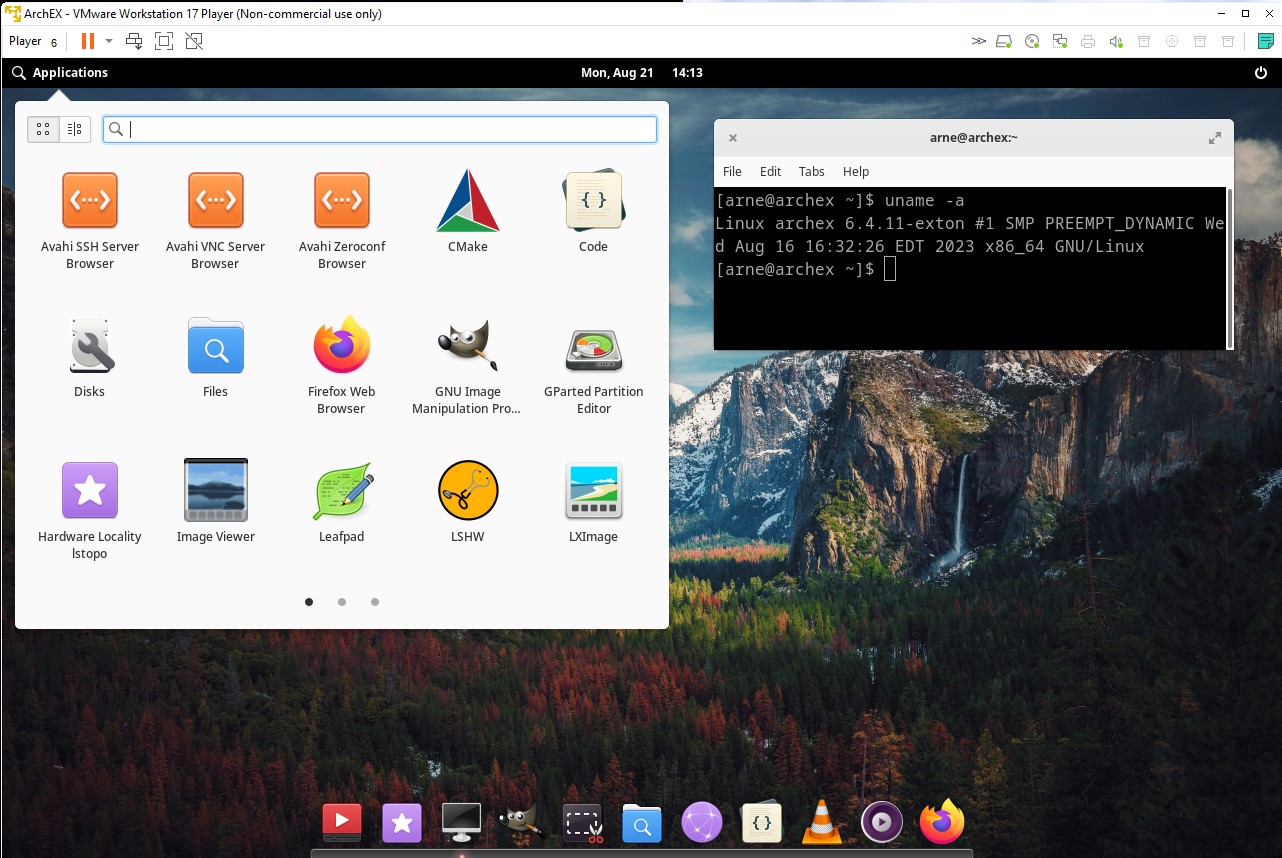
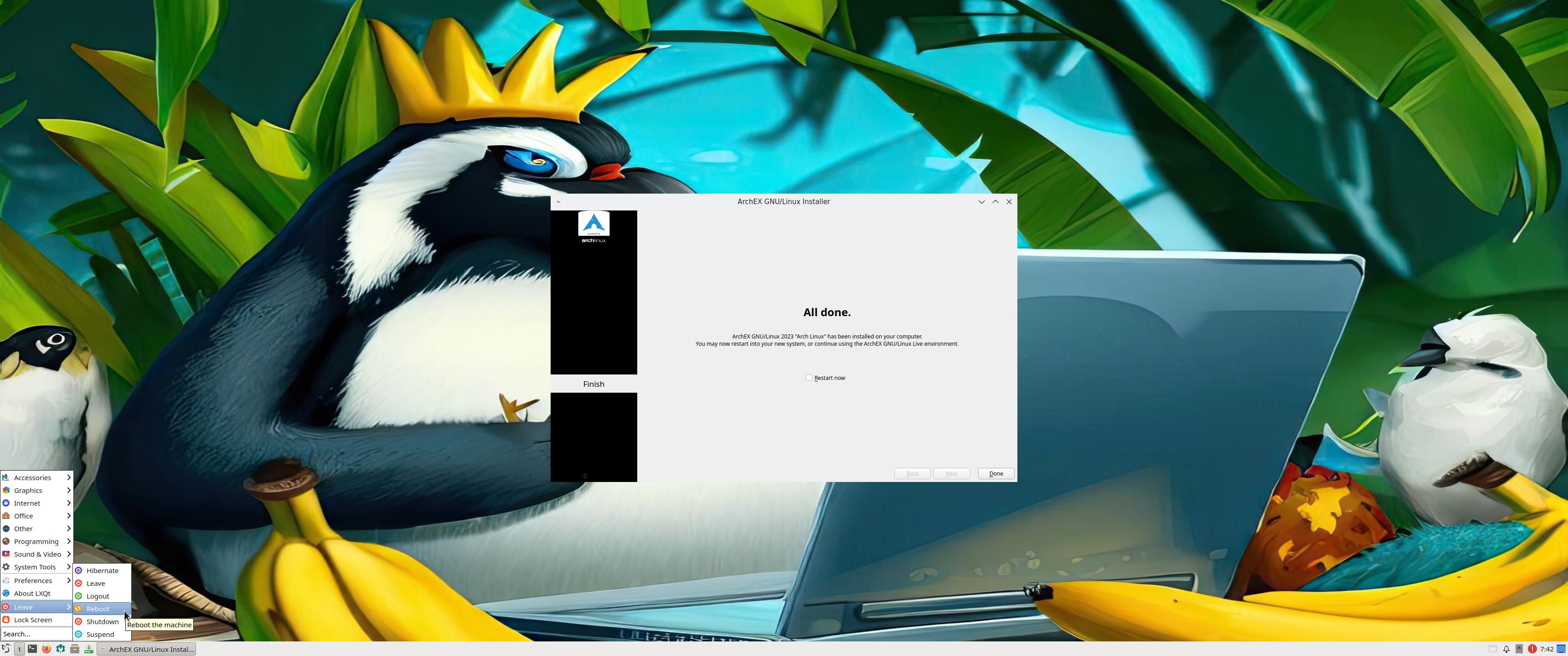
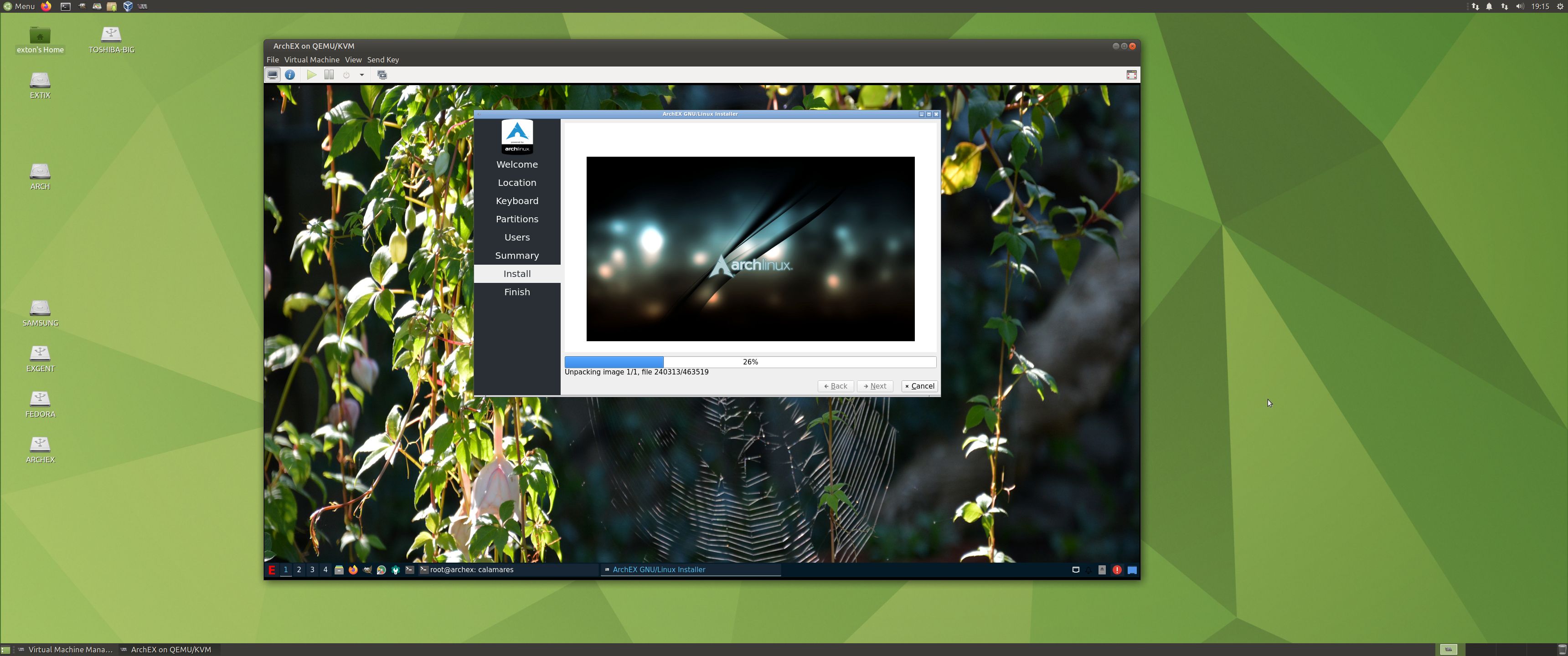
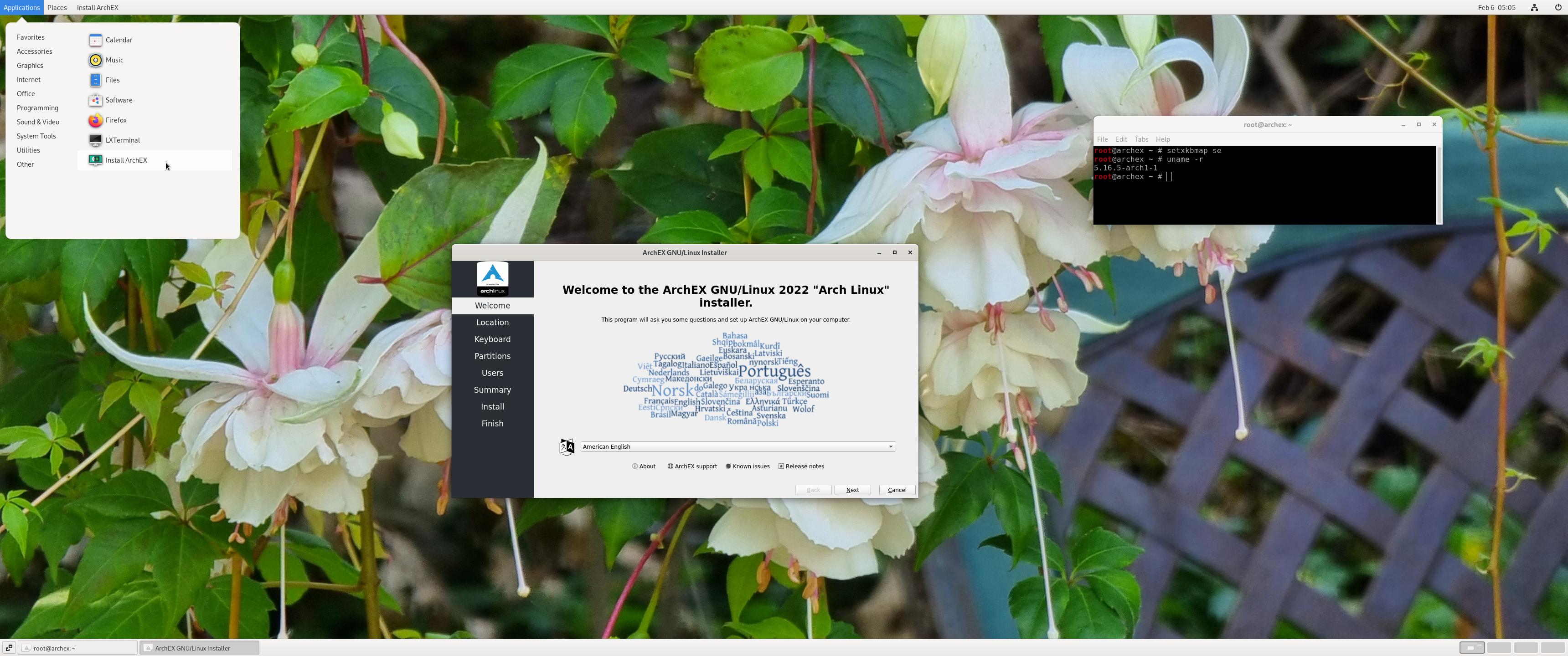
2. Calamares Installer is running
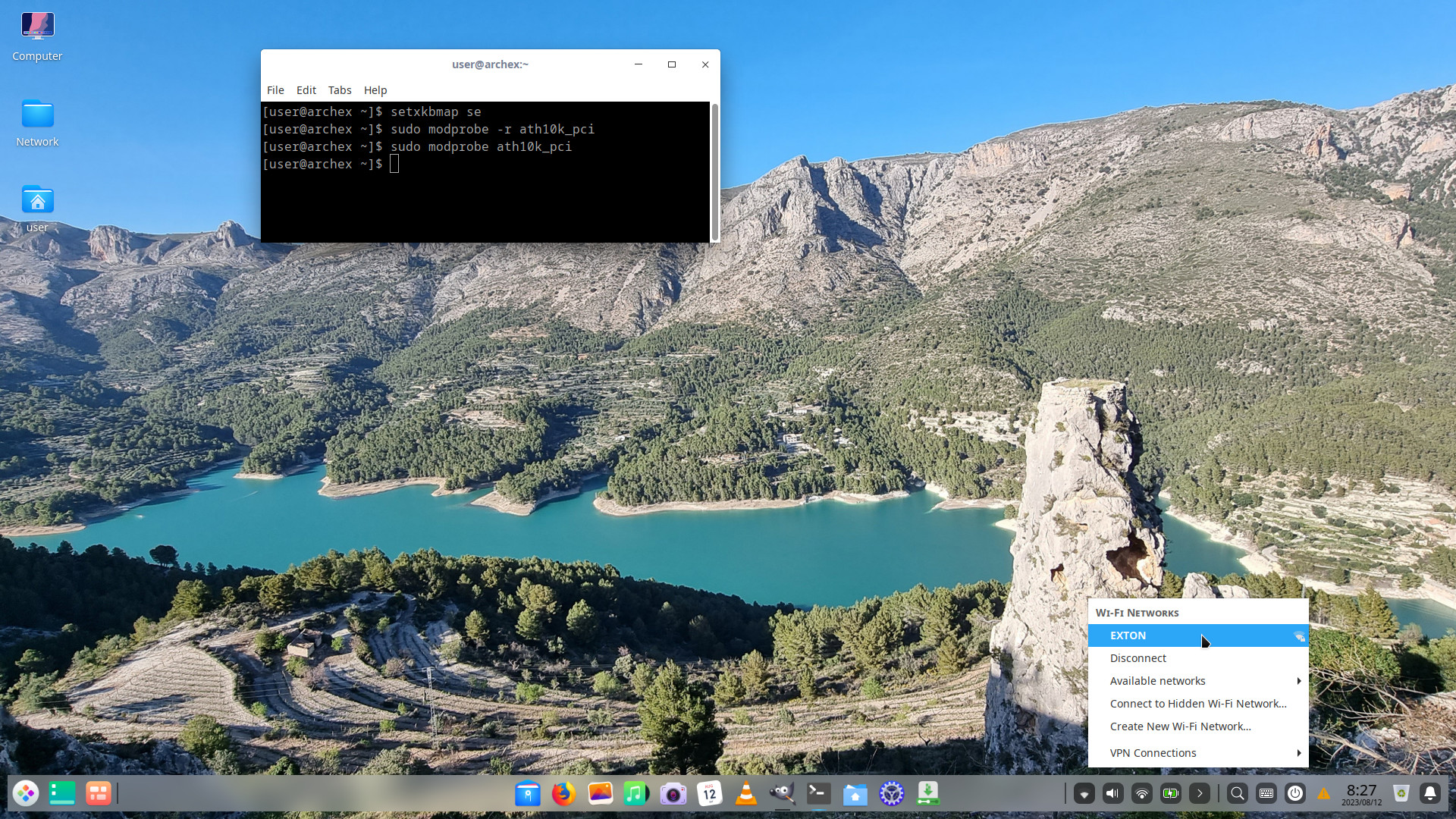
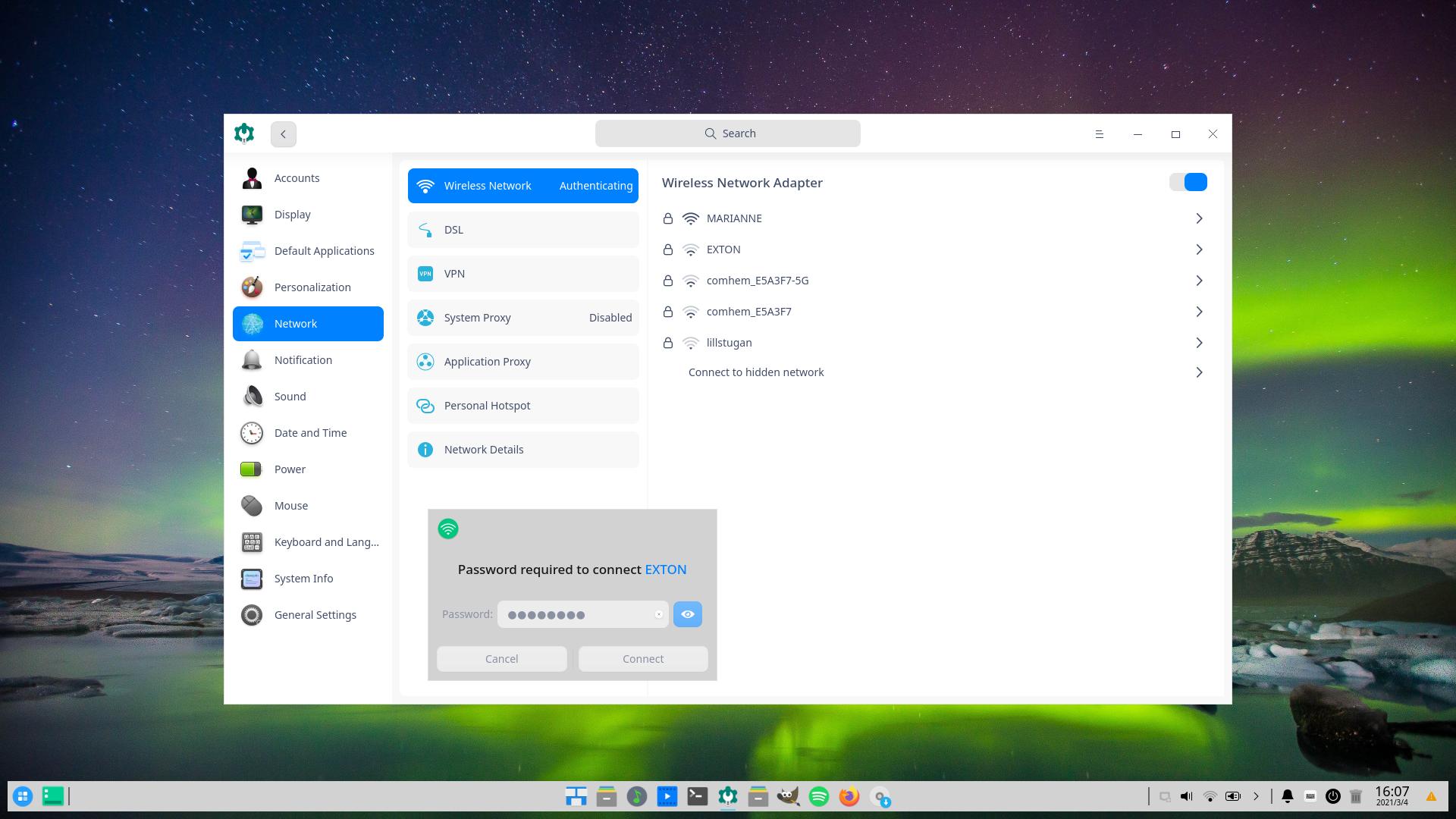
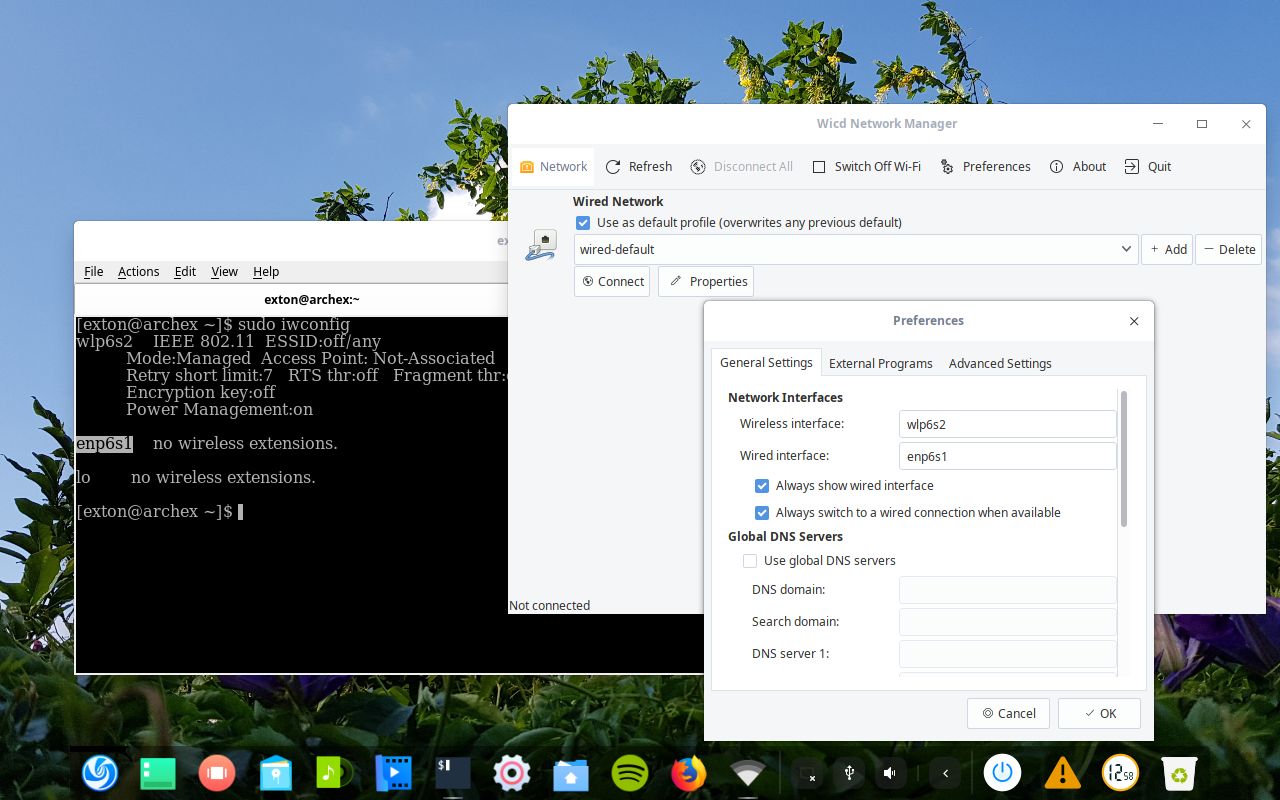
3. Showing a WiFi connection
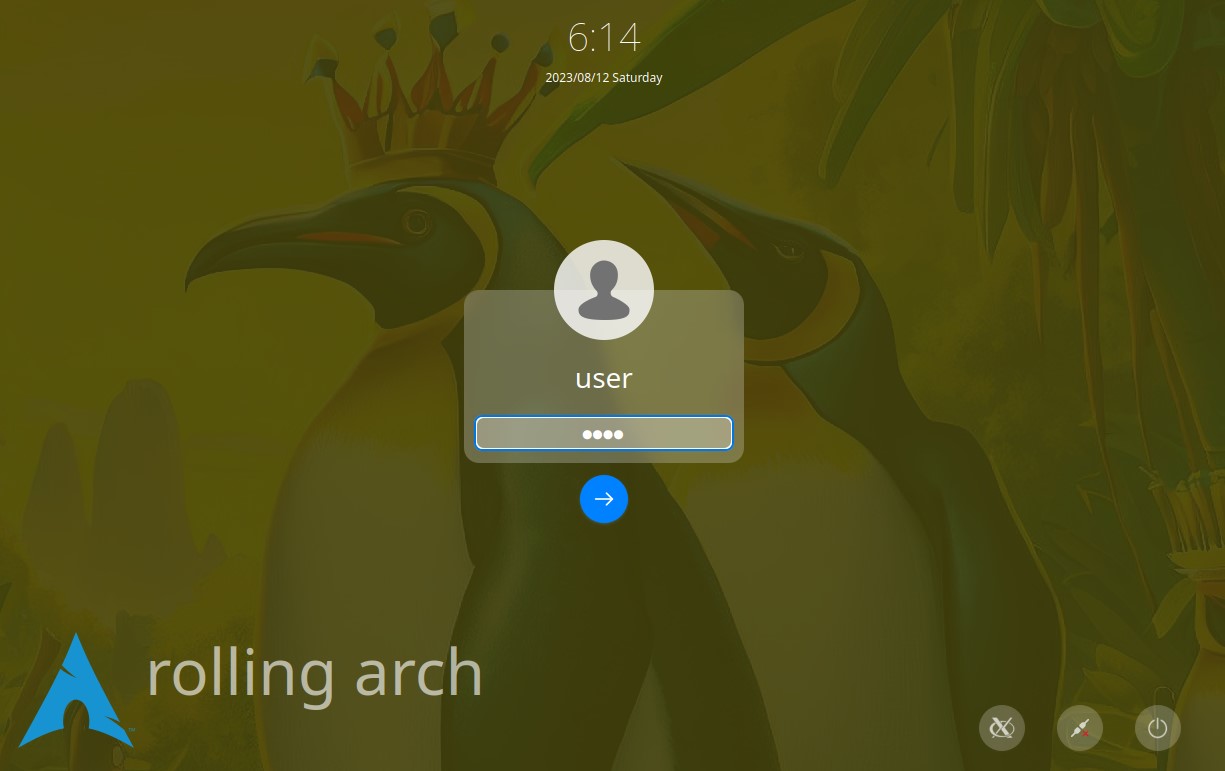
4. The LightDM Login Screen
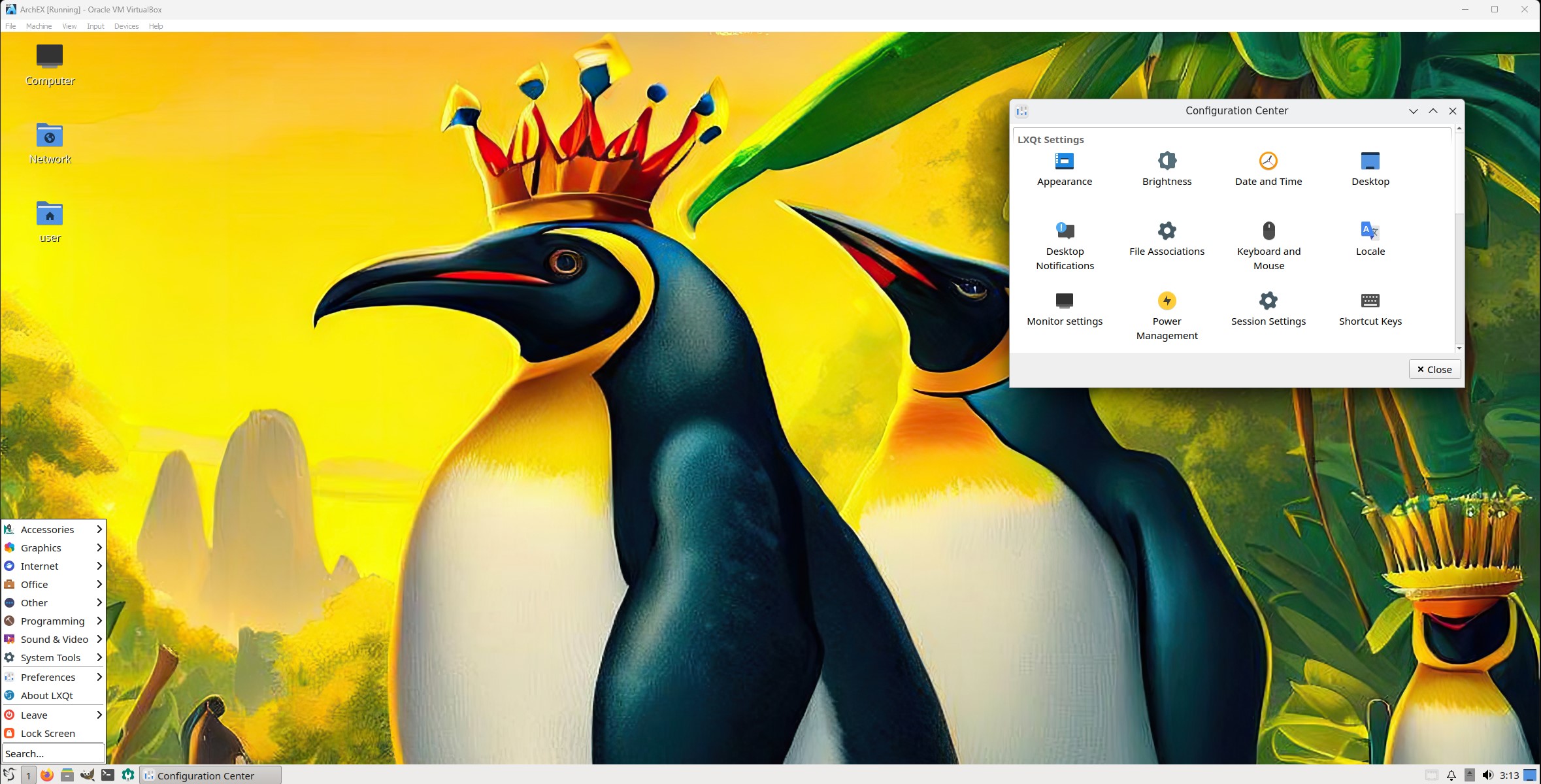
5. Running in full screen in VirtualBox
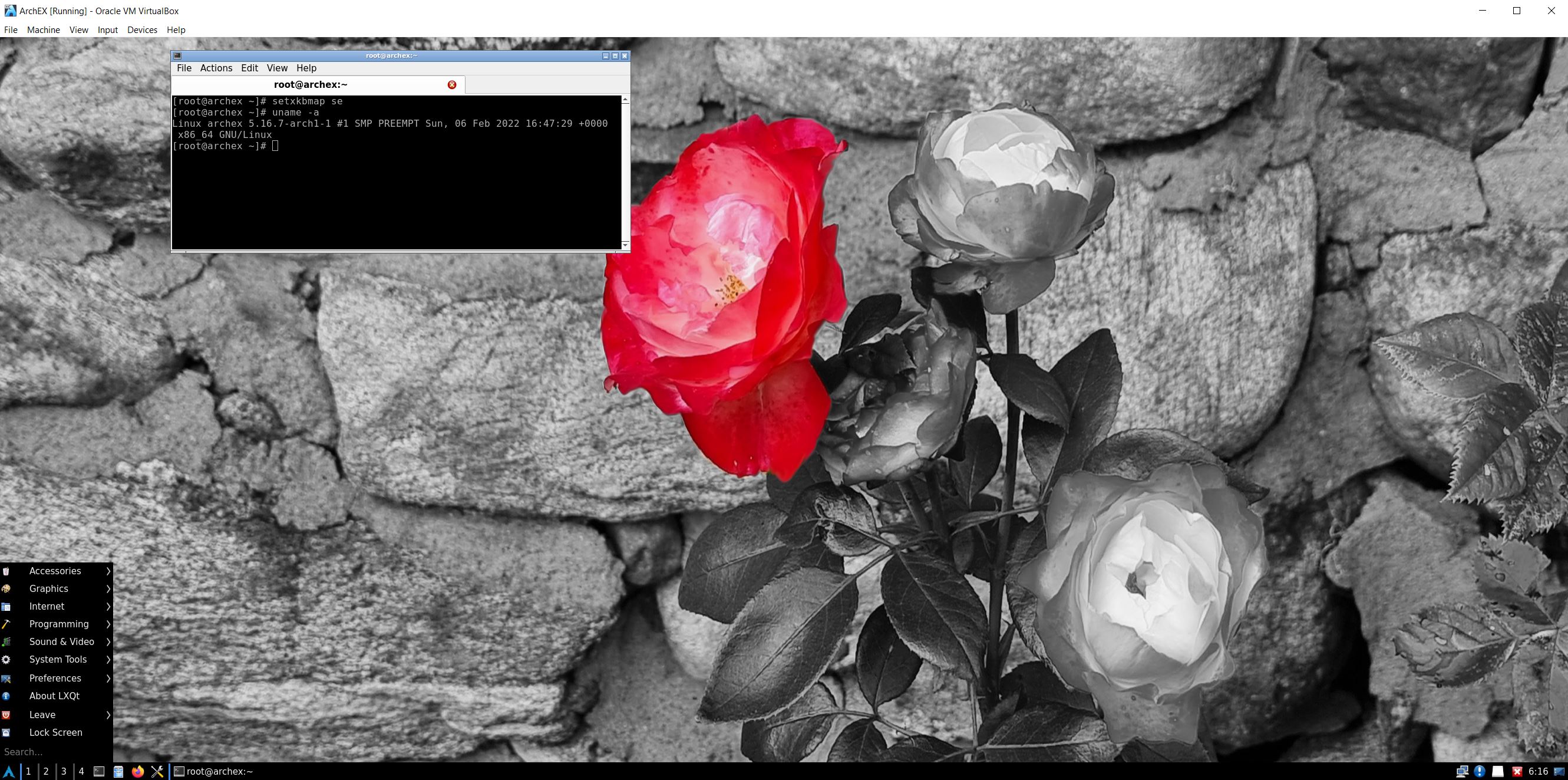
6. The Desktop for root
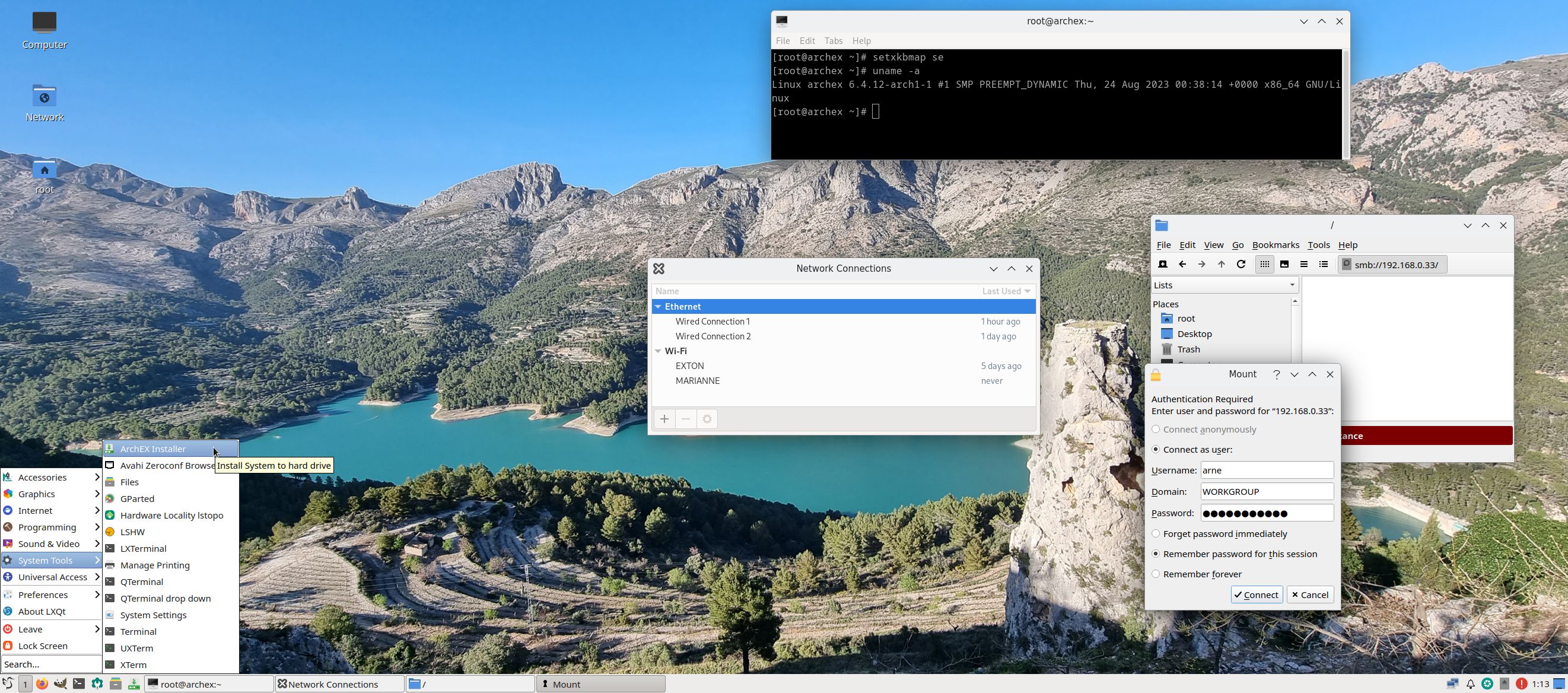
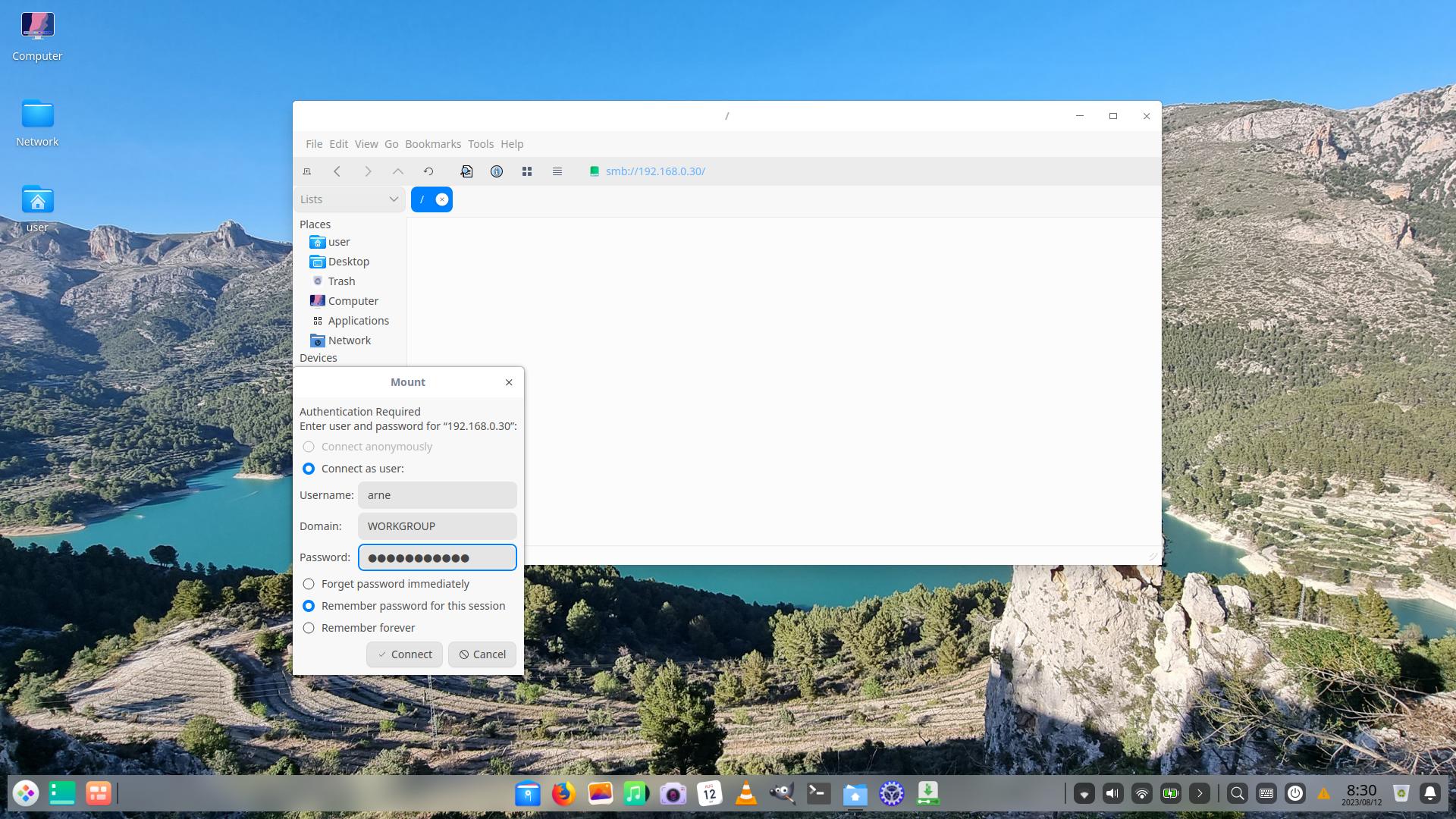
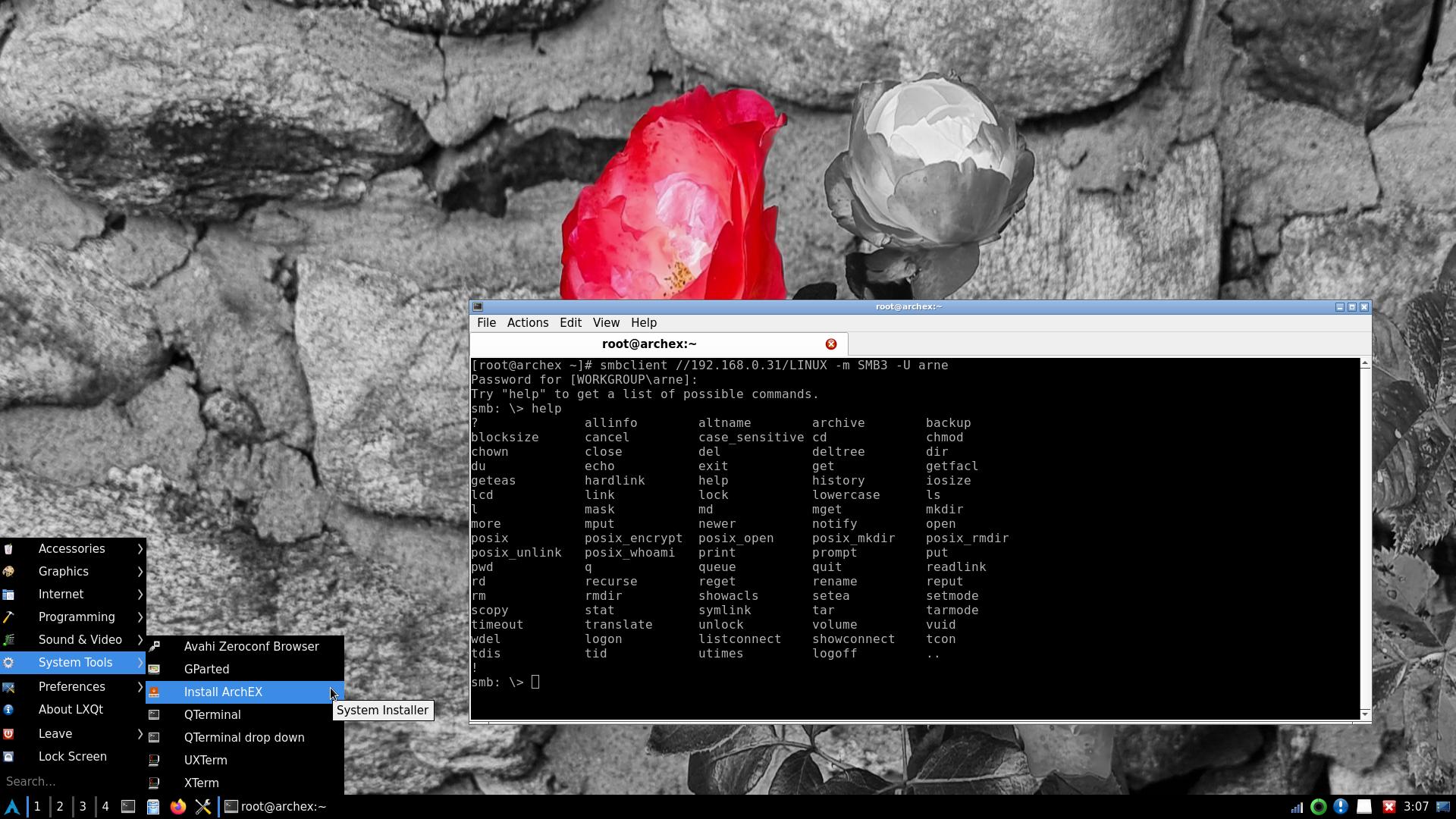
7. Showing a Samba connection

READ MORE…

Read about my Android-x86 Systems – 11, 10, Pie, Oreo, Nougat, Marshmallow, Lollipop and KitKat at andex.exton.net – latest is AndEX 11 (with GAPPS), AndEX 10 (with GAPPS) and AndEX Pie 9.0 (also with GAPPS)!
and
about my Android 16, 15, 14, 13, 12, 11, 10, Pie, Oreo, Nougat, Marshmallow and Lollipop versions for Raspberry Pi 5, Pi 4 and  Pi 3/2 at raspex.exton.se – latest is RaspAnd 16 (with GAPPS), RaspAnd 15 (also with GAPPS), RaspAnd 14 (also with GAPPS), 13 and 12 (without GAPPS), RaspAnd 11 (with GAPPS) and RaspAnd Oreo 8.1 (also with GAPPS)!

Follow me on Facebook…

ArchEX 2026 (Arch Linux) Live with KDE Plasma 6.5.4-1, Wayland, kernel 6.18.2-arch2-1 and Calamares Installer 3.4.0 :: Build 260106

ABOUT ArchEX 2026 Build 260106
I’ve made a new extra version of ArchEX with KDE Plasma 6.5.4-1 – latest version released 251209. Plasma is made to stay out of the way as it helps you get things done. But under its light and intuitive surface, it’s a powerhouse. So you’re free to choose ways of usage right as you need them and when you need them. This ArchEX version uses kernel 6.18.2-arch2-1. ArchEX can very easy be installed to hard drive (if you want) with Calamares Installer version 3.4.0 (latest). Installed (by me) from source.

Replacement
This ArchEX version replaces version 250507, 241124, 240509 and 240106.

Study all installed packages in ArchEX 2026 with KDE Plasma 6.5.4-1.

How To dual boot, triple boot or multi boot Linux with Windows in a simple way and be happy
Before installing ArchEX or any other Linux system my general installation instructions may be of interest.

Wayland
Some people think that using Wayland in a Linux System is very important. Wayland is said to be the modern, simpler, more secure replacement for the aging X11 display server, offering better performance. ArchEX KDE uses Wayland instead of the X11 display server.

Rolling distribution

Arch Linux/ArchEX are rolling distributions, which implies that once you have installed the system on the hard drive there is no need for re-installations (which otherwise is common in the Linux world).

WHO should run Arch Linux?
My answer: The system fits the “advanced” Linux user/enthusiast, who would be willing to run an occasional command from time to time.

BENEFITS of ArchEX/Arch Linux
“Cutting Edge”-software and speed. You will for example always run the latest kernel if you upgrade ArchEX/Arch (for example) every month.

SCREENSHOTS
ArchEX Plasma Desktop for user
ArchEX running in VirtualBox with Guest Additions installed
ArchEX running Calamares Installer as root
Showing SDDM Login Screen

READ MORE…

Read about my Android-x86 Systems – 11, 10, Pie, Oreo, Nougat, Marshmallow, Lollipop and KitKat at andex.exton.net – latest is AndEX 11 (with GAPPS), AndEX 10 (with GAPPS) and AndEX Pie 9.0 (also with GAPPS)!
and
about my Android 16, 15, 14, 13, 12, 11, 10, Pie, Oreo, Nougat, Marshmallow and Lollipop versions for Raspberry Pi 5, Pi 4 and  Pi 3/2 at raspex.exton.se – latest is RaspAnd 16 (with GAPPS), RaspAnd 15 (also with GAPPS), RaspAnd 14 (also with GAPPS), 13 and 12 (without GAPPS), RaspAnd 11 (with GAPPS) and RaspAnd Oreo 8.1 (also with GAPPS)!


Follow me on Facebook…

ArchEX (Arch Linux) Live System with MATE 1.28.2-2 DE, Calamares 3.4.0 and kernel 6.18.2-arch-2-1 :: Build 260104

ABOUT ArchEX Build 260104
I’ve made a new extra version of ArchEX with the MATE Desktop environment. This ArchEX version replaces version 240101, which had Pantheon as DE. At the moment (260104) Pantheon doesn’t work in Arch Linux. After a full system upgrade the Pantheon menu is gone and you can’t get it back.

Calamares Installer
This ArchEX version has Calamares Installer installed. Using Calamares means that you can install ArchEX MATE in any language. Everything will then be in your chosen language when the installation has completed.

ABOUT MATE: The MATE Desktop Environment is the continuation of GNOME 2. It provides an intuitive and attractive desktop environment using traditional metaphors for Linux and other Unix-like operating systems. MATE is under active development to add support for new technologies while preserving a traditional desktop experience

Study all installed packages in Build 260104…

SCREENSHOTS

1. The MATE Desktop for the ordinary user user
2. The Desktop for root
3. Using Calamares in VirtualBox
4. Calamares is ready

READ MORE…

Read about my Android-x86 Systems – 11, 10, Pie, Oreo, Nougat, Marshmallow, Lollipop and KitKat at andex.exton.net – latest is AndEX 11 (with GAPPS), AndEX 10 (with GAPPS) and AndEX Pie 9.0 (also with GAPPS)!
and
about my Android 16, 15, 14, 13, 12, 11, 10, Pie, Oreo, Nougat, Marshmallow and Lollipop versions for Raspberry Pi 5, Pi 4 and  Pi 3/2 at raspex.exton.se – latest is RaspAnd 16 (with GAPPS), RaspAnd 15 (also with GAPPS), RaspAnd 14 (also with GAPPS), 13 and 12 (without GAPPS), RaspAnd 11 (with GAPPS) and RaspAnd Oreo 8.1 (also with GAPPS)!


Follow me on Facebook…

ArchEX 2025 (Arch Linux) Live with KDE Plasma 6.3.4-1, kernel 6.14.4-arch1-2 and Calamares Installer 3.3.15 :: Build 250507

ABOUT ArchEX 2025 Build 250507
I’ve made a new extra version of ArchEX with KDE Plasma 6.3.4-1 – latest version released 250401. Plasma is made to stay out of the way as it helps you get things done. But under its light and intuitive surface, it’s a powerhouse. So you’re free to choose ways of usage right as you need them and when you need them. This ArchEX version uses kernel 6.14.4-arch1-2. ArchEX can very easy be installed to hard drive (if you want) with Calamares Installer version 3.3.15 (latest). Installed (by me) from source.

Replacement
This ArchEX version replaces version 241124, 240509 and 240106.

Study all installed packages in ArchEX 2025 with KDE Plasma 6.3.4-1.

How To dual boot, triple boot or multi boot Linux with Windows in a simple way and be happy
Before installing ArchEX or any other Linux system my general installation instructions may be of interest.

Rolling distribution
Arch Linux/ArchEX are rolling distributions, which implies that once you have installed the system on the hard drive there is no need for re-installations (which otherwise is common in the Linux world).

WHO should run Arch Linux?
My answer: The system fits the “advanced” Linux user/enthusiast, who would be willing to run an occasional command from time to time.

BENEFITS of ArchEX/Arch Linux
“Cutting Edge”-software and speed. You will for example always run the latest kernel if you upgrade ArchEX/Arch (for example) every month.

SCREENSHOTS
ArchEX Plasma Desktop for user
ArchEX running in VirtualBox with Guest Additions installed
ArchEX running Calamares Installer
Showing SDDM Login Screen

READ MORE…

Read about my Android-x86 Systems – 11, 10, Pie, Oreo, Nougat, Marshmallow, Lollipop and KitKat at andex.exton.net – latest is AndEX 11 (with GAPPS), AndEX 10 (with GAPPS) and AndEX Pie 9.0 (also with GAPPS)!
and
about my Android 15, 14, 13, 12, 11, 10, Pie, Oreo, Nougat, Marshmallow and Lollipop versions for Raspberry Pi 5, Pi 4 and  Pi 3/2 at raspex.exton.se – latest is RaspAnd 15 (with GAPPS), RaspAnd 14 (also with GAPPS), 13 and 12 (without GAPPS), RaspAnd 11 (with GAPPS) and RaspAnd Oreo 8.1 (also with GAPPS)!


Follow me on Facebook…

ArchEX BUILD 250504 with LXQt 2.2.0, Calamares Installer 3.3.15 and kernel 6.14.4-arch1-2

I’ve made a new extra version of ArchEX with the LXQt 2.2.0 Desktop Environment. LXQt 2.2.0 was released 250417. LXQt is a lightweight Qt desktop environment. It will not get in your way. It will not hang or slow down your system. It is focused on being a classic desktop with a modern look and feel. I’ve also managed to install Calamares Installer from source in ArchEX LXQt. It means that you can install ArchEX LXQt in any language. Everything will then be in your chosen language when the installation has completed.

Study all installed packages in ArchEX LXQt.

How To dual boot, triple boot or multi boot Linux with Windows in a simple way and be happy
Before installing ArchEX or any other Linux system my general installation instructions may be of interest.

WHO should run Arch Linux?

My answer: The system fits the “advanced” Linux user/enthusiast, who would be willing to run an occasional command from time to time.

BENEFITS of ArchEX/Arch Linux
“Cutting Edge”-software and speed. You will for example always run the latest kernel if you upgrade ArchEX/Arch (for example) every month.

SCREENSHOTS
1. The LXQt Desktop for the ordinary user user
2. Calamares Installer is running as root
3. Showing a WiFi connection
4. The SLiM Login Screen
5. The boot screen when booting from hard drive

READ MORE…

Read about my Android-x86 Systems – 11, 10, Pie, Oreo, Nougat, Marshmallow, Lollipop and KitKat at andex.exton.net – latest is AndEX 11 (with GAPPS), AndEX 10 (with GAPPS) and AndEX Pie 9.0 (also with GAPPS)!
and
about my Android 15, 14, 13, 12, 11, 10, Pie, Oreo, Nougat, Marshmallow and Lollipop versions for Raspberry Pi 5, Pi 4 and  Pi 3/2 at raspex.exton.se – latest is RaspAnd 15 (with GAPPS), RaspAnd 14 (also with GAPPS), 13 and 12 (without GAPPS), RaspAnd 11 (with GAPPS) and RaspAnd Oreo 8.1 (also with GAPPS)!


Follow me on Facebook…

ArchEX BUILD 241128 with LXQt 2.1, Calamares Installer 3.3.12 and kernel 6.12.1-arch-1

I’ve made a new extra version of ArchEX with the LXQt 2.1 Desktop Environment. LXQt 2.1 was released 241105. LXQt is a lightweight Qt desktop environment. It will not get in your way. It will not hang or slow down your system. It is focused on being a classic desktop with a modern look and feel. I’ve also managed to install Calamares Installer from source in ArchEX LXQt. It means that you can install ArchEX LXQt in any language. Everything will then be in your chosen language when the installation has completed.

Study all installed packages in ArchEX LXQt…

SCREENSHOTS
1. The LXQt Desktop for the ordinary user user
2. Calamares Installer is running
3. Running in full screen in VirtualBox (VirtualBox Guest Additions are pre-installed)
4. Showing a Samba connection
5. The SLiM Login Screen

READ MORE…

Follow me on Facebook…

RaspArch Build 240302 for Raspberry Pi 5 and Raspberry Pi 4
RaspArch is a “ready-to-go” ARM (aarch64/arm64) system. It can only run on a Raspberry Pi 5 or Raspberry Pi 4 computer.  All included packages have been updated to the latest version as of 240302. The Desktop Environment is LXQt 1.4.

A member on RaspEX wrote this about an old version of RaspArch: I’ve used Slackware, Debian, Gentoo, Ubuntu & Arch. I prefer Arch. Ubuntu is easier to install, Arch is easier to keep up to date. You do not go through big, painful, changes every year instead you just update, once in a while, make changes if instructed. Arch has most of the benefits of Gentoo without the pain of recompiling _everything_. When you do need to build a package in Arch its painless especially if you use one of the tools that support AUR (I like Yaourt). Arch avoids the politics of Debian and Ubuntu and delivers a great Linux distribution. RaspArch now brings these advantages to the Pi 2.

Screenshot of RaspArch’s Desktop

Read about my Android-x86 Systems – 11, 10, Pie, Oreo, Nougat, Marshmallow, Lollipop and KitKat at
andex.exton.net – latest is AndEX 11 (with GAPPS), AndEX 10 (with GAPPS) and AndEX Pie 9.0 (also with GAPPS)!
and
about my Android 14, 13, 12, 11, 10, Pie, Oreo, Nougat, Marshmallow and Lollipop versions for Raspberry Pi 5, Pi 4 and  Pi 3/2 at
raspex.exton.se
– latest is RaspAnd 14 (with GAPPS), 13 and 12 (without GAPPS), RaspAnd 11 (with GAPPS) and RaspAnd Oreo 8.1
(also with GAPPS)!

ArchEX 2025 (Arch Linux) Live with KDE Plasma 6.2.3-1, kernel 6.12.1-arch-1 and Calamares Installer 3.3.12 :: Build 241124

ABOUT ArchEX 2025 Build 241124
I’ve made a new extra version of ArchEX with KDE Plasma 6.2.3-1 – latest version released 241105. Plasma is made to stay out of the way as it helps you get things done. But under its light and intuitive surface, it’s a powerhouse. So you’re free to choose ways of usage right as you need them and when you need them. This ArchEX version uses kernel 6.12.1-arch-1. ArchEX can very easy be installed to hard drive (if you want) with Calamares Installer version 3.3.12 (latest). Installed (by me) from source. Finally.

Replacement
This ArchEX version replaces version 240509 and 240106.

Study all installed packages in ArchEX 2025 with KDE Plasma 6.2.3-1.

How To dual boot, triple boot or multi boot Linux with Windows in a simple way and be happy
Before installing ArchEX or any other Linux system my general installation instructions may be of interest.

Rolling distribution

Arch Linux/ArchEX are rolling distributions, which implies that once you have installed the system on the hard drive there is no need for re-installations (which otherwise is common in the Linux world).

WHO should run Arch Linux?
My answer: The system fits the “advanced” Linux user/enthusiast, who would be willing to run an occasional command from time to time.

BENEFITS of ArchEX/Arch Linux
“Cutting Edge”-software and speed. You will for example always run the latest kernel if you upgrade ArchEX/Arch (for example) every month.

SCREENSHOTS
ArchEX Plasma Desktop for user
ArchEX running in VirtualBox with Guest Additions installed
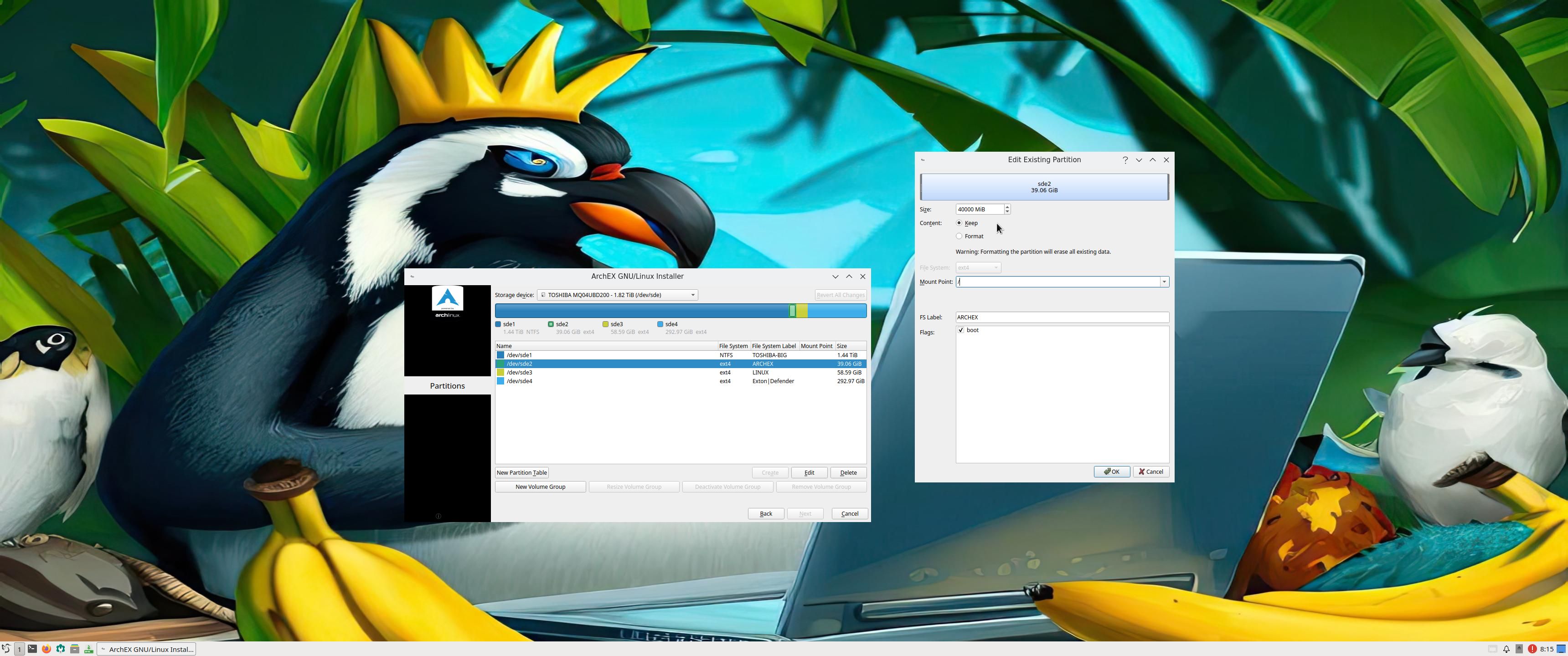
ArchEX running Calamares Installer
Showing SDDM Login Screen

READ MORE….

Read about my Android-x86 Systems – 11, 10, Pie, Oreo, Nougat, Marshmallow, Lollipop and KitKat at
andex.exton.net – latest is AndEX 11 (with GAPPS), AndEX 10 (with GAPPS) and AndEX Pie 9.0 (also with GAPPS)!
and
about my Android 14, 13, 12, 11, 10, Pie, Oreo, Nougat, Marshmallow and Lollipop versions for Raspberry Pi 5, Pi 4 and  Pi 3/2 at
raspex.exton.se
– latest is RaspAnd 14 (with GAPPS), 13 and 12 (without GAPPS), RaspAnd 11 (with GAPPS) and RaspAnd Oreo 8.1
(also with GAPPS)!

ArchEX (Arch Linux) Live System with MATE 1.28.2-2 DE and kernel 6.11.7-arch :: Build 241117

ABOUT ArchEX Build 241117
I’ve made a new extra version of ArchEX with the MATE Desktop environment. This ArchEX version replaces version 240101, which had Pantheon as DE. At the moment (241117) Pantheon doesn’t work in Arch Linux. After a full system upgrade the Pantheon menu is gone and you can’t get it back.

ABOUT MATE: The MATE Desktop Environment is the continuation of GNOME 2. It provides an intuitive and attractive desktop environment using traditional metaphors for Linux and other Unix-like operating systems. MATE is under active development to add support for new technologies while preserving a traditional desktop experience.


IMPORTANT NOTE: ArchEX with MATE works very well when running live on my six computers.
Calamares Installer is not installed in Build 241117. You can nevertheless install ArchEX Build 241117 to hard drive if you follow my instructions…
It is quite simple. Basically only ONE command is needed.

Study all installed packages in Build 241117…

SCREENSHOTS
1. The MATE Desktop for the ordinary user user
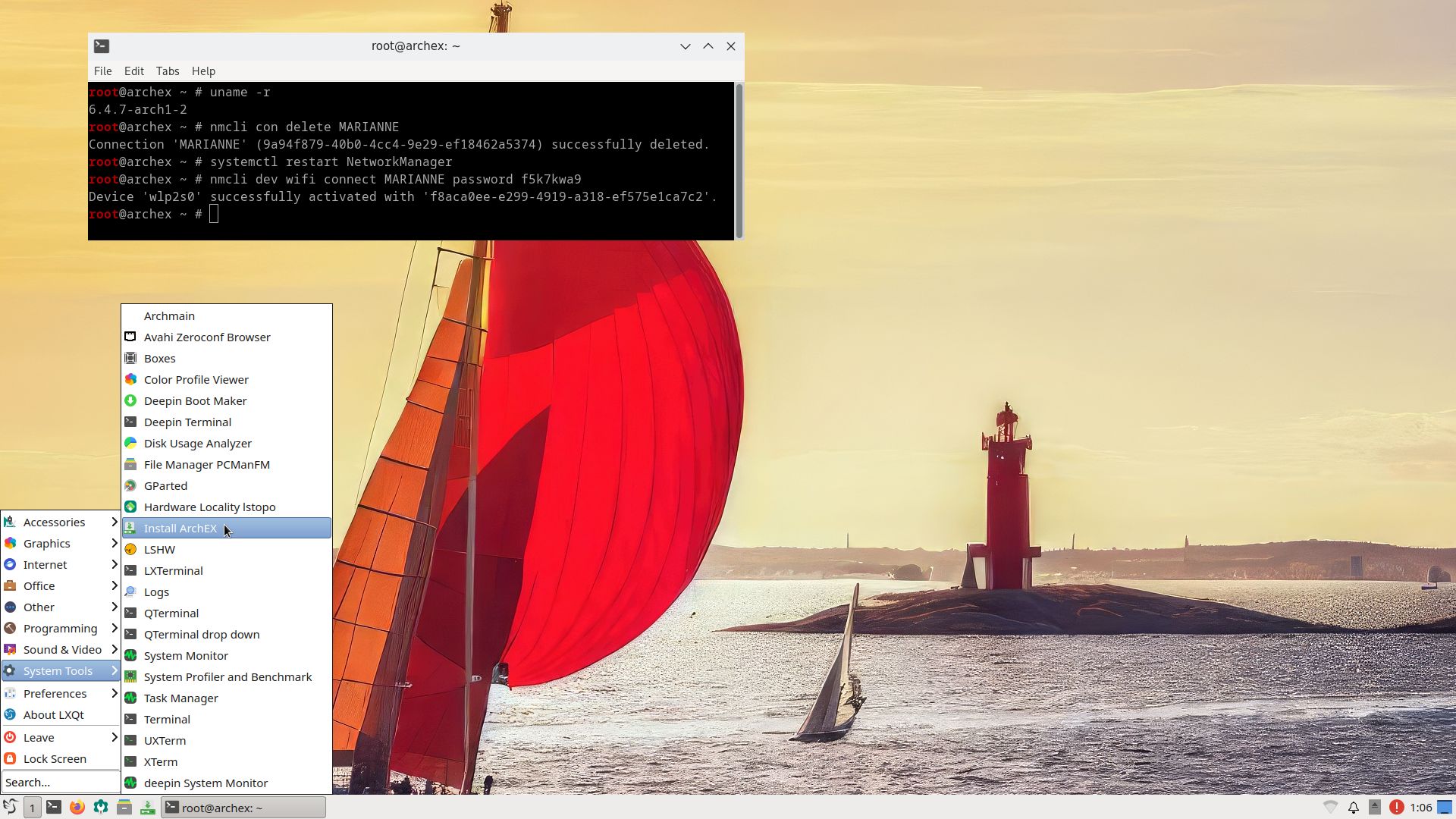
2. Showing a WiFi connection
3. Showing a Samba connection
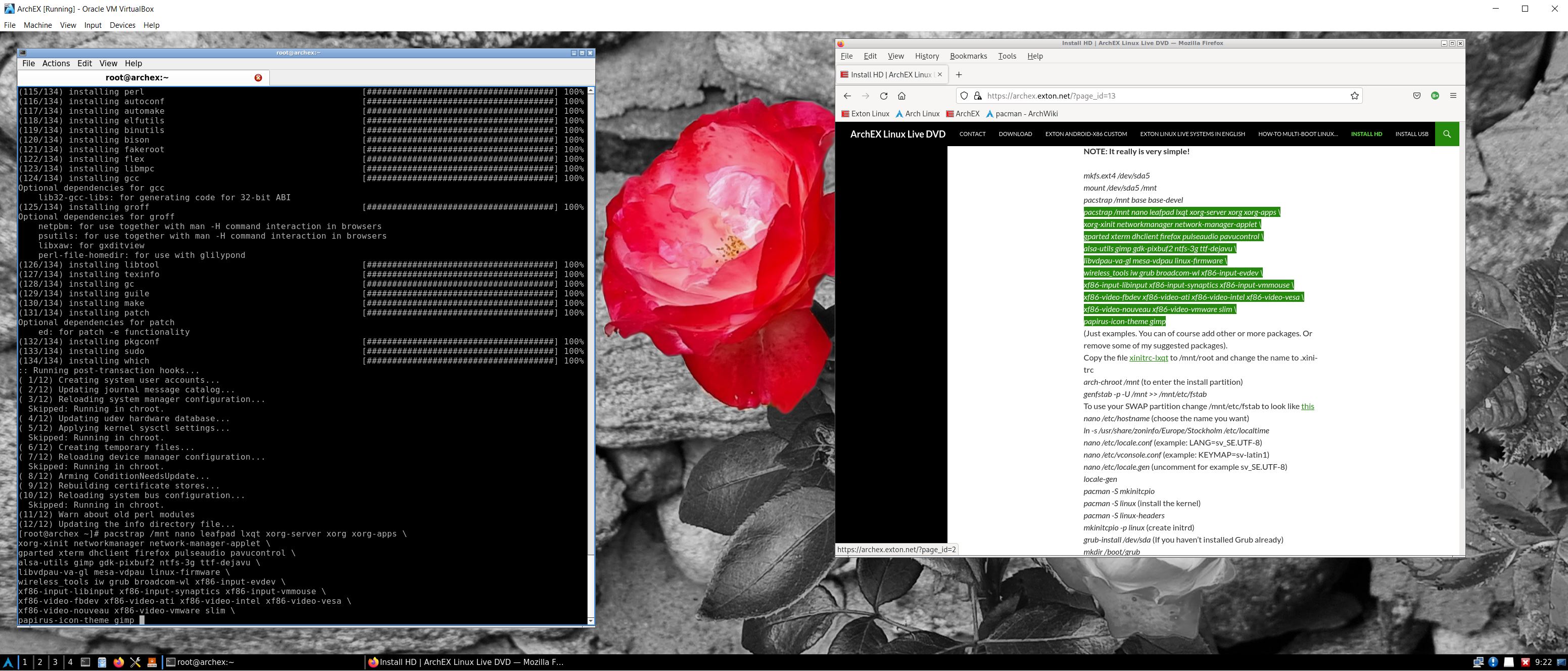
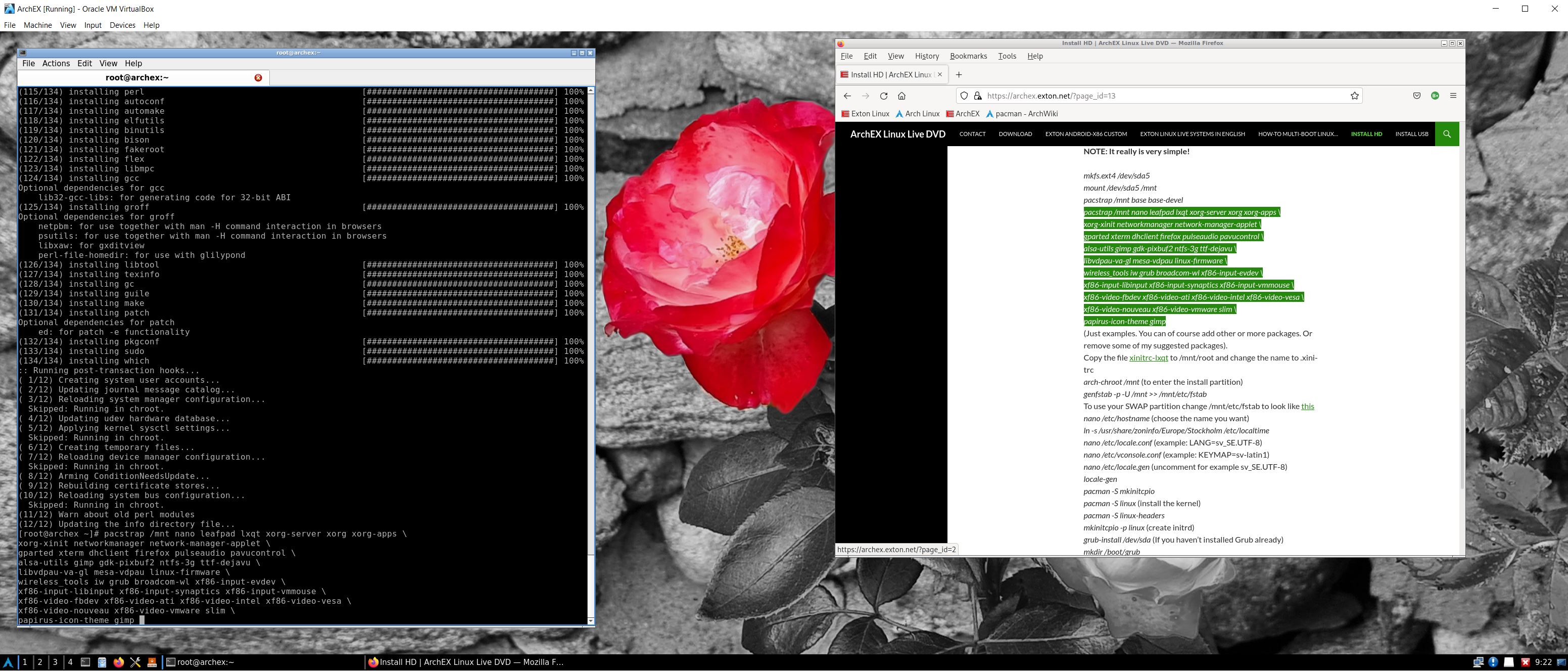
4. Showing a manual installation of ArchEX in VirtualBox

READ MORE…

Read about my Android-x86 Systems – 11, 10, Pie, Oreo, Nougat, Marshmallow, Lollipop and KitKat at
andex.exton.net – latest is AndEX 11 (with GAPPS), AndEX 10 (with GAPPS) and AndEX Pie 9.0 (also with GAPPS)!
and
about my Android 14, 13, 12, 11, 10, Pie, Oreo, Nougat, Marshmallow and Lollipop versions for Raspberry Pi 5, Pi 4 and  Pi 3/2 at
raspex.exton.se
– latest is RaspAnd 14 (with GAPPS), 13 and 12 (without GAPPS), RaspAnd 11 (with GAPPS) and RaspAnd Oreo 8.1
(also with GAPPS)!

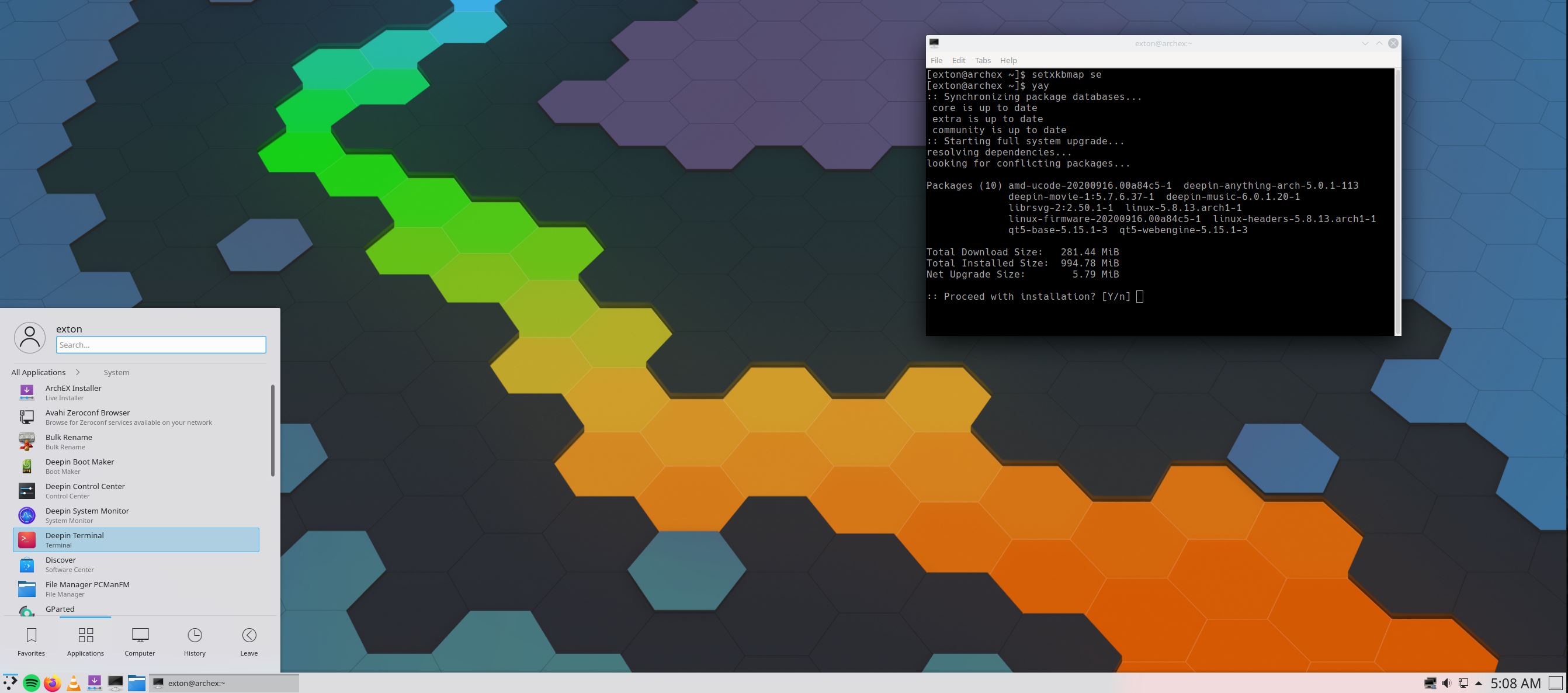
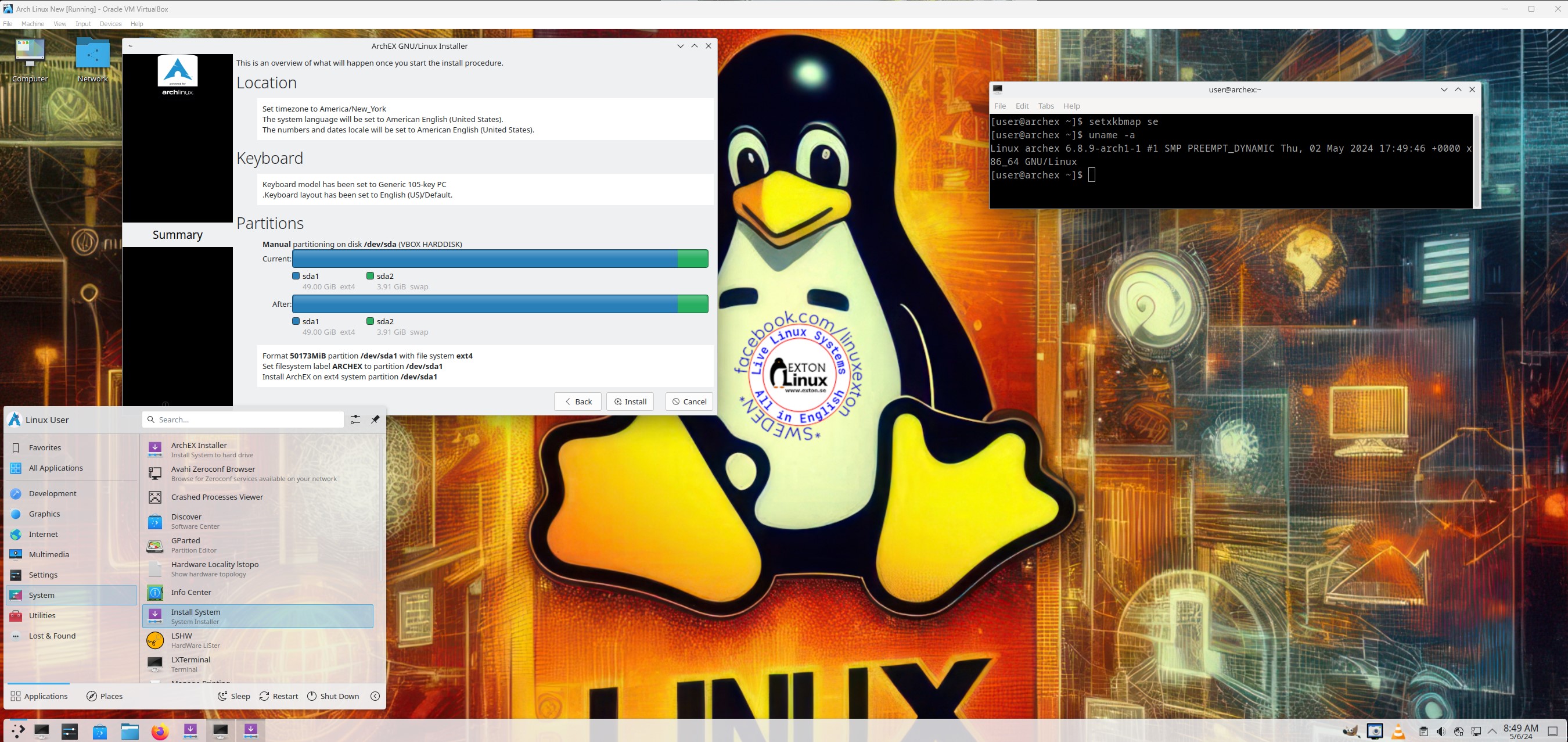
ArchEX 2024 (Arch Linux) Live with KDE Plasma 6.0.4, LXQt 1.4, kernel 6.8.9-ARCH and Calamares Installer 3.3.5 :: Build 240509

ABOUT ArchEX 2024 Build 240509
I’ve made a new extra version of ArchEX with KDE Plasma 6.0.4 – latest version released 240416. Plasma is made to stay out of the way as it helps you get things done. But under its light and intuitive surface, it’s a powerhouse. So you’re free to choose ways of usage right as you need them and when you need them. LXQt 1.4 can also be used as Desktop Environment (DE). This ArchEX version uses kernel 6.8.9-ARCH.  ArchEX can very easy be installed to hard drive (if you want) with Calamares Installer version 3.3.5 (latest). Installed (by me) from source.

Rolling distribution
Arch Linux/ArchEX are rolling distributions, which implies that once you have installed the system on the hard drive there is no need for re-installations (which otherwise is common in the Linux world).

WHO should run Arch Linux?
My answer: The system fits the “advanced” Linux user/enthusiast, who would be willing to run an occasional command from time to time.

BENEFITS of ArchEX/Arch Linux
“Cutting Edge”-software and speed. You will for example always run the latest kernel if you upgrade ArchEX/Arch (for example) every month.

Screenshots
ArchEX Plasma Desktop for root
ArchEX Plasma Desktop for user
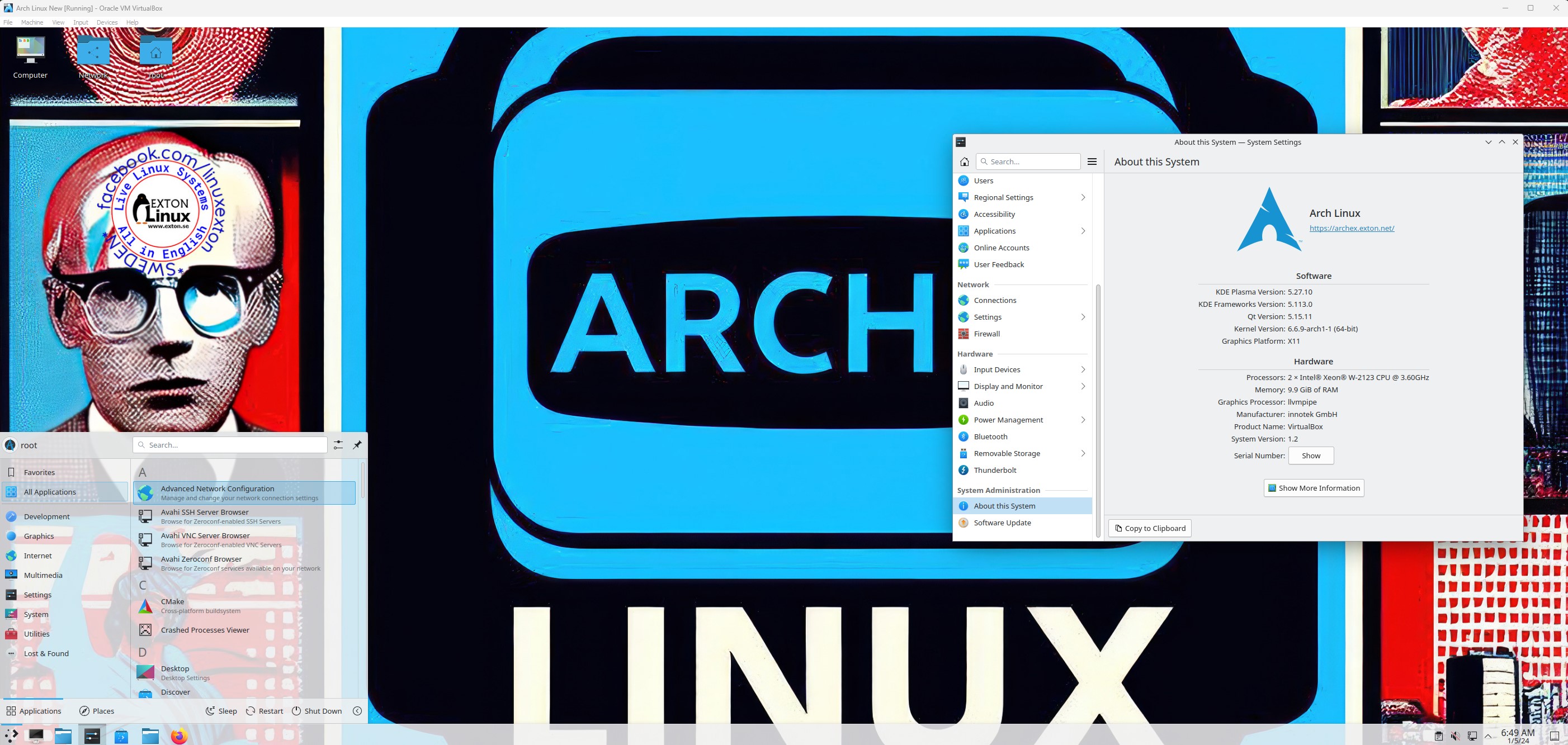
ArchEX running in VirtualBox with Guest Additions installed

READ MORE…

Read about my Android-x86 Systems – 11, 10, Pie, Oreo, Nougat, Marshmallow, Lollipop and KitKat at
andex.exton.net – latest is AndEX 11 (with GAPPS), AndEX 10 (with GAPPS) and AndEX Pie 9.0 (also with GAPPS)!
and
about my Android 13, 12, 11, 10, Pie, Oreo, Nougat, Marshmallow and Lollipop versions for Raspberry Pi 4 and 3/2 at raspex.exton.se – latest is RaspAnd 13 and 12 (without GAPPS), RaspAnd 11 (with GAPPS) and RaspAnd Oreo 8.1 (also with GAPPS)!

ArchEX 2024 (Arch Linux) Live with KDE Plasma 5.27.10, LXQt 1.4, kernel 6.6.9-ARCH and Calamares Installer 3.3.1 :: Build 240106

ABOUT ArchEX 2024 Build 240106
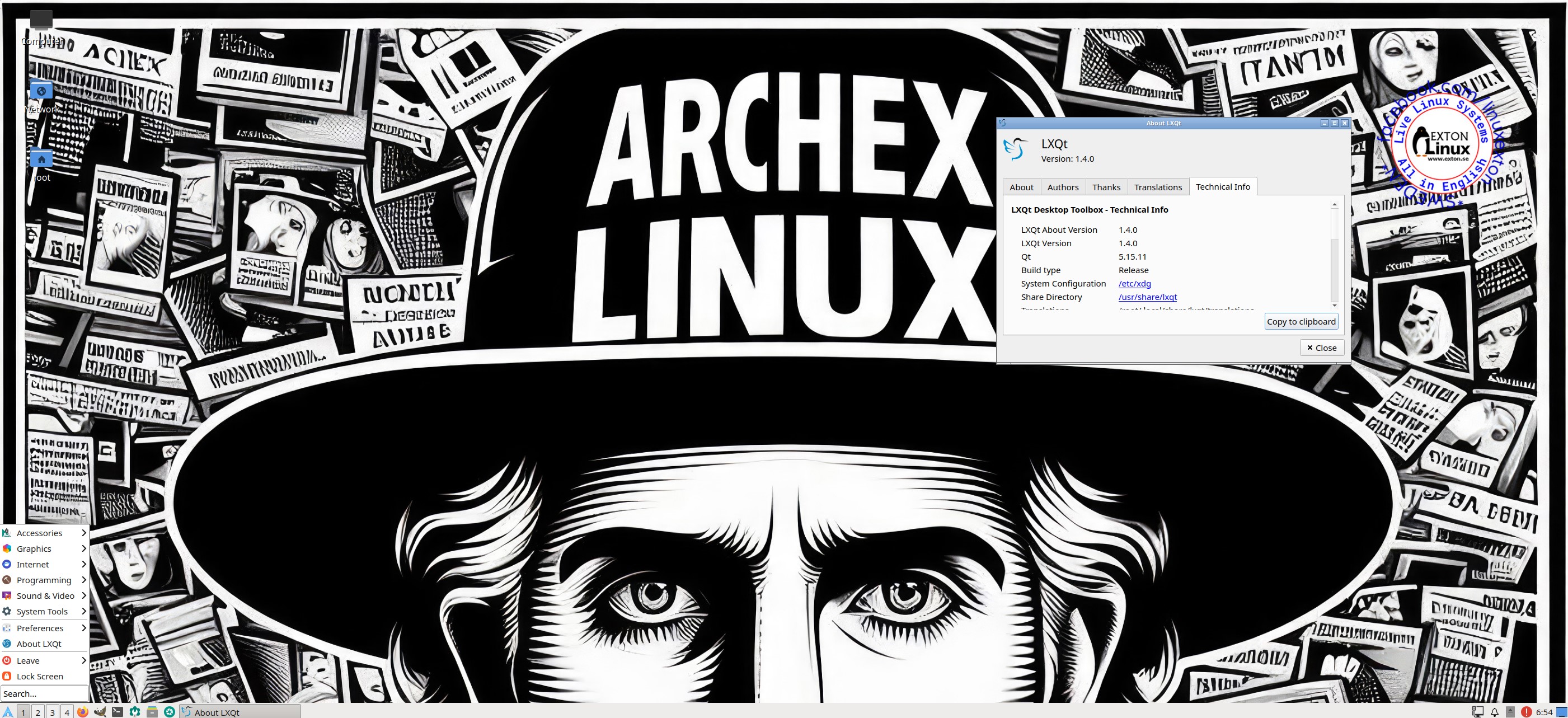
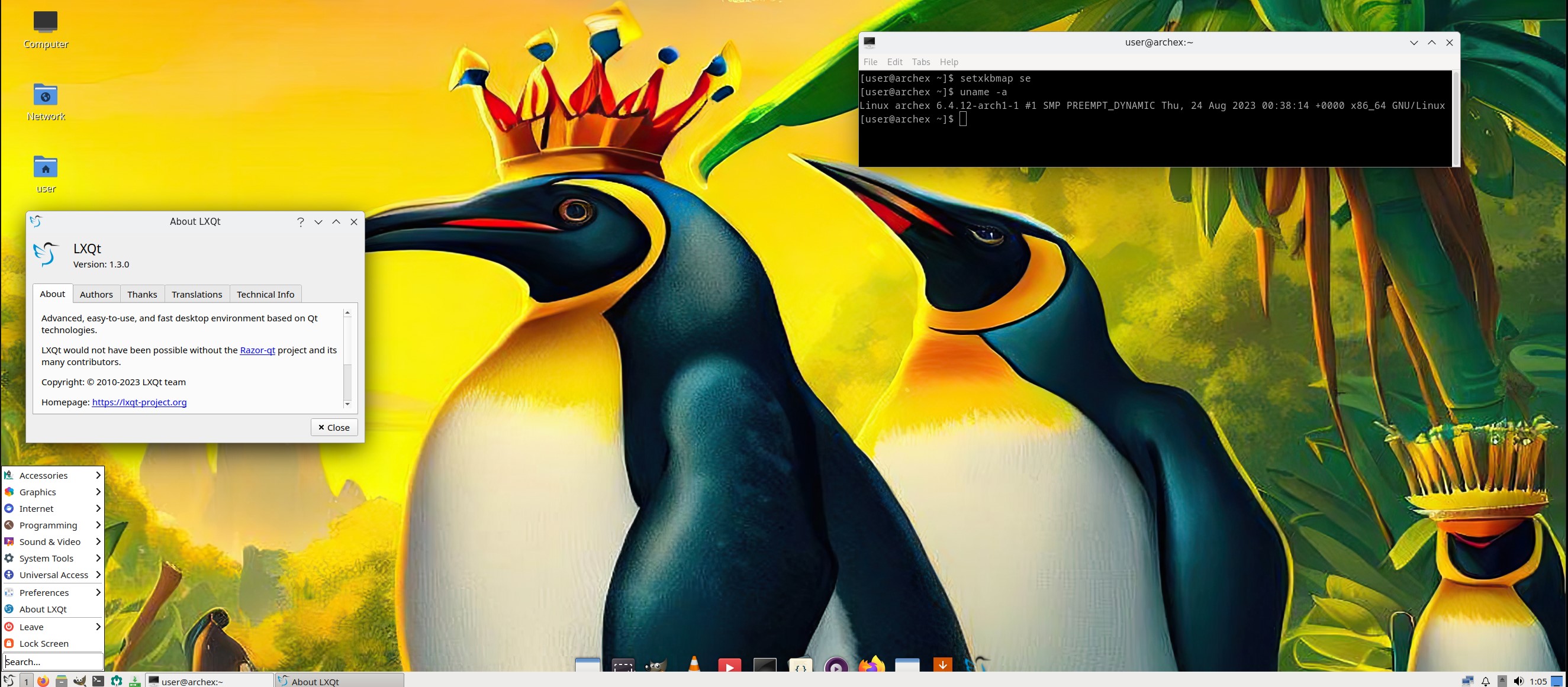
I’ve made a new extra version of ArchEX with KDE Plasma 5.27.10. Plasma is made to stay out of the way as it helps you get things done. But under its light and intuitive surface, it’s a powerhouse. So you’re free to choose ways of usage right as you need them and when you need them. LXQt 1.4 can also be used as Desktop Environment (DE). This ArchEX version uses kernel 6.6.9-ARCH. ArchEX can very easy be installed to hard drive (if you want) with Calamares Installer version 3.3.1 (latest). Installed (by me) from source.

Study all installed packages in ArchEX 2024 with KDE Plasma 5.27.10 and LXQt 1.4.

Rolling distribution

Arch Linux/ArchEX are rolling distributions, which implies that once you have installed the system on the hard drive there is no need for re-installations (which otherwise is common in the Linux world).

WHO should run Arch Linux?
My answer: The system fits the “advanced” Linux user/enthusiast, who would be willing to run an occasional command from time to time.

BENEFITS of ArchEX/Arch Linux
“Cutting Edge”-software and speed. You will for example always run the latest kernel if you upgrade ArchEX/Arch (for example) every month.

Screenshots
ArchEX Plasma Desktop for root
ArchEX Plasma Desktop for user
ArchEX LXQt Desktop for user
ArchEX LXQt Desktop for root
ArchEX running in VirtualBox with Guest Additions installed

READ MORE…

Read about my Android-x86 Systems – 11, 10, Pie, Oreo, Nougat, Marshmallow, Lollipop and KitKat at
andex.exton.net – latest is AndEX 11 (with GAPPS), AndEX 10 (with GAPPS) and AndEX Pie 9.0 (also with GAPPS)!
and
about my Android 13, 12, 11, 10, Pie, Oreo, Nougat, Marshmallow and Lollipop versions for Raspberry Pi 4 and 3/2 at
raspex.exton.se
– latest is RaspAnd 13 and 12 (without GAPPS), RaspAnd 11 (with GAPPS) and RaspAnd Oreo 8.1 (also with GAPPS)!