Tag Archives: PuppEX

PuppEX (Puppy Linux) KDE Trixie64 with Wayland ::: Build 251222

ABOUT
Some people think that using Wayland in a Linux System is very important. Wayland is said to be the modern, simpler, more secure replacement for the aging X11 display server, offering better performance. I have therefore made a PuppEX System which uses Wayland instead of the X11 display server. I call it PuppEX Trixie64 KDE Wayland Build 251222. My new Puppy Linux derivative is built using the Trixie Build Script (mklive-trixie). The new System is compatible with Debian Trixie – Debian 13. It is for UEFI computers and non-UEFI computers. Build 251222 uses KDE Plasma 5:162 as Desktop environment (DE). “Compatible with Debian 13” means that you can use the Apt command (apt update, apt upgrade, apt install MyUsefulPackage etc.) and Synaptic for installing thousands of new Debian packages in PuppEX Trixie64. Study all pre-installed packages in PuppEx Trixie64 KDE.

Install to hard drive
PuppEX Trixie64 can easily be installed manually (frugal install) to hard drive if you have at least one Linux system installed. You must also use Grub as boot loader.

READ ABOUT Wayland…

READ ABOUT How to make a frugal installation of PuppEX – Instruction…

SCREENSHOTS
1. The Desktop for the ordinary user puppy
2. The Desktop for root
3. Showing SDDM’s login screen

READ MORE…

Read about my Android-x86 Systems – 11, 10, Pie, Oreo, Nougat, Marshmallow, Lollipop and KitKat at andex.exton.net – latest is AndEX 11 (with GAPPS), AndEX 10 (with GAPPS) and AndEX Pie 9.0 (also with GAPPS)!
and
about my Android 16, 15, 14, 13, 12, 11, 10, Pie, Oreo, Nougat, Marshmallow and Lollipop versions for Raspberry Pi 5, Pi 4 and  Pi 3/2 at raspex.exton.se – latest is RaspAnd 16 (with GAPPS), RaspAnd 15 (also with GAPPS), RaspAnd 14 (also with GAPPS), 13 and 12 (without GAPPS), RaspAnd 11 (with GAPPS) and RaspAnd Oreo 8.1 (also with GAPPS)!


Follow me on Facebook…

PuppEX Dev64 (Puppy Linux) – compatible with Devuan 5.0 – with NVIDIA’s proprietary driver 58.82.09 and kernel 6.17.1-puppex ::: Build 251014

NEWS ABOUT PuppEX Dev64 with the ROX Desktop Environment – Build 251014
This Puppy derivative is made by me. It is built from Devuan Linux 5.0 (Daedalus) packages and packages built from woof-CE Recipes. I’ve also compiled a brand new kernel – 6.17.1-puppex. This is possibly one of the best PuppEX versions I’ve ever made. Everything just works! I could run the system very well on all of my six different computers. Among them on a really old computer Acer Aspire 5102WLMi from 2006. Study all installed packages in this PuppEX build. NOTE: Debian 12 bookworm (and thus Devuan 5.0) will be supported until June 30th, 2028. Note also that you can use the Apt command (apt update, apt upgrade, apt install MyUsefulPackage etc.) and Synaptic for installing thousands of new Devuan/Debian packages in PuppEX Dev64.

About Devuan
Devuan GNU+Linux is a fork of Debian without systemd that allows users to reclaim control over their system by avoiding unnecessary entanglements and ensuring Init Freedom.
My comment: Devuan 5.0 itself without systemd is a very good stable Linux distribution. You must also remember that PuppEX Dev64 is a Puppy Linux System, which means – among other things – that you run it from RAM even after a hard drive installation (frugal). That means that the system is very fast and responsive compared to most other Linux systems.

NVIDIA
I’ve installed NVIDIA‘s proprietary driver 58.82.09. That’s because I could not get X to work on one of my computers with a new NVIDIA card RTX 4060 in any other way. The driver will be used if you have a relatively new NVIDIA card. If the card isn’t automatically recognized after boot you shall run the command xorgwizard. When choosing card you shall go for Auto. After that restart X and you will hopefully enter the Desktop as root.

What’s new in kernel 6.17?

SCREENSHOTS
1. The ROX DE showing the use of an NVIDIA card
2. Showing a how to configure a WiFi connection
3. The Desktop 251014 while running VLC
4. Showing the Desktop while running YouTube
5. Showing a nice Linux wallpaper

READ MORE…

Read about my Android-x86 Systems – 11, 10, Pie, Oreo, Nougat, Marshmallow, Lollipop and KitKat at andex.exton.net – latest is AndEX 11 (with GAPPS), AndEX 10 (with GAPPS) and AndEX Pie 9.0 (also with GAPPS)!
and
about my Android 16, 15, 14, 13, 12, 11, 10, Pie, Oreo, Nougat, Marshmallow and Lollipop versions for Raspberry Pi 5, Pi 4 and  Pi 3/2 at raspex.exton.se – latest is RaspAnd 16 (with GAPPS), RaspAnd 15 (also with GAPPS), RaspAnd 14 (also with GAPPS), 13 and 12 (without GAPPS), RaspAnd 11 (with GAPPS) and RaspAnd Oreo 8.1 (also with GAPPS)!


Follow me on Facebook…

PuppEX Noble64 (Puppy Linux) – compatible with Ubuntu 24.04 – with NVIDIA’s proprietary driver 58.82.09 and kernel 6.16.9-exton ::: Build 251008

NEWS ABOUT PuppEX Noble64 “original” with the ROX Desktop Environment – Build 251008

This Puppy Linux derivative is made by me. It is built from Ubuntu 24.04 (Noble Numbat) packages and packages built from woof-CE Recipes. I’ve also compiled a brand new kernel – 6.16.9-exton. This is possibly one of the best PuppEX versions I’ve ever made. Everything just works! I could run the system very well on all of my six different computers. Among them on a really old computer Acer Aspire 5102WLMi from 2006. Study all installed packages in this PuppEX build. NOTE: Ubuntu 24.04 will be supported until April, 2029. Note also that you can use the Apt command (apt update, apt upgrade, apt install MyUsefulPackage etc.) and Synaptic for installing thousands of new Ubuntu packages in PuppEX Noble64.

NVIDIA driver
I’ve installed NVIDIA‘s proprietary driver 58.82.09. That’s because I could not get X to work on one of my computers with a new NVIDIA card RTX 4060 in any other way. The driver will be used if you have a relatively new NVIDIA card. If the card isn’t automatically recognized after boot you shall run the command xorgwizard. When choosing card you shall go for Auto. After that restart X and you will hopefully enter the Desktop as root.

INSTALL PuppEX Noble64 “original” to hard drive
That is best done in the same way (frugal) as regards all other PuppEX versions.

How to make a frugal installation – Instruction…

NOTE: The best way to run PuppEX (or any Puppy Linux system) is still to run it from a USB stick and save the system changes on the stick. You will be asked about that when you reboot or shutdown your computer.

SCREENSHOTS
1. The ROX DE showing the use of an NVIDIA card
2. Showing a how to configure sound
3. The Desktop 251008 while running apt
4. Showing the Desktop while running PuppEX on my old laptop from 2006

READ MORE…

Read about my Android-x86 Systems – 11, 10, Pie, Oreo, Nougat, Marshmallow, Lollipop and KitKat at andex.exton.net – latest is AndEX 11 (with GAPPS), AndEX 10 (with GAPPS) and AndEX Pie 9.0 (also with GAPPS)!
and
about my Android 16, 15, 14, 13, 12, 11, 10, Pie, Oreo, Nougat, Marshmallow and Lollipop versions for Raspberry Pi 5, Pi 4 and  Pi 3/2 at raspex.exton.se – latest is RaspAnd 16 (with GAPPS), RaspAnd 15 (also with GAPPS), RaspAnd 14 (also with GAPPS), 13 and 12 (without GAPPS), RaspAnd 11 (with GAPPS) and RaspAnd Oreo 8.1 (also with GAPPS)!


Follow me on Facebook…

PuppEX Slack64 – compatible with Slackware 15 – with NVIDIA’s proprietary driver 58.82.09 and kernel 6.16.9-exton ::: Build 251002

This Puppy Linux derivative is built by me using Puppy Linux Woof-CE Builder. It is compatible with Slackware 15.0 and uses kernel 6.16.9-exton. This Puppy system works very well on UEFI and non-UEFI computers. You can build your own Puppy Linux Slackware 15 compatible system using PuppEX as “groundwork”. Just start the remaster tool (Remaster Puppy) and follow the instructions given by the remaster script.

Study all installed packages in this PuppEX build.

NVIDIA
I’ve installed NVIDIA‘s proprietary driver 58.82.09. That’s because I could not get X to work on one of my computers with a new NVIDIA card RTX 4060 in any other way. The driver will be used if you have a relatively new NVIDIA card. If the card isn’t automatically recognized after boot you shall run the command xorgwizard. When choosing card you shall go for Auto. After that restart X and you will hopefully enter the Desktop as root.

How to make a frugal installation – Instruction…

Development tools
If you need development tools you shall download and load devx_s15pup64_22.12.sfs. Put devx in the folder where you have “installed” PuppEX and then click on it to load it. Test it by running the command which make.

SCREENSHOTS
1. First screen after boot
2. Running in VirtualBox
3. Running the lspci command
4. Showing a WiFi connection
5. Showing how to configure sound
6. Configure a wired Internet connection

READ MORE…

Read about my Android-x86 Systems – 11, 10, Pie, Oreo, Nougat, Marshmallow, Lollipop and KitKat at andex.exton.net – latest is AndEX 11 (with GAPPS), AndEX 10 (with GAPPS) and AndEX Pie 9.0 (also with GAPPS)!
and
about my Android 16, 15, 14, 13, 12, 11, 10, Pie, Oreo, Nougat, Marshmallow and Lollipop versions for Raspberry Pi 5, Pi 4 and  Pi 3/2 at raspex.exton.se – latest is RaspAnd 16 (with GAPPS), RaspAnd 15 (also with GAPPS), RaspAnd 14 (also with GAPPS), 13 and 12 (without GAPPS), RaspAnd 11 (with GAPPS) and RaspAnd Oreo 8.1 (also with GAPPS)!


Follow me on Facebook…

PuppEX Trixie64 (Puppy Linux) – compatible with Debian 13 – with Cinnamon as DE :: Build 250913

NEWS 250913 ABOUT PuppEX Trixie64 – BUILD 250913 – with Cinnamon DE

My new Puppy Linux derivative is built using the Trixie Build Script (mklive-trixie). It is compatible with Debian Trixie – Debian 13. It is for UEFI computers and non-UEFI computers. Build 250913 uses Cinnamon as Desktop environment (DE). “Compatible with Debian 13” means that you can use the Apt command (apt update, apt upgrade, apt install MyUsefulPackage etc.) and Synaptic for installing thousands of new Debian packages in PuppEX Trixie64. PuppEX Trixie64 can easily be installed manually (frugal install) to hard drive if you have at least one Linux system installed. You must also use Grub as boot loader.

About Cinnamon
The development of Cinnamon began by the Linux Mint team as the result of the April 2011 release of GNOME 3, in which the conventional desktop metaphor of GNOME 2 was discarded in favor of GNOME Shell. Following several attempts to extend GNOME 3 so that it would suit the Linux Mint design goals through “Mint GNOME Shell Extensions”, the Linux Mint team eventually forked several GNOME 3 components to build an independent desktop environment.

How to make a frugal installation – Instruction…

NOTE ABOUT SOUND

In PuppEX Trixie64 Build 250913 with Cinnamon you will NOT have sound when logged in as root.

SPECIAL NOTE ABOUT PuppEX Trixie64 Cinnamon BUILD 250913
Normally you run all Puppy Linux versions as root. I.e. you will automatically be logged in as root to the desktop. Not as regards Build 250913 though. When the boot process is ready you will end up at LightDM‘s Login Manager page. Log in as the ordinary user puppy with password puppex. You will then enter the  Cinnamon Desktop. You can also log in to Cinnamon as root with password root. While logged in as the ordinary user puppy you can of course use Sudo to become root. Example command: sudo pcmanfm.

REMASTER PuppEX Trixie64
Please note that you can build your own Puppy Trixie64 version using PuppEX Trixie64 Cinnamon as a “template”. Do it like this:
1) Make a frugal install of PuppEX Trixie64 – Instruction
2) Change everything to your liking
3) Start the remasterscript (QuickRemaster 1.7.1).
Watch this screenshot…

READ MORE…

Read about my Android-x86 Systems – 11, 10, Pie, Oreo, Nougat, Marshmallow, Lollipop and KitKat at andex.exton.net – latest is AndEX 11 (with GAPPS), AndEX 10 (with GAPPS) and AndEX Pie 9.0 (also with GAPPS)!
and
about my Android 16, 15, 14, 13, 12, 11, 10, Pie, Oreo, Nougat, Marshmallow and Lollipop versions for Raspberry Pi 5, Pi 4 and  Pi 3/2 at raspex.exton.se – latest is RaspAnd 16 (with GAPPS), RaspAnd 15 (also with GAPPS), RaspAnd 14 (also with GAPPS), 13 and 12 (without GAPPS), RaspAnd 11 (with GAPPS) and RaspAnd Oreo 8.1 (also with GAPPS)!


Follow me on Facebook…

PuppEX Trixie64 (Puppy Linux) – compatible with Debian 13 – with KDE Plasma 5:162 as DE :: Build 250901

NEWS 250901 ABOUT PuppEX Trixie64 – BUILD 250901 – with KDE Plasma 5:162

My new Puppy Linux derivative is built using the Trixie Build Script (mklive-trixie). It is compatible with Debian Trixie – Debian 13. It is for UEFI computers and non-UEFI computers. Build 250901 uses KDE Plasma 5:162 as Desktop Environment (DE). “Compatible with Debian 13” means that you can use the Apt command (apt update, apt upgrade, apt install MyUsefulPackage etc.) and Synaptic for installing thousands of new Debian packages in PuppEX Trixie64. PuppEX Trixie64 can easily be installed manually (frugal install) to hard drive if you have at least one Linux system installed. You must also use Grub as boot loader.

How to make a frugal installation – Instruction…

NOTE ABOUT SOUND
In PuppEX Trixie64 Build 250901 with KDE you will have sound also when logged in as root. That is essential since you normally run all Puppy/PuppEX versions as root. Screenshot of the Desktop for root…

SPECIAL NOTE ABOUT PuppEX Trixie64 KDE BUILD 250901
Normally you run all Puppy Linux versions as root. I.e. you will automatically be logged in as root to the desktop. Not as regards Build 250901 though. When the boot process is ready you will end up at LightDM‘s Login Manager page. Log in as the ordinary user puppy with password puppex. You will then enter the KDE Plasma Desktop. You can also log in to KDE as root with password root. While logged in as the ordinary user puppy you can of course use Sudo to become root. Example command: sudo pcmanfm.

REMASTER PuppEX Trixie64
Please note that you can build your own Puppy Trixie64 version using PuppEX Trixie64 as a “template”. Do it like this:
1) Make a frugal install of PuppEX Trixie64 – Instruction
2) Change everything to your liking
3) Start the remasterscript (QuickRemaster 1.7.1).
Watch this screenshot…

NOTE: The wallpapers are (of course) generated by AI.

READ MORE…

Read about my Android-x86 Systems – 11, 10, Pie, Oreo, Nougat, Marshmallow, Lollipop and KitKat at andex.exton.net – latest is AndEX 11 (with GAPPS), AndEX 10 (with GAPPS) and AndEX Pie 9.0 (also with GAPPS)!
and
about my Android 16, 15, 14, 13, 12, 11, 10, Pie, Oreo, Nougat, Marshmallow and Lollipop versions for Raspberry Pi 5, Pi 4 and  Pi 3/2 at raspex.exton.se – latest is RaspAnd 16 (with GAPPS), RaspAnd 15 (also with GAPPS), RaspAnd 14 (also with GAPPS), 13 and 12 (without GAPPS), RaspAnd 11 (with GAPPS) and RaspAnd Oreo 8.1 (also with GAPPS)!


Follow me on Facebook…

PuppEX (Puppy Linux) Bookworm64 with Xfce4 as DE :: Build 240928

NEWS ABOUT PuppEX Bookworm64 Build 240928
My new Puppy Linux derivative (made just for fun) is built using the Bookworm Build Script. The latest script from 240924. The system is compatible with Debian Bookworm – Debian 12. This version of PuppEX uses Xfce4 as Desktop environment (DE). It is for UEFI computers and non-UEFI computers. This PuppEX version runs very well in VirtualBox/VMware. You can run it in full screen in VirtualBox, since VirtualBox Guest Additions are pre-installed. You can also drop files from PuppEX running in VirtualBox to (for example) your Windows 11 Desktop.

SPECIAL NOTE ABOUT PuppEX Bookworm64 Xfce4 BUILD 240928
Normally you run all Puppy Linux versions as root. I.e. you will automatically be logged in as root to the desktop. Not as regards Build 240928 though. When the boot process is ready you will end up at SLiM Login Manager site. Log in as the ordinary user puppy with password puppex. Watch this screenshot. You will then enter the Xfce4 Desktop. You can’t log in to Xfce4 as root. While logged in as puppy you can of course use Sudo to become root. Example commands: sudo su and sudo pcmanfm.

Debian 12
Compatible with Debian 12
means that you can use the apt command. (apt update, apt upgrade, apt install MyUsefulPackage etc) and Synaptic for installing thousands of new Debian packages in PuppEX. All three PuppEX Bookworm64 versions can easily be installed manually to hard drive if you have at least one Linux system installed. You must also use Grub as boot loader. Read more about how to do that at the INFO site.

SCREENSHOTS
1. Connection to a wireless network
2. puppy’s Desktop – Xfce4

READ MORE …

Read about my Android-x86 Systems – 11, 10, Pie, Oreo, Nougat, Marshmallow, Lollipop and KitKat at
andex.exton.net – latest is AndEX 11 (with GAPPS), AndEX 10 (with GAPPS) and AndEX Pie 9.0 (also with GAPPS)!
and
about my Android 14, 13, 12, 11, 10, Pie, Oreo, Nougat, Marshmallow and Lollipop versions for Raspberry Pi 5, Pi 4 and  Pi 3/2 at
raspex.exton.se
– latest is RaspAnd 14 (with GAPPS), 13 and 12 (without GAPPS), RaspAnd 11 (with GAPPS) and RaspAnd Oreo 8.1
(also with GAPPS)!

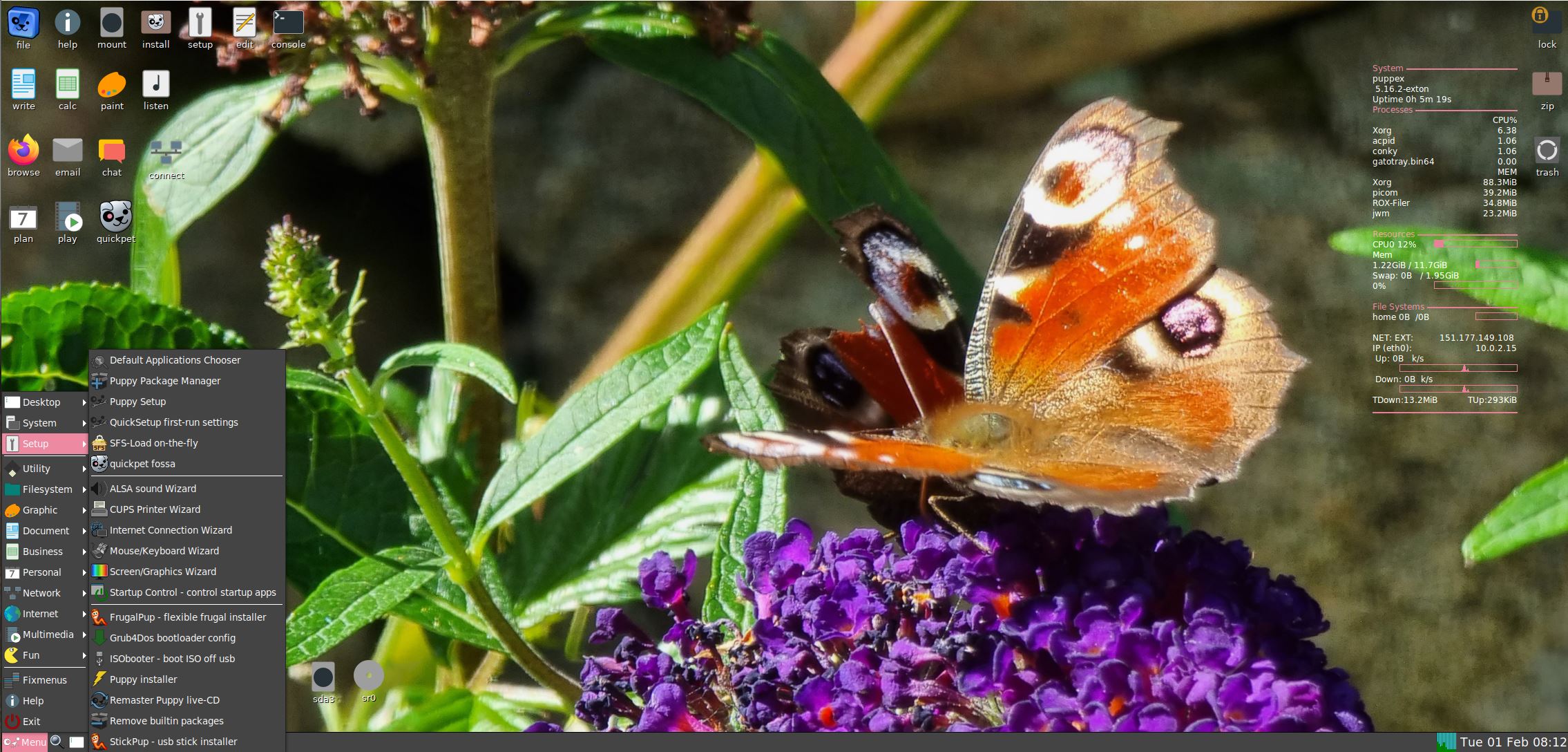
PuppEX Focal64 Linux Live DVD with kernel 5.16.2-exton and VirtualBox Guest Additions :: Build 220201

ABOUT PuppEX Focal64 Build 220201
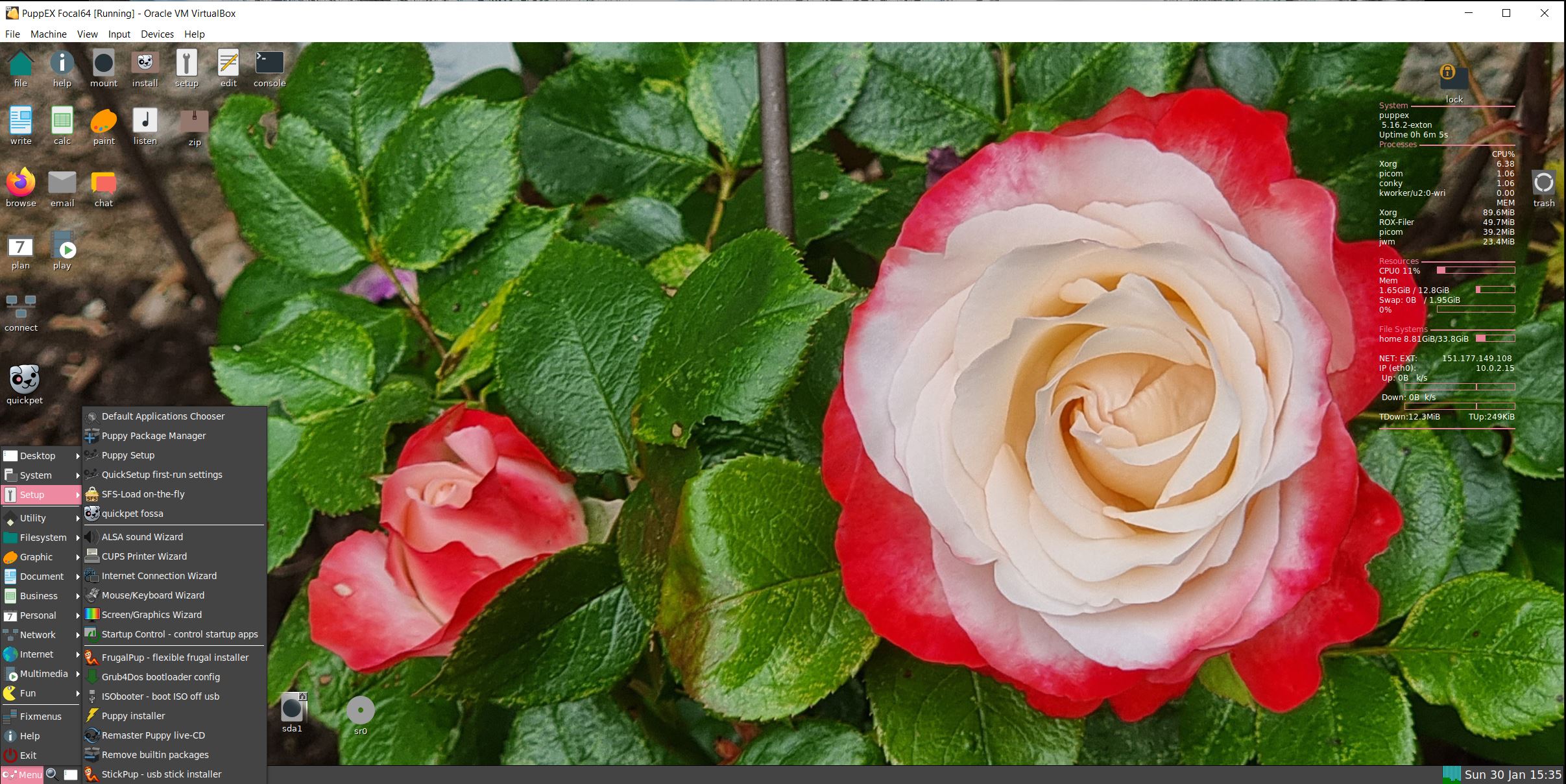
This Puppy derivative is built from Puppy Linux 9.5 FossaPup64. I have added PCManFM and LXterminal. Also many development tools. Furthermore I have compiled a new kernel – 5.16.2-exton and pre-installed VirtualBox Guest Additions. Watch a screenshot when PuppEX is running in full screen in VirtualBox. PuppEX Focal64 (both versions) are compatible with Ubuntu 20.04 (Focal Fossa), which means that Ubuntu packages for Ubuntu 20.04 LTS can be installed and used in PuppEX. Ubuntu 20.04 LTS will be supported until April, 2025.

NOTE1: For some unknown reason PuppEX Build 220201 won’t boot on newer UEFI computers. It works well on older computer though. I have therefore kept the old PuppEX version from 201119, which can run on all “normal” computers.

NOTE1: The good thing about PuppEX Build 220201 is that you can run it very well on older non-UEFI computers, VirtualBox, VMware and Qemu. You can also do a manual installation to any computer provided that you have at least one Linux system installed and use Grub as bootloader. Do it like this.
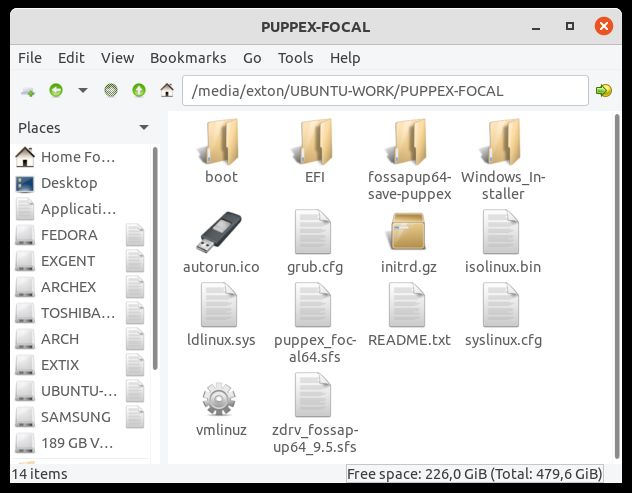
1. Extract everything in the PuppEX ISO to a folder in the root (/) of your existing Linux system. Watch this screenshot.
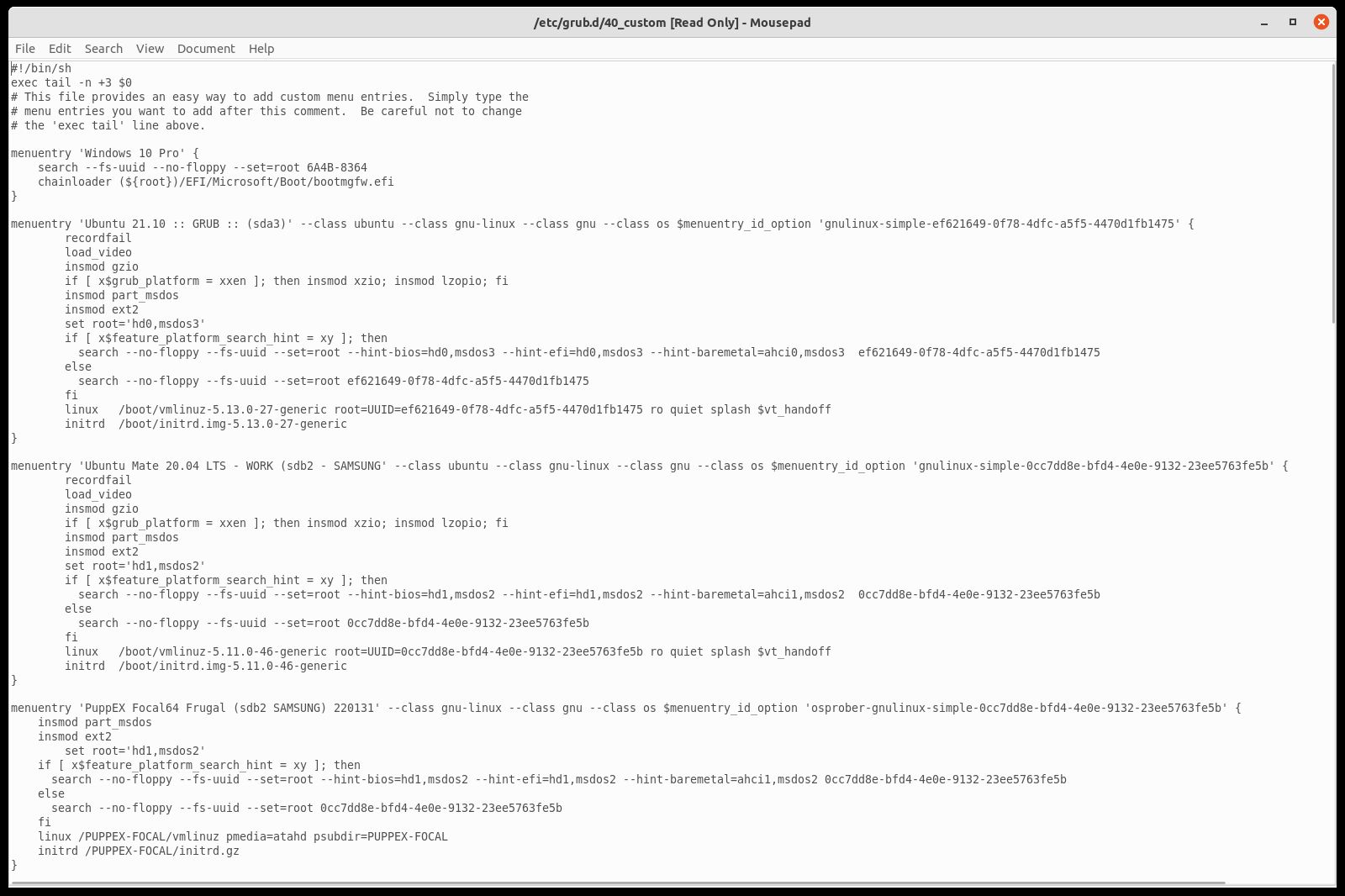
2. Then just add boot lines for PuppEX in /etc/grub.d/40_custom or /boot/grub/grub.cfg. Watch this screenshot and this example of a 40_custom-configuration.
3. You can/should also read my instruction How to dual-boot, triple-boot or multi-boot Linux with Windows in a simple way and be happy...

Study ALL installed packages in PuppEX Focal64 – 220201

SCREENSHOTS
1. PuppEX Focal’s Desktop – 220201
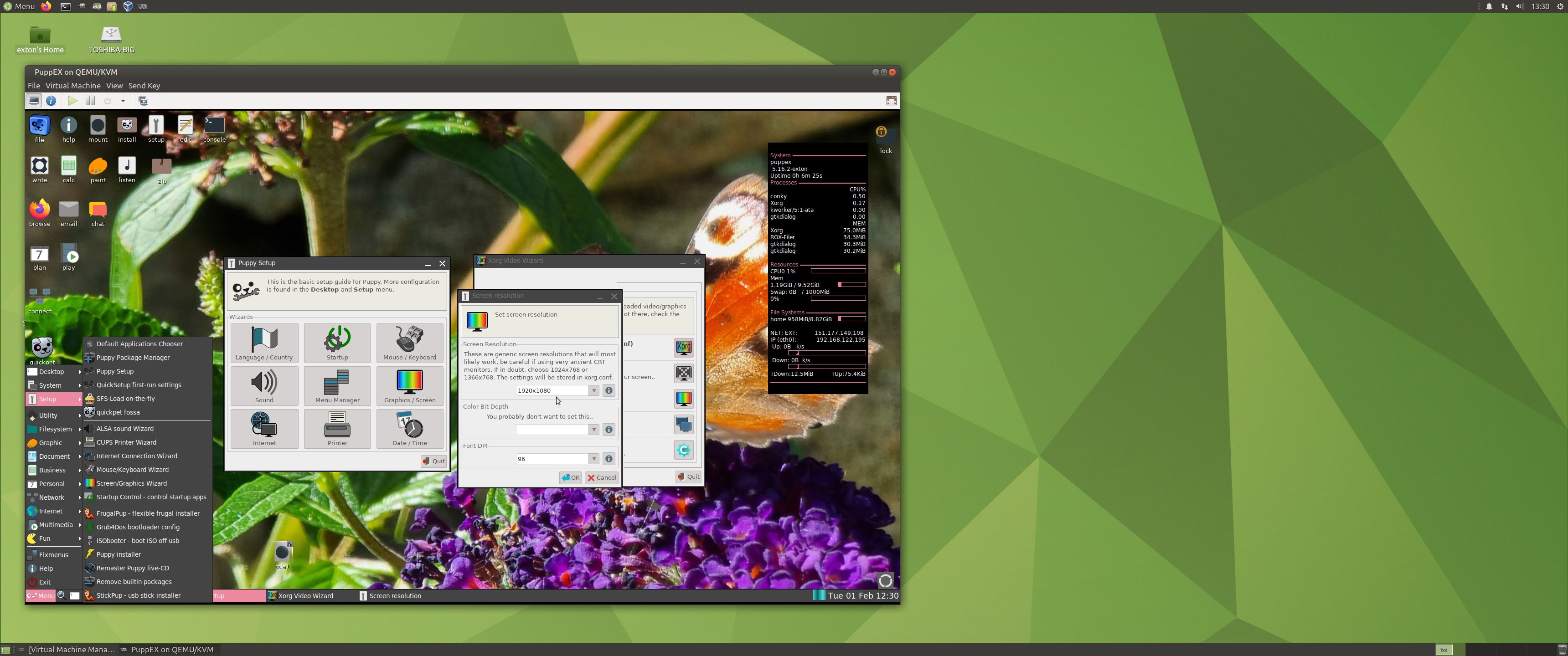
2. PuppEX Build 220201 running in full screen in Qemu
3. PuppEX Build 220201 running in full screen in VirtualBox

READ MORE…

Read about my Android-x86 Systems – 10, Pie, Oreo, Nougat, Marshmallow, Lollipop and KitKat at
andex.exton.net – latest is AndEX 10 (with GAPPS) and AndEX Pie 9.0 (also with GAPPS)!
and

about my Android 11, 10, Pie, Oreo, Nougat, Marshmallow and Lollipop versions for Raspberry Pi 4 and 3/2 at
raspex.exton.se
– latest is RaspAnd 11 (with GAPPS) and RaspAnd Oreo 8.1 (also with GAPPS)!
Latest News about EXTON Linux MultiBootCD 6-OS – Build 190215

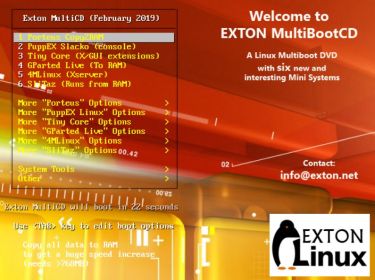
Latest News about EXTON Linux MultiBootCD 6-OS 15.2.2019
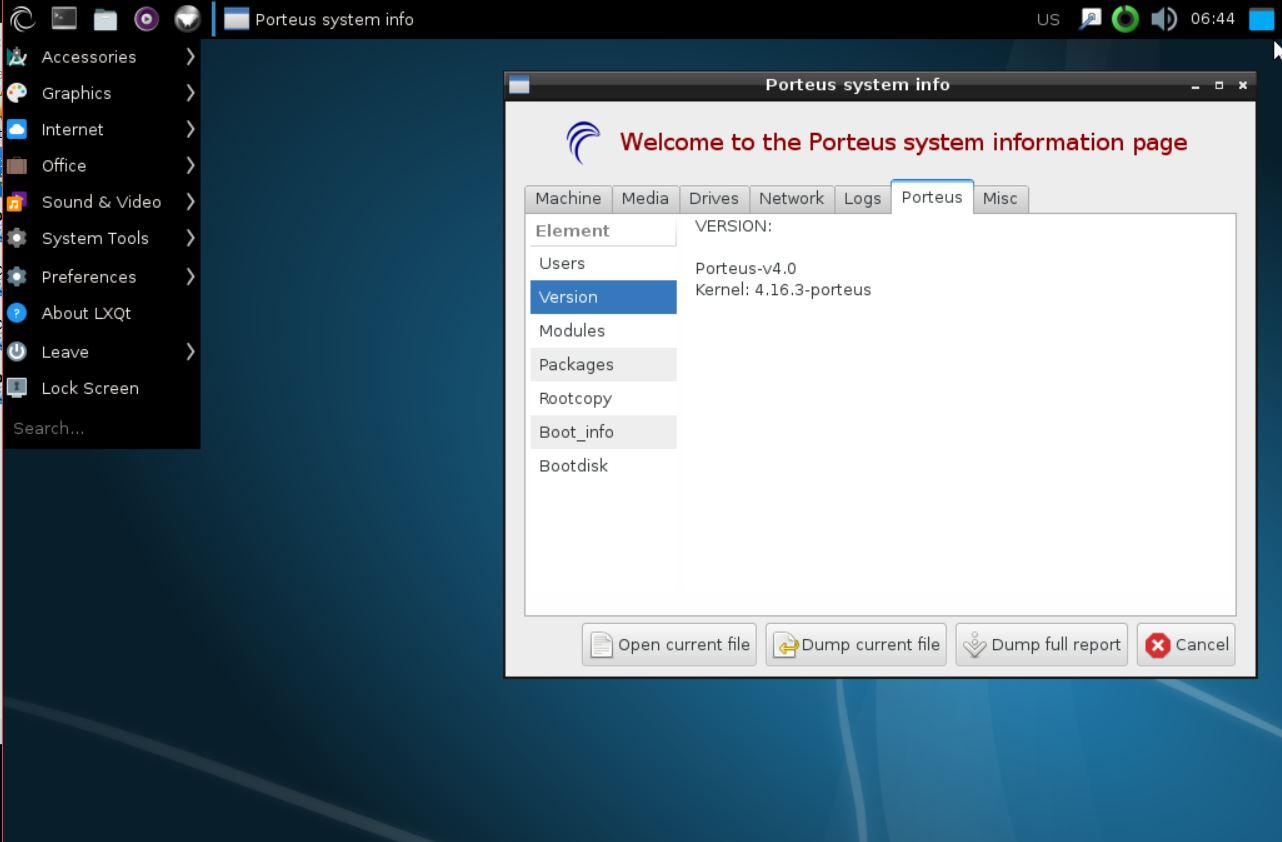
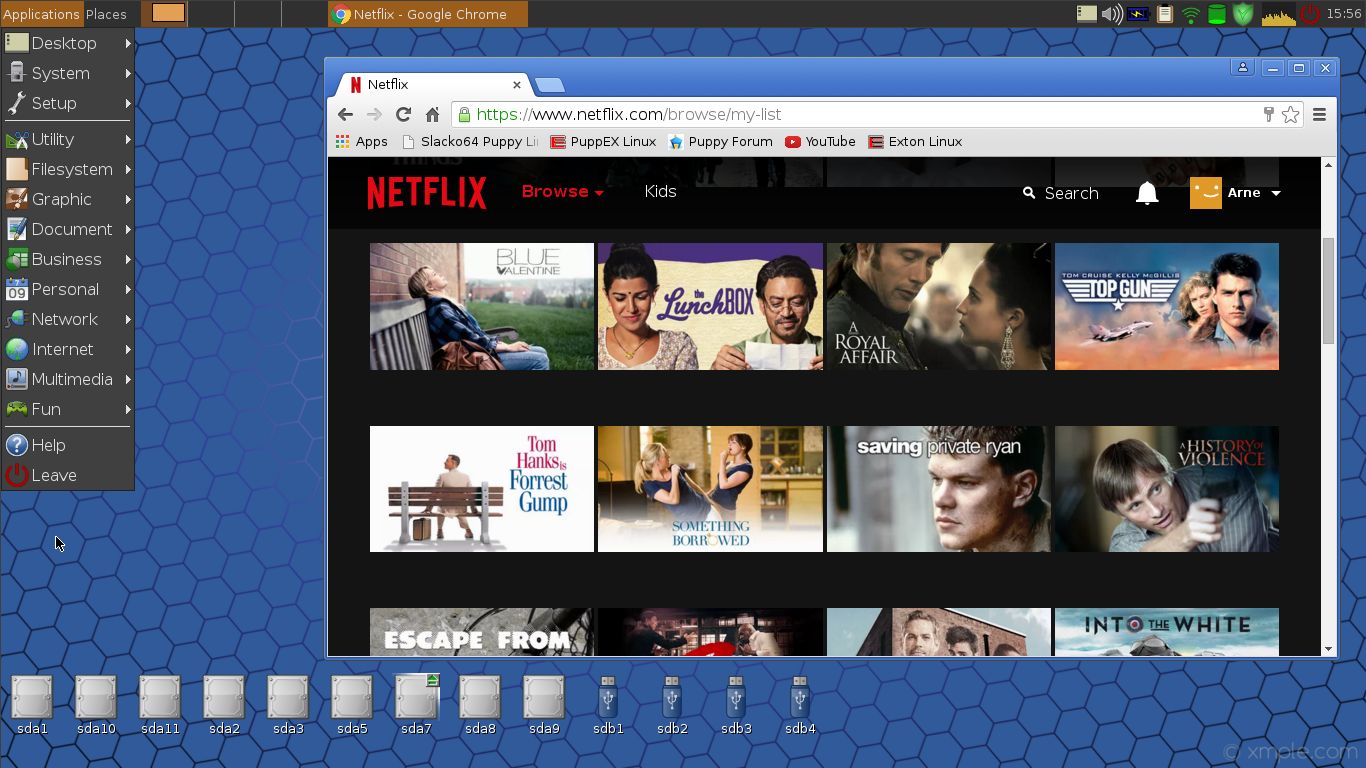
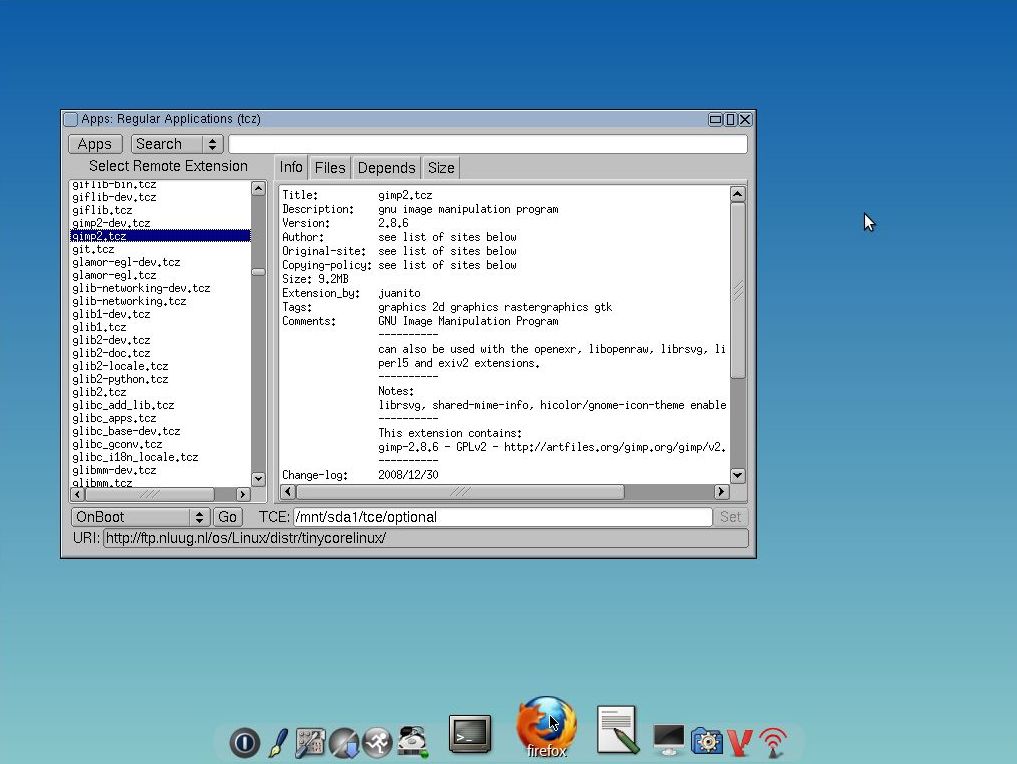
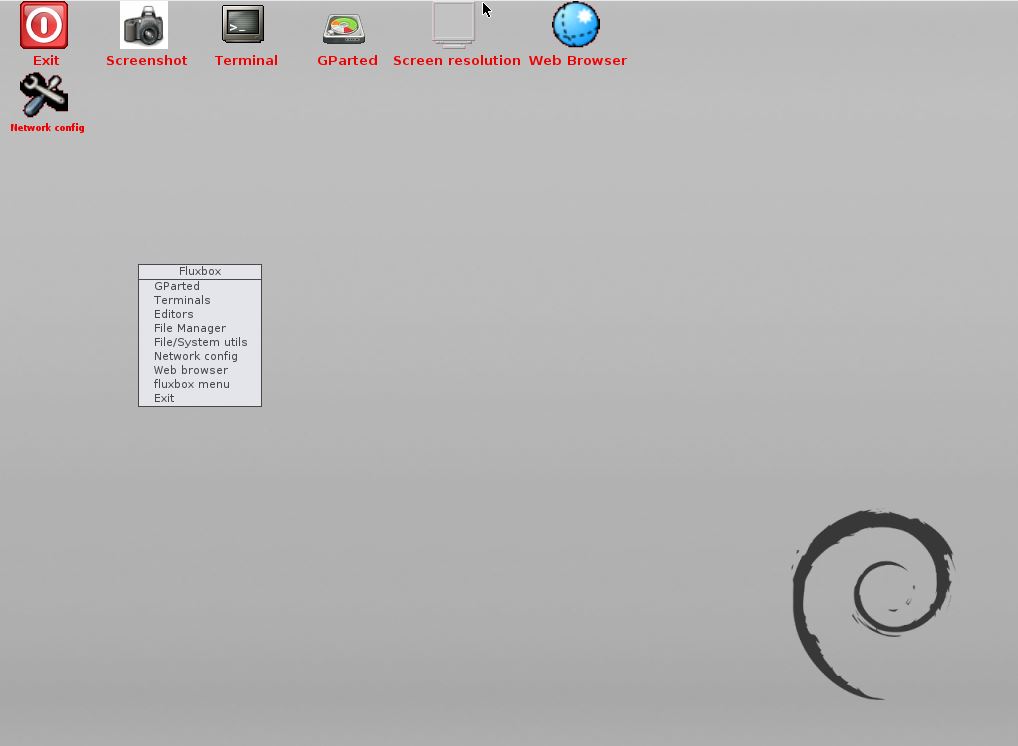
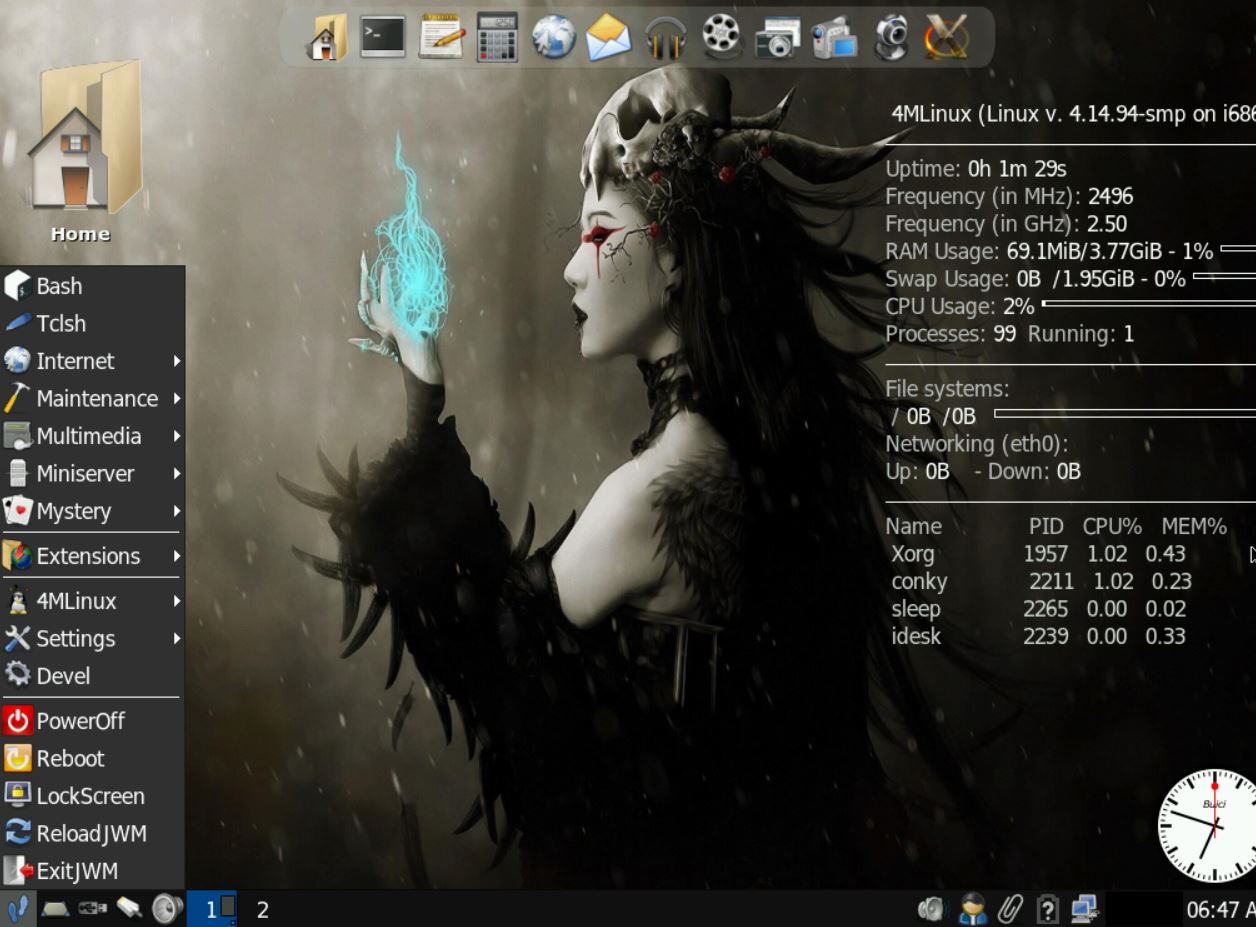
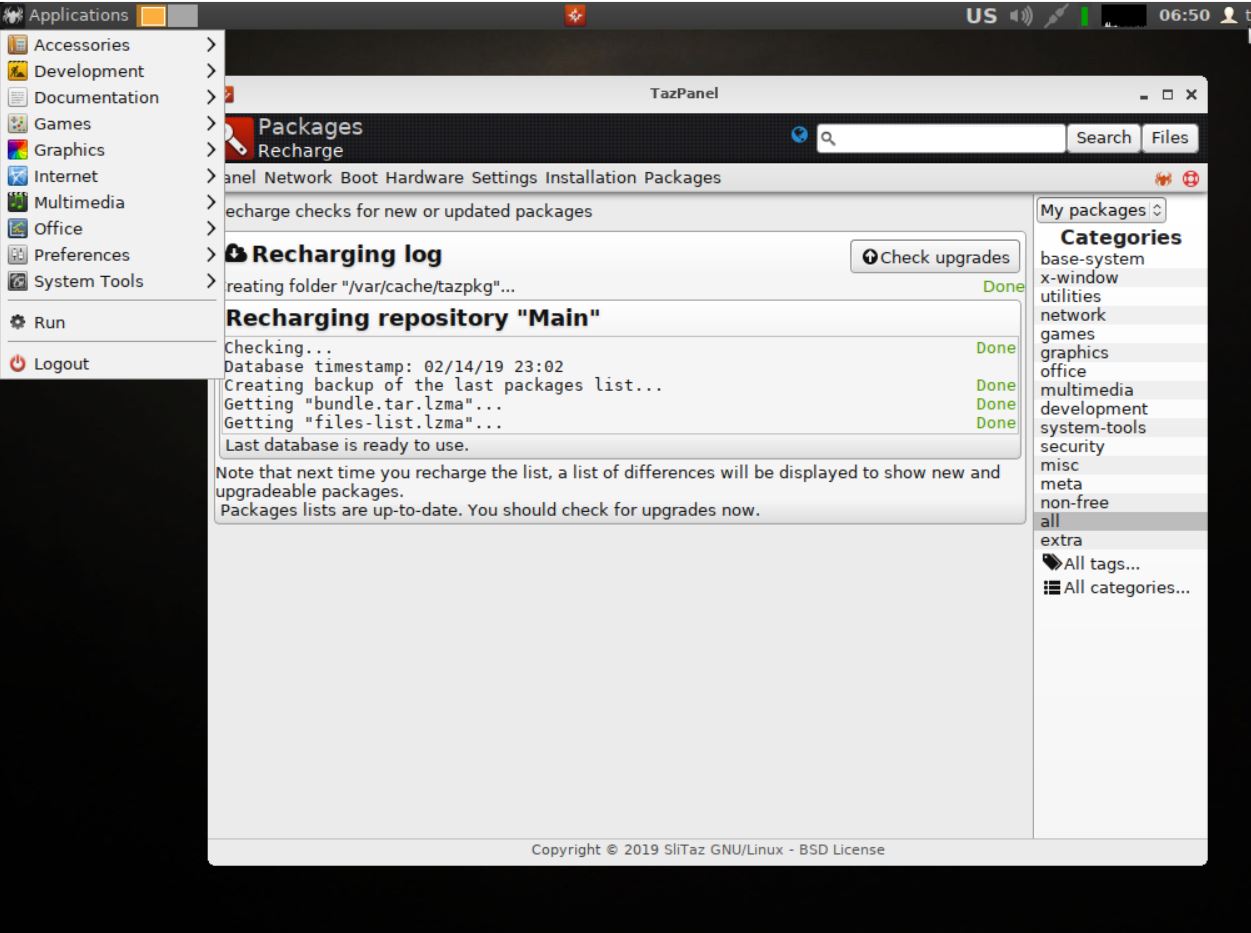
A new version of EXTON Linux MultibootCD 6-OS is ready. Changes: New (latest) versions of Porteus, GParted Live, Puppy Linux (PuppEX Slack64), 4MLinux, SliTaz and Tiny Core. Note about VirtualBox/VMware: All systems can run in VirtualBox and VMware.

1. Porteus v. 4.0  >> Screenshot

Porteus is a complete linux operating system that is optimized to run from CD, USB flash drive, hard drive, or other bootable storage media. 

2. PuppEX Slack64 (Puppy Linux) >> Screenshot
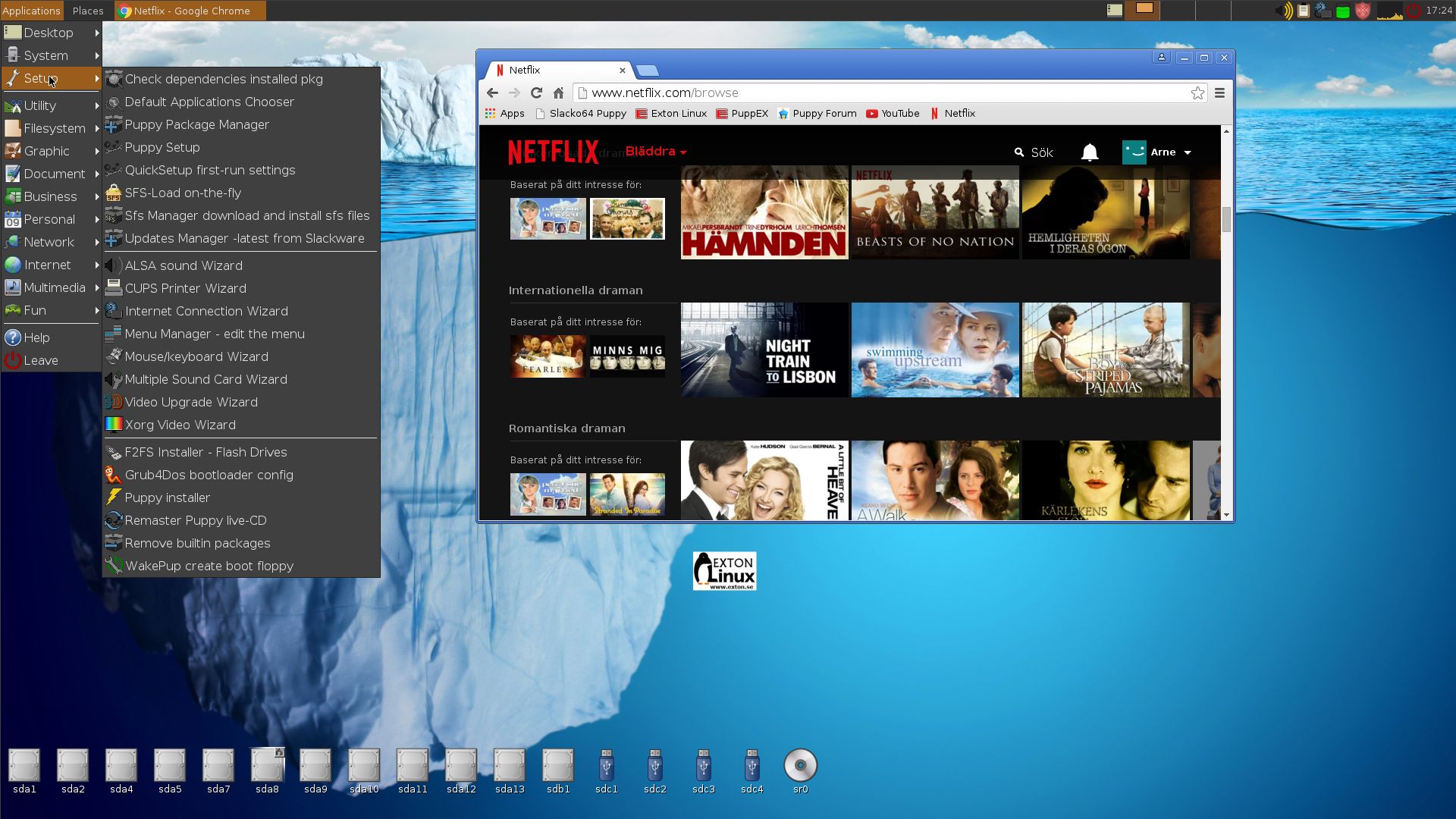
Puppy Linux uses unique Puppy scripts. Puppy loads and runs fast, entirely from Ram. Puppy has optimized programs and wizards. PuppEX Slack 64 bit is a remaster of Puppy Slacko 6.3.2. Google Chrome is included. Just to make it possible to watch Netflix movies. The NVIDIA Graphics driver 367.35 is also included. Kernel 4.7.2-x86_64-puppex is used.

3. Tiny Core 10.0 >> Screenshot
Tiny Core Linux is a very small (16 MB) minimal Linux GUI Desktop. It is based on Linux kernel, Busybox, Tiny X, and Fltk. The core runs entirely in ram and boots very quickly.

4. GParted 0.26.1-5-amd64 >> Screenshot
GParted Live is a business card-size live CD distribution with a single purpose – to provide tools for partitioning hard disks in an intuitive, graphical environment.

5. 4MLinux 28.0 >> Screenshot
4MLinux is a miniature Linux distribution focusing on four capabilities: maintenance (by using it as a system rescue live CD), multimedia (for example, for playing video DVDs),mini server (using the inetd daemon), and mystery (meaning console games).

6. SliTaz 5.0 >> Screenshot
SliTaz is a free operating system, working completely in RAM and booting from removable media such as a cdrom or USB key. The system is quick and responsive, clean and robust. SliTaz is simple and intuitive, providing a lightweight, elegant desktop, detailed documentation and easy to use configuration tools.

READ MORE…

PuppEX (Puppy Slacko64) Live DVD with kernel 4.3.0-x86_64-puppex

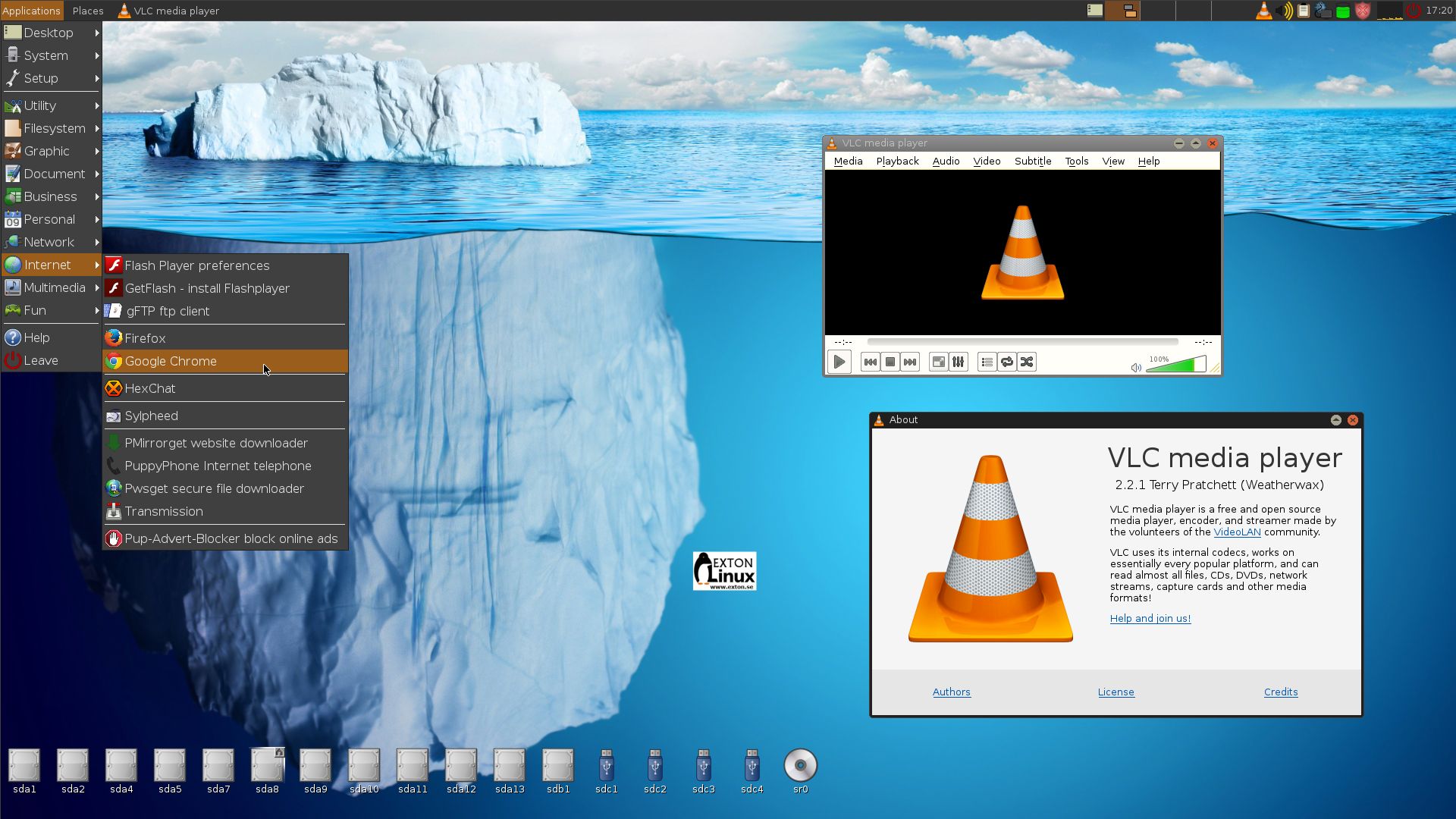
PuppEX Slacko 64 bit is a remaster of Puppy Linux Slacko64 6.3.0, released on November 16, 2015. Kernel 4.3.0-x86_64-puppex is used. Kernel 4.3 is the latest available stable kernel from Kernel.org as of 151130. PuppEX uses the original Puppy Slacko64 Desktop. I have added PCManFM and LXTerminal. They are more useful than ROX-Filer respectively RXVT, I think. The ISO file is on the whole 766 MB, which is due to me including also NVIDIA Graphics driver 352.63, Gimp, Vlc Media Player 2.2.1 installed from source (so you can run it as root), Google Chrome 46.0.2490.86 (for Netflix), Adobe Flash and compiling tools. Puppy Slacko original is of only 234 MB. PuppEX is despite this still running as fast as the original, which means it runs very, very fast compared to most other Linux systems. (Puppy/PuppEX runs from RAM).

Compatible with Slackware 14.1
The beauty of Puppy Slacko64 is that programs that are available for Slackware 14.1 also can be easily installed and run in Puppy Slacko64 (and thus also in PuppEX).

MOST IMPORTANT CHANGES
I’ve changed kernel from 4.1.11 to 4.3.0-x86_64-puppex and installed NVIDIA Graphics driver 352.63. The Nvidia driver will be used if your computer/card is “modern” enough. I’ve also added Vlc and Google Chrome (just as I said to make it possible to watch Netflix movies).

Study ALL installed packages in PuppEX

See a screenshot of the Desktop and  one when Google Chrome with Netflix is running

READ MORE…