Tag Archives: PuppEX Slack64

PuppEX Slack64 – compatible with Slackware 15 – with NVIDIA’s proprietary driver 58.82.09 and kernel 6.16.9-exton ::: Build 251002

This Puppy Linux derivative is built by me using Puppy Linux Woof-CE Builder. It is compatible with Slackware 15.0 and uses kernel 6.16.9-exton. This Puppy system works very well on UEFI and non-UEFI computers. You can build your own Puppy Linux Slackware 15 compatible system using PuppEX as “groundwork”. Just start the remaster tool (Remaster Puppy) and follow the instructions given by the remaster script.

Study all installed packages in this PuppEX build.

NVIDIA
I’ve installed NVIDIA‘s proprietary driver 58.82.09. That’s because I could not get X to work on one of my computers with a new NVIDIA card RTX 4060 in any other way. The driver will be used if you have a relatively new NVIDIA card. If the card isn’t automatically recognized after boot you shall run the command xorgwizard. When choosing card you shall go for Auto. After that restart X and you will hopefully enter the Desktop as root.

How to make a frugal installation – Instruction…

Development tools
If you need development tools you shall download and load devx_s15pup64_22.12.sfs. Put devx in the folder where you have “installed” PuppEX and then click on it to load it. Test it by running the command which make.

SCREENSHOTS
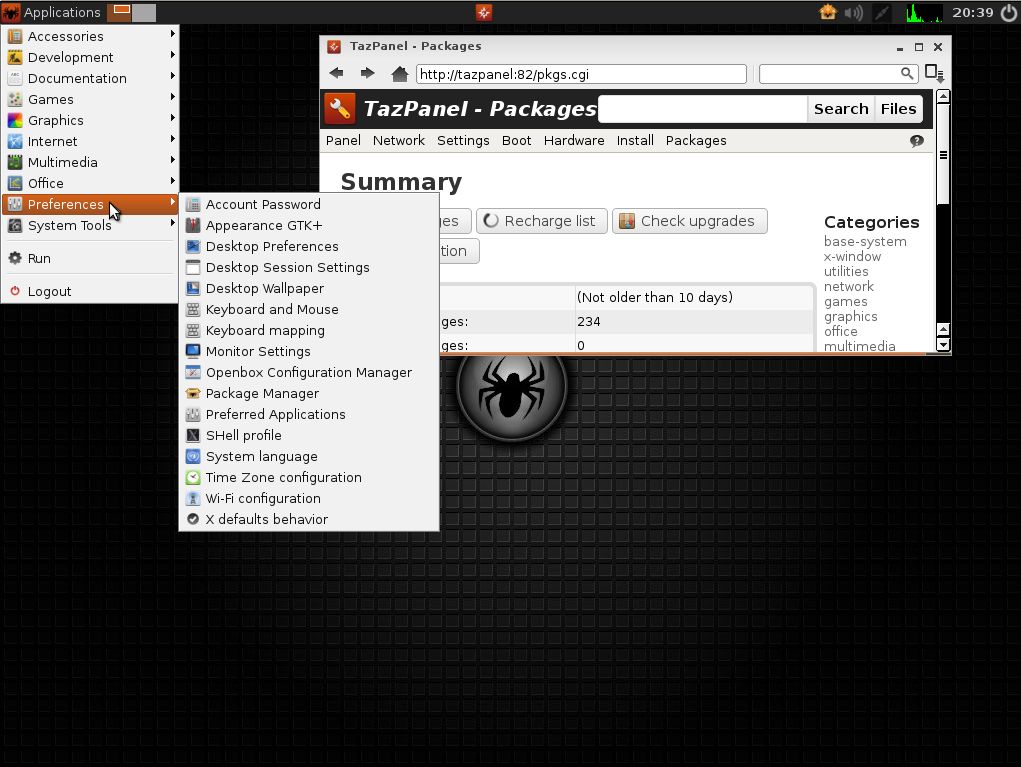
1. First screen after boot
2. Running in VirtualBox
3. Running the lspci command
4. Showing a WiFi connection
5. Showing how to configure sound
6. Configure a wired Internet connection

READ MORE…

Read about my Android-x86 Systems – 11, 10, Pie, Oreo, Nougat, Marshmallow, Lollipop and KitKat at andex.exton.net – latest is AndEX 11 (with GAPPS), AndEX 10 (with GAPPS) and AndEX Pie 9.0 (also with GAPPS)!
and
about my Android 16, 15, 14, 13, 12, 11, 10, Pie, Oreo, Nougat, Marshmallow and Lollipop versions for Raspberry Pi 5, Pi 4 and  Pi 3/2 at raspex.exton.se – latest is RaspAnd 16 (with GAPPS), RaspAnd 15 (also with GAPPS), RaspAnd 14 (also with GAPPS), 13 and 12 (without GAPPS), RaspAnd 11 (with GAPPS) and RaspAnd Oreo 8.1 (also with GAPPS)!


Follow me on Facebook…

PuppEX Slack64 (Puppy Linux) compatible with Slackware 15 :: Build 241018

NEWS ABOUT PuppEX Slack64 15.0 241018
This Puppy Linux derivative is built using Puppy Linux Woof-CE Builder. It is compatible with Slackware 15.0 and uses kernel 6.10.13-exton. This Puppy system works very well on UEFI and non-UEFI computers. You can build your own Puppy Linux Slackware 15 compatible system using PuppEX as “groundwork”. Just start the remaster tool (Remaster Puppy) and follow the instructions given by the remaster script. I’ve included devx_puppex-slack64.sfs in the ISO file. Load it if you need it. Study all installed packages in this PuppEX build.

A NEW VERSION of PuppEX Slack64 – 241018
This PuppEX Slack64 Build from 241018 runs very well on ALL “normal” computers. Build 241016 was missing a lot of firmware. Therefore X couldn’t be auto-configured on some computers.

SCREENSHOTS
1. First screen after boot
2. A Frugal install running from a USB stick
3. Puppy Linux info
4. Light Browser is outdated
5. Installing Firefox
6. Installing VirtualBox Guest Additions
7. Running in full screen in VirtualBox
8. Running the lspci command
9. Showing a Samba connection

READ MORE…

Read about my Android-x86 Systems – 11, 10, Pie, Oreo, Nougat, Marshmallow, Lollipop and KitKat at
andex.exton.net – latest is AndEX 11 (with GAPPS), AndEX 10 (with GAPPS) and AndEX Pie 9.0 (also with GAPPS)!
and
about my Android 14, 13, 12, 11, 10, Pie, Oreo, Nougat, Marshmallow and Lollipop versions for Raspberry Pi 5, Pi 4 and  Pi 3/2 at
raspex.exton.se
– latest is RaspAnd 14 (with GAPPS), 13 and 12 (without GAPPS), RaspAnd 11 (with GAPPS) and RaspAnd Oreo 8.1
(also with GAPPS)!

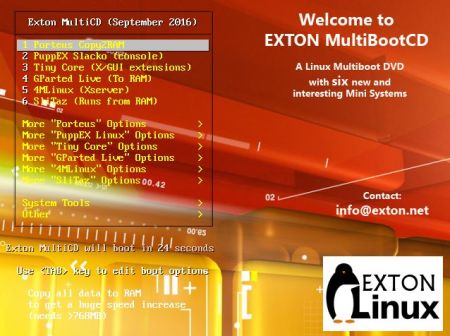
EXTON MultiBootCD | version 160928 with six new mini Linux OS

exton-multibootcd-boot-smallLatest News about EXTON Linux MultiBootCD 6-OS
28.9.2016

A new version of EXTON Linux MultibootCD 6-OS is ready. Changes: New (latest) versions of Porteus, GParted, Puppy Linux (PuppEX Slack64), 4MLinux, SliTaz and Tiny Core. Note about VirtualBox: All systems but Porteus can run in VirtualBox. Why Porteus won’t run I don’t know.

What’s the point of running EXTON Linux MultiBootCD 6-OS?
Anyone who is slightly interested in Linux and want to see how far the development of the most famous mini Linux systems have reached should try it. Easy then to test the current systems on the CD (DVD) live to find out which one suits you (and your computer) best.

Screenshots – see below…
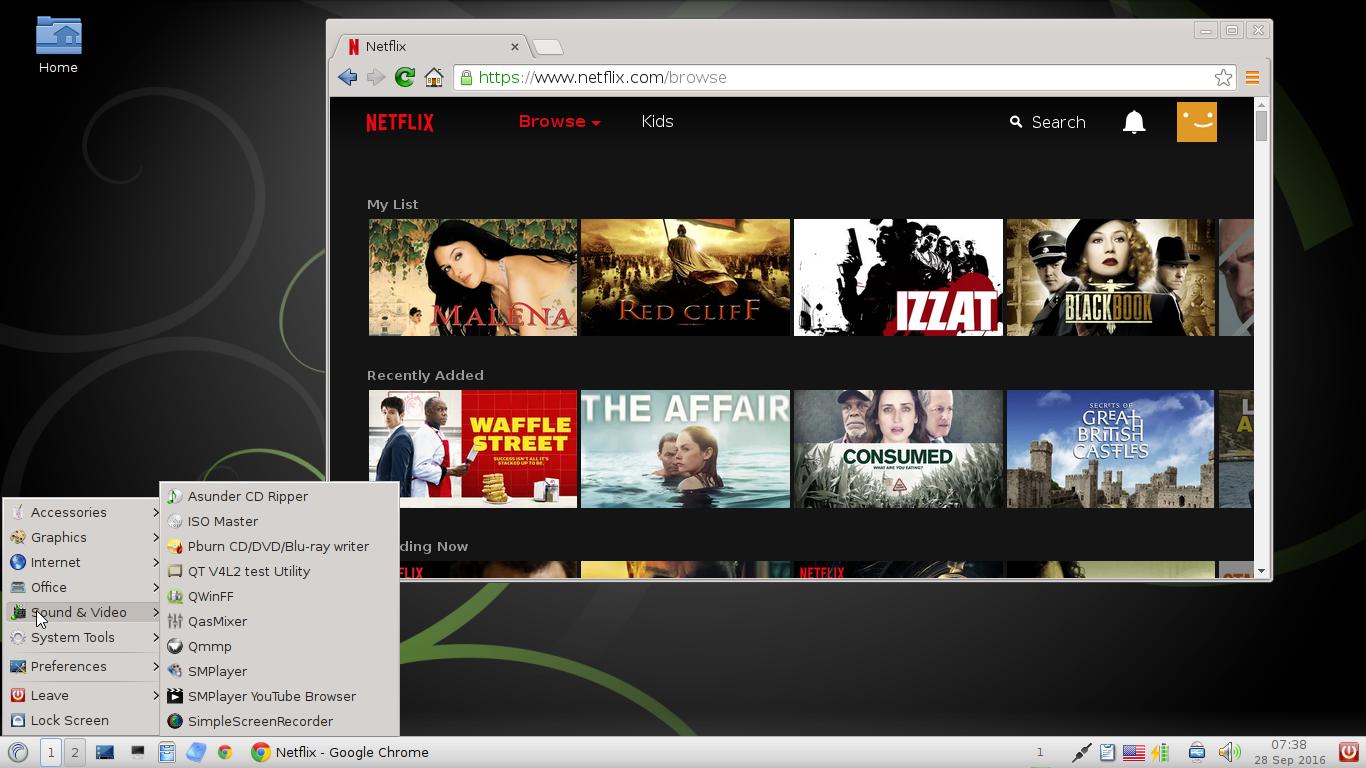
 

Porteus
Porteus
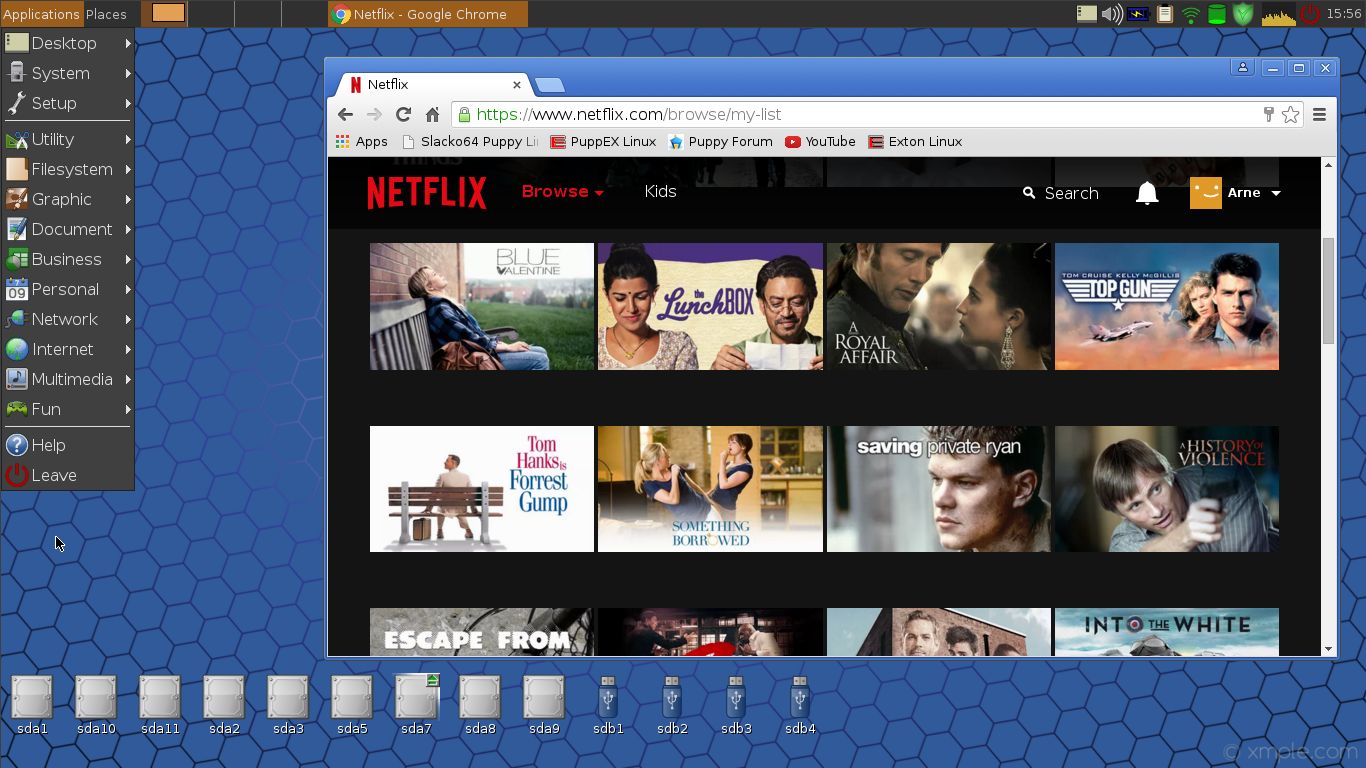
PuppEX
PuppEX
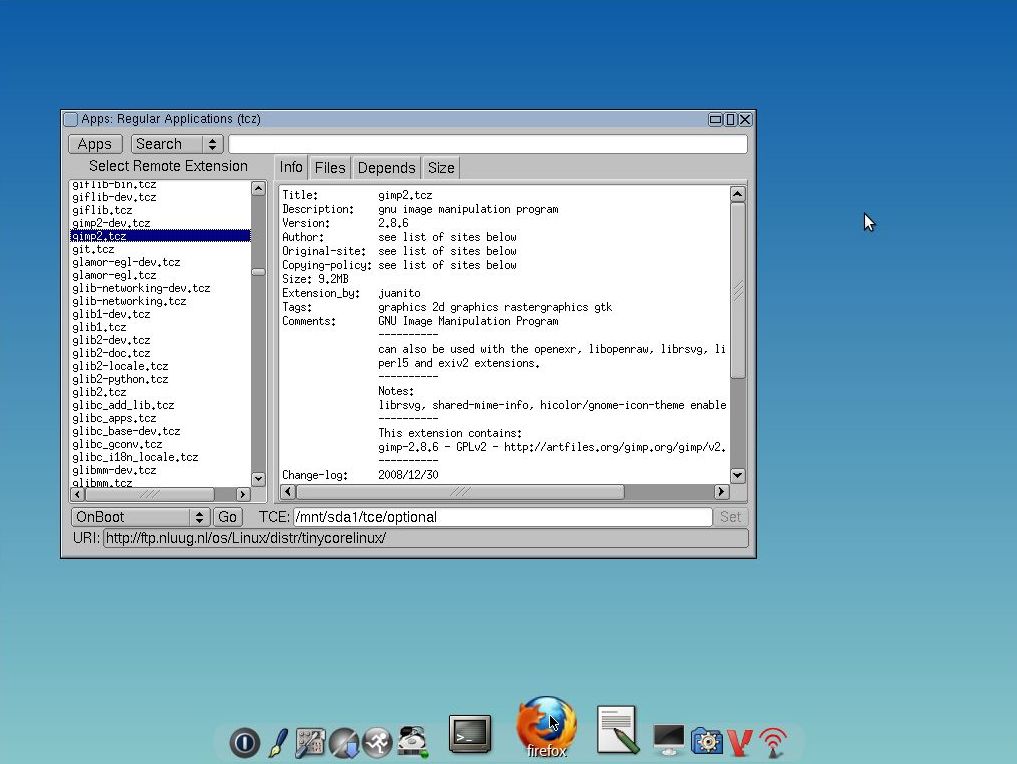
Tiny Core
Tiny Core
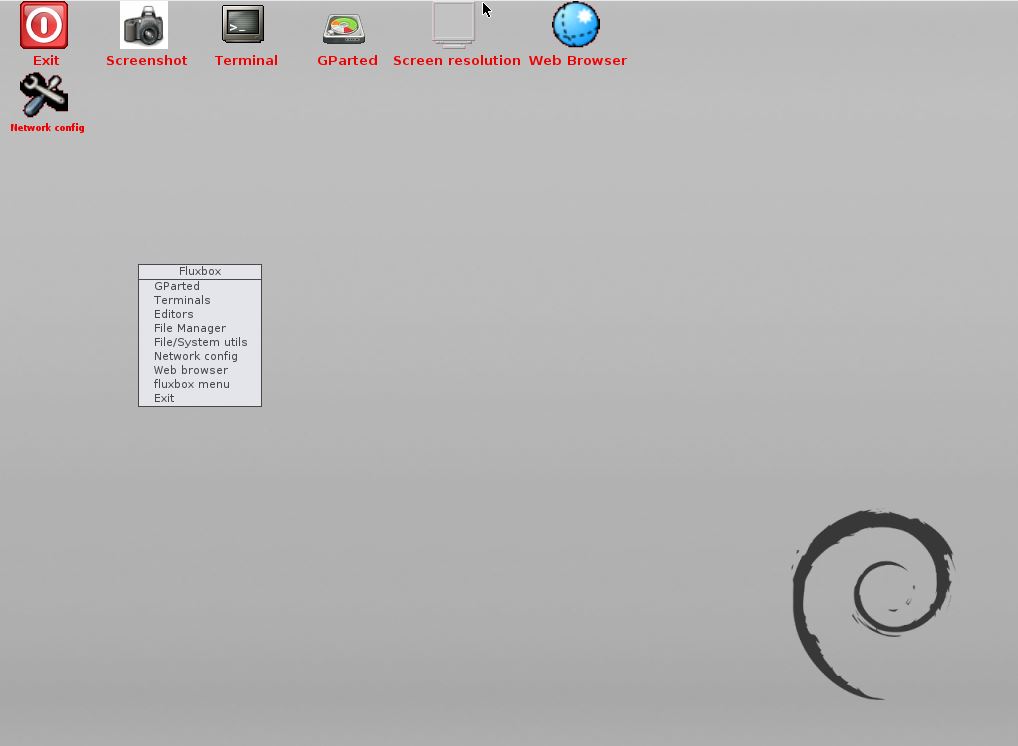
GParted
GParted Live
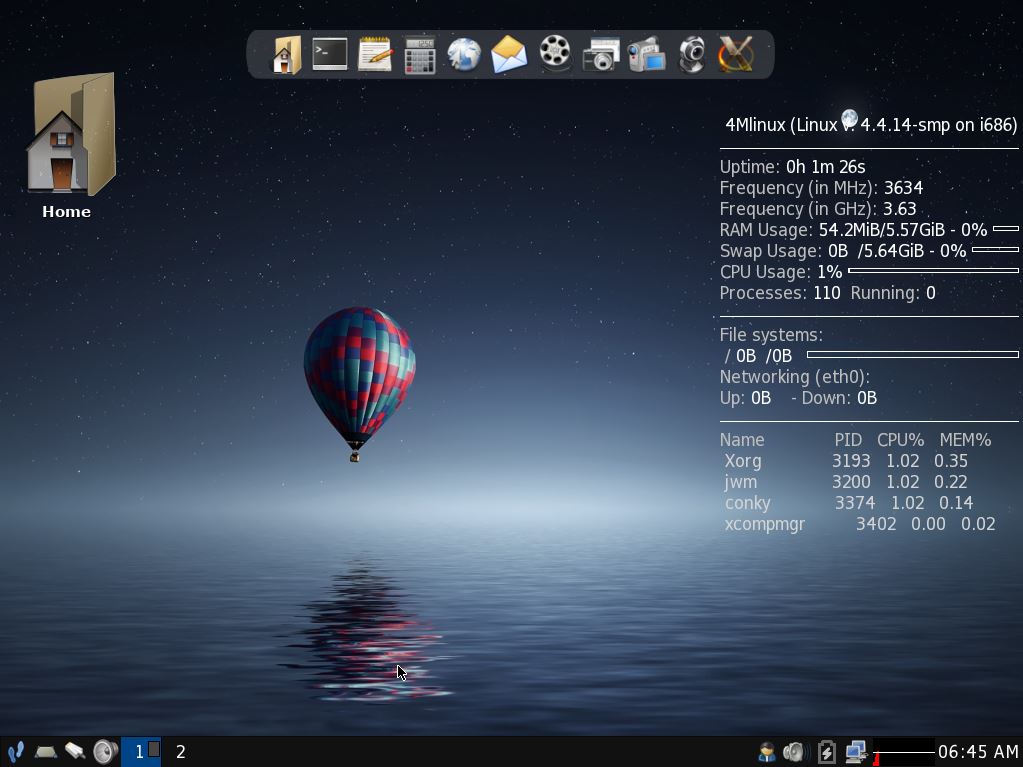
4MLinux4MLinux SliTaz
SliTaz

READ MORE…