Tag Archives: Plasma

DebEX KDE Plasma with kernel 7.0.8-amd64-exton, Calamares Installer and Refracta Snapshot :: Build 260516

NEWS 260516 about DebEX KDE Plasma – a Refracta Build
I have made a new extra version of DebEX KDE Plasma Live Systemefi. It’s a pure Debian Sid/Forky (upcoming Debian 14) System. There are no Ubuntu or Kubuntu elements involved in DebEX. DebEX KDE Plasma Sid uses the KDE Plasma Desktop 6.5.4 – latest version, released 251209 – as Desktop environment. Kernel 7.0.8-amd64-exton is used. All included packages have been updated to the latest version as of 260516.

VirtualBox Guest Additions and VMware Tools are pre-installed, which mean that you can run DebEX KDE in full screen – see the screenshots below.

SCREENSHOTS

1. The Desktop for the ordinary user user
2. Running in full screen in VirtualBox
3. Calamares Installer is ready

MOST IMPORTANT CHANGES in DebEX KDE
A) I’ve installed the full KDE Plasma Desktop using the command sudo apt install task-kde-desktop. In order to save space I have removed LibreOffice with the command sudo apt remove libreoffice* B) I have added Calamares 3.3.14-5.1 Installer Framework. Now you can choose language when the installation starts. When it’s ready everything will be in your chosen language! You can even use Calamares in VirtualBox and VMware – i.e. non-efi computers without problems. It works very well!
NOTE1: You can also use Refracta Installer. Preferably in VirtualBox/VMware. NOTE ALSO: When running DebEX KDE in VirtualBox you can do it in full screen since VirtualBox Guest Additions are pre-installed. Watch this screenshot.
NOTE2: On some computers you’ll have to use this boot line:
linux  /boot/vmlinuz-7.0.8-amd64-exton root=UUID=bd464ccb-3081-4fc2-ad18-08daa76b7bf4 ro quiet splash acpi_backlight=vendor splash acpi_rev_override=1
Otherwise the screen will be too dark.

ABOUT Debian “Forky” (upcoming Debian 14)
Forky is currently in a state of “testing”. You should therefore be a bit careful when using DebEX KDE Build 260516. Nevertheless apps won’t “crash” or anything like that (according to my experience). Debian 14 Forky STABLE will be released mid-to-late 2027.

READ MORE…

Read about my Android-x86 Systems – 11, 10 and Pie at andex.exton.se – latest is AndEX 11 (with GAPPS)
and
about my Android 16, 15, 14, 13, 12, 11, 10, Pie, Oreo, Nougat, Marshmallow and Lollipop versions for Raspberry Pi 5, Pi 4 and  Pi 3/2 at raspex.exton.se – latest is RaspAnd 16 (with GAPPS), RaspAnd 15 (also with GAPPS), RaspAnd 14 (also with GAPPS), 13 and 12 (without GAPPS), RaspAnd 11 (with GAPPS) and RaspAnd Oreo 8.1 (also with GAPPS)

DebEX KDE Plasma based on Debian testing/unstable with kernel 5.3.0-exton and Calamares Installer – “the real McCoy” – Build 190923

Created with GIMP

NEWS 190923 about DebEX KDE Plasma – a Refracta Build
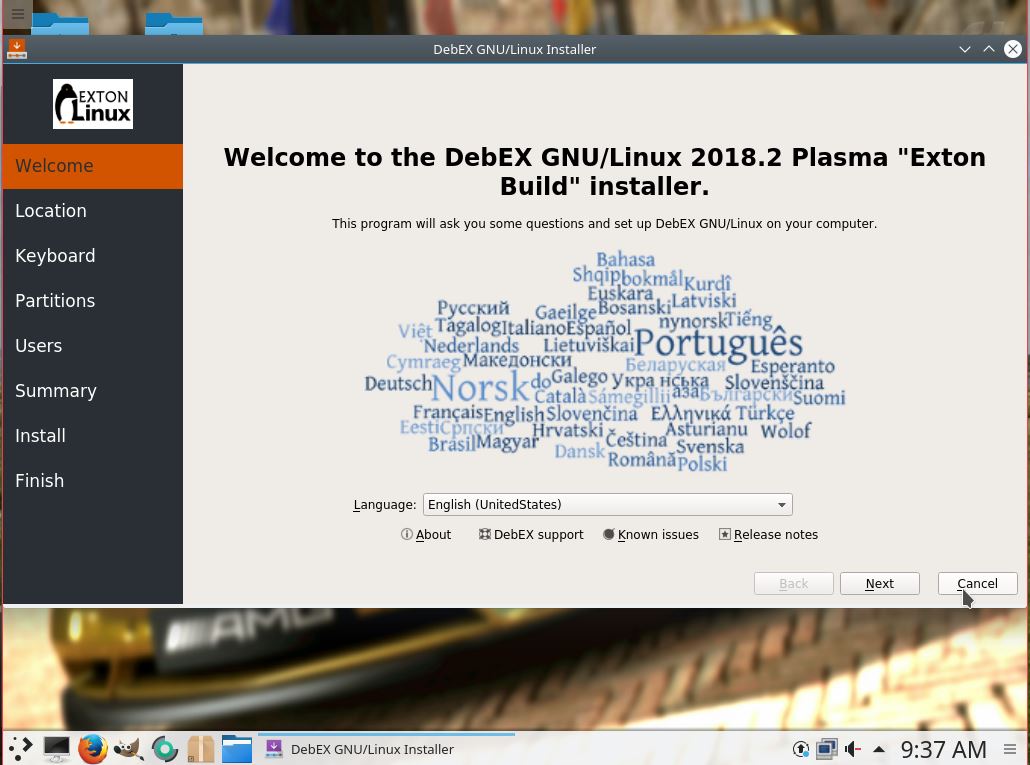
I have made a new version of DebEX KDE Plasma Live DVDefi. It replaces version 190407. It’s a pure Debian system. (Unstable/Experimental). I.e.: There are no Ubuntu or Kubuntu elements involved. DebEX KDE Plasma uses the KDE Plasma Desktop 5:14 as Desktop environment. Kernel 5.3.0-exton (5.3) is used. I have replaced Wicd with NetworkManager. It works better. I have replaced Google Chrome with Iceweasel 52.9 (for Netflix). I’ve also added SMPlayer – an alternative to Vlc. (SMPlayer is a free media player for Windows and Linux with built-in codecs that can play virtually all video and audio formats. It doesn’t need any external codecs. Just install SMPlayer and you’ll be able to play all formats without the hassle to find and install codec packs). All other installed packages have also been updated to the latest version of 190923. Study the full package list. MOST IMPORTANT CHANGE: I have added Calamares 3.2.13-1 Installer Framework. Now you can choose language when the installation starts. When it’s ready everything will be in your chosen language! You can even use Calamares in VirtualBox and VMware – i.e. non-efi computers if you follow my INSTRUCTION for non-efi computers. You can also use Refracta Installer. Preferably in VirtualBox/VMware (non-efi computers).

MOVIE about Calamares Installer
Watch a movie
about the Calamares installation process in VirtualBox.

What’s new in kernel 5.3?

THE REAL McCoy
DebEX KDE is a pure Debian system. I.e. no traces of Ubuntu, Kubuntu etc. New releases of Ubuntu are always based on Debian unstable. So is DebEX.

SCREENSHOTS
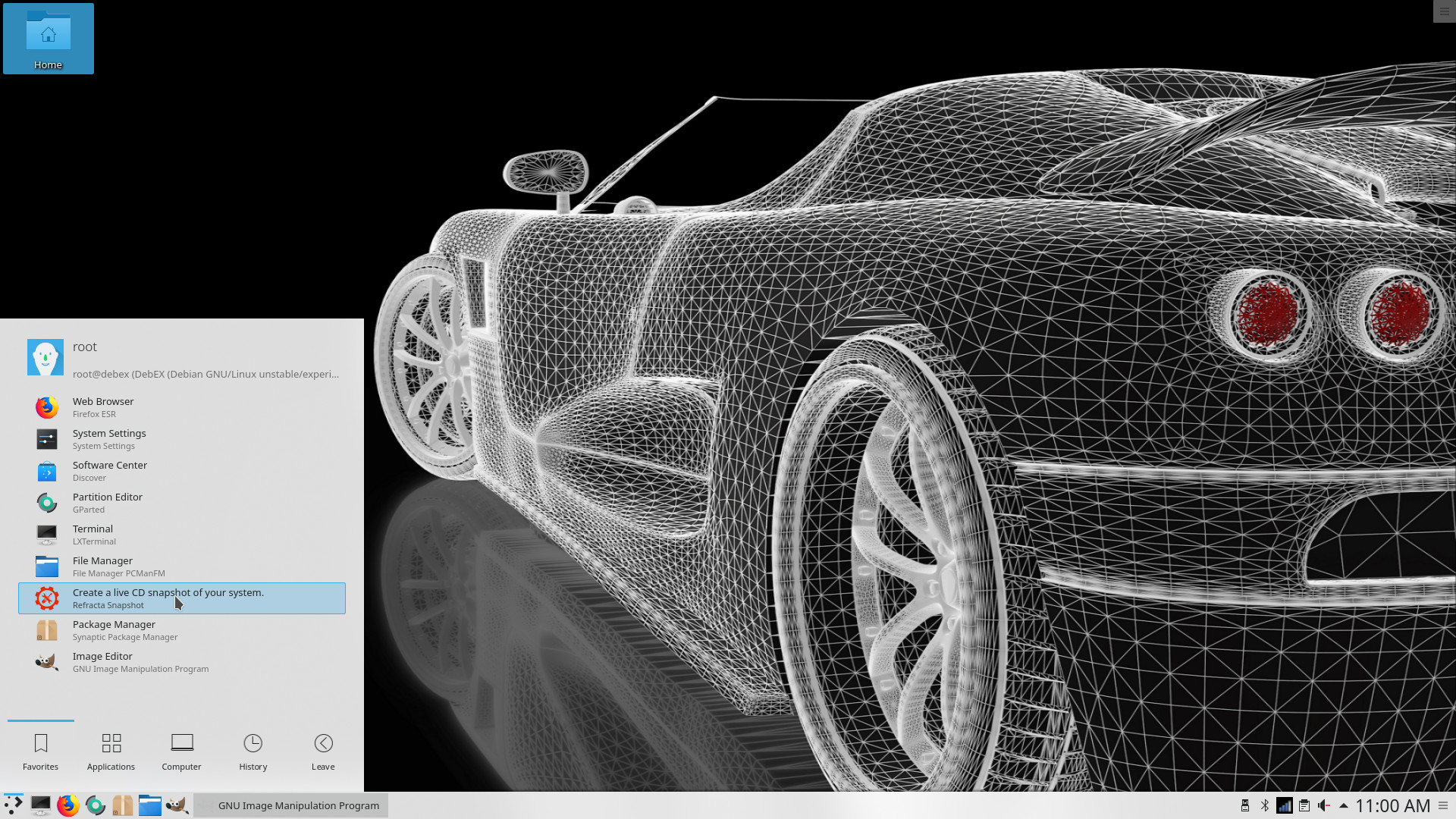
Root’s Desktop in version 190923 of DebEX KDE
User’s Desktop in version 190923 of DebEX KDE
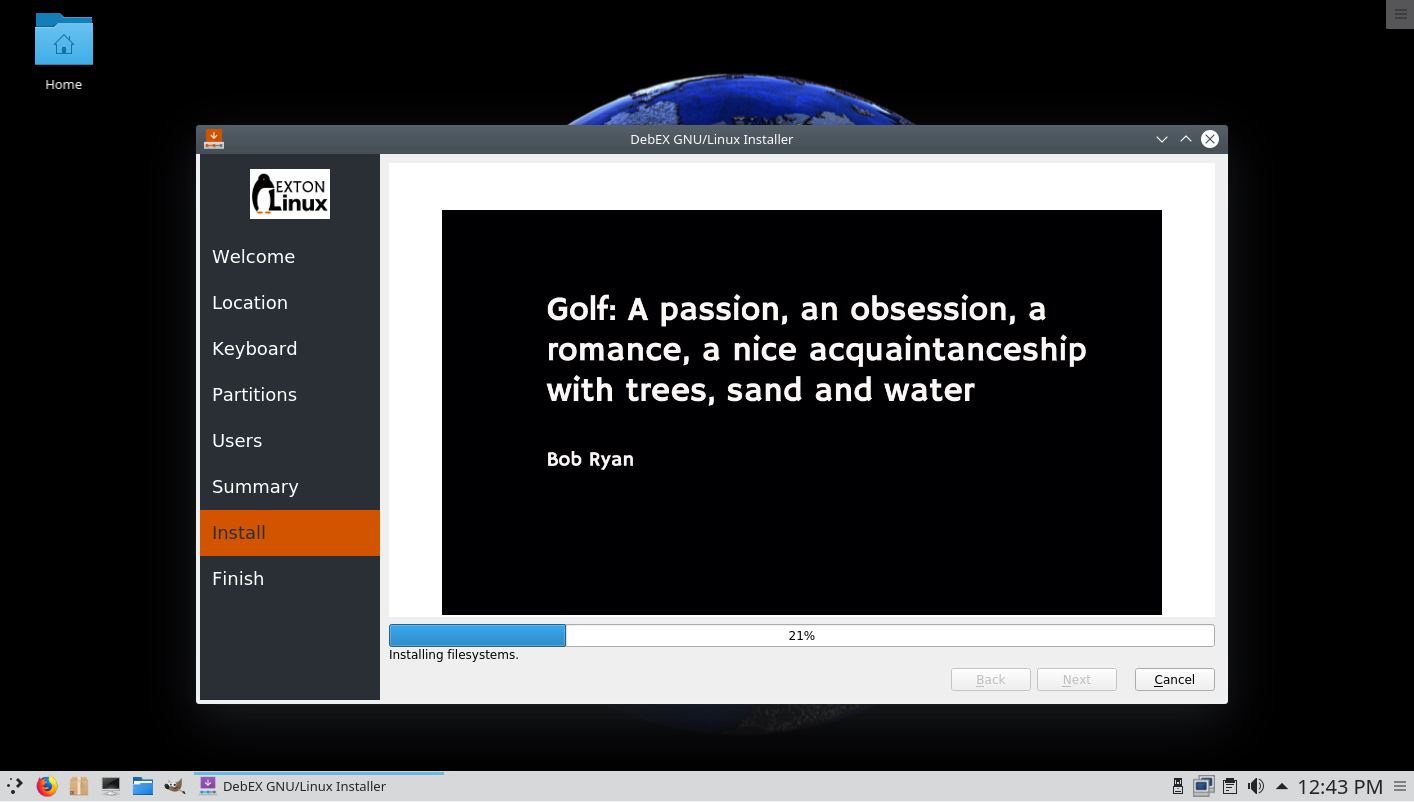
Calamares Installer is running

READ MORE…

Read about my Android-x86 Systems – Pie, Oreo, Nougat, Marshmallow, Lollipop and KitKat at

andex.exton.net – latest is AndEX Pie 9.0 (with GAPPS) and AndEX Oreo 8.1 (also with GAPPS)!
and
about my Pie, Oreo, Nougat, Marshmallow and Lollipop versions for Raspberry Pi 3/2 at
raspex.exton.se – latest is RaspAnd Pie 9.0 (without GAPPS) and RaspAnd Oreo 8.1 (with GAPPS)!
DebEX KDE Plasma based on Debian testing/unstable with kernel 5.0.6-exton (latest) and Calamares Installer – “the real McCoy” – Build 190407

Created with GIMP

NEWS 190407 about DebEX KDE Plasma – a Refracta Build
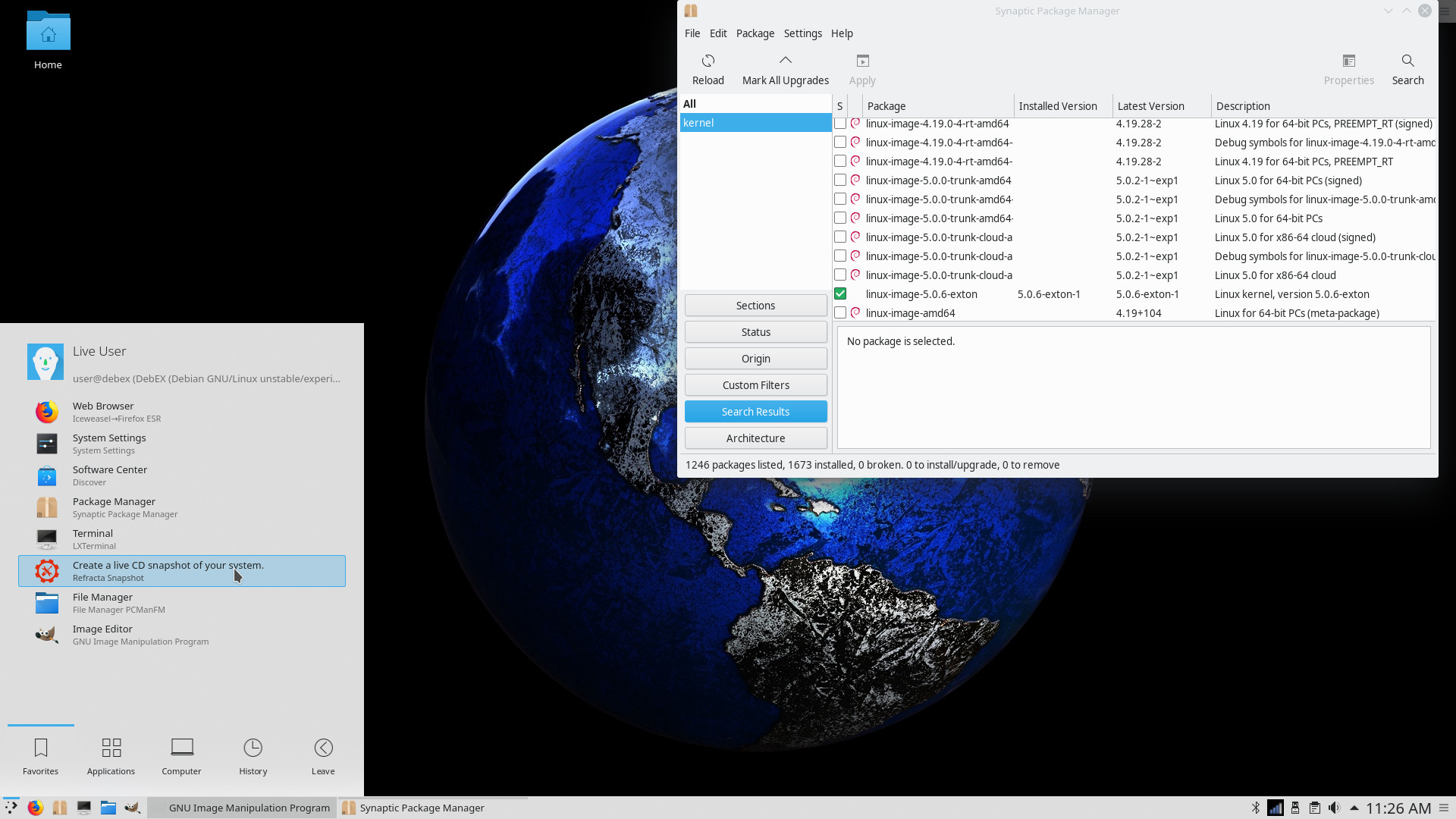
I have made a new version of DebEX KDE Plasma Live DVDefi. It replaces version 180814. It’s a pure Debian system. (Unstable/Experimental). I.e.: There are no Ubuntu or Kubuntu elements involved. DebEX KDE Plasma uses the KDE Plasma Desktop 5:14 as Desktop environment. Kernel 5.0.6-exton (5.0.6) is used. I have replaced Wicd with NetworkManager. It works better. I have replaced Google Chrome with Iceweasel 52.9 (for Netflix). I’ve also added SMPlayer – an alternative to Vlc. (SMPlayer is a free media player for Windows and Linux with built-in codecs that can play virtually all video and audio formats. It doesn’t need any external codecs. Just install SMPlayer and you’ll be able to play all formats without the hassle to find and install codec packs). All other installed packages have also been updated to the latest version of 190407. Study the full package list. MOST IMPORTANT CHANGE: I have replaced Refracta Installer with Calamares 3.2.4-4 Installer Framework. Now you can choose language when the installation starts. When it’s ready everything will be in your chosen language! You can even use Calamares in VirtualBox and VMware – i.e. non-efi computers if you follow my INSTRUCTION for non-efi computers.

MOVIE about Calamares Installer
Watch a movie
about the Calamares installation process in VirtualBox.

What’s new in kernel 5.0?

THE REAL McCoy
DebEX KDE is a pure Debian system. I.e. no traces of Ubuntu, Kubuntu etc. New releases of Ubuntu are always based on Debian unstable. So is DebEX.

SCREENSHOTS
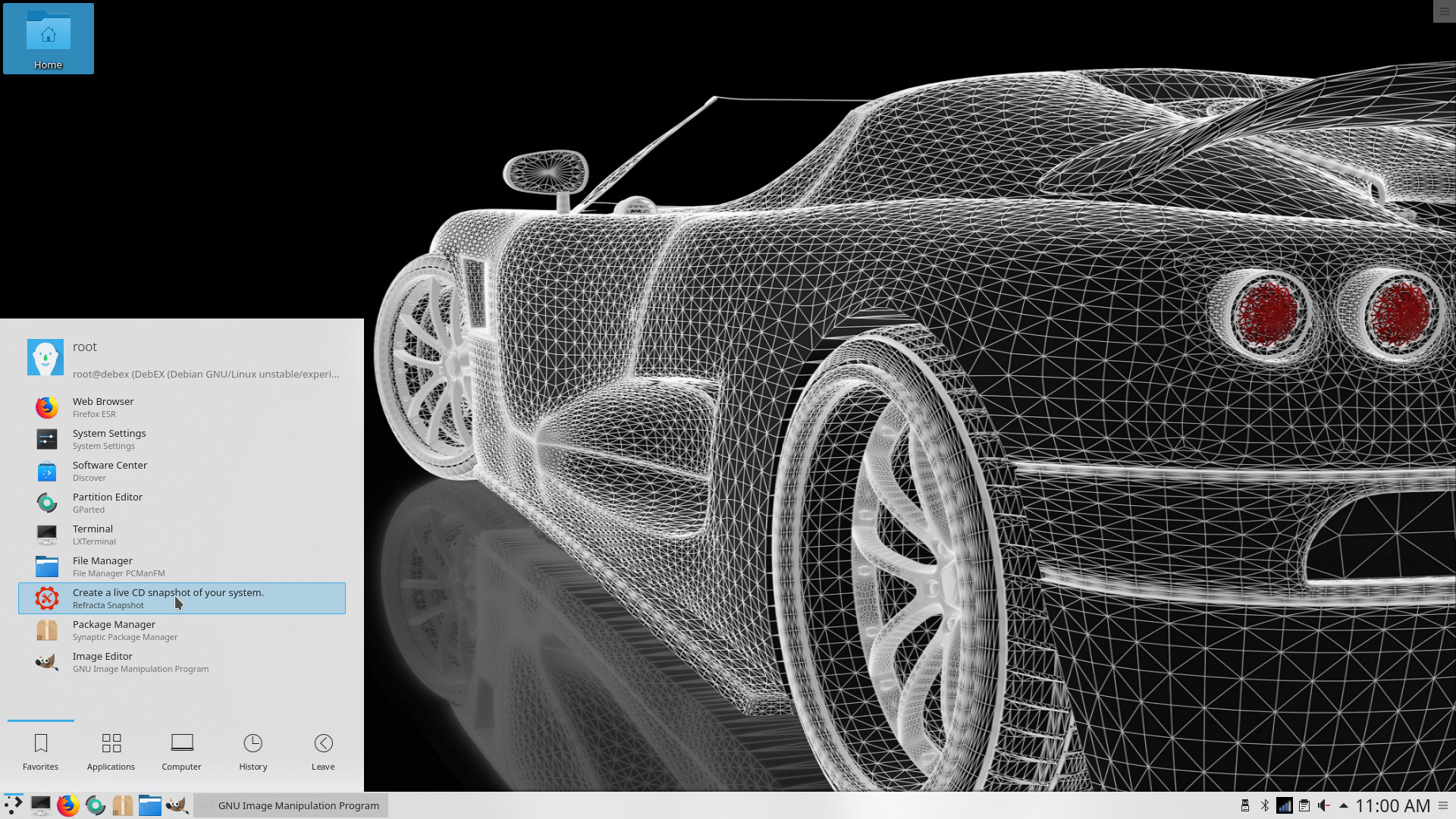
Root’s Desktop in version 190407 of  DebEX KDE
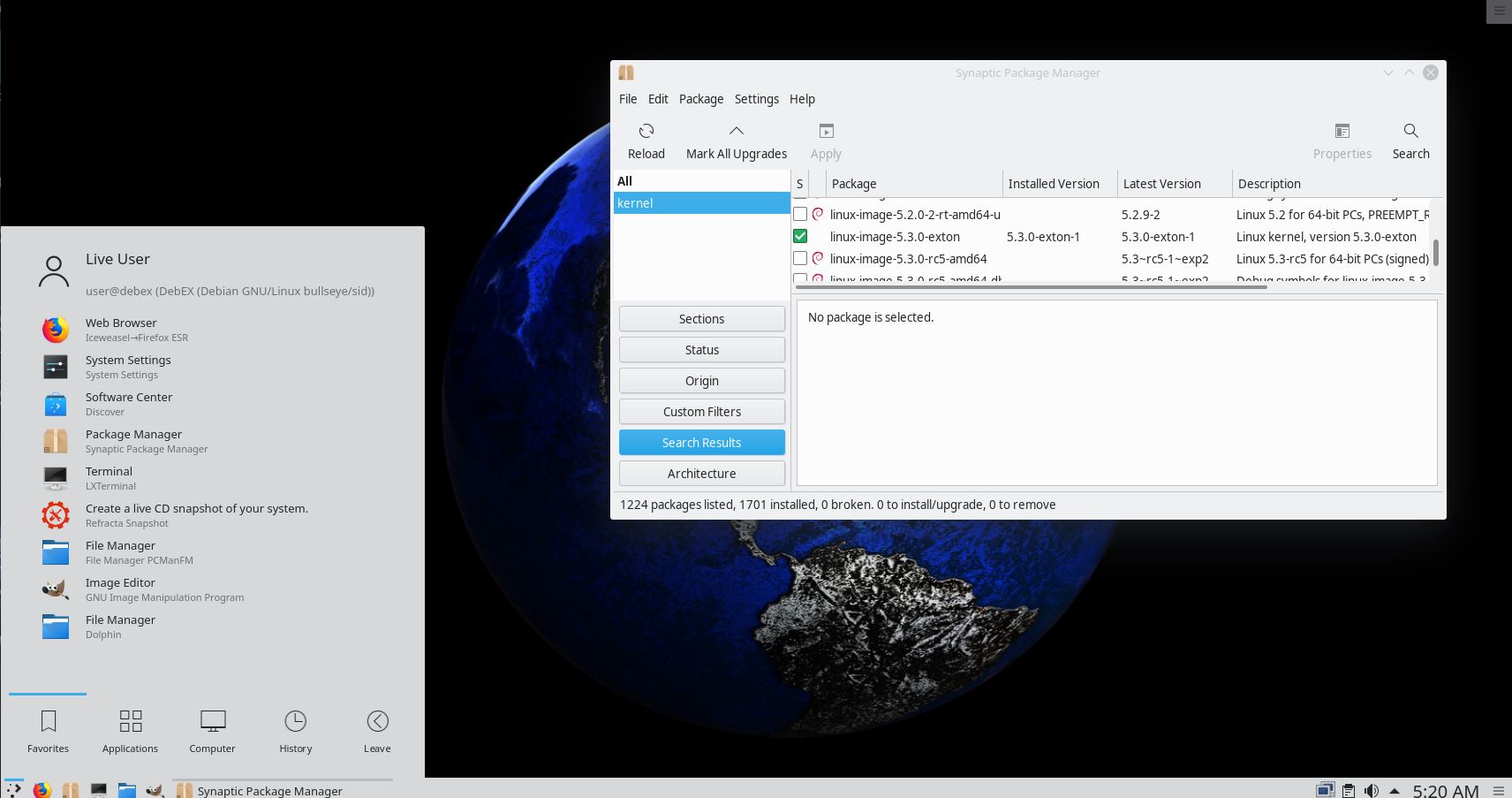
The normal user’s Desktop with Synaptic running

READ MORE…

Read about my Android-x86 Systems – Pie, Oreo, Nougat, Marshmallow, Lollipop and KitKat at

andex.exton.net – latest is AndEX Pie 9.0 (without GAPPS) and AndEX Oreo 8.1 (with GAPPS)!

and about my Pie, Oreo, Nougat, Marshmallow and Lollipop versions for Raspberry Pi 3/2 at
raspex.exton.se – latest is RaspAnd Pie 9.0 (without GAPPS) and RaspAnd Oreo 8.1 (with GAPPS)!