Tag Archives: Create you own live installable Ubuntu system with Refracta Snapshot

ExTiX 25.12-2 Mini – a live remix of upcoming Ubuntu 26.04 LTS – with LXDE, Refracta Snapshot and kernel 6.17.8-amd64-exton ::: Build 251205

NEWS 251205 ABOUT ExTiX 25.12-2 Mini with LXDE and Refracta Snapshot ::: Build 251205
I have made a new version of ExTiX (The Ultimate Linux System). I call it ExTiX 25.12-2 LXDE Mini Live System. (The previous ExTiX Mini version was 23.5 from 230510). ExTiX 25.12-2 is a VERY PREMATURE remix of Ubuntu 26.04 LTS (Resolute Raccoon). Ubuntu 26.04 LTS will be supported until July 2031.

ABOUT Build 25.12-2
I was aiming to build a really light version of ExTiX (as a remix of upcoming Ubuntu 26.04). I therefore started “from scratch” using the Debootstrap method. Debootstrap is a low-level tool that installs a basic Ubuntu system into a directory, giving you complete control over every package from the ground up. This method is often used to create a custom installation in a virtual machine (using QEMU, VirtualBox, etc.) or onto a specific disk partition. No matter how hard I tried I could not make a smaller ISO than the current one of 1870 MB. Many big packages are necessary to make the system usable. As an example I can mention the linux-firmware package. It is of 650 MB. Without it the System is useless. A small ISO is of importance if you want to run the system from RAM on older computers with low RAM. To run from RAM is the best way to run any Linux system. Super fast! I decided to use LXDE (Lightweight X11 Desktop Environment) as DE instead of LXQt in the hope that it would hold down the size of the System. It did not help much though.

FEATURES
The best thing with ExTiX 25.12-2 is that while running the system live (from a DVD/USB) or from hard drive you can use Refracta Snapshot (pre-installed) to create your own live installable Ubuntu 26.04 LTS system. So easy that a ten year child can do it! One other very good thing with this version of ExTiX is that it is quite light. The ISO file is of only 1870 MB, which means that you can run the system super fast from RAM. When the boot process is ready you can eject the DVD or USB stick. Watch this screenshot. Use Boot alternative 2 or Advanced options >> load to RAM. LXDE is used as Desktop Environment (DE). Kernel 6.17.8-amd64-exton is used (as in ExTiX 25.12). You can use Refracta Installer to install ExTiX 25.12-2 to hard drive. It works very well. Read more about Refracta Installer…

STUDY all pre-installed packages in ExTiX 25.12-2…
And this list showing the size of installed packages in KB…
(Not much to gain from uninstalling some packages).

THE IMPORTANCE OF ExTiX 25.12-2 Build 251205 being based on UPCOMING Ubuntu 26.04 LTS
Programs won’t “crash” or anything like that. And I haven’t noticed any important “bugs”. That said you should of course be a bit careful. Version 251205 of ExTiX is for people who like to use “cutting-edge” software and the latest kernels etc. You will always have the latest Ubuntu software installed if you regularly run the command sudo apt update && sudo apt upgrade. If you do that for example every week you can be among the first to have Ubuntu 26.04 STABLE installed.

SCREENSHOTS
1. Refracta Installer is ready
2. Showing that you can eject the USB stick when running ExTiX from RAM

READ MORE…

Read about my Android-x86 Systems – 11, 10, Pie, Oreo, Nougat, Marshmallow, Lollipop and KitKat at andex.exton.net – latest is AndEX 11 (with GAPPS), AndEX 10 (with GAPPS) and AndEX Pie 9.0 (also with GAPPS)!
and
about my Android 16, 15, 14, 13, 12, 11, 10, Pie, Oreo, Nougat, Marshmallow and Lollipop versions for Raspberry Pi 5, Pi 4 and  Pi 3/2 at raspex.exton.se – latest is RaspAnd 16 (with GAPPS), RaspAnd 15 (also with GAPPS), RaspAnd 14 (also with GAPPS), 13 and 12 (without GAPPS), RaspAnd 11 (with GAPPS) and RaspAnd Oreo 8.1 (also with GAPPS)!


Follow me on Facebook…

ExTiX 24.12 – based on Ubuntu 24.10 – with LXQt 2.0, Calamares Installer, Refracta Snapshot and kernel 6.12.6-amd64-exton :: Build 241223

ExTiX 24.12 LXQt – Build 241223
I have made a new version of ExTiX – The Ultimate Linux System. I call it ExTiX 24.12 LXQt Live System. (The previous LXQt version was 23.9 from 231123). ExTiX 24.12 is based on Ubuntu 24.10 (Oracular Oriole). Ubuntu 24.10 will only be supported until July 2025. I really wanted ExTiX 24.12 to be based on Ubuntu 24.04 LTS, which is supported until June 2029, but to be able to upgrade LXQt from version 1.4 to 2.0 I had to upgrade the whole system!

REFRACTA SNAPSHOT
The best thing with ExTiX 24.12 is that while running the system live (from DVD/USB) or from hard drive you can use Refracta Snapshot (pre-installed) to create your own live installable Ubuntu system. So easy that a ten year child can do it! One other very good thing with this version of ExTiX is that it is quite light. The ISO file is of only 2500 MB, which means that you can run the system super fast from RAM. When the boot process is ready you can eject the DVD or USB stick. Use Boot alternative 3 or Advanced options… >> load to RAM. Another big new thing in this version of ExTiX is that I have installed Calamares Installer. Calamares is an installer framework. By design it is very customizable, in order to satisfy a wide variety of needs and use cases. Calamares aims to be easy, usable & beautiful while remaining independent of any particular Linux distribution. Nevertheless I’ve kept Refracta Installer. Use the installer you prefer.

Study all pre-installed packages in ExTiX 24.12…

WHAT’S SO SPECIAL about ExTiX and especially the new version from 241223?
1. The ExTiX ISO’s are ISO-hybrids, which means that they can very easily be transferred (copied) to a USB pen drive. You can even run ExTiX from the USB stick and save all your system changes on the stick. I.e. you will enjoy persistence!
2. Another big improvement is that both ExTiX versions can run from RAM. Use Boot alternative 3 (load to RAM). When the system has booted up you can remove the disc (DVD) or USB stick. You’ll need least 4 GB RAM to run ExTiX that way. Running from RAM means that the system will run faster than from a DVD or a USB stick. Everything will be super fast I would say! Especially since the ISO file is of only 2500 MB!
3. All packages have been upgraded to the latest version by 241223. Keep your installed ExTiX/Ubuntu 24.10 system up to date by running two commands: sudo apt update and sudo apt upgrade.
4. I’ve replaced kernel 6.6.1-amd64-exton with kernel 6.12.6-amd64-exton. (Kernel 6.12.6 is the latest available kernel from Kernel.org as of 241223).
5. I have replaced Ubuntu’s installation program Ubiquity (live installer) with Refracta Installer. It works very well. I.e. a new user (your user) will be created during the installation process and you’ll get a chance to change root’s password. Just start the installer from the menu under System.
6. I’ve added Calamares Installer. You can use Calamares even in VirtualBox/VMware without problems.
7. The best thing with ExTiX 24.12 is that while running the system live (from DVD/USB) or from hard drive you can use Refracta Snapshot (pre-installed) to create your own live installable Ubuntu system.
8. When running ExTiX 24.12 in VirtualBox you can do so in full screen since VirtualBox Guest Additions are pre-installed.

SCREENSHOTS
1. ExTiX LXQt – root’s Desktop
2. ExTiX LXQt – user’s Desktop
3. ExTiX 24.12 running in full screen in VirtualBox
4. ExTiX LXQt Calamares Installer is ready

READ MORE…

Read about my Android-x86 Systems – 11, 10, Pie, Oreo, Nougat, Marshmallow, Lollipop and KitKat at andex.exton.net – latest is AndEX 11 (with GAPPS), AndEX 10 (with GAPPS) and AndEX Pie 9.0 (also with GAPPS)!
and
about my Android 15, 14, 13, 12, 11, 10, Pie, Oreo, Nougat, Marshmallow and Lollipop versions for Raspberry Pi 5, Pi 4 and  Pi 3/2 at raspex.exton.se – latest is RaspAnd 15 (with GAPPS), RaspAnd 14 (also with GAPPS), 13 and 12 (without GAPPS), RaspAnd 11 (with GAPPS) and RaspAnd Oreo 8.1 (also with GAPPS)!


Follow me on Facebook…

LFA (Linux For All) 64bit Live DVD Build 221008 with kernel 6.0.0-amd64-exton :: Create you own LFA/Ubuntu installable 22.04.1 LTS system!

Linux For All (LFA) Build 221008 with Gnome 42.4
is a simple remaster of Ubuntu 22.04, code-named Jammy Jellyfish. It’s a total rebuild. I.e. nothing is left of the old LFA system. NOTE: Ubuntu 22.04 will be supported until April 2027.

NEWS ABOUT LFA Build 221008

1. All packages the ordinary Linux user can wish for are pre-installed. Study the full packages list.
2. Kernel 6.0.0-amd64-exton (with Debian patches) is used. You can of course switch to Ubuntu’s original kernel if you prefer.
3. The Desktop environment is Gnome 42.4. (Ubuntu’s original DE).
4. The main Web Browser is Firefox. So you can watch Netflix!
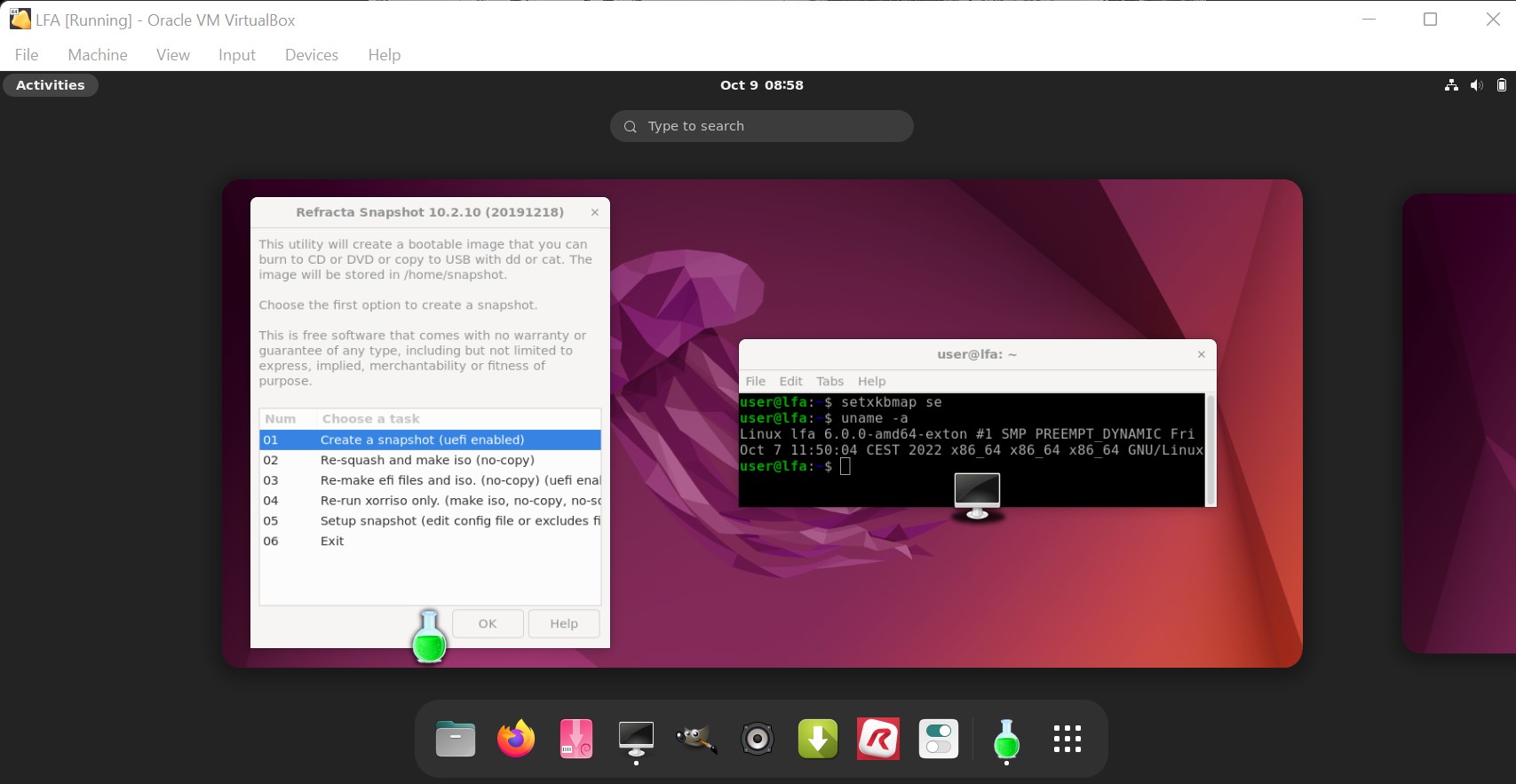
5. I have included Refracta tools (Refracta Snapshot) to make it possible for you to create your own installable Ubuntu 22.04.1 Live DVD once you have installed LFA to hard drive.
6. You can run LFA fast in RAM. Use boot alternative 2 Load to RAM – see below. The LFA ISO file is of only 1490 MB to be compared with Ubuntu’s original ISO of 2900 MB.
7. VirtualBox Guest Additions are pre-installed , which means (among other things) that you can run LFA in VirtualBox in full screen. Watch this screenshot.

What’s new in kernel 6.0?

SCREENSHOTS
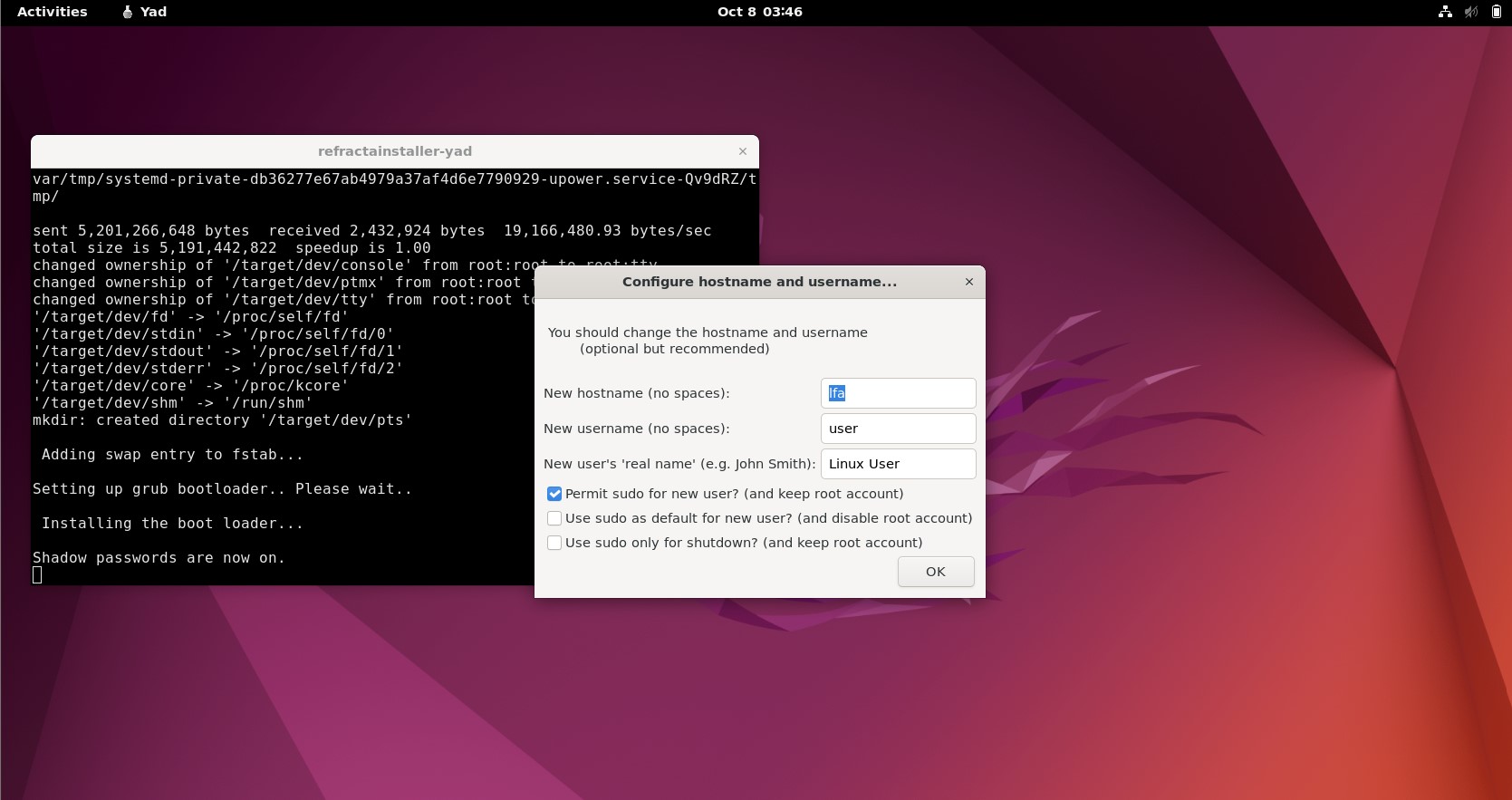
Screenshot 1 – Installing Grub using Refracta Installer
Screenshot 2 – Running Samba to reach Windows computers
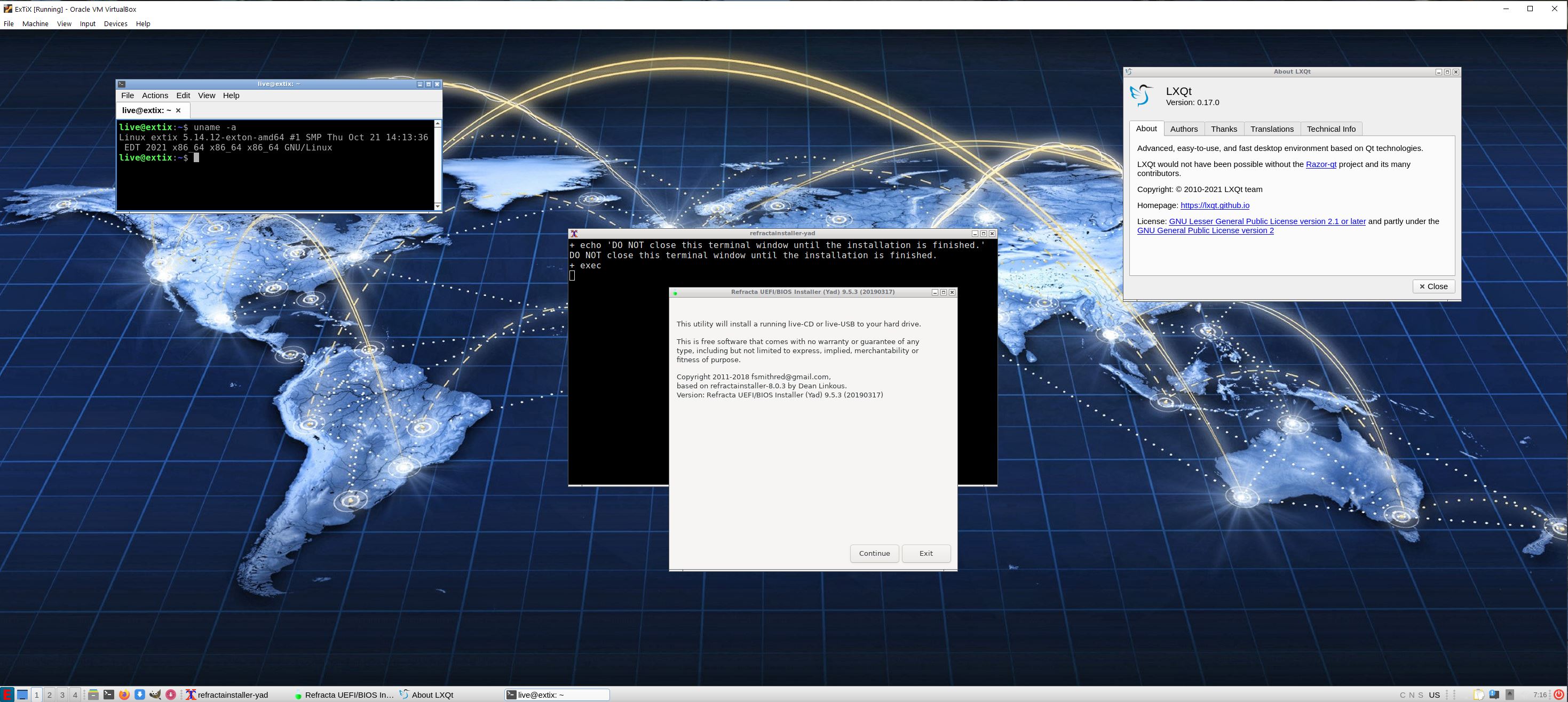
Screenshot 3 – Refracta Installer has started
Screenshot 4 – Running Refracta Installer and keeping the user account
Screenshot 5 – Running in full screen in VirtualBox

READ MORE….

Read about my Android-x86 Systems – 11, 10, Pie, Oreo, Nougat, Marshmallow, Lollipop and KitKat at
andex.exton.net – latest is AndEX 11 (with GAPPS), AndEX 10 (with GAPPS) and AndEX Pie 9.0 (also with GAPPS)!
and
about my Android 12, 11, 10, Pie, Oreo, Nougat, Marshmallow and Lollipop versions for Raspberry Pi 4 and 3/2 at
raspex.exton.se
– latest is RaspAnd 12 (without GAPPS), RaspAnd 11 (with GAPPS) and RaspAnd Oreo 8.1 (also with GAPPS)!
ExTiX 21.11 – “The Ultimate Linux System” – based on Ubuntu 22.04 LTS with LXQt 0.17, Refracta Snapshot and kernel 5.14.12-exton-amd64 :: Build 211030

ExTiX 21.11 LXQt – Build 211030
I have made a new version of ExTiX – The Ultimate Linux System. I call it ExTiX 21.11 LXQt Live DVD. (The previous LXQt version was 21.5 from 210516). ExTiX 21.11 is based on a pre-release (not even BETA) of Ubuntu 22.04 LTS (Jammy Jellyfish)! Ubuntu 22.04 will be supported until 2027. The best thing with ExTiX 21.11 is that while running the system live (from DVD/USB) or from hard drive you can use Refracta Snapshot (pre-installed) to create your own live installable Ubuntu system. So easy that a ten year child can do it! One other very good thing with this version of ExTiX is that it is quite light. The ISO file is of only 1580 MB, which means that you can run the system super fast from RAM. When the boot process is ready you can eject the DVD or USB stick. Use Boot alternative 3 or Advanced options… >> load to RAM.

IMPORTANT NOTE: Since this version of ExTiX is based on a pre-release of Ubuntu you shouldn’t use it for sensitive work/business. Having said that I must also say that I haven’t found any “bugs” or so. Maybe it’s because ExTiX 21.11 uses the stable LXQt 0.17 DE (and not the more complicated Gnome DE or KDE DE).

ABOUT
ExTiX 21.11
LXQt DVD 64 bit is based on Debian Sid and upcoming Ubuntu 22.04 LTS. The original system includes the Desktop Environment Gnome. After removing Gnome I have installed LXQt 0.17. LXQt is the Qt port and the upcoming version of LXDE, the Lightweight Desktop Environment. It is the product of the merge between the LXDE-Qt and the Razor-qt projects: A lightweight, modular, blazing-fast and user-friendly desktop environment. NOTE: This ExTiX LXQt Build is for installation to UEFI-enabled computers. You shall use Refracta Installer for that.

Used KERNEL
My special kernel 5.14.12-exton-amd64 with all Debian patches.

SCREENSHOTS
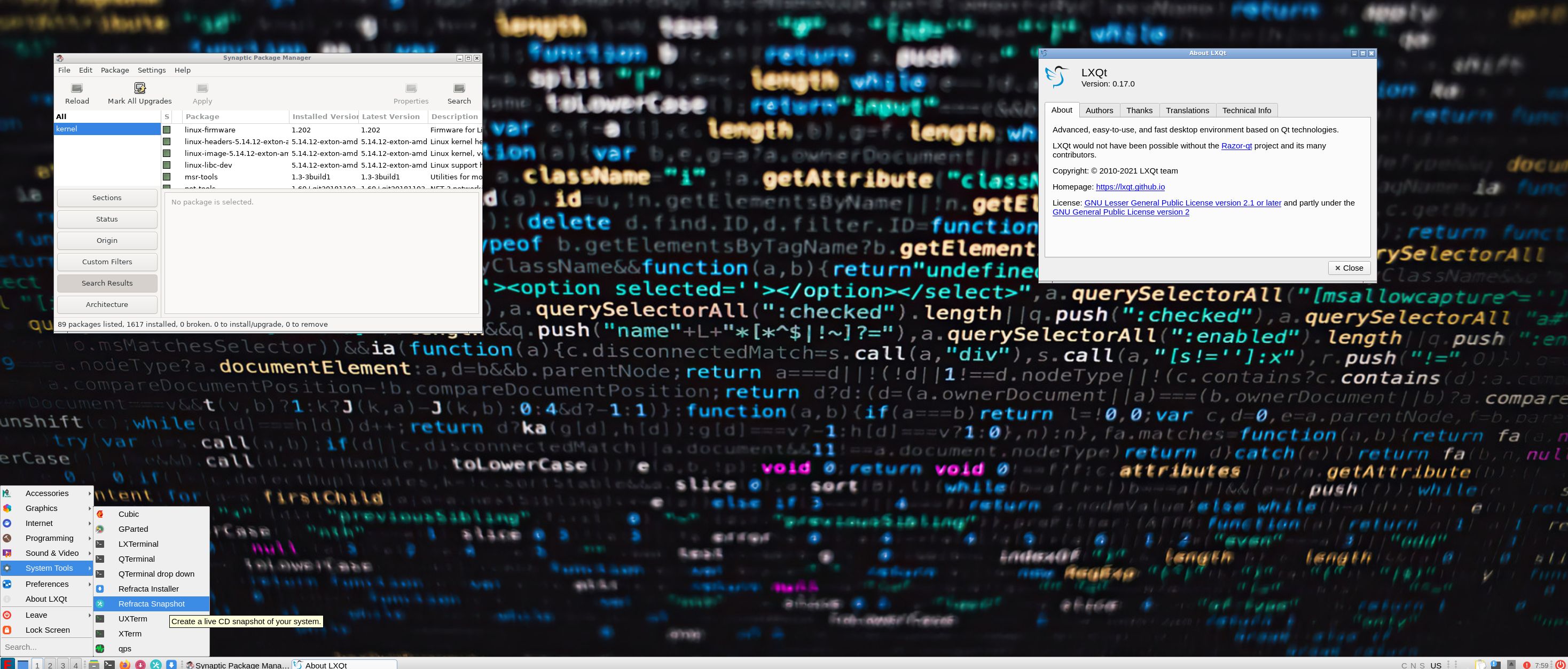
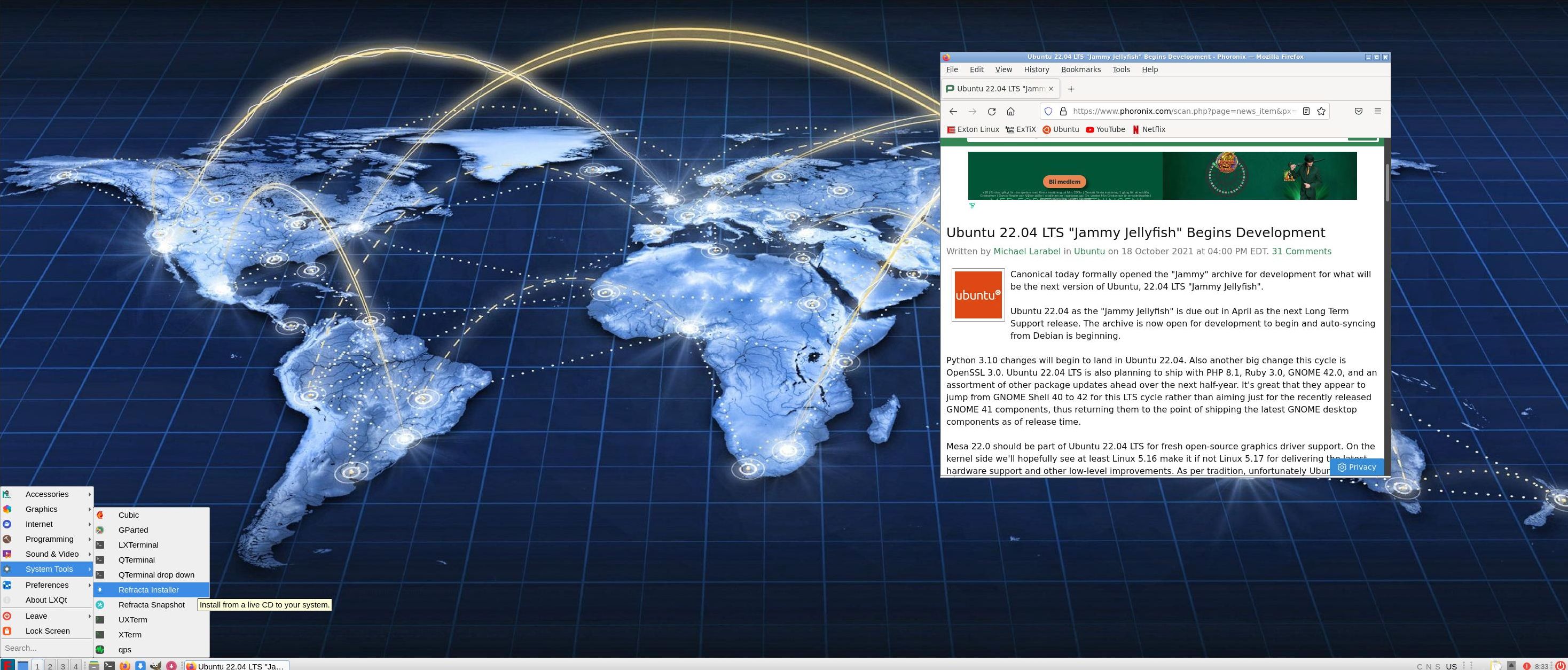
1. ExTiX LXQt – root’s Desktop
2. ExTiX LXQt – live’s Desktop
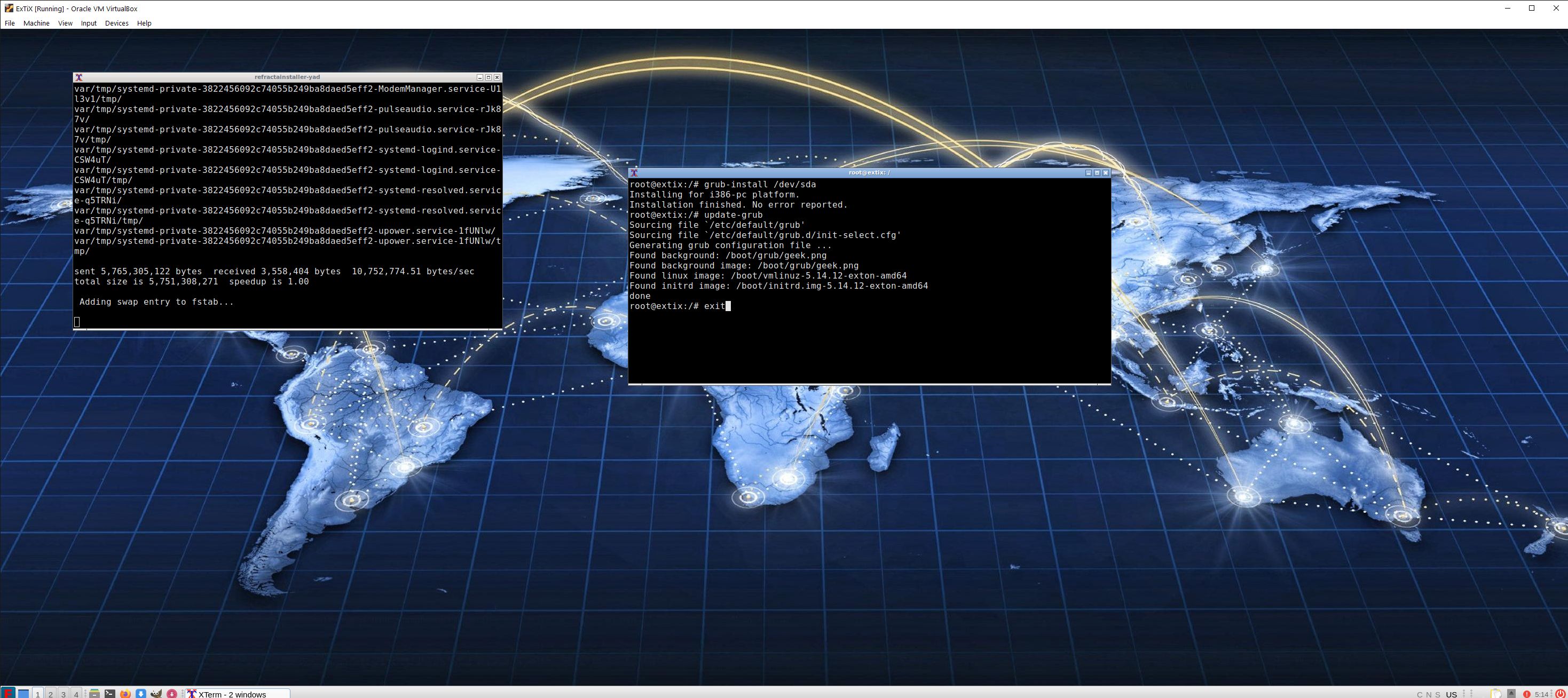
3. Using Refracta Installer – chroot for installing Grub
4. ExTiX 21.11 running in full screen in VirtualBox

READ MORE…

Read about my Android-x86 Systems – 10, Pie, Oreo, Nougat, Marshmallow, Lollipop and KitKat at
andex.exton.net – latest is AndEX 10 (with GAPPS) and AndEX Pie 9.0 (also with GAPPS)!
and

about my Android 11, 10, Pie, Oreo, Nougat, Marshmallow and Lollipop versions for Raspberry Pi 4 and 3/2 at
raspex.exton.se
– latest is RaspAnd 11 (with GAPPS) and RaspAnd Oreo 8.1 (also with GAPPS)!