 ChimEX is a remaster of Chimera Linux.
ABOUT Chimera
Chimera Linux is an independent, general-purpose Linux distribution built from scratch without relying on GNU userland components, glibc, or systemd. Instead, it pairs the Linux kernel with modern, lightweight, and BSD-derived tools to deliver a clean, fast, and predictable operating system.
###############################################################
KEY FEATURES & ADVANTAGES re. Chimera – AI generated
– FreeBSD Userland Instead of GNU: Standard system utilities (ls, cp, grep, sed, awk, tar, etc.) come from FreeBSD rather than GNU Coreutils, offering clean, consistent behavior and minimal bloat.
– musl C Library (with mimalloc): Uses musl libc paired with Microsoft’s high-performance mimalloc memory allocator, resulting in lower memory overhead, fast startup times, and strong thread-scaling performance compared to traditional glibc systems.
– Built Entirely with LLVM / Clang: The kernel, base system, and packages are compiled with Clang/LLVM rather than GCC, enabling modern compiler optimizations, Link-Time Optimization (LTO), and hardened security defaults across the distribution.
– dinit Service Manager & Init System: Replaces systemd with dinit, a fast, dependency-based service supervisor written in C++ that handles parallel service startup, process supervision, and clean shutdowns with simple declarative service files.
– Next-Generation apk-tools (v3) Package Manager: Uses Alpine’s apk v3 package manager for near-instant dependency resolution, atomic transactions, and fast binary package installation.
– doas & Wayland/PipeWire Ready: Uses OpenBSD’s lightweight doas alongside sudo compatibility, PipeWire for audio, and full desktop support (GNOME, KDE Plasma, Xfce, LXQt, Enlightenment) without systemd dependencies.
###############################################################
Linux Command CHEAT SHEAT for Chimera
Because Chimera uses apk, dinitctl, and doas, many everyday administration commands differ from Debian/Ubuntu (apt/systemctl) or Arch (pacman/systemctl).
Package Management (apk)
| Command | Meaning / Equivalent |
apk update |
Refresh repository package indexes (apt update) |
apk upgrade |
Upgrade all installed packages (apt upgrade) |
apk add <pkg> |
Install a package (apt install <pkg>) |
apk del <pkg> |
Remove a package (apt remove <pkg>) |
apk search <term> |
Search repositories for a package (apt search <term>) |
apk list -I |
List all installed packages with versions (dpkg -l) |
apk info -v |
List installed name-version pairs (dpkg-query -W) |
apk info <pkg> |
Show package description, size, and dependencies (apt show <pkg>) |
apk info -L <pkg> |
List all files owned by an installed package (dpkg -L <pkg>) |
apk info --who-owns <path> |
Find which package owns a specific file (dpkg -S <path>) |
apk cache clean |
Remove old cached .apk packages (apt clean) |
Service & Init Management (dinitctl)
| Command | Meaning / Equivalent |
dinitctl list |
List all active and loaded services (systemctl list-units) |
dinitctl status <svc> |
Check status, PID, and state of a service (systemctl status <svc>) |
dinitctl start <svc> |
Start a service immediately (systemctl start <svc>) |
dinitctl stop <svc> |
Stop a running service (systemctl stop <svc>) |
dinitctl restart <svc> |
Restart a service (systemctl restart <svc>) |
dinitctl reload <svc> |
Reload a service configuration (systemctl reload <svc>) |
dinitctl enable <svc> |
Enable a service at boot (systemctl enable <svc>) |
dinitctl disable <svc> |
Disable a service at boot (systemctl disable <svc>) |
Privilege Elevation & System Administration
| Command | Meaning / Equivalent |
doas <cmd> |
Run a command as root via /etc/doas.conf (sudo <cmd>) |
doas -s |
Open an interactive root shell (sudo -i / su -) |
update-initramfs -u |
Rebuild the initramfs for the current kernel (mkinitcpio -P) |
poweroff / reboot |
Cleanly shut down or reboot via dinit |
dmesg / /var/log/ |
View kernel and syslog-ng logs (Chimera uses traditional text logs in /var/log/ instead of journalctl) |
MY CHANGES
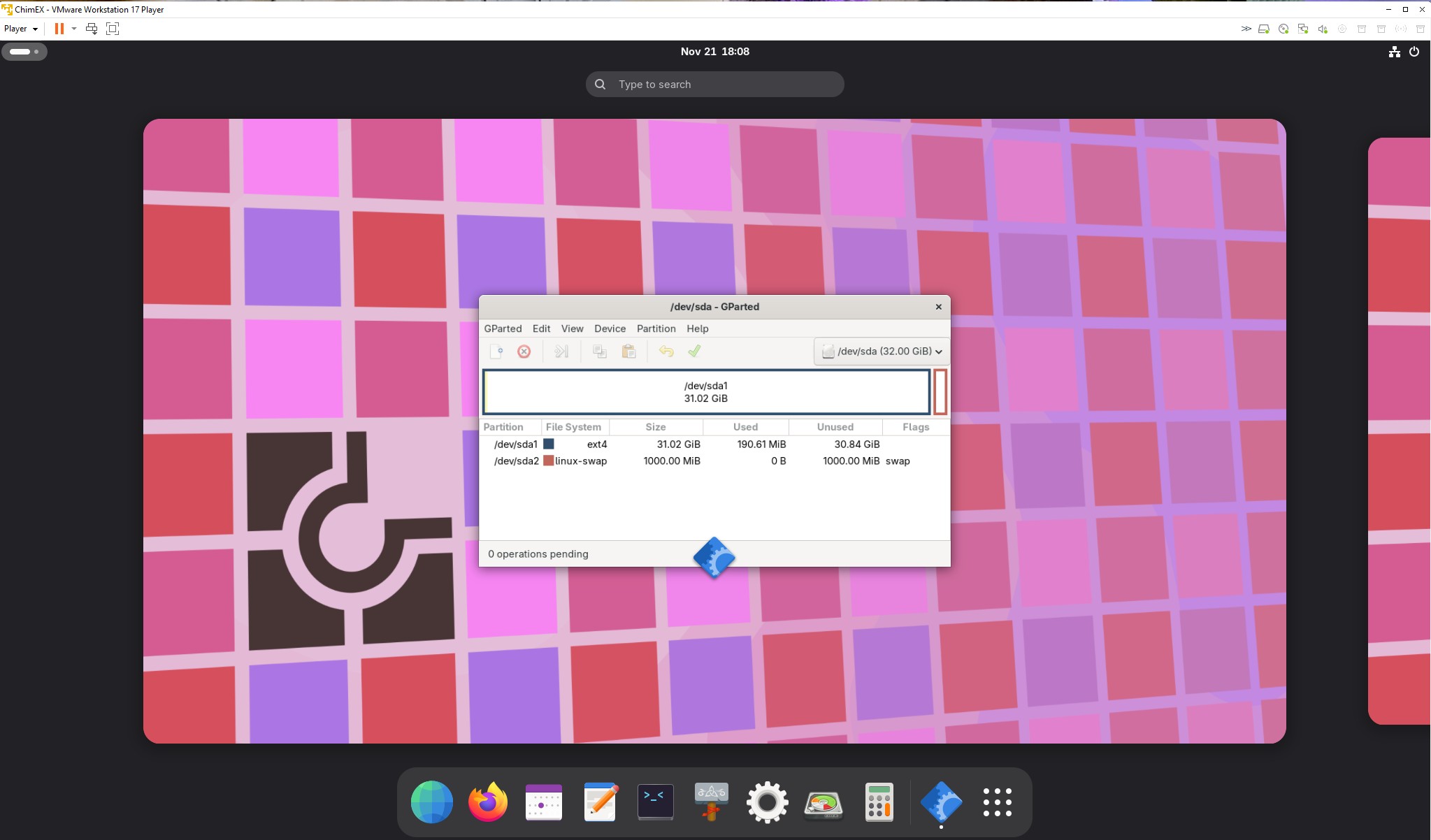
I have added Refracta Installer to make it easy (easier) to install the System to hard drive. I have also added one extra kernel – 7.3.4-amd64-exton – and a few extra programs. Among them GParted, Samba, Firefox and Git.
VERY IMPORTANT
Use Ventoy for USB installations of ChimEX and be sure to boot up in Grub2 mode. Rufus or Balena Etcher won’t make the USB stick bootable or you won’t be able to boot up in Grub2 mode.
VMware/VirtualBox/Qemu
VMware Player is the only VM which works for ChimEX/Chimera according to my experience. Running in VirtualBox and Qemu you will get kernel panic.Probably because there is no way to start up in Grub2 mode.
LOGIN AND PASSWORDS
After boot you will automatically be logged in to GNOME 51 as the normal user user. The password for user is live. The password for root is root. You can log out and log in again from GDM as root.While logged in as user you can use doas/sudo to become root. Example command: sudo su.
Install to hard drive
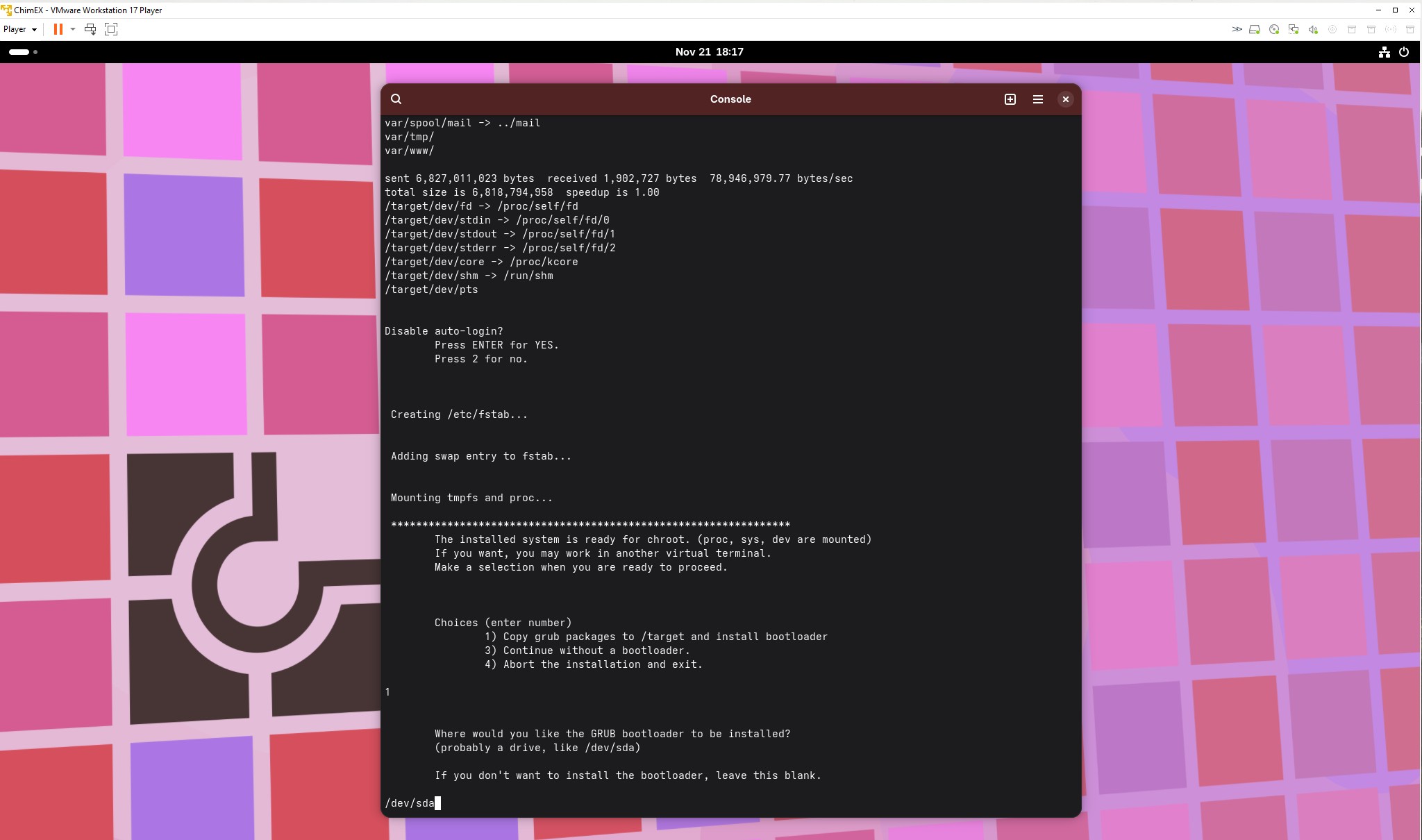
Use Refracta Installer for that. Start by running the command sudo refractainstaller in a terminal. Then just follow the instructions. Watch a screenshot when Refracta Installer is running.
Using Samba
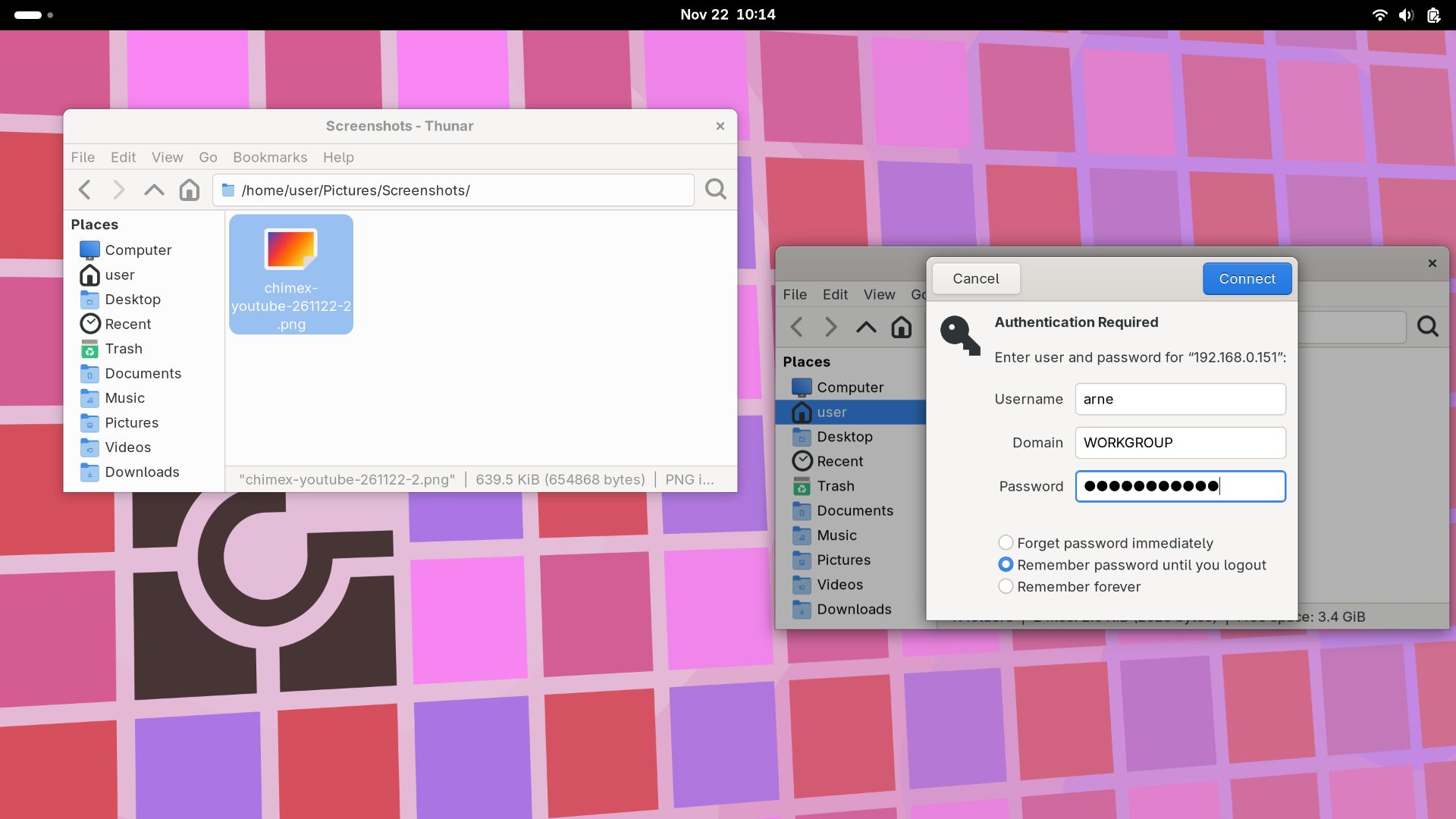
You can use Thunar File Manager to connect to your Windows computers in your Home Network. Watch this screenshot. You’ll find the correct IP-number by running the command ipconfig on your Windows computer.
Runs LIVE from RAM
You can run ChimEX from RAM. Use boot alternative 2 (load to RAM). A wonderful way to run Linux if you have enough RAM. Everything will be super fast. When ChimEX has booted up you can remove the DVD or USB stick.
NOTE: You’ll need at last 16GB RAM to run ChimEX in RAM.
BUILD YOUR OWN Chimera Linux System
You can build you own Chimera System with Chimera’s mklive scripts. You’ll find the scripts in /root/chimera-live. If you want to build a new ISO with GNOME 51 you can run cd /root/chimera-live followed by
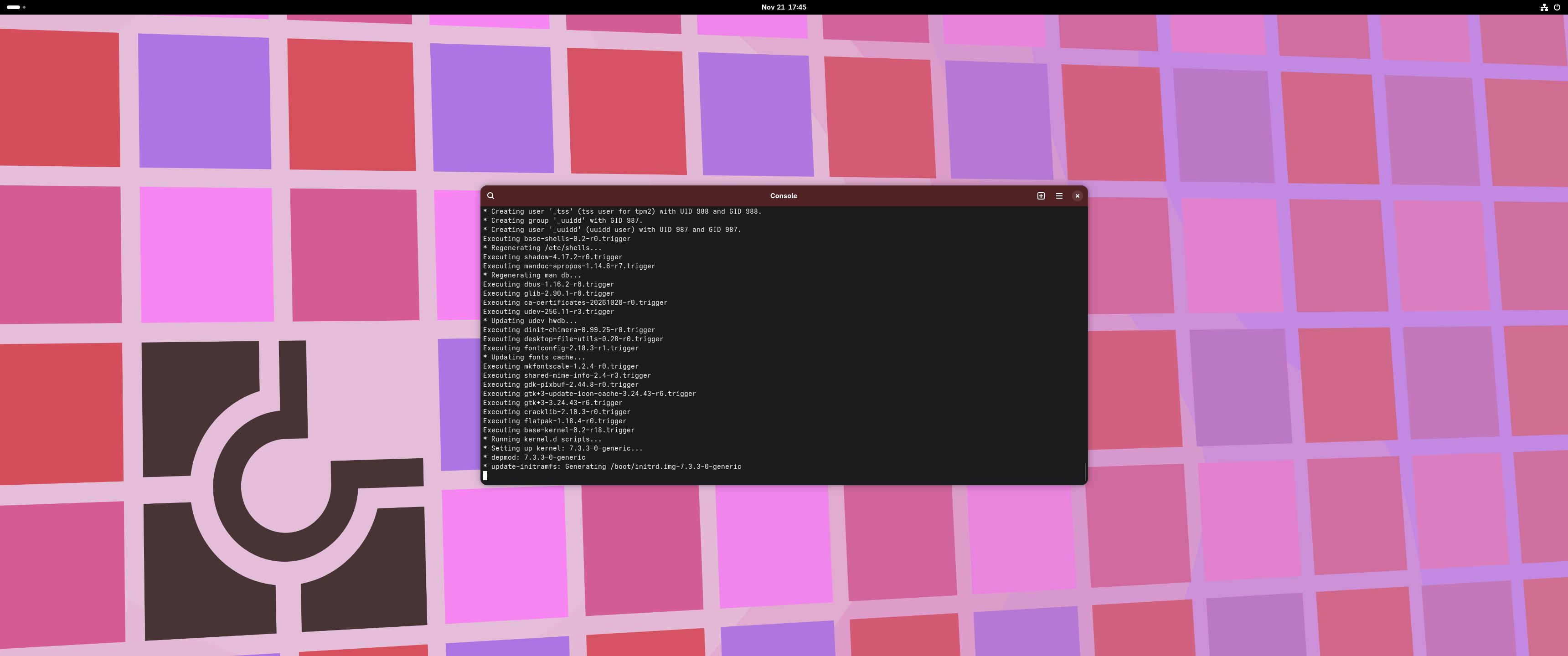
./mklive.sh -s squashfs -f gnome -p “base-full linux-stable gnome” /root/chimera-live-build. The whole thing will only take a few minutes. You’ll find your new ISO in chimera-live. Watch a screenshot when the mklive command is running. You can of course change the content in the folder chimera-live.
SCREENSHOTS
1. The mklive command is running
2. Refracta Installer is running
3. Showing a Samba connection
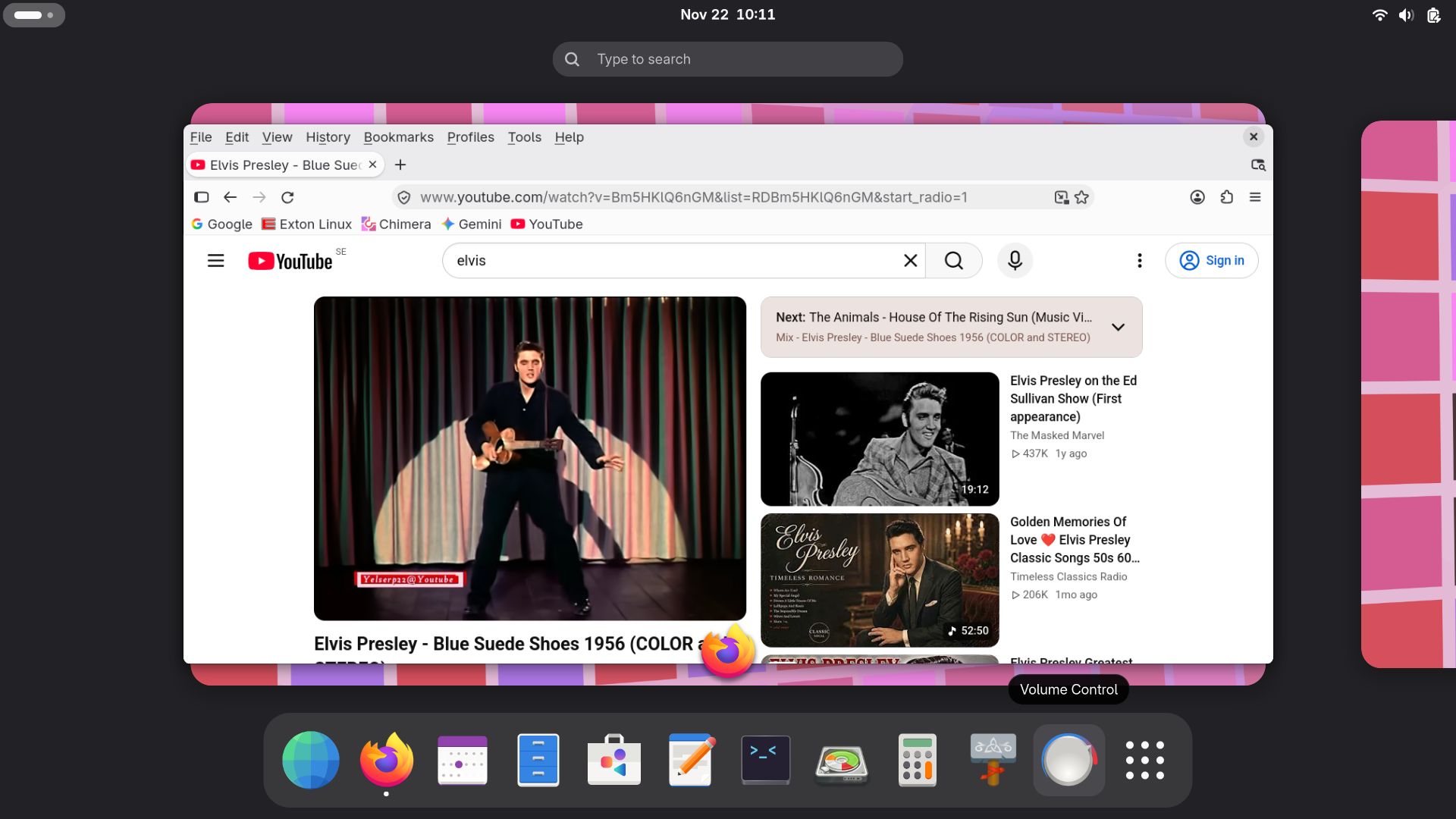
4. YouTube is running in Firefox with excellent video and sound performance
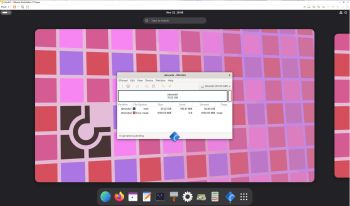
5. Using GParted in VMware
DOWNLOAD
ChimEX Linux Live System can be downloaded from SourceForge.net – Fast, secure and free downloads from the largest Open Source applications and software directory.


and

About the Author